
Photo to Pixel Art
Transform photos into retro pixel art with AI for gaming avatars, nostalgic portraits, and bold low-resolution character art.
Transform photos into retro pixel art style with AI. 16-bit SNES aesthetics, vibrant colors, and nostalgic charm.
Upload
Upload one clear photo to start generating.
Ratio
Choose the output ratio that fits your result.
Generate
Click generate and wait for the first result.

Mood
Softer, toy-like, and more handcrafted.
Best For
Gaming avatars
Result
Get a first result fast, then refine for texture or character.
Start here
Start creating
Upload photo
Ratio
Preview
Generate to see your result here
Trust details
- Failed generations do not consume credits. If a job finishes later, you can confirm it in My Works.
- Paid plans include commercial use rights for generated images.
See the Style Shift
Use these examples to judge the style direction before you generate the first result.
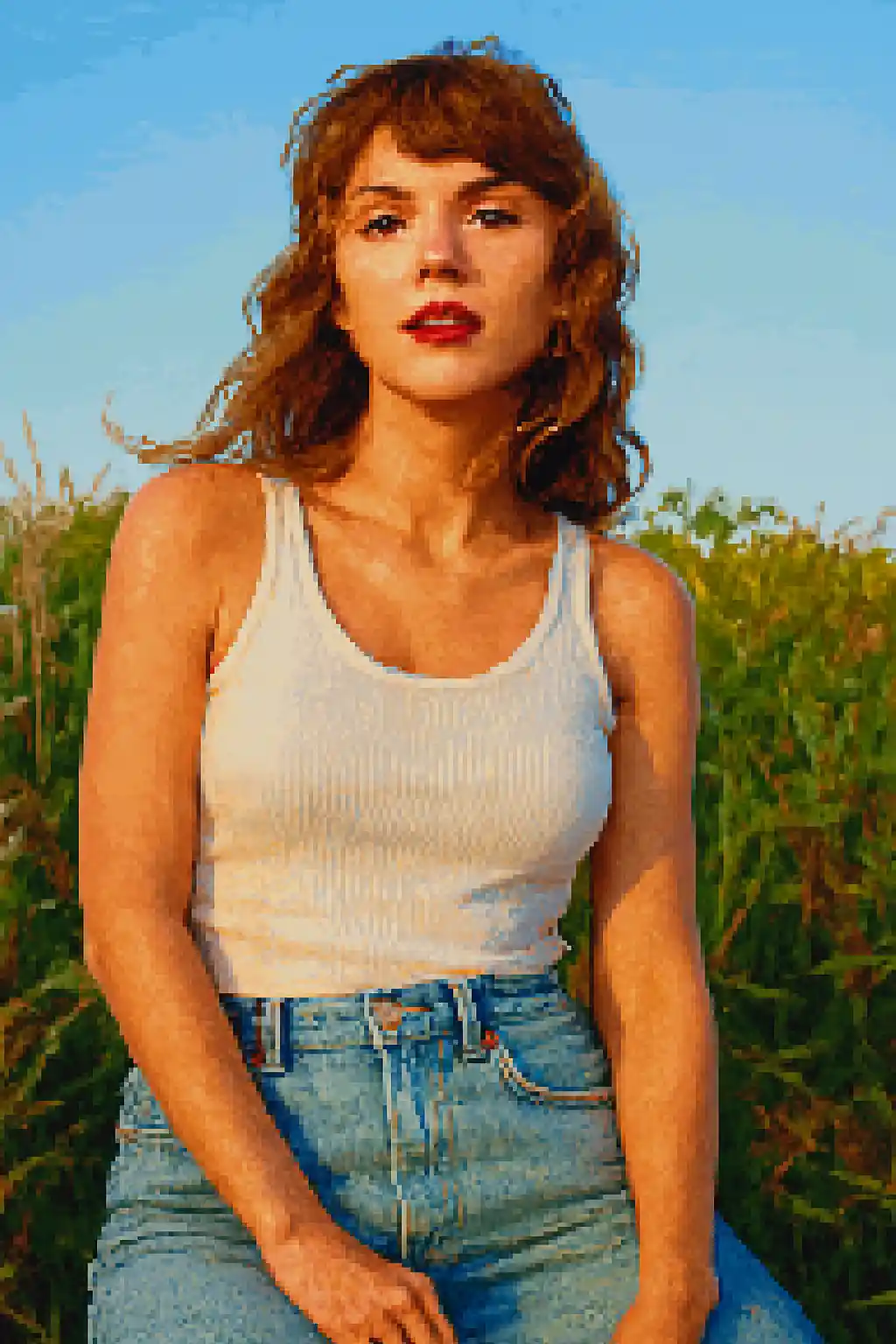

Faces are reduced into stronger game-like silhouettes that read well even at smaller sizes.
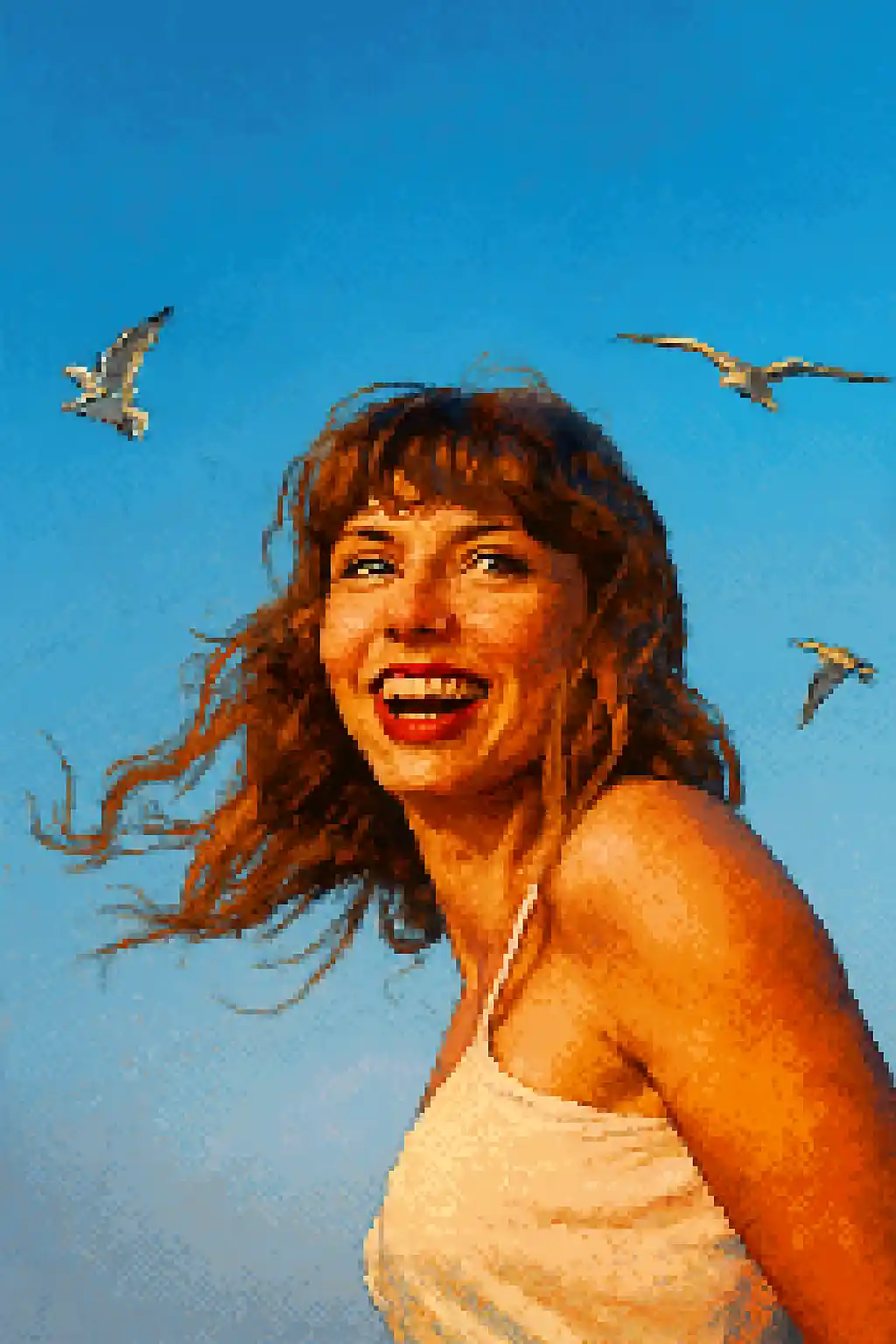

Avatar-friendly crops become cleaner, more nostalgic, and closer to classic 16-bit character sprites.
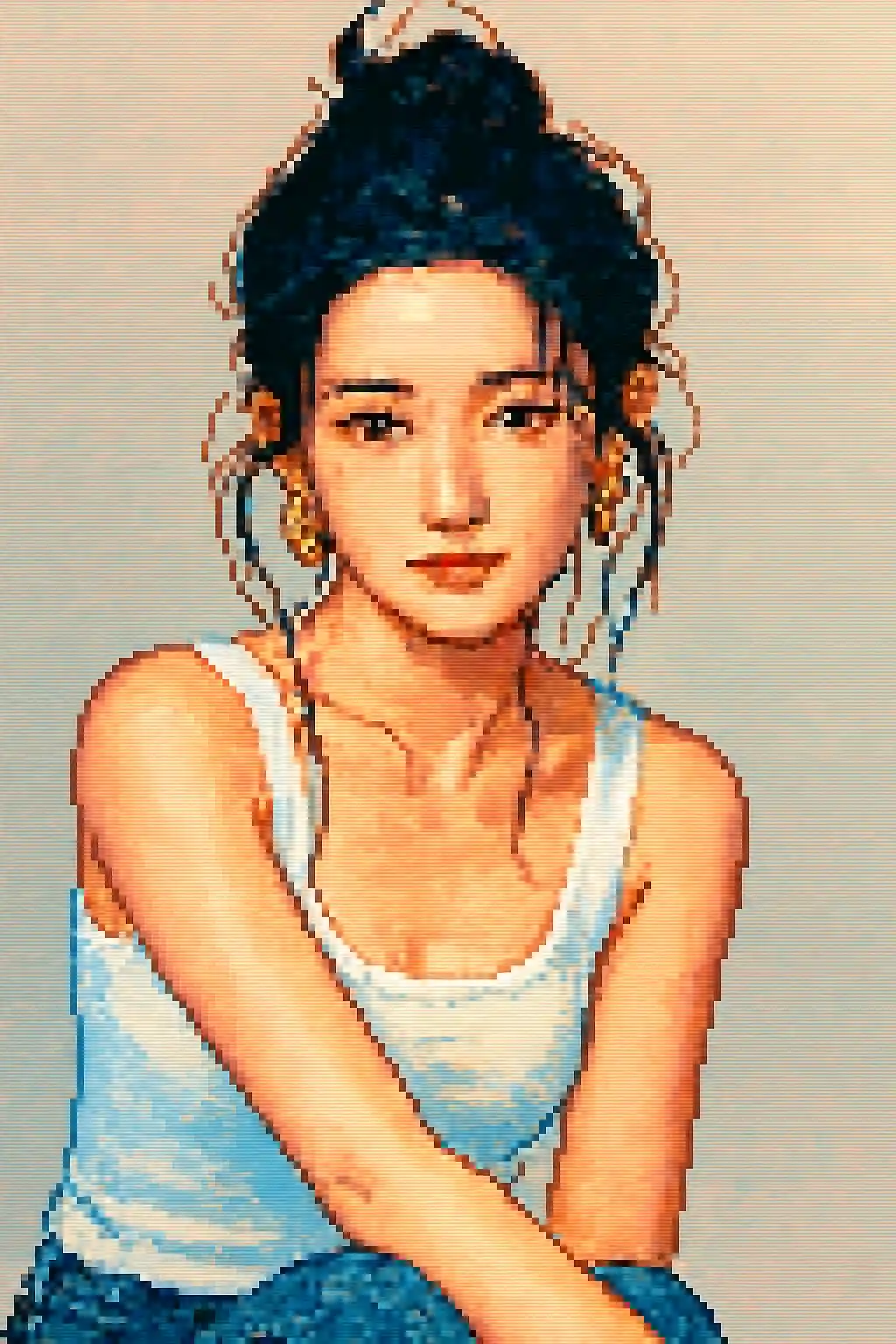

Simple outdoor scenes can become readable retro compositions instead of noisy low-resolution messes.
How to Use This Style
Keep the flow simple. The first result usually teaches you more than a long stacked prompt.
Use a tighter crop than you would for painting styles
Pixel art loses fine detail quickly, so close portraits or upper-body shots usually perform better than wide, full-body compositions.
Prioritize silhouette over tiny details
Strong hair shape, glasses, hats, and larger accessories survive the conversion better than subtle makeup or small texture details.
Refine for readability, not realism
If the first image feels muddy, ask for cleaner contrast, simpler background, or a more avatar-like crop instead of more realism.
Best Photos for This Style
Why Choose Photo to Pixel Art
Silhouette-First Pixel Readability
The style is strongest when it can reduce a subject into a clean sprite-like shape instead of trying to preserve every small photographic detail.
Retro Palette Discipline
Color is compressed into brighter, simpler pixel clusters so the result feels intentionally game-like rather than just low resolution.
Avatar-Optimized Compression
This style works especially well for profile icons and social avatars because it keeps readable structure at smaller display sizes.
Accessory and Prop Simplification
Larger props, clear hats, bold hairstyles, and glasses can survive the pixel conversion and make the final character more distinctive.
About Photo to Pixel Art
The pixel art photo converter transforms your photos into stunning retro-style pixel artwork using AI. Inspired by the iconic visual style of 16-bit SNES and Sega Genesis era games, every conversion produces vibrant, carefully crafted pixel portraits that balance nostalgic charm with modern detail and clarity.
Pixel art style is perfect for gamers, streamers, and anyone who loves retro aesthetics. Use it to create a unique gaming avatar, design pixel art profile pictures for Twitch or Discord, or simply enjoy seeing yourself rendered in the beloved art style of classic RPGs and platformers. The AI handles both portraits and landscape scenes, adapting pixel density and color palette to suit each subject.
MakePhoto's pixel art converter doesn't just downsample your image — it uses generative AI to intelligently reconstruct your photo as authentic pixel art with proper anti-aliasing, deliberate color choices, and the hand-crafted feel that pixel art enthusiasts appreciate. The result is clean, scalable, and watermark-free.
Explore Related Styles

Photo to LEGO
Convert any photo into LEGO brick style with AI. Fun, colorful, and instantly shareable LEGO-fied portraits.

Photo to Cartoon
Turn any photo into cartoon style with AI. Bold outlines, vibrant colors, and expressive character features.

Wojak Generator from Photo
Turn a selfie or portrait into a Wojak meme avatar online. Upload your photo, keep the face recognizable, and create an ironic Wojak-style image with AI.
FAQ
Are portraits better than full-body photos for pixel art?
Usually yes. Upper-body or close portrait crops preserve character identity much better than wide full-body scenes.
Will small accessories still show up?
Only the more readable ones. Large glasses, hats, and strong hair silhouettes usually survive better than tiny decorative details.
Do multi-person photos work well in pixel art?
Not usually. The more faces you add, the harder it is to keep each person readable once the image is reduced into pixel clusters.
How is pixel art different from LEGO style?
Pixel art is about retro 2D readability and game-like sprites. LEGO is toy-based, brighter, and more object-like rather than low-resolution.
Ready to Transform Your Photo?
Start from this style page, get the first result fast, then refine only if you need to.