
Photo to Chibi Emoji
Turn your photo into a chibi emoji-style character set with oversized eyes, stronger expression, and sticker-pack energy.
Convert photos into chibi emoji style with AI. Big eyes, expressive poses, and sticker-pack character energy.
Upload
Upload one clear photo to start generating.
Ratio
Choose the output ratio that fits your result.
Generate
Click generate and wait for the first result.

Mood
Softer, toy-like, and more handcrafted.
Best For
Selfies & portraits
Result
Get a first result fast, then refine for texture or character.
Start here
Start creating
Upload photo
Ratio
Preview
Generate to see your result here
Trust details
- Failed generations do not consume credits. If a job finishes later, you can confirm it in My Works.
- Paid plans include commercial use rights for generated images.
See the Style Shift
Use these examples to judge the style direction before you generate the first result.
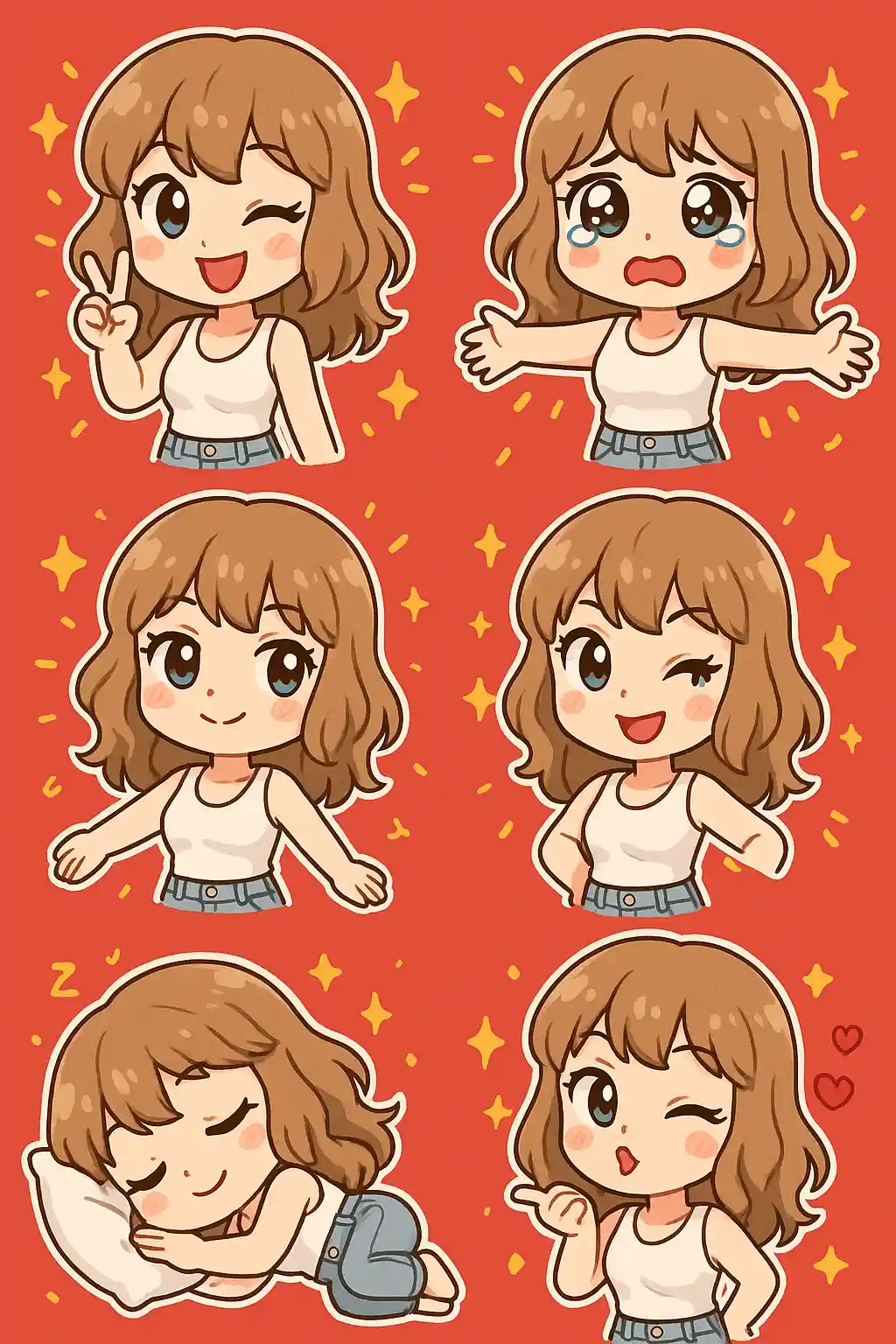

Portraits become exaggerated chibi emoji characters with larger eyes and stronger expression.
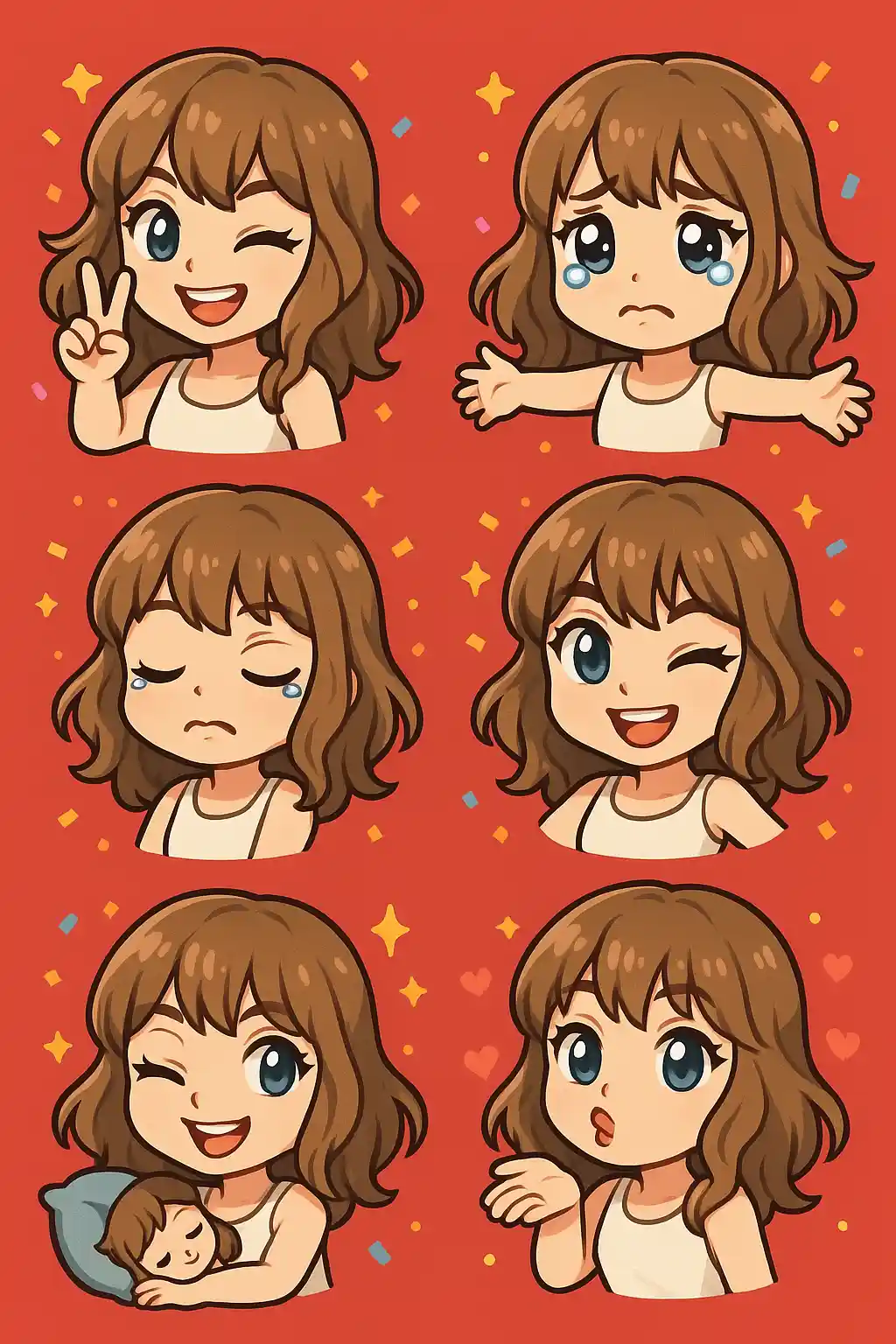

Cute photos convert well into sticker-pack style character poses with more playful energy.
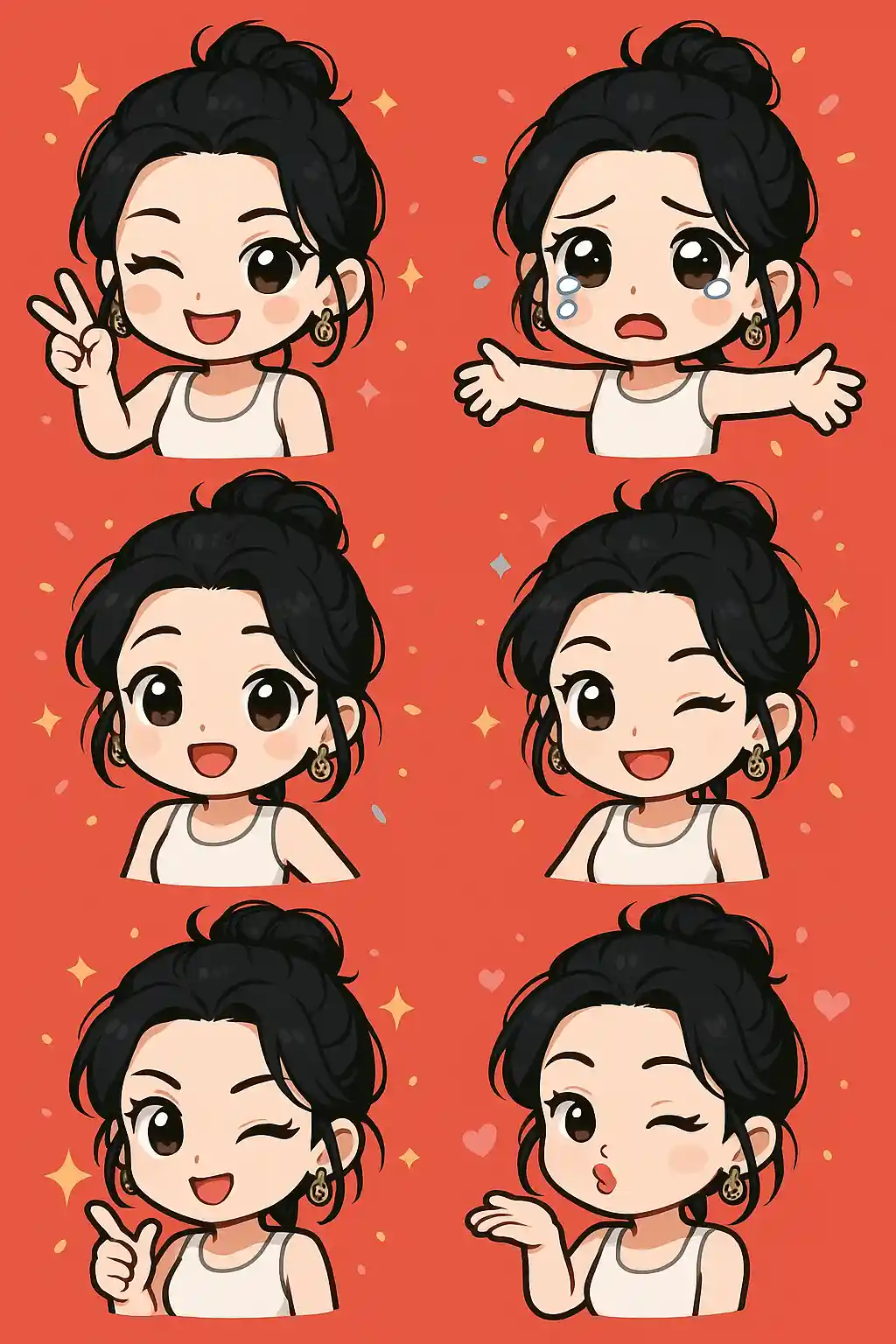

Outdoor selfies can still hold identity while becoming more expressive and emoji-like.
How to Use This Style
Keep the flow simple. The first result usually teaches you more than a long stacked prompt.
Use a photo with a readable face
Clear selfies and portraits work best because expression is the core of this style.
Let the style exaggerate
The preset already pushes the face and pose toward emoji energy, so extra prompting should stay light.
Refine for pose or mood
After the first result, adjust only if you want more energy, more cuteness, or stronger sticker-pack feel.
Best Photos for This Style
Why Choose Photo to Chibi Emoji
Big-Eye Chibi Styling
AI turns the face into a more exaggerated, emoji-like chibi expression with stronger cuteness.
Sticker-Pack Energy
The result feels closer to a character sticker pack than a normal portrait or illustration.
High Emotional Readability
Expressions and gestures are pushed further, which makes the image more useful for chats and social reactions.
Fast Character Conversion
This look can make a simple photo feel much more animated and personality-driven in one pass.
About Photo to Chibi Emoji
The chibi emoji photo converter uses AI to transform your portrait into a sticker-like emoji character with oversized eyes, stronger expression, and a more exaggerated cute style. Instead of acting like a normal avatar filter, it pushes the subject toward chat-sticker territory, where expression and reaction value matter more than realism.
This style is particularly useful for playful selfies, social reactions, and people who want content that feels more like a personality sticker than a profile photo. It creates stronger visual emotion and a more immediately readable character impression, which is why it works well for casual sharing.
MakePhoto's chibi emoji generator rebuilds the subject with larger emotional cues, simplified structure, and a more expressive sticker-pack finish. The result feels like a custom emoji-style character you could imagine inside a chat app or creator sticker pack.
Explore Related Styles

Photo to Cartoon
Turn any photo into cartoon style with AI. Bold outlines, vibrant colors, and expressive character features.

Photo to Stickers
Convert any photo into cute sticker style with AI. Bold outlines, playful shapes, and social-ready character energy.

Photo to Q-Avatar
Convert any photo into a cute Q-avatar with AI. Clean lines, bright eyes, and a social-ready profile look.
FAQ
What photos work best for chibi emoji style?
Clear selfies and portraits work best because the style depends on readable facial expression and pose.
How is this different from Q-avatar style?
Q-avatar is softer and more profile-oriented. Chibi emoji is more exaggerated, more sticker-like, and more expression-driven.
Can I use it for chat stickers?
Yes. This is one of the closest styles to sticker-pack or emoji-style character content.
Ready to Transform Your Photo?
Start from this style page, get the first result fast, then refine only if you need to.