
Foto ke Pixel Art
Ubah foto menjadi pixel art retro dengan AI untuk avatar game, potret nostalgik, dan seni karakter resolusi rendah yang berani.
Ubah foto menjadi gaya pixel art retro dengan AI. Estetika SNES 16-bit, warna hidup, dan pesona nostalgik.
Unggah
Unggah satu foto yang jelas untuk mulai menghasilkan.
Rasio
Pilih rasio output yang sesuai dengan hasil Anda.
Hasilkan
Klik hasilkan dan tunggu hasil pertama.

Suasana Hati
Lebih lembut, seperti mainan, dan lebih buatan tangan.
Terbaik untuk
Avatar gaming
Hasil
Dapatkan hasil pertama dengan cepat, lalu perbaiki untuk tekstur atau karakter.
Mulai dari sini
Mulai berkarya
Unggah foto
Rasio
Prabaca
Hasilkan untuk melihat hasil Anda di sini
Rincian kepercayaan
- Generasi yang gagal tidak mengkonsumsi kredit. Jika pekerjaan selesai kemudian, Anda dapat mengonfirmasinya di Karya Saya.
- Rencana berbayar mencakup hak penggunaan komersial untuk gambar yang dihasilkan.
Lihat Perubahan Gaya
Gunakan contoh ini untuk menilai arah gaya sebelum Anda menghasilkan hasil pertama.
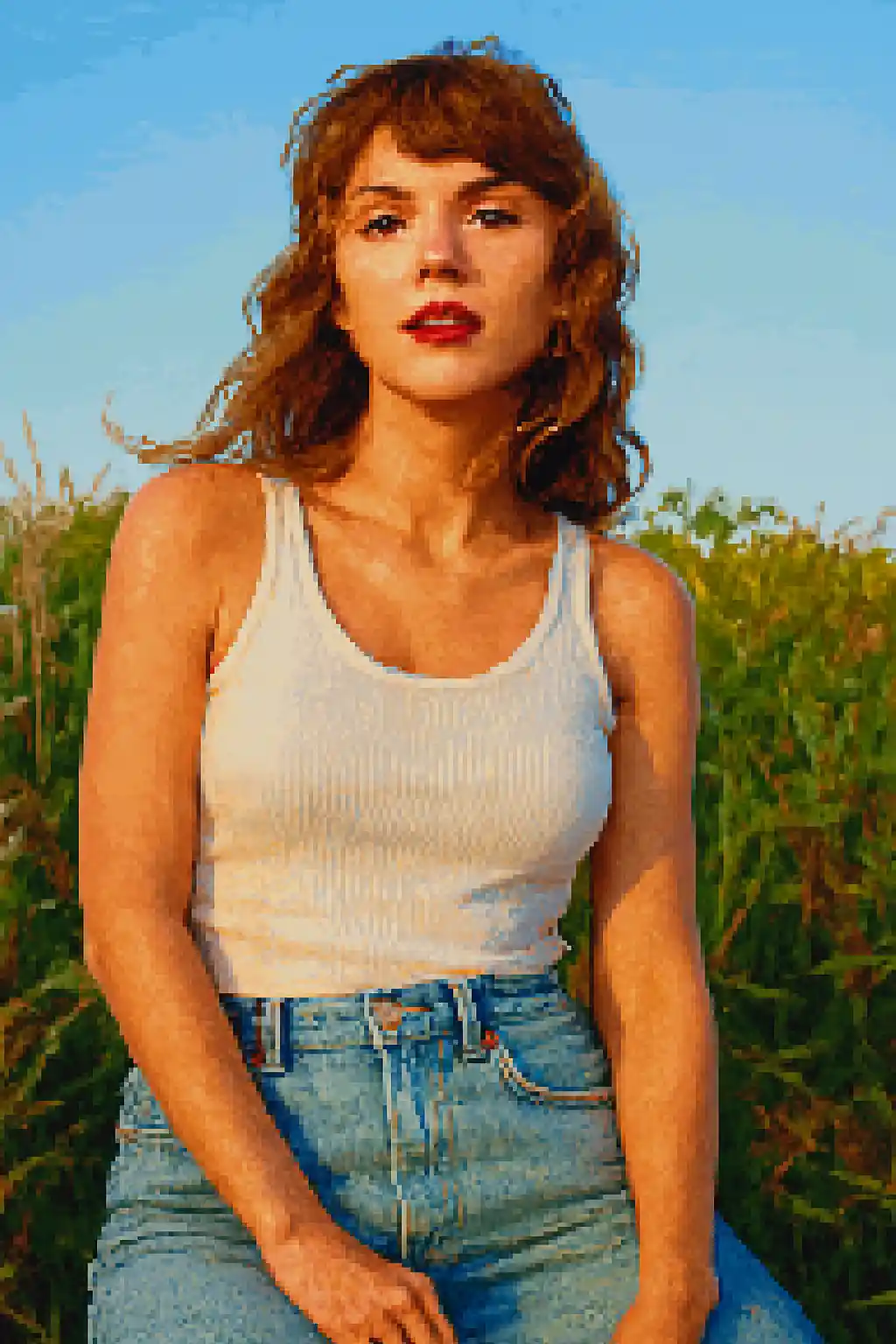

Wajah disederhanakan menjadi siluet mirip game yang lebih kuat, terbaca baik bahkan di ukuran kecil.

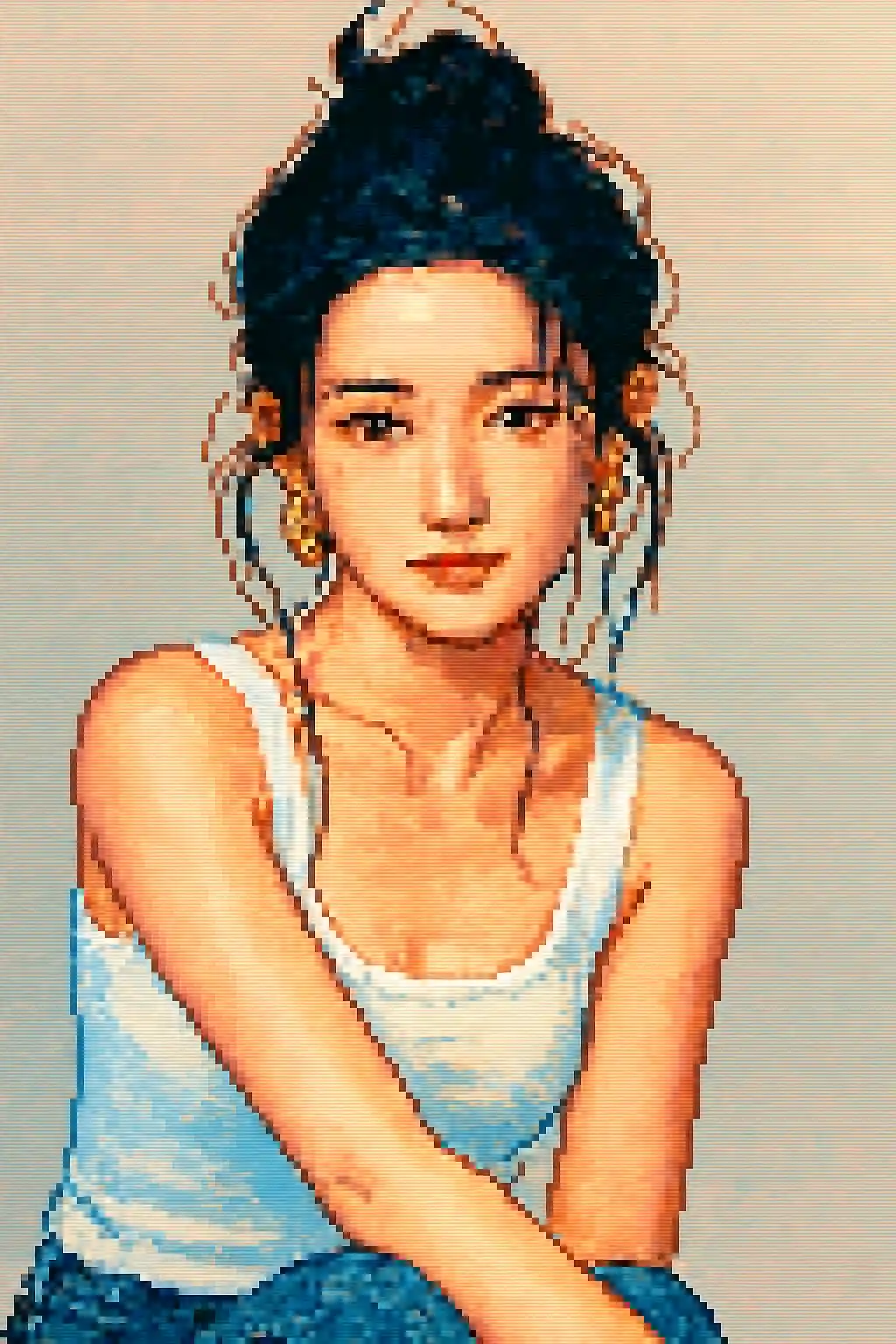
Potongan ramah avatar menjadi lebih bersih, lebih nostalgik, dan mendekati sprite karakter 16-bit klasik.

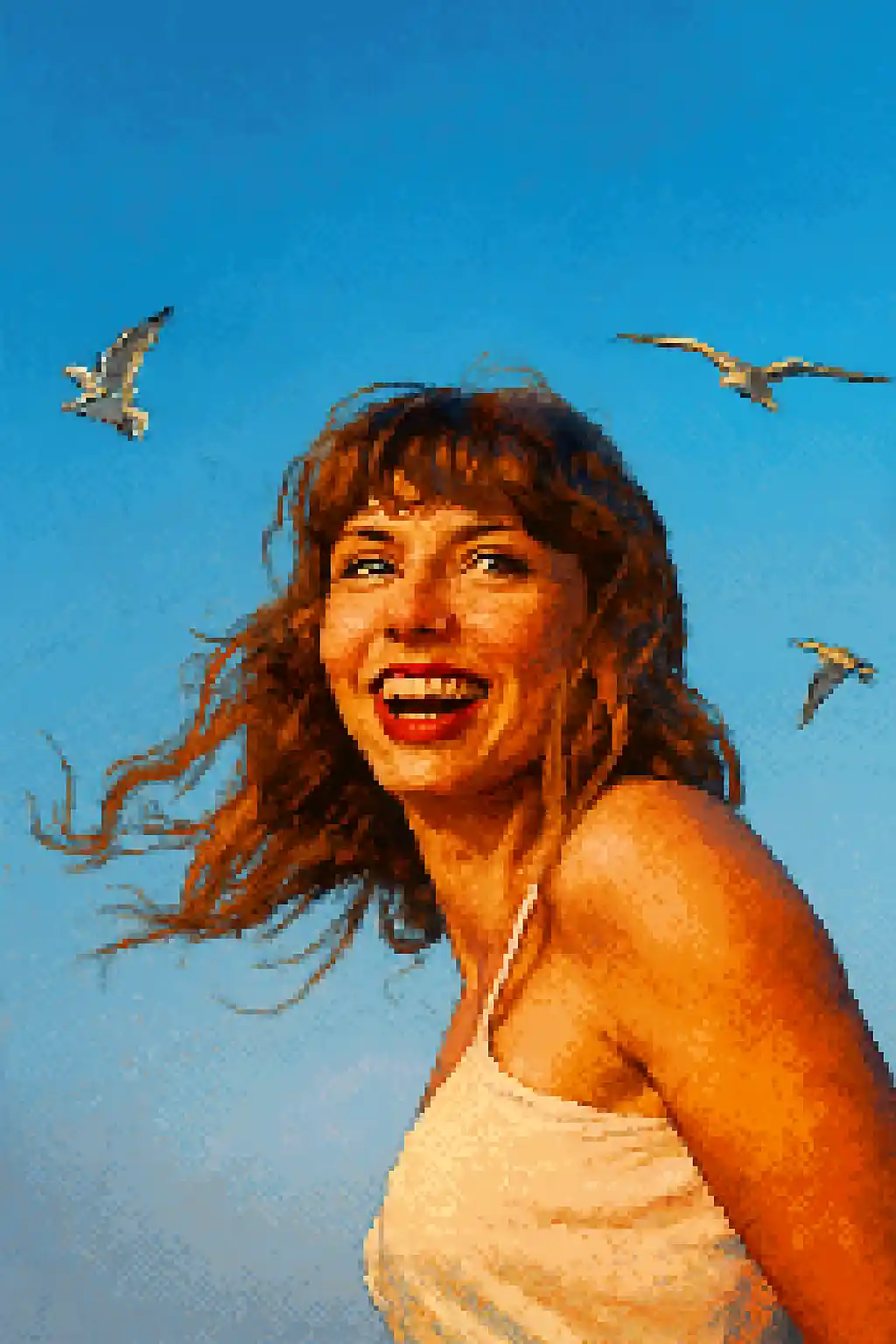
Adegan luar ruangan sederhana bisa menjadi komposisi retro yang terbaca daripada kekacauan beresolusi rendah.
Cara Menggunakan Gaya Ini
Pertahankan alur tetap sederhana. Hasil pertama biasanya mengajarkan Anda lebih banyak daripada prompt yang panjang.
Gunakan crop lebih rapat dibanding gaya lukisan
Pixel art kehilangan detail halus dengan cepat, jadi potret dekat atau bagian atas tubuh biasanya lebih baik daripada komposisi tubuh penuh yang lebar.
Utamakan siluet daripada detail kecil
Bentuk rambut kuat, kacamata, topi, dan aksesori besar bertahan lebih baik dalam konversi dibanding makeup halus atau detail tekstur kecil.
Sempurnakan untuk keterbacaan, bukan realisme
Jika gambar pertama terasa kabur, minta kontras lebih bersih, latar lebih sederhana, atau crop mirip avatar daripada lebih realistis.
Foto Terbaik untuk Gaya Ini
Mengapa Memilih Foto ke Pixel Art
Keterbacaan Piksel Berbasis Siluet
Gaya ini paling kuat ketika bisa menyederhanakan subjek menjadi bentuk mirip sprite alih-alih mempertahankan setiap detail fotografis kecil.
Disiplin Palet Retro
Warna dikompres menjadi cluster piksel yang lebih cerah dan sederhana sehingga hasilnya terasa sengaja mirip game daripada sekadar resolusi rendah.
Kompresi Dioptimalkan Avatar
Gaya ini sangat cocok untuk ikon profil dan avatar sosial karena menjaga struktur terbaca di ukuran tampilan kecil.
Penyederhanaan Aksesori dan Properti
Properti besar, topi jelas, gaya rambut tegas, dan kacamata bertahan dalam konversi piksel dan membuat karakter final lebih khas.
Tentang Foto ke Pixel Art
Konverter foto pixel art mengubah foto Anda menjadi karya seni piksel bergaya retro yang menakjubkan menggunakan AI. Terinspirasi gaya visual ikonik era game SNES 16-bit dan Sega Genesis, setiap konversi menghasilkan potret piksel hidup dan terstruktur yang menyeimbangkan pesona nostalgik dengan detail dan kejernihan modern.
Gaya pixel art sempurna untuk gamer, streamer, dan siapa pun yang menyukai estetika retro. Gunakan untuk membuat avatar gaming unik, mendesain foto profil pixel art untuk Twitch atau Discord, atau sekadar menikmati melihat diri Anda dirender dalam gaya seni RPG dan platformer klasik yang disukai. AI menangani potret dan pemandangan lanskap, mengadaptasi kepadatan piksel dan palet warna sesuai subjek.
Konverter pixel art MakePhoto tidak sekadar menurunkan sampel gambar Anda — ia menggunakan AI generatif untuk merekonstruksi foto secara cerdas sebagai pixel art autentik dengan anti-aliasing tepat, pilihan warna sengaja, dan nuansa buatan tangan yang dihargai penggemar pixel art. Hasilnya bersih, dapat diskalakan, dan bebas watermark.
Jelajahi Gaya Terkait

Foto ke LEGO
Ubah foto apa pun menjadi gaya bata LEGO dengan AI. Potret LEGO-fied yang seru, warna-warni, dan langsung dapat dibagikan.

Foto ke Kartun
Ubah foto apa pun menjadi gaya kartun dengan AI. Garis berani, warna hidup, dan fitur karakter ekspresif.

Foto ke Wojak
Ubah foto menjadi gaya meme Wojak dengan AI. Ekspresi disederhanakan, energi budaya internet, dan nada karakter ironis lebih kuat.
FAQ
Apakah potret lebih baik daripada foto seluruh tubuh untuk pixel art?
Biasanya ya. Potongan tubuh atas atau potret dekat mempertahankan identitas karakter jauh lebih baik daripada adegan tubuh penuh yang luas.
Apakah aksesori kecil masih terlihat?
Hanya yang lebih terbaca. Kacamata besar, topi, dan siluet rambut kuat biasanya bertahan lebih baik daripada detail dekoratif kecil.
Apakah foto banyak orang cocok dengan pixel art?
Biasanya tidak. Semakin banyak wajah, semakin sulit menjaga setiap orang tetap terbaca saat gambar direduksi menjadi cluster piksel.
Apa bedanya pixel art dengan gaya LEGO?
Pixel art tentang keterbacaan 2D retro dan sprite mirip game. LEGO berbasis mainan, lebih cerah, dan lebih bersifat objek daripada resolusi rendah.
Siap untuk Mengubah Foto Anda?
Mulai dari halaman gaya ini, dapatkan hasil pertama dengan cepat, lalu perbaiki hanya jika Anda perlu.