
Foto zu Pixel Art
Verwandle Fotos mit KI in Retro-Pixelkunst für Gaming-Avatare, nostalgische Portraits und markante niedrig aufgelöste Charakterkunst.
Verwandle Fotos mit KI in Retro-Pixel-Art-Stil. 16-Bit-SNES-Ästhetik, lebendige Farben und nostalgischer Charme.
Hochladen
Laden Sie ein klares Foto hoch, um zu beginnen.
Verhältnis
Wählen Sie das Ausgabeverhältnis, das zu Ihrem Ergebnis passt.
Generieren
Klicken Sie auf Generieren und warten Sie auf das erste Ergebnis.

Stimmung
Weicher, spielzeugähnlicher und handgefertigter.
Am besten geeignet für
Gaming-Avatare
Ergebnis
Erhalten Sie schnell ein erstes Ergebnis und verfeinern Sie es dann für Textur oder Charakter.
Hier starten
Kreativ werden
Foto hochladen
Verhältnis
Vorschau
Generieren Sie, um Ihr Ergebnis hier zu sehen
Vertrauensdetails
- Fehlgeschlagene Generierungen verbrauchen keine Credits. Wenn ein Job später abgeschlossen wird, können Sie dies in meinen Arbeiten bestätigen.
- Bezahlte Pläne beinhalten kommerzielle Nutzungsrechte für generierte Bilder.
Sehen Sie den Stilwechsel
Nutzen Sie diese Beispiele, um die Stilrichtung zu beurteilen, bevor Sie das erste Ergebnis generieren.
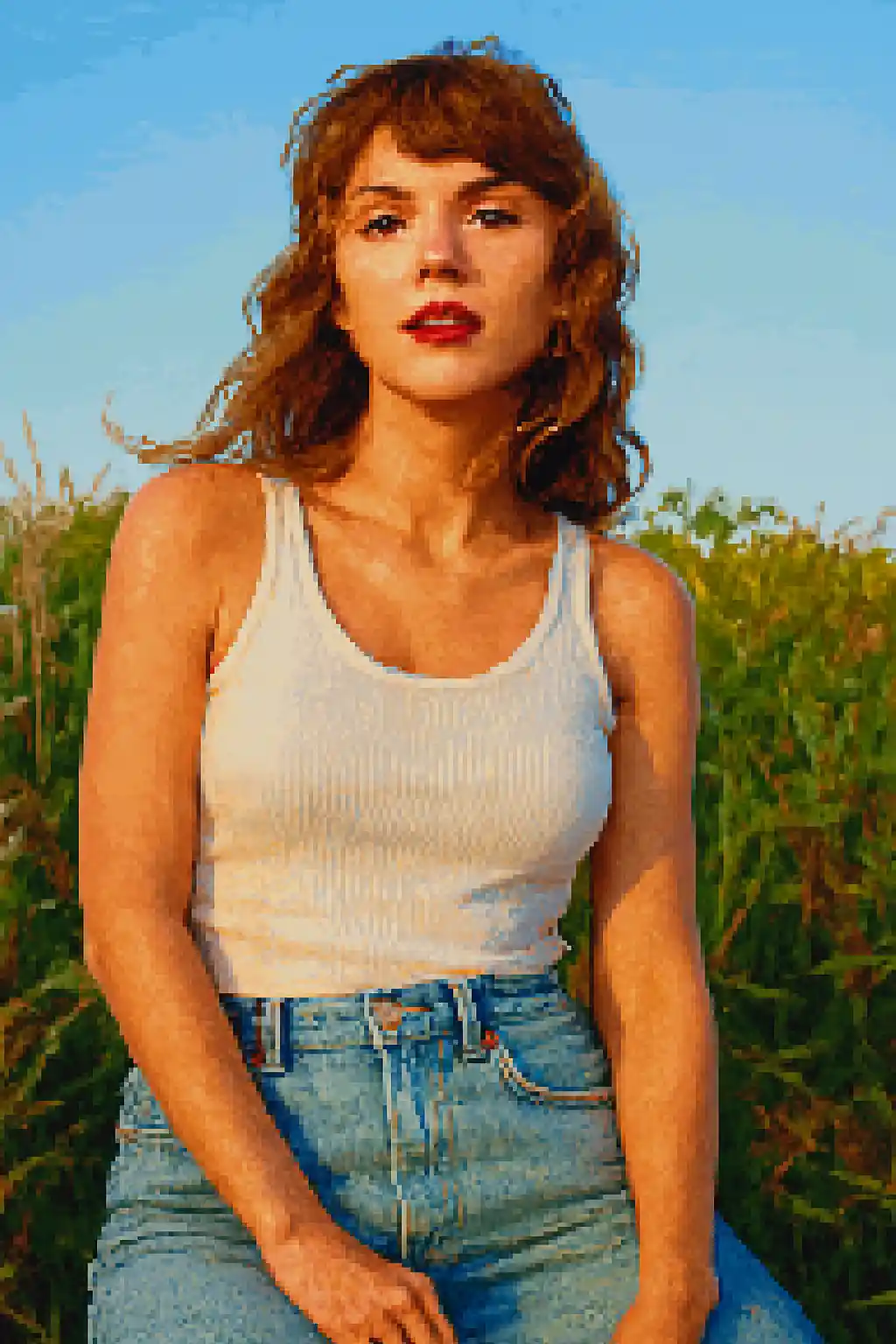

Gesichter werden auf stärkere, spielähnliche Silhouetten reduziert, die auch in kleineren Größen gut lesbar sind.
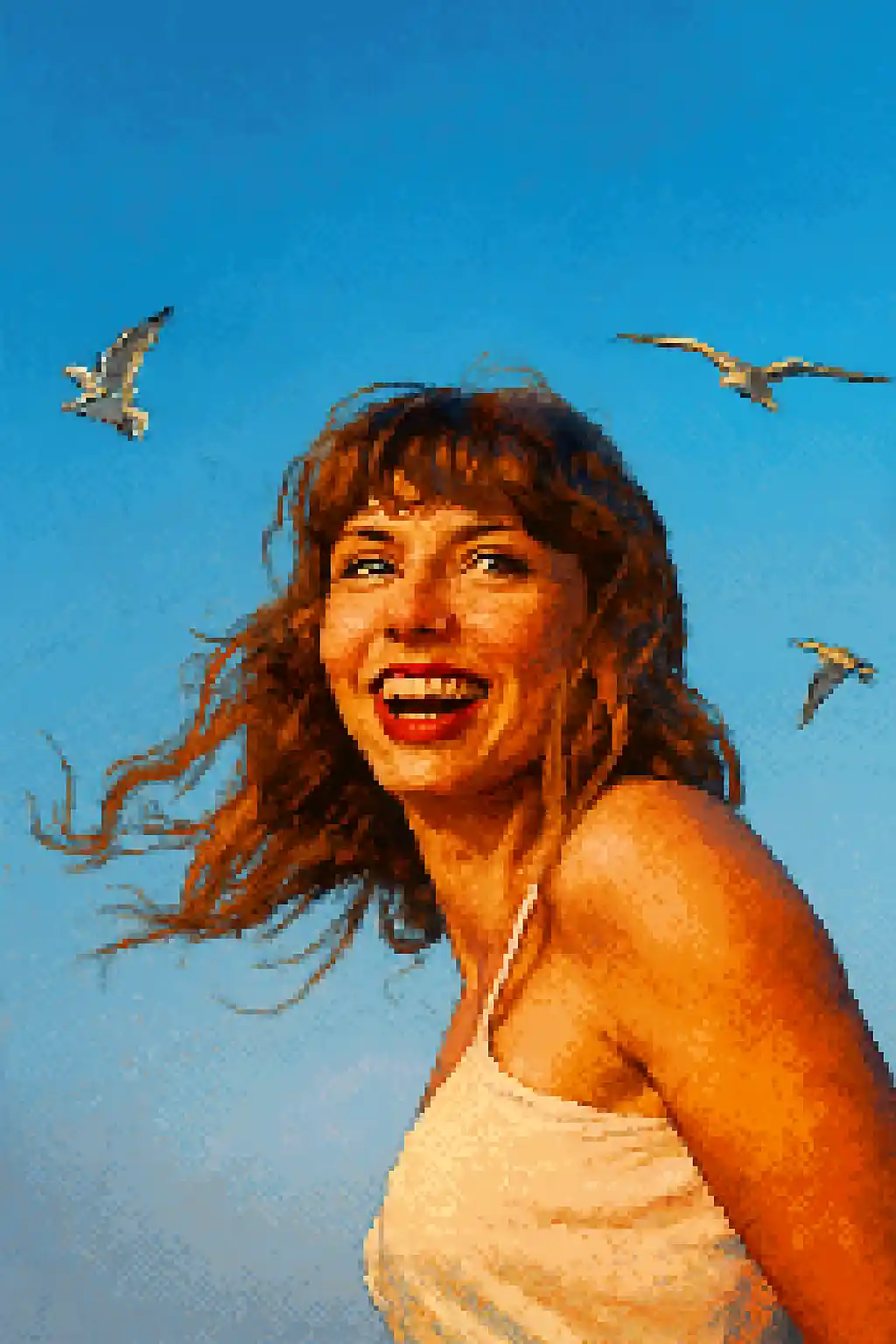

Avatarfreundliche Ausschnitte werden sauberer, nostalgischer und näher an klassischen 16-Bit-Charakter-Sprites.
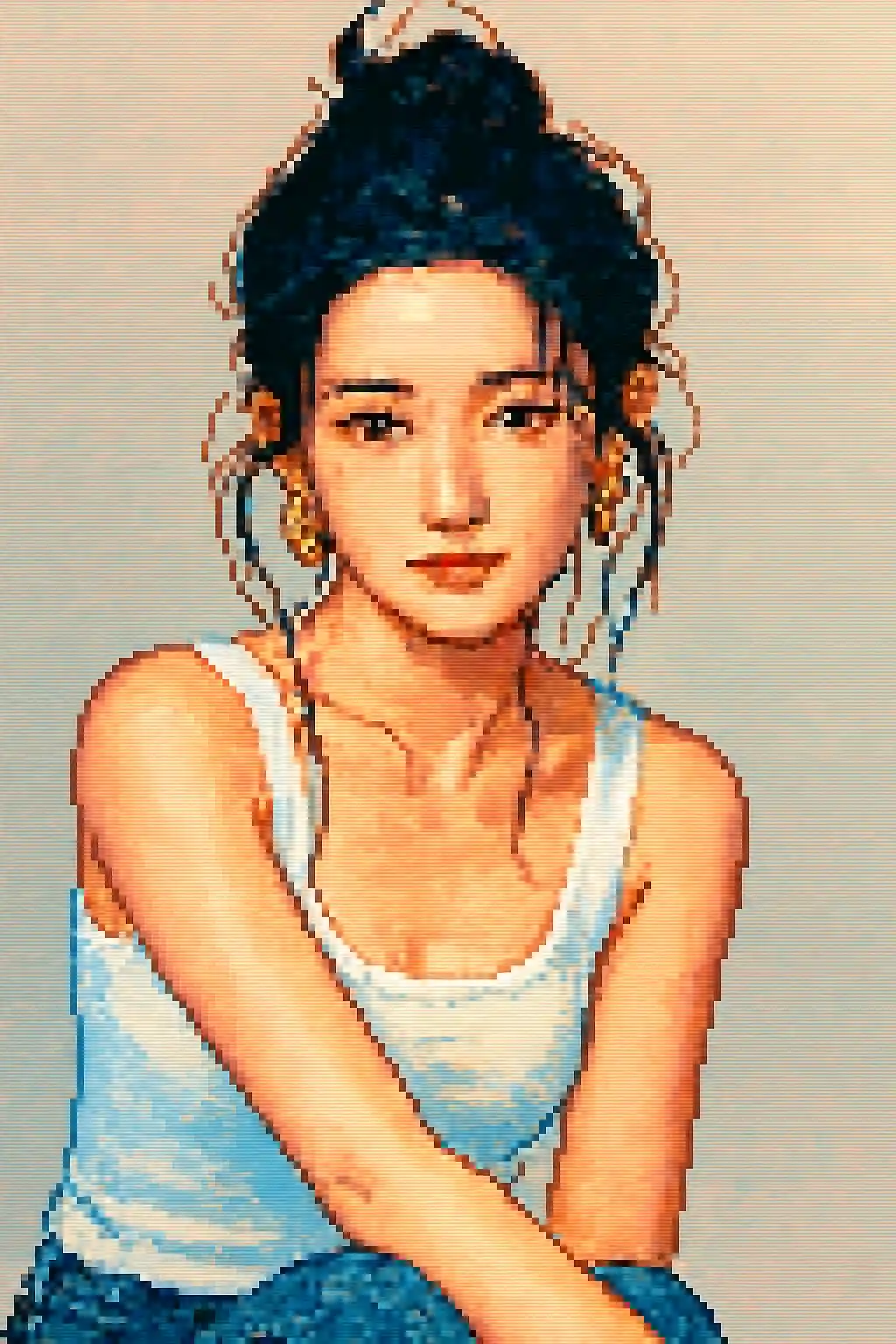

Einfache Außenszenen können zu lesbaren Retro-Kompositionen werden, statt zu verrauschten niedrigauflösenden Bildern.
So verwenden Sie diesen Stil
Halten Sie den Ablauf einfach. Das erste Ergebnis lehrt Sie in der Regel mehr als ein langes gestapeltes Prompt.
Wähle einen engeren Ausschnitt als bei Malstilen
Pixel Art verliert schnell feine Details, daher funktionieren Nahportraits oder Oberkörperaufnahmen meist besser als weite Ganzkörper-Kompositionen.
Setze auf Silhouette statt winziger Details
Starke Haarformen, Brillen, Hüte und größere Accessoires überstehen die Umwandlung besser als dezentes Make-up oder kleine Texturdetails.
Verfeinere für Lesbarkeit, nicht Realismus
Wenn das erste Bild unklar wirkt, bitte um saubereren Kontrast, einfacheren Hintergrund oder einen avatarähnlichen Ausschnitt statt um mehr Realismus.
Beste Fotos für diesen Stil
Warum Foto zu Pixel Art wählen?
Silhouette-first Pixel-Lesbarkeit
Der Stil ist am stärksten, wenn er ein Motiv auf eine saubere Sprite-artige Form reduzieren kann, statt jedes kleine fotografische Detail zu bewahren.
Retro-Palettendisziplin
Farbe wird in hellere, einfachere Pixelcluster komprimiert, sodass das Ergebnis bewusst spielhaft wirkt und nicht nur niedrig aufgelöst.
Avatar-optimierte Kompression
Dieser Stil funktioniert besonders gut für Profilsymbole und Social-Avatare, weil er lesbare Strukturen auch in kleineren Darstellungsgrößen bewahrt.
Vereinfachung von Accessoires und Requisiten
Größere Requisiten, deutliche Hüte, auffällige Frisuren und Brillen überstehen die Pixel-Umwandlung und machen die finale Figur markanter.
Über Foto zu Pixel Art
Der Pixel-Art-Fotokonverter verwandelt deine Fotos mit KI in beeindruckende Retro-Pixelkunstwerke. Inspiriert vom ikonischen visuellen Stil der 16-Bit-SNES- und Sega-Genesis-Ära entstehen bei jeder Umwandlung lebhafte, sorgfältig gestaltete Pixelportraits, die nostalgischen Charme mit moderner Detailtreue und Klarheit verbinden.
Der Pixel-Art-Stil ist perfekt für Gamer, Streamer und alle, die Retro-Ästhetik lieben. Erstelle damit einen einzigartigen Gaming-Avatar, gestalte Pixel-Art-Profilbilder für Twitch oder Discord oder genieße einfach den Anblick deiner selbst im geliebten Kunststil klassischer RPGs und Jump-and-Runs. Die KI bewältigt sowohl Portraits als auch Landschaftsszenen und passt Pixeldichte und Farbpalette an jedes Motiv an.
Der Pixel-Art-Konverter von MakePhoto verkleinert dein Bild nicht einfach – er nutzt generative KI, um dein Foto als authentische Pixelkunst intelligent neu aufzubauen, mit korrektem Anti-Aliasing, bewussten Farbentscheidungen und dem handgefertigten Gefühl, das Pixel-Art-Enthusiasten schätzen. Das Ergebnis ist sauber, skalierbar und ohne Wasserzeichen.
Verwandte Stile erkunden

Foto zu LEGO
Verwandle jedes Foto mit KI in den LEGO-Steinstil. Lustige, bunte und sofort teilbare LEGO-Portraits.

Foto zu Cartoon
Verwandle jedes Foto mit KI in den Cartoon-Stil. Kräftige Konturen, lebendige Farben und ausdrucksstarke Charakterzüge.

Foto zu Wojak
Verwandle Fotos mit KI in Wojak-Meme-Stil. Vereinfachter Ausdruck, Internet-Kultur-Energie und stärkerer ironischer Charakterton.
Häufig gestellte Fragen
Sind Portraits besser als Ganzkörperfotos für Pixel Art?
Meistens ja. Oberkörper- oder enge Portrait-Ausschnitte bewahren die Charakteridentität deutlich besser als weite Ganzkörperszenen.
Tauchen kleine Accessoires noch auf?
Nur die besser lesbaren. Große Brillen, Hüte und markante Haar-Silhouetten überstehen die Umwandlung besser als winzige Zierdetails.
Funktionieren Mehrpersonen-Fotos gut in Pixel Art?
Meist nicht. Je mehr Gesichter hinzukommen, desto schwieriger wird es, jede Person lesbar zu halten, sobald das Bild in Pixelcluster zerlegt wird.
Wie unterscheidet sich Pixel Art vom LEGO-Stil?
Pixel Art dreht sich um Retro-2D-Lesbarkeit und spielartige Sprites. LEGO basiert auf Spielzeug, ist heller und wirkt eher objekthaft als niedrig aufgelöst.
Bereit, Ihr Foto zu transformieren?
Beginnen Sie auf dieser Stilseite, erhalten Sie das erste Ergebnis schnell und verfeinern Sie nur, wenn Sie müssen.