
Photo to Stickers
Turn selfies, pet photos, and playful portraits into sticker-style character art with thick outlines, clean shapes, and shareable energy.
Convert any photo into cute sticker style with AI. Bold outlines, playful shapes, and social-ready character energy.
Upload
Upload one clear photo to start generating.
Ratio
Choose the output ratio that fits your result.
Generate
Click generate and wait for the first result.

Mood
Softer, toy-like, and more handcrafted.
Best For
Chat and reaction stickers
Result
Get a first result fast, then refine for texture or character.
Start here
Start creating
Upload photo
Ratio
Preview
Generate to see your result here
Trust details
- Failed generations do not consume credits. If a job finishes later, you can confirm it in My Works.
- Paid plans include commercial use rights for generated images.
See the Style Shift
Use these examples to judge the style direction before you generate the first result.
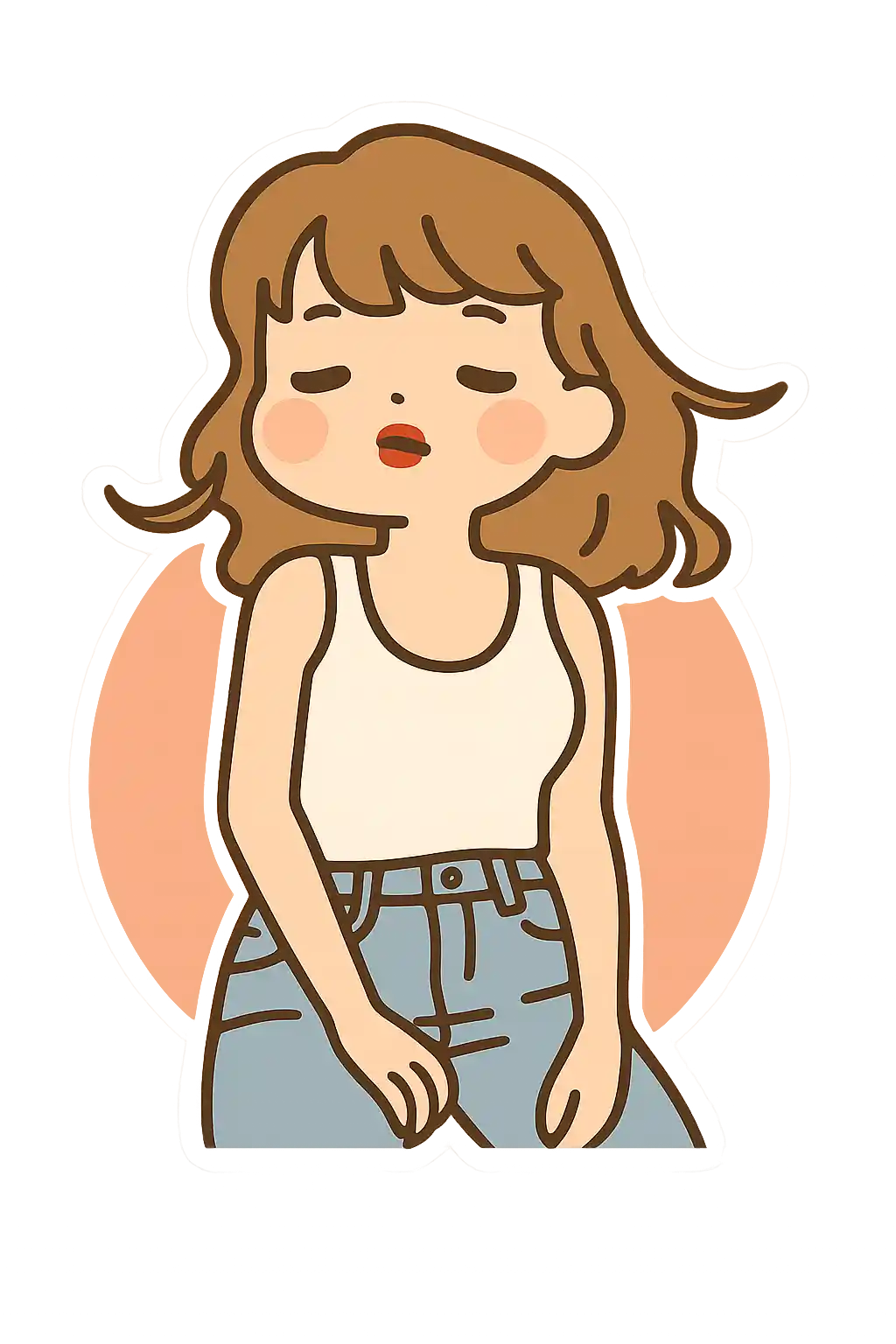

Portraits become more like finished sticker characters, with a stronger cutout silhouette and pack-ready energy.
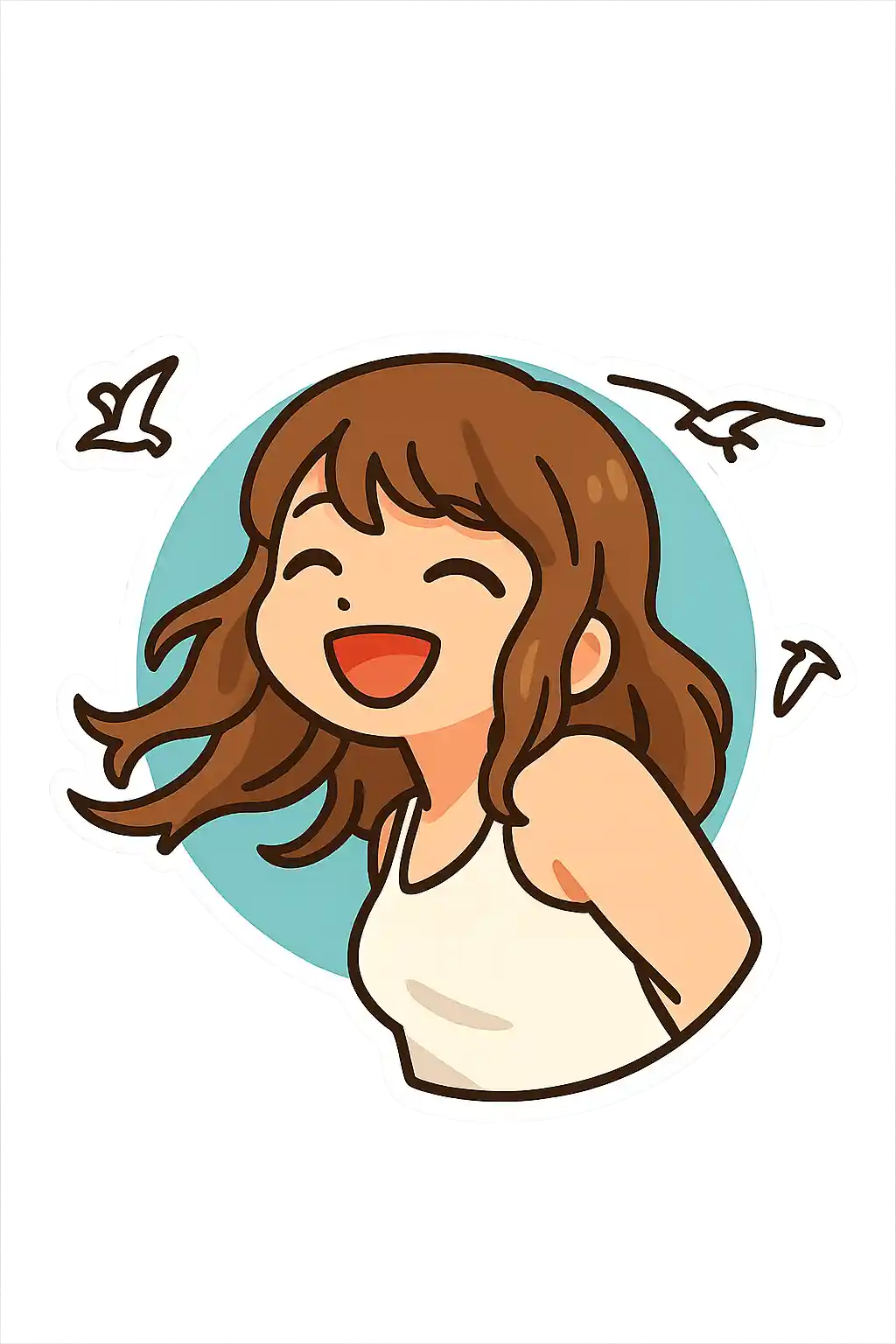

Pet photos and playful selfies translate well into reaction-style sticker art rather than general illustration.


Simple poses become more useful for chat packs because the emotion and outline stay readable at smaller sizes.
How to Use This Style
Keep the flow simple. The first result usually teaches you more than a long stacked prompt.
Use one subject with a readable pose
Sticker style works best when the body language or face reads quickly, so solo portraits and pets are usually safer than wider scenes.
Refine for emotion, not realism
If you add extra prompt text, ask for more playful expression, brighter color, or stronger cutout energy instead of more detail.
Keep the scene simple and pack-like
Busy backgrounds and tiny faces make the result feel less like a sticker pack, so simplify the composition before you chase more detail.
Best Photos for This Style
Why Choose Photo to Stickers
Sticker-Pack Readability
The style prioritizes immediate recognition and cutout clarity, which makes it stronger for sticker use than for general art posters.
Thick Border and Cutout Energy
Compared with cartoon or Disney, this page leans harder into the border, silhouette, and pack-like graphic finish.
Reaction-First Expressions
The result is most useful when the face or gesture reads quickly, which is why it works so well for sticker reactions and social snippets.
Merch and Pack Friendly Output
This style is one of the strongest for sticker-pack concepts, creator packs, small badges, and light character merchandise ideas.
About Photo to Stickers
The sticker photo converter uses AI to transform your photos into bold, playful sticker-style character art. Instead of aiming for realism, this style simplifies the subject into stronger shapes, thicker outlines, and cleaner color separation so the final image feels like a finished sticker design rather than a filtered photo.
Sticker-style images are especially useful for selfies, pets, and chat-friendly character portraits. They work well as reaction images, profile accents, social media story assets, and lightweight branding visuals. The style makes ordinary photos look more intentional, expressive, and easy to share.
MakePhoto's sticker converter goes beyond adding a border. The AI redraws the subject as original sticker-like artwork with cleaner silhouettes, brighter contrast, and a playful graphic finish. The result looks more like a custom sticker pack character than a standard photo edit.
Explore Related Styles

Photo to Cartoon
Turn any photo into cartoon style with AI. Bold outlines, vibrant colors, and expressive character features.

Photo to Chibi Emoji
Convert photos into chibi emoji style with AI. Big eyes, expressive poses, and sticker-pack character energy.

Photo to Enamel Pin
Convert photos into enamel pin style with AI. Metal outlines, bright enamel color, and collectible badge aesthetics.
FAQ
Can sticker style create a real sticker-pack feel?
Yes. This page is designed for a more pack-like, cutout, reaction-friendly result than a normal stylized portrait.
Do pet photos work well for stickers?
Very well. Pets often produce strong sticker results because the face and silhouette are easy to simplify into a playful cutout.
Does it output transparent background stickers?
Not automatically every time. The style aims for a sticker-like composition and border, but you may still want a second pass if you need a cleaner cutout effect.
How is sticker style different from chibi emoji style?
Sticker style is flatter, more cutout-based, and more pack oriented. Chibi emoji pushes harder on face exaggeration and reaction expression.
Ready to Transform Your Photo?
Start from this style page, get the first result fast, then refine only if you need to.