
Chuyển Ảnh Sang Pixel Art
Biến ảnh thành pixel art hoài niệm bằng AI cho avatar game, chân dung hoài niệm và nghệ thuật nhân vật độ phân giải thấp đậm nét.
Biến ảnh thành pixel art hoài niệm bằng AI. Thẩm mỹ SNES 16-bit, màu sắc rực rỡ và sức hút hoài niệm.
Tải lên
Tải lên một bức ảnh rõ ràng để bắt đầu tạo ra.
Tỷ lệ
Chọn tỷ lệ đầu ra phù hợp với kết quả của bạn.
Tạo ra
Nhấn tạo và chờ kết quả đầu tiên.

Tâm trạng
Mềm mại, giống đồ chơi và được chế tác nhiều hơn.
Tốt nhất cho
Avatar game
Kết quả
Nhận kết quả đầu tiên nhanh chóng, sau đó tinh chỉnh cho kết cấu hoặc tính cách.
Bắt đầu ở đây
Bắt đầu tạo ra
Tải lên ảnh
Tỷ lệ
Xem trước
Tạo để thấy kết quả của bạn ở đây
Chi tiết tin cậy
- Các lần tạo không thành công không tiêu tốn tín dụng. Nếu một công việc hoàn thành muộn hơn, bạn có thể xác nhận nó trong My Works.
- Các gói trả phí bao gồm quyền sử dụng thương mại cho các hình ảnh được tạo.
Xem sự chuyển đổi phong cách
Sử dụng những ví dụ này để đánh giá hướng phong cách trước khi bạn tạo ra kết quả đầu tiên.
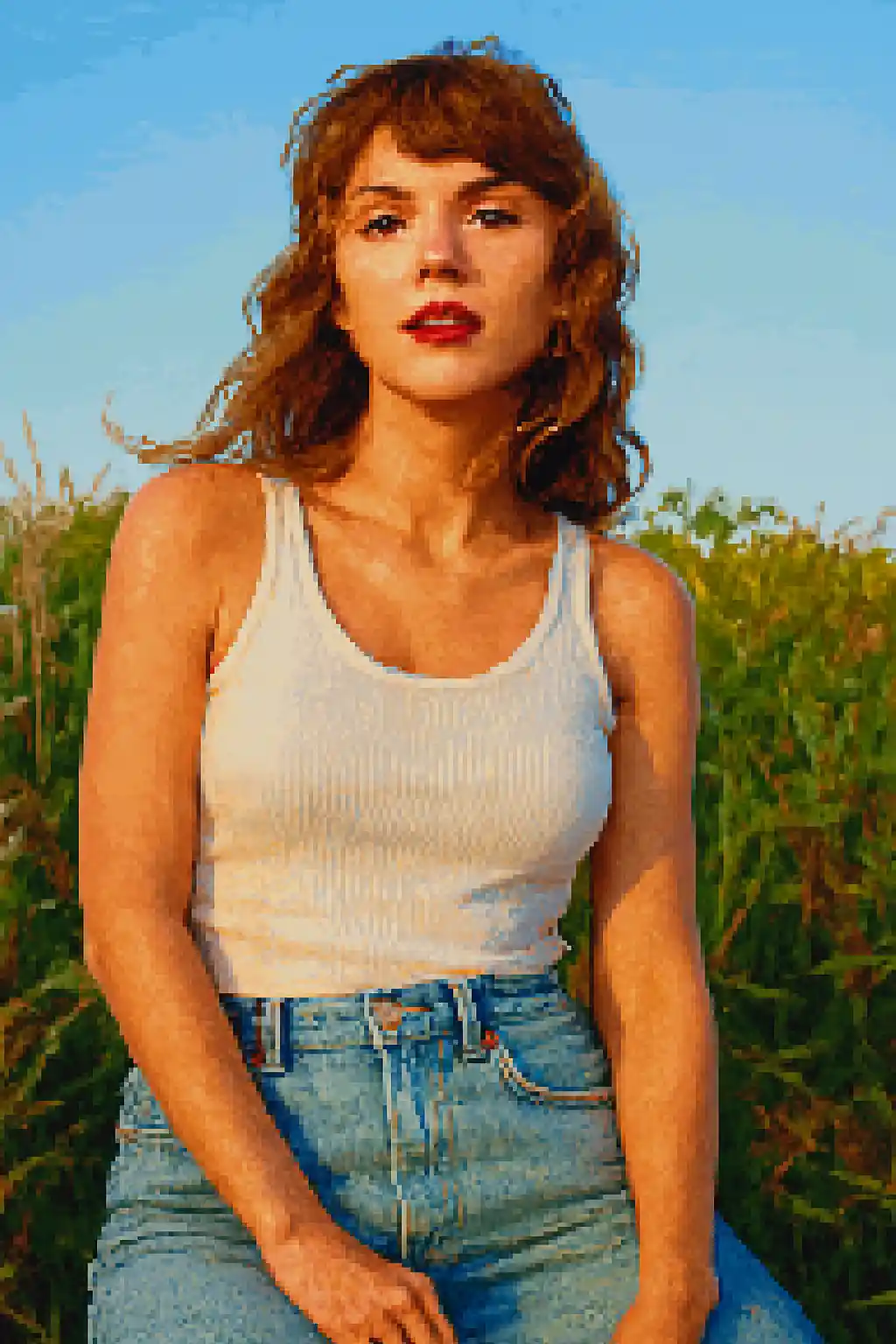

Khuôn mặt được giản lược thành các hình bóng giống game mạnh hơn, dễ đọc ngay cả ở kích thước nhỏ.
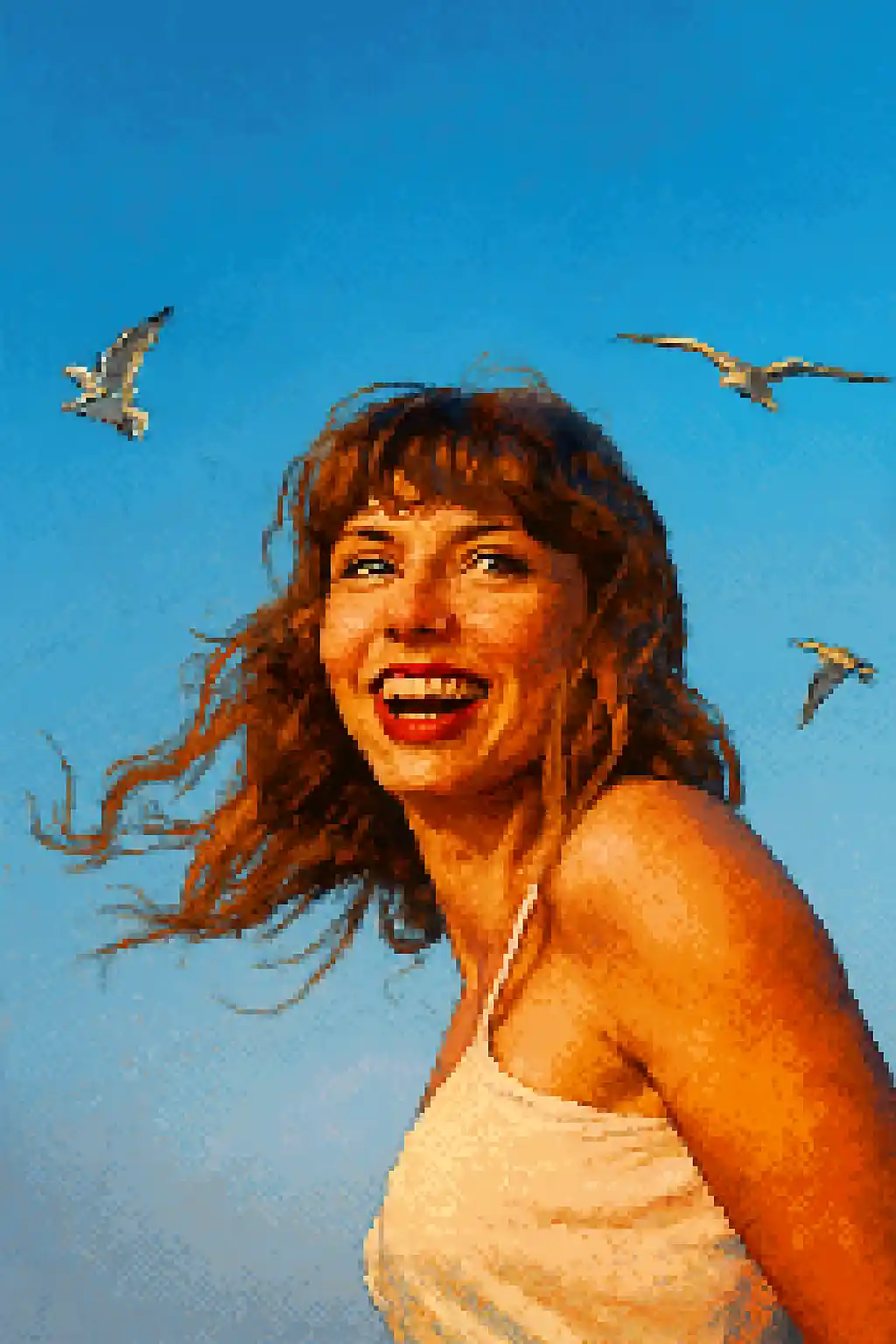

Các khung cắt phù hợp avatar trở nên sạch hơn, hoài niệm hơn và gần với sprite nhân vật 16-bit cổ điển.
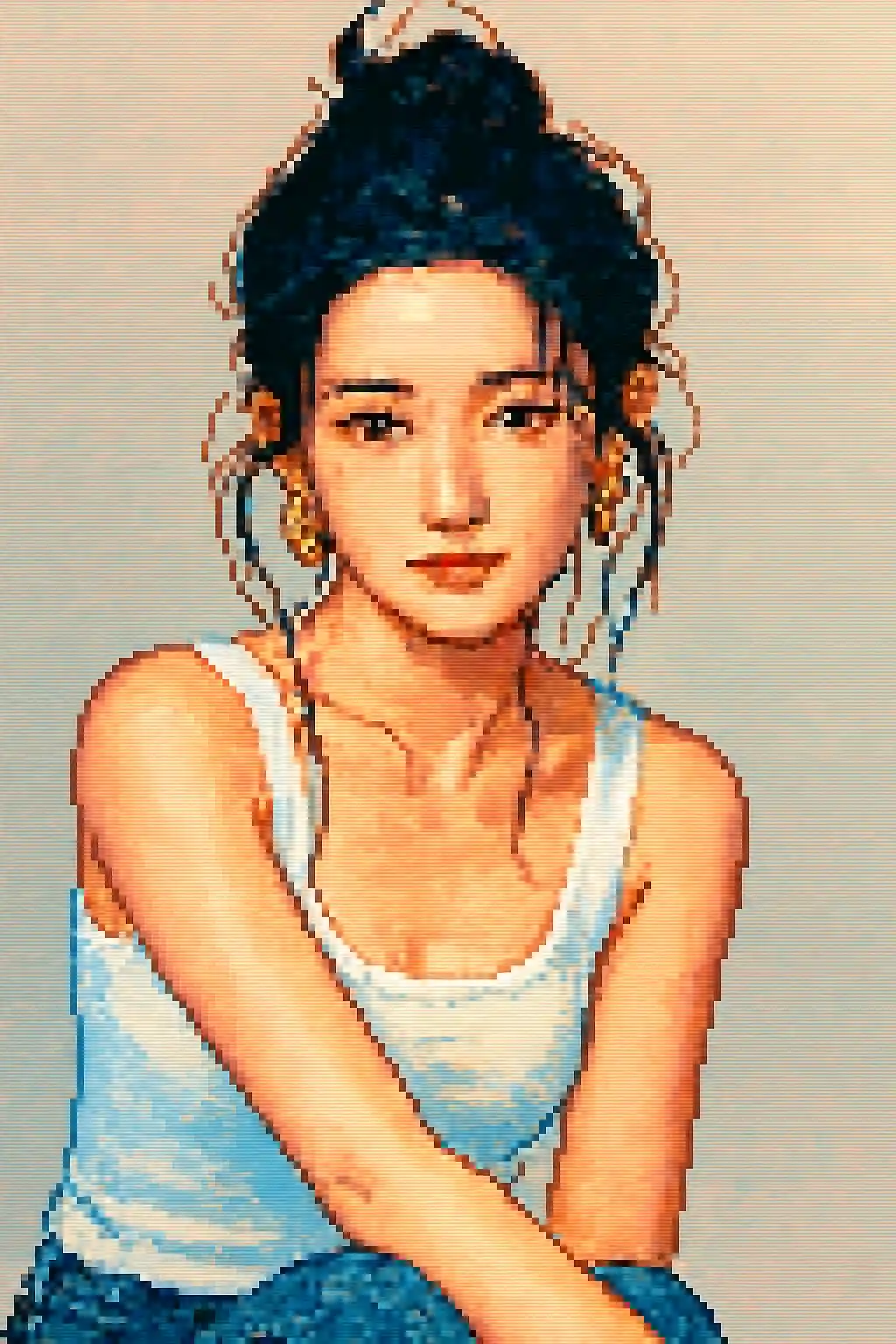

Cảnh ngoài trời đơn giản có thể trở thành bố cục hoài niệm dễ đọc thay vì mớ hỗn độn độ phân giải thấp.
Cách sử dụng phong cách này
Giữ cho quá trình đơn giản. Kết quả đầu tiên thường dạy bạn nhiều hơn là một prompt dài.
Dùng khung cắt chặt hơn so với phong cách tranh
Pixel art mất chi tiết nhỏ nhanh chóng, nên chân dung cận hoặc ảnh nửa người thường hoạt động tốt hơn bố cục toàn thân rộng.
Ưu tiên hình bóng hơn chi tiết nhỏ
Hình dáng tóc mạnh, kính, mũ và phụ kiện lớn tồn tại qua quá trình chuyển đổi tốt hơn make-up tinh tế hay chi tiết kết cấu nhỏ.
Tinh chỉnh độ dễ đọc, không phải độ thực tế
Nếu ảnh đầu tiên cảm thấy mờ, hãy yêu cầu tương phản sạch hơn, phông nền đơn giản hơn hoặc khung cắt giống avatar hơn thay vì thêm độ thực tế.
Những bức ảnh tốt nhất cho phong cách này
Tại sao chọn Chuyển Ảnh Sang Pixel Art
Độ dễ đọc pixel ưu tiên hình bóng
Phong cách này mạnh nhất khi có thể giản lược chủ thể thành hình dạng sạch giống sprite thay vì cố giữ mọi chi tiết ảnh nhỏ.
Kỷ luật bảng màu hoài niệm
Màu được nén thành các cụm pixel sáng hơn, đơn giản hơn để kết quả có vẻ cố ý giống game thay vì chỉ độ phân giải thấp.
Nén tối ưu cho avatar
Phong cách này hoạt động đặc biệt tốt cho biểu tượng hồ sơ và avatar mạng xã hội vì giữ được cấu trúc dễ đọc ở kích thước hiển thị nhỏ hơn.
Đơn giản hóa phụ kiện và đạo cụ
Đạo cụ lớn hơn, mũ rõ, kiểu tóc đậm và kính có thể tồn tại qua quá trình chuyển pixel và làm nhân vật cuối cùng trở nên nổi bật hơn.
Về Chuyển Ảnh Sang Pixel Art
Bộ chuyển đổi ảnh pixel art biến ảnh của bạn thành tác phẩm pixel hoài niệm tuyệt đẹp bằng AI. Lấy cảm hứng từ phong cách trực quan mang tính biểu tượng của thời SNES 16-bit và Sega Genesis, mỗi lần chuyển đổi tạo ra chân dung pixel rực rỡ, được chế tác cẩn thận, cân bằng giữa sức hút hoài niệm và chi tiết hiện đại rõ nét.
Phong cách pixel art là lựa chọn hoàn hảo cho game thủ, streamer và bất cứ ai yêu thẩm mỹ hoài niệm. Dùng nó để tạo avatar game độc đáo, thiết kế ảnh đại diện pixel cho Twitch hoặc Discord, hoặc đơn giản tận hưởng việc thấy mình được dựng trong phong cách yêu thích của các RPG và platformer cổ điển. AI xử lý cả chân dung và cảnh phong cảnh, điều chỉnh mật độ pixel và bảng màu phù hợp với mỗi chủ thể.
Bộ chuyển đổi pixel art của MakePhoto không chỉ giảm mẫu ảnh — nó dùng AI tạo sinh để tái tạo thông minh ảnh của bạn thành pixel art chính hiệu với khử răng cưa đúng đắn, lựa chọn màu có chủ ý và cảm giác thủ công mà người đam mê pixel art trân trọng. Kết quả sạch, co giãn được và không có watermark.
Khám phá các phong cách liên quan

Chuyển Ảnh Sang LEGO
Biến ảnh bất kỳ thành phong cách gạch LEGO bằng AI. Chân dung LEGO vui nhộn, đầy màu sắc và dễ chia sẻ ngay lập tức.

Chuyển Ảnh Sang Cartoon
Biến ảnh bất kỳ thành phong cách cartoon bằng AI. Viền đậm, màu sắc rực rỡ và đặc điểm nhân vật biểu cảm.

Chuyển Ảnh Sang Wojak
Biến ảnh thành phong cách meme Wojak bằng AI. Biểu cảm đơn giản hóa, năng lượng văn hóa internet và tông nhân vật châm biếm mạnh hơn.
Câu hỏi thường gặp
Chân dung có tốt hơn ảnh toàn thân cho pixel art không?
Thường là có. Khung cắt chân dung nửa người hoặc cận cảnh bảo tồn danh tính nhân vật tốt hơn nhiều so với cảnh toàn thân rộng.
Các phụ kiện nhỏ có hiện ra không?
Chỉ những cái dễ đọc hơn. Kính lớn, mũ và hình bóng tóc mạnh thường tồn tại tốt hơn so với các chi tiết trang trí nhỏ.
Ảnh nhiều người có dùng tốt trong pixel art không?
Thường không. Càng thêm nhiều khuôn mặt, càng khó giữ mỗi người dễ đọc khi ảnh được giản lược thành các cụm pixel.
Pixel art khác gì với phong cách LEGO?
Pixel art nói về khả năng đọc 2D hoài niệm và sprite giống game. LEGO dựa trên đồ chơi, sáng hơn và giống đối tượng hơn thay vì độ phân giải thấp.
Sẵn sàng để biến đổi bức ảnh của bạn?
Bắt đầu từ trang phong cách này, nhận kết quả đầu tiên nhanh chóng, sau đó chỉ tinh chỉnh nếu cần.