
Фото в пиксель-арт
Превратите фото в ретро пиксель-арт с AI — для игровых аватаров, ностальгических портретов и ярких спрайтов низкого разрешения.
Превратите фото в ретро пиксель-арт с AI. Эстетика 16-бит SNES, яркие цвета и ностальгическое обаяние.
Загрузить
Загрузите одно четкое фото, чтобы начать генерацию.
Соотношение
Выберите соотношение выходного изображения, которое подходит для вашего результата.
Сгенерировать
Нажмите создать и дождитесь первого результата.

Наст Mood
Мягче, как игрушка, и более ручной работы.
Лучше всего для
Игровые аватары
Результат
Получите первый результат быстро, затем уточните текстуру или характер.
Начните здесь
Начните создавать
Загрузить фото
Соотношение
Предварительный просмотр
Генерируйте, чтобы увидеть ваш результат здесь
Детали доверия
- Неудачные генерации не расходуют кредиты. Если работа завершится позже, вы можете подтвердить это в «Мои работы».
- Платные планы включают права на коммерческое использование сгенерированных изображений.
Посмотрите стиль изменения
Используйте эти примеры, чтобы оценить направление стиля, прежде чем сгенерировать первый результат.
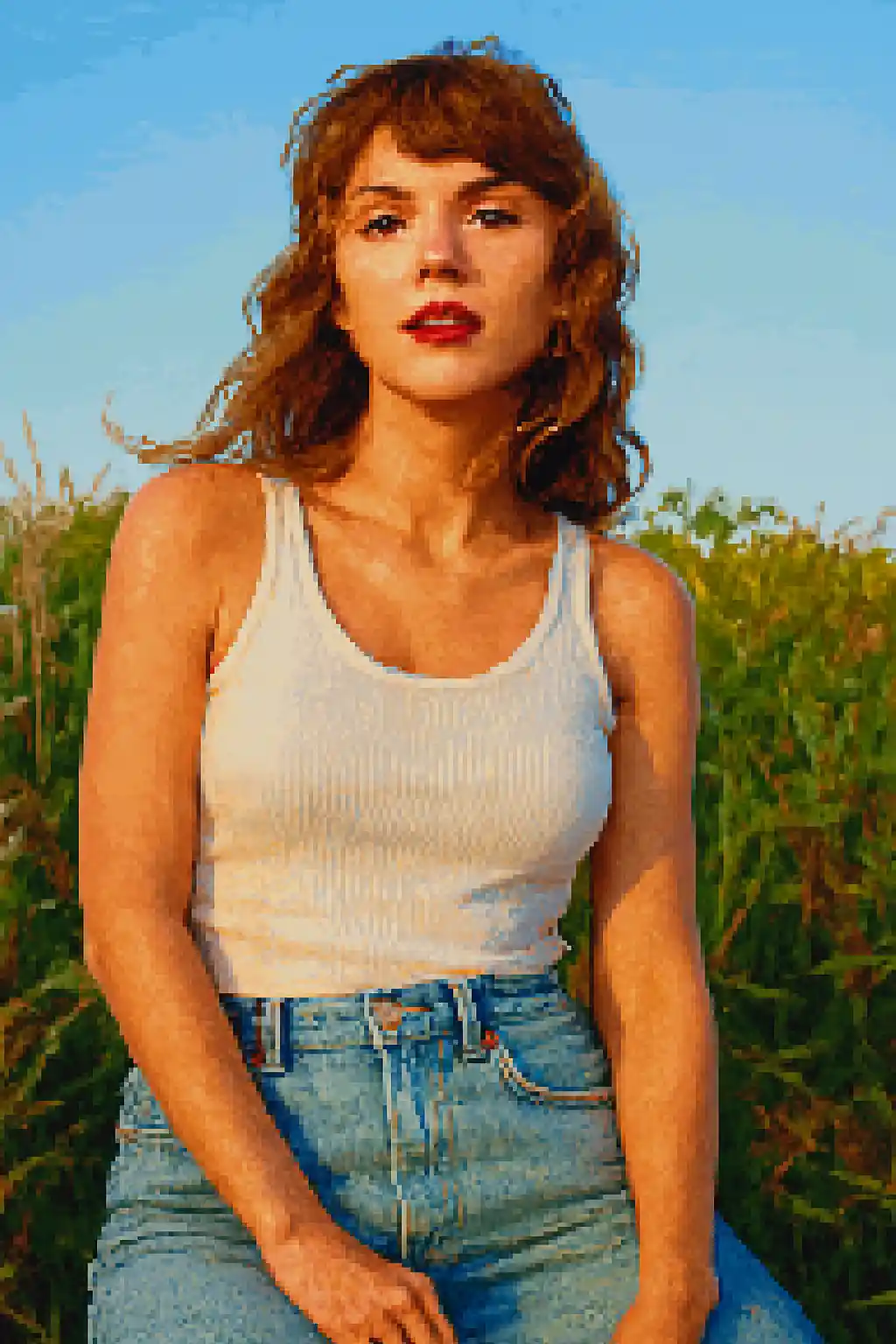

Лица сводятся к более сильным игровым силуэтам, хорошо читаемым даже при малом размере.
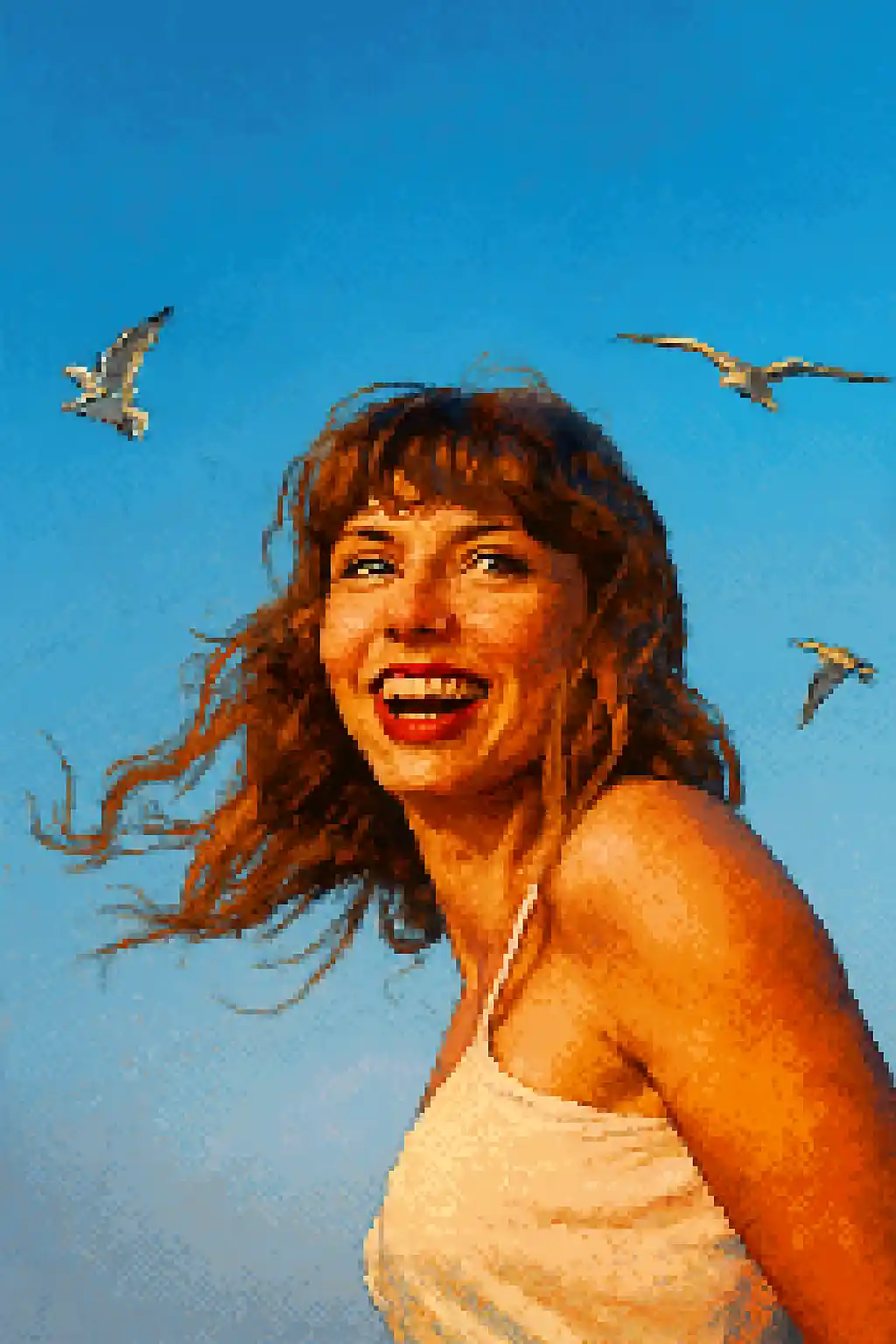

Подходящие для аватарок кадры становятся чище, ностальгичнее и ближе к классическим 16-битным спрайтам.
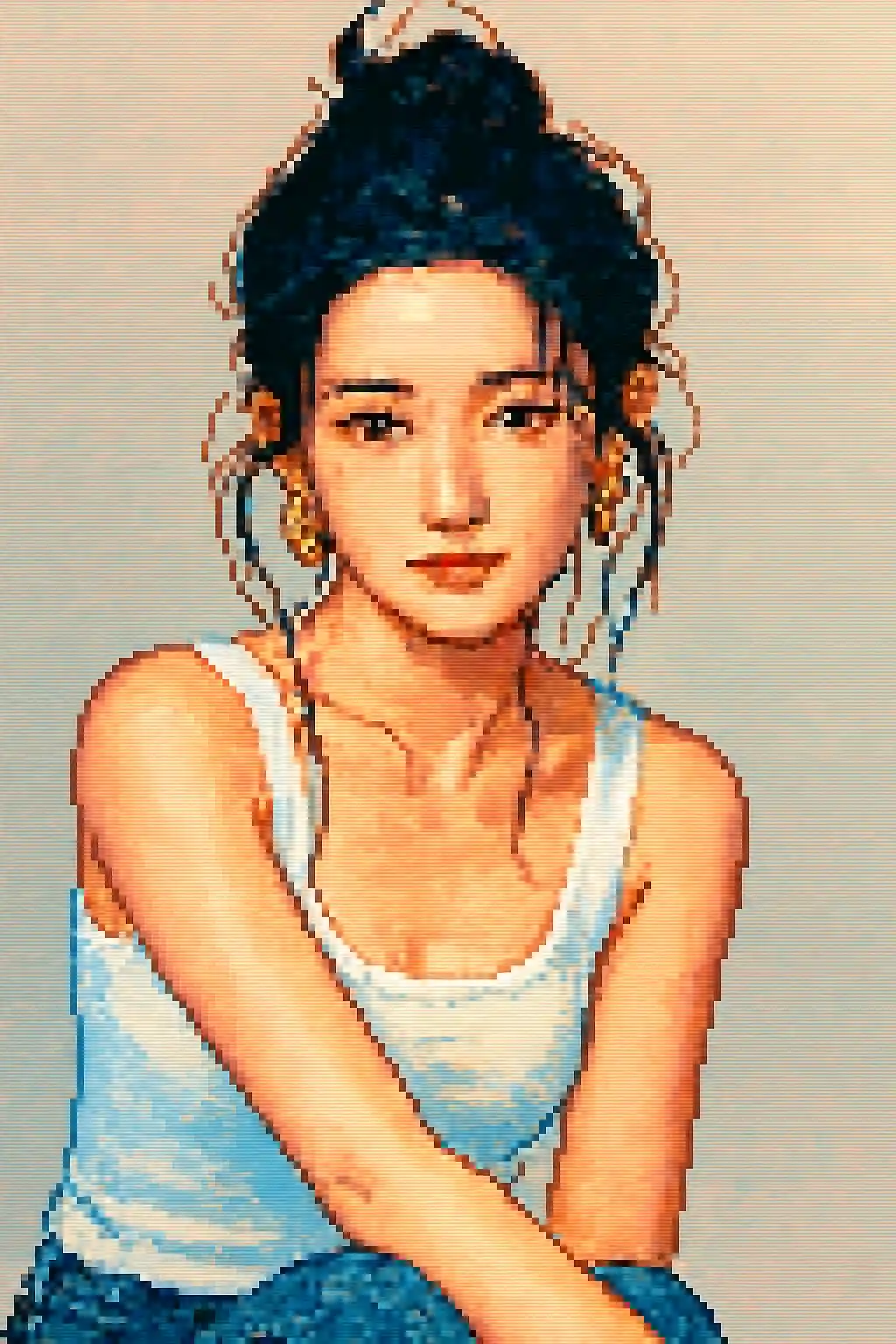

Простые уличные сцены превращаются в читаемые ретро-композиции вместо шумных низкорезольвентных кадров.
Как использовать этот стиль
Держите процесс простым. Первый результат обычно учит вас больше, чем длинный накопленный запрос.
Кадрируйте плотнее, чем для живописных стилей
Пиксель-арт быстро теряет мелкие детали, поэтому близкие портреты или фото по пояс обычно работают лучше, чем широкие планы в полный рост.
Силуэт важнее мелких деталей
Чёткая форма волос, очки, шапки и крупные аксессуары переживают конвертацию лучше, чем тонкий макияж или мелкая текстура.
Уточняйте ради читаемости, не реализма
Если первое изображение «плывёт», просите контрастнее, проще фон или аватарный кадр, а не больше реализма.
Лучшие фото для этого стиля
Почему выбирают Фото в пиксель-арт
Читаемость силуэта в пикселях
Стиль наиболее силён, когда может свести героя к чистой форме спрайта, а не сохранять каждую мелкую фотодеталь.
Дисциплина ретро-палитры
Цвет сжимается в более яркие и простые пиксельные блоки, чтобы результат выглядел намеренно игровым, а не просто низкого разрешения.
Оптимизация под аватарки
Стиль отлично подходит для иконок и аватаров, сохраняя читаемую структуру при малом размере отображения.
Упрощение аксессуаров и реквизита
Крупный реквизит, чёткие шапки, яркие причёски и очки переживают пиксель-конвертацию и делают финального персонажа более узнаваемым.
О Фото в пиксель-арт
Конвертер фото в пиксель-арт превращает ваши снимки в эффектный ретро-арт с помощью AI. Вдохновлённый культовым визуальным стилем эпохи 16-бит SNES и Sega Genesis, каждый результат — яркий, аккуратно собранный пиксельный портрет, сочетающий ностальгическое обаяние с современной детализацией и чистотой.
Пиксель-арт идеально подходит геймерам, стримерам и всем, кто любит ретро-эстетику. Используйте его, чтобы создать уникальный игровой аватар, оформить профиль для Twitch или Discord или просто увидеть себя в любимом стиле классических RPG и платформеров. AI справляется и с портретами, и с пейзажами, подстраивая плотность пикселей и палитру под сюжет.
Конвертер пиксель-арта от MakePhoto не просто уменьшает разрешение — генеративный AI умно пересобирает ваше фото как настоящий пиксель-арт с правильным антиалиасингом, продуманным выбором цветов и ручным ощущением, которое ценят любители жанра. Итог — чистый, масштабируемый и без водяных знаков.
Изучите связанные стили

Фото в стиль LEGO
Превратите любое фото в кирпичный стиль LEGO с AI. Весёлые, яркие и мгновенно шарящиеся LEGO-портреты.

Фото в мультфильм
Превратите любое фото в мультяшный стиль с AI. Жирные контуры, яркие цвета и выразительные черты персонажа.

Фото в Wojak
Превратите фото в стиль мема Wojak с AI. Упрощённая мимика, энергия интернет-культуры и более ироничный персонажный тон.
Часто задаваемые вопросы
Портреты лучше фото в полный рост для пиксель-арта?
Обычно да. Поясные или близкие кадры сохраняют индивидуальность героя гораздо лучше, чем широкие сцены в полный рост.
Появятся ли мелкие аксессуары?
Только самые читаемые. Крупные очки, шапки и сильные силуэты волос переживают конвертацию лучше, чем мелкий декор.
Подходят ли фото с несколькими людьми?
Обычно нет. Чем больше лиц, тем труднее сохранить каждого читаемым после сведения в пиксельные блоки.
Чем пиксель-арт отличается от стиля LEGO?
Пиксель-арт про ретро 2D-читаемость и спрайты. LEGO — про игрушки, ярче и больше про объекты, а не про низкое разрешение.
Готовы преобразить ваше фото?
Начните с этой страницы стиля, получите первый результат быстро, затем уточняйте только если это необходимо.