
صورتك بستايل Pixel Art
حوّل الصور إلى فن بكسل ريترو بالذكاء الاصطناعي لأفاتارات الألعاب والصور الشخصية الحنينية وفن الشخصيات منخفض الدقة.
حوّل الصور إلى ستايل فن بكسل ريترو بالذكاء الاصطناعي. جماليات 16-bit من SNES وألوان نابضة وسحر حنيني.
تحميل
قم بتحميل صورة واضحة واحدة للبدء في إنشاء.
نسبة
اختر نسبة الإخراج التي تناسب نتيجتك.
إنشاء
اضغط على إنشاء وانتظر النتيجة الأولى.

المزاج
أنعم، مثل اللعبة، وأكثر حرفية.
أفضل لـ
أفاتارات الألعاب
النتيجة
احصل على نتيجة أولى بسرعة، ثم قم بتحسين للملمس أو الشخصيات.
ابدأ من هنا
ابدأ الإبداع
رفع الصورة
النسبة
معاينة
قم بالتوليد لرؤية نتيجتك هنا
تفاصيل الثقة
- التحويلات الفاشلة لا تستهلك الاعتمادات. إذا انتهى العمل لاحقًا، يمكنك تأكيده في أعمالي.
- تشمل الخطط المدفوعة حقوق الاستخدام التجاري للصور المولدة.
شاهد تحول النمط
استخدم هذه الأمثلة للحكم على اتجاه النمط قبل أن تقوم بإنشاء النتيجة الأولى.
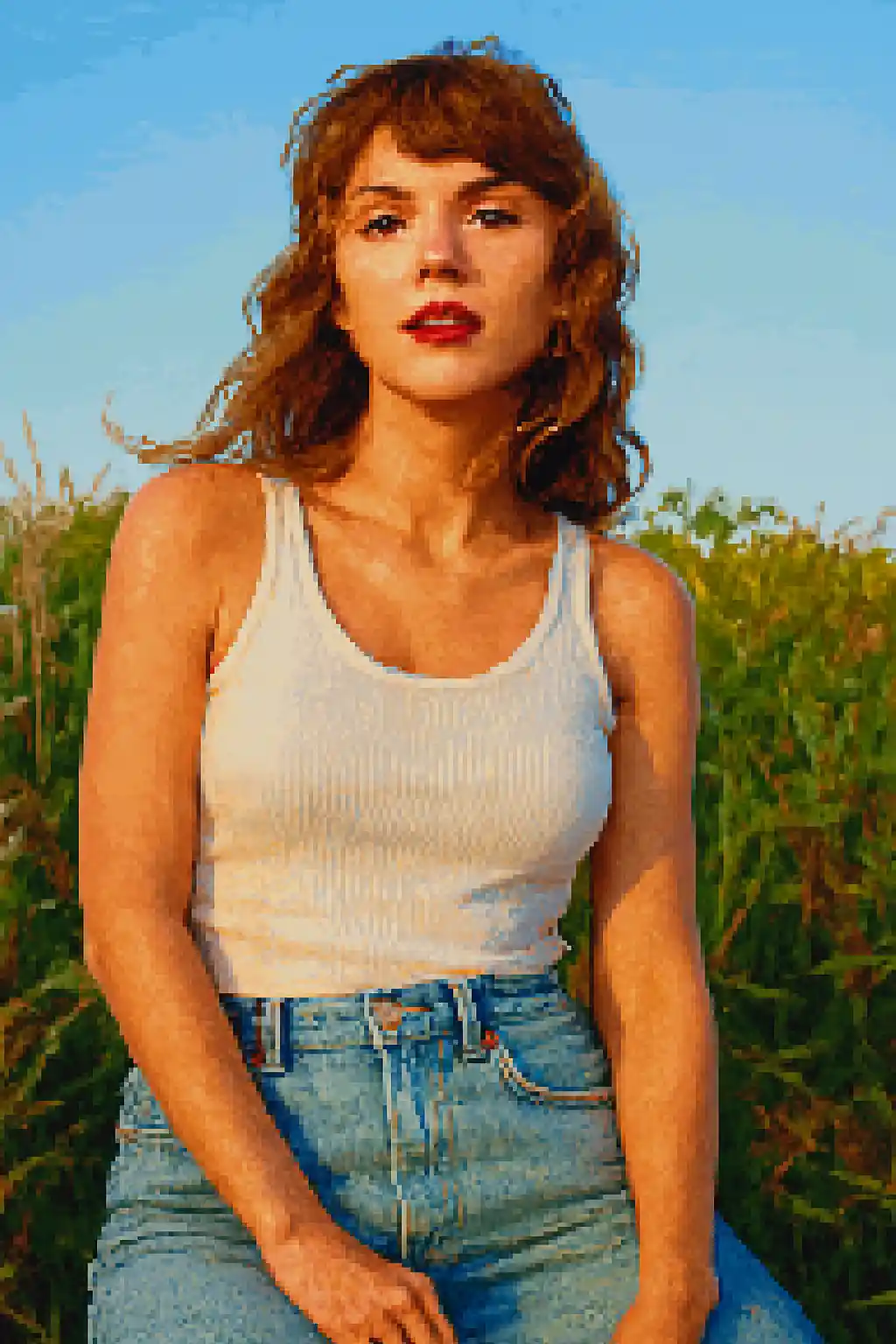

يتم تبسيط الوجوه إلى صور ظلية أقوى تشبه الألعاب وتُقرأ جيداً حتى في الأحجام الصغيرة.
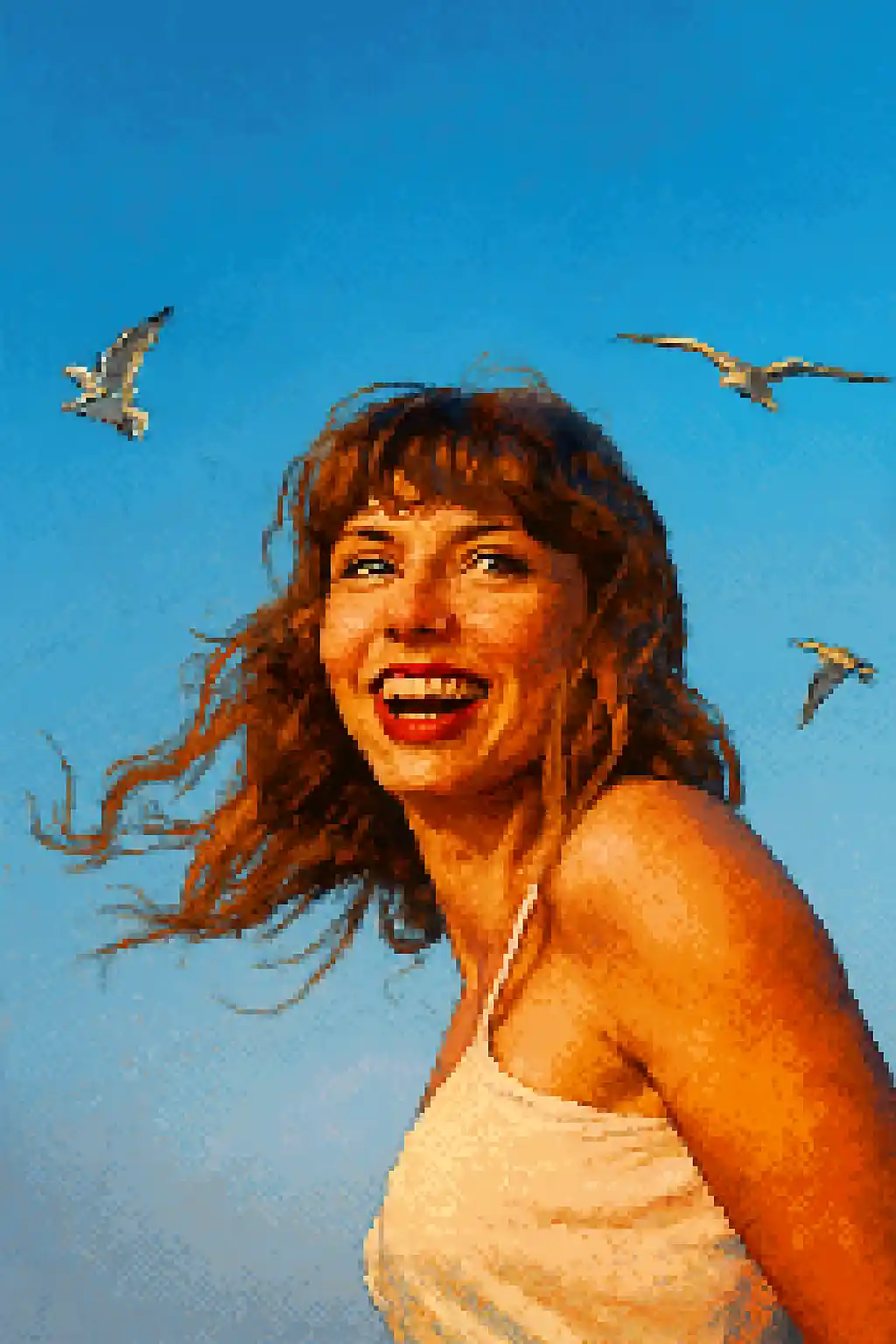

القصاصات المناسبة للأفاتار تصبح أنظف وأكثر حنيناً وأقرب إلى سبرايتات الشخصيات الكلاسيكية 16-bit.
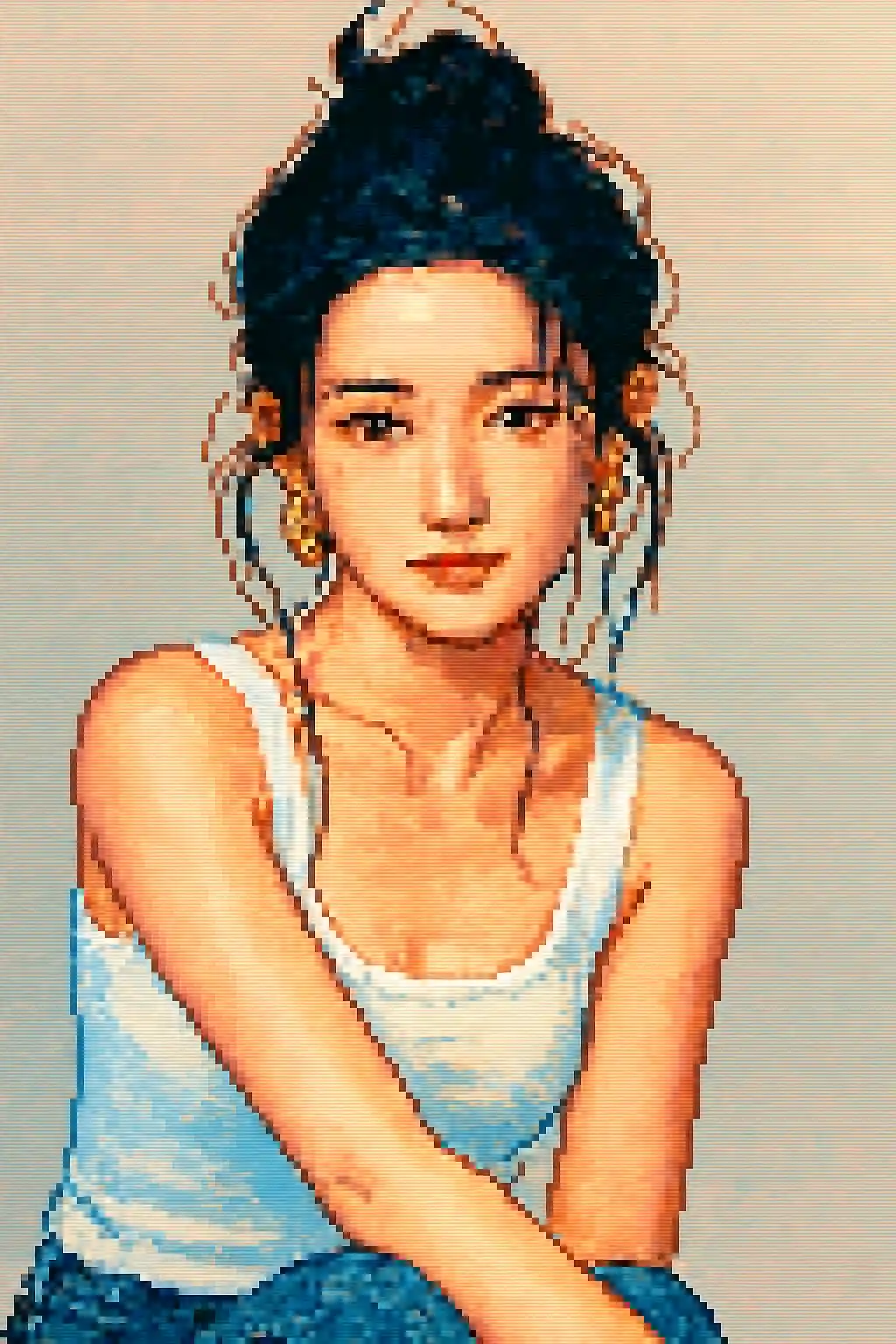

المشاهد الخارجية البسيطة يمكن أن تصبح تركيبات ريترو قابلة للقراءة بدلاً من فوضى منخفضة الدقة.
كيفية استخدام هذا النمط
اجعل العملية بسيطة. النتيجة الأولى عادة ما تعلمك أكثر من مطالبة طويلة متراكمة.
استخدم قصاصة أضيق مما تستخدمه في أساليب الرسم
يفقد فن البكسل التفاصيل الدقيقة بسرعة، لذا فإن الصور الشخصية القريبة أو لقطات الجزء العلوي من الجسم تعمل أفضل من التركيبات الواسعة لكامل الجسم.
أعطِ الأولوية للصورة الظلية على التفاصيل الصغيرة
شكل الشعر القوي والنظارات والقبعات والإكسسوارات الكبيرة تصمد في التحويل أفضل من تفاصيل المكياج الدقيقة أو الملامس الصغيرة.
عدّل لأجل الوضوح لا الواقعية
إذا بدت الصورة الأولى مموّهة، اطلب تبايناً أنظف أو خلفية أبسط أو قصاصة أكثر ملاءمة للأفاتار بدلاً من واقعية أكبر.
أفضل الصور لهذا النمط
لماذا تختار صورتك بستايل Pixel Art
قابلية قراءة البكسل أولاً عبر الصورة الظلية
يكون الستايل أقوى عندما يمكنه اختزال الموضوع إلى شكل نظيف يشبه السبرايت بدلاً من محاولة الحفاظ على كل تفصيلة فوتوغرافية صغيرة.
انضباط في اللوحة اللونية الريترو
تُضغط الألوان إلى تجمعات بكسل أكثر إشراقاً وبساطة حتى تبدو النتيجة شبيهة بالألعاب عن قصد بدلاً من أن تكون مجرد صورة منخفضة الدقة.
ضغط مُحسَّن للأفاتارات
يعمل هذا الستايل بشكل ممتاز لأيقونات البروفايل والأفاتارات الاجتماعية لأنه يحافظ على بنية قابلة للقراءة عند أحجام العرض الصغيرة.
تبسيط الإكسسوارات والعناصر
العناصر الأكبر والقبعات الواضحة وتسريحات الشعر البارزة والنظارات يمكن أن تصمد في تحويل البكسل وتجعل الشخصية النهائية أكثر تميزاً.
حول صورتك بستايل Pixel Art
يحوّل محوّل صور فن البكسل صورك إلى أعمال بكسل ريترو مذهلة باستخدام الذكاء الاصطناعي. مستوحى من الستايل البصري الأيقوني لألعاب SNES وSega Genesis في حقبة 16-bit، ينتج كل تحويل صوراً شخصية نابضة ومصنوعة بعناية توازن بين السحر الحنيني والتفاصيل العصرية والوضوح.
ستايل فن البكسل مثالي للاعبين والستريمرز وكل من يحب الجماليات الريترو. استخدمه لإنشاء أفاتار ألعاب فريد أو تصميم صور بروفايل بفن البكسل لـ Twitch أو Discord أو للاستمتاع برؤية نفسك بالستايل الفني المحبوب لألعاب RPG الكلاسيكية والمنصات. يتعامل الذكاء الاصطناعي مع الصور الشخصية والمناظر الطبيعية على حد سواء، مكيفاً كثافة البكسل ولوحة الألوان لكل موضوع.
لا يقوم محوّل فن البكسل من MakePhoto فقط بتقليل دقة صورتك — بل يستخدم الذكاء الاصطناعي التوليدي لإعادة بناء صورتك بذكاء كفن بكسل أصيل مع مضادات التعرج المناسبة واختيارات الألوان المدروسة والشعور اليدوي الذي يقدره عشاق فن البكسل. النتيجة نظيفة وقابلة للتوسع وخالية من العلامات المائية.
استكشف الأنماط ذات الصلة

صورتك بستايل LEGO
حوّل أي صورة إلى ستايل مكعبات LEGO بالذكاء الاصطناعي. صور مسلية وملونة وجاهزة فوراً للمشاركة.

صورتك بستايل كرتون
حوّل أي صورة إلى ستايل كرتون بالذكاء الاصطناعي. خطوط جريئة وألوان نابضة وملامح شخصيات معبّرة.

صورتك بستايل Wojak
حوّل الصور إلى ستايل ميم Wojak بالذكاء الاصطناعي. تعابير مبسّطة وطاقة ثقافة إنترنت ونغمة شخصية ساخرة أقوى.
الأسئلة المتكررة
هل الصور الشخصية أفضل من صور كامل الجسم لفن البكسل؟
عادة نعم. قصاصات الجزء العلوي من الجسم أو الصور الشخصية القريبة تحافظ على هوية الشخصية أفضل بكثير من مشاهد كامل الجسم الواسعة.
هل ستظهر الإكسسوارات الصغيرة؟
فقط الأكثر قابلية للقراءة. النظارات الكبيرة والقبعات والصور الظلية القوية للشعر تصمد عادة أفضل من التفاصيل الزخرفية الصغيرة.
هل تعمل الصور متعددة الأشخاص بشكل جيد في فن البكسل؟
عادة لا. كلما أضفت وجوهاً أكثر، زادت صعوبة الحفاظ على وضوح كل شخص بمجرد اختزال الصورة إلى تجمعات بكسل.
كيف يختلف فن البكسل عن ستايل LEGO؟
فن البكسل يتعلق بقراءة ثنائية الأبعاد ريترو وسبرايتات شبيهة بالألعاب. أما LEGO فمبني على الألعاب وأكثر إشراقاً وأشبه بالأجسام لا بصورة منخفضة الدقة.
هل أنت مستعد لتحويل صورتك؟
ابدأ من هذه الصفحة الخاصة بالنمط، احصل على النتيجة الأولى بسرعة، ثم قم بالتحسين فقط إذا كنت بحاجة لذلك.