
Photo to Irasutoya
Turn portraits and daily photos into Irasutoya-style character illustrations with softer lines, simpler faces, and charming storybook energy.
Convert photos into Irasutoya style with AI. Soft illustration lines, cute proportions, and a friendly hand-drawn feel.
Upload
Upload one clear photo to start generating.
Ratio
Choose the output ratio that fits your result.
Generate
Click generate and wait for the first result.

Mood
Softer, toy-like, and more handcrafted.
Best For
Portraits & selfies
Result
Get a first result fast, then refine for texture or character.
Start here
Start creating
Upload photo
Ratio
Preview
Generate to see your result here
Trust details
- Failed generations do not consume credits. If a job finishes later, you can confirm it in My Works.
- Paid plans include commercial use rights for generated images.
See the Style Shift
Use these examples to judge the style direction before you generate the first result.
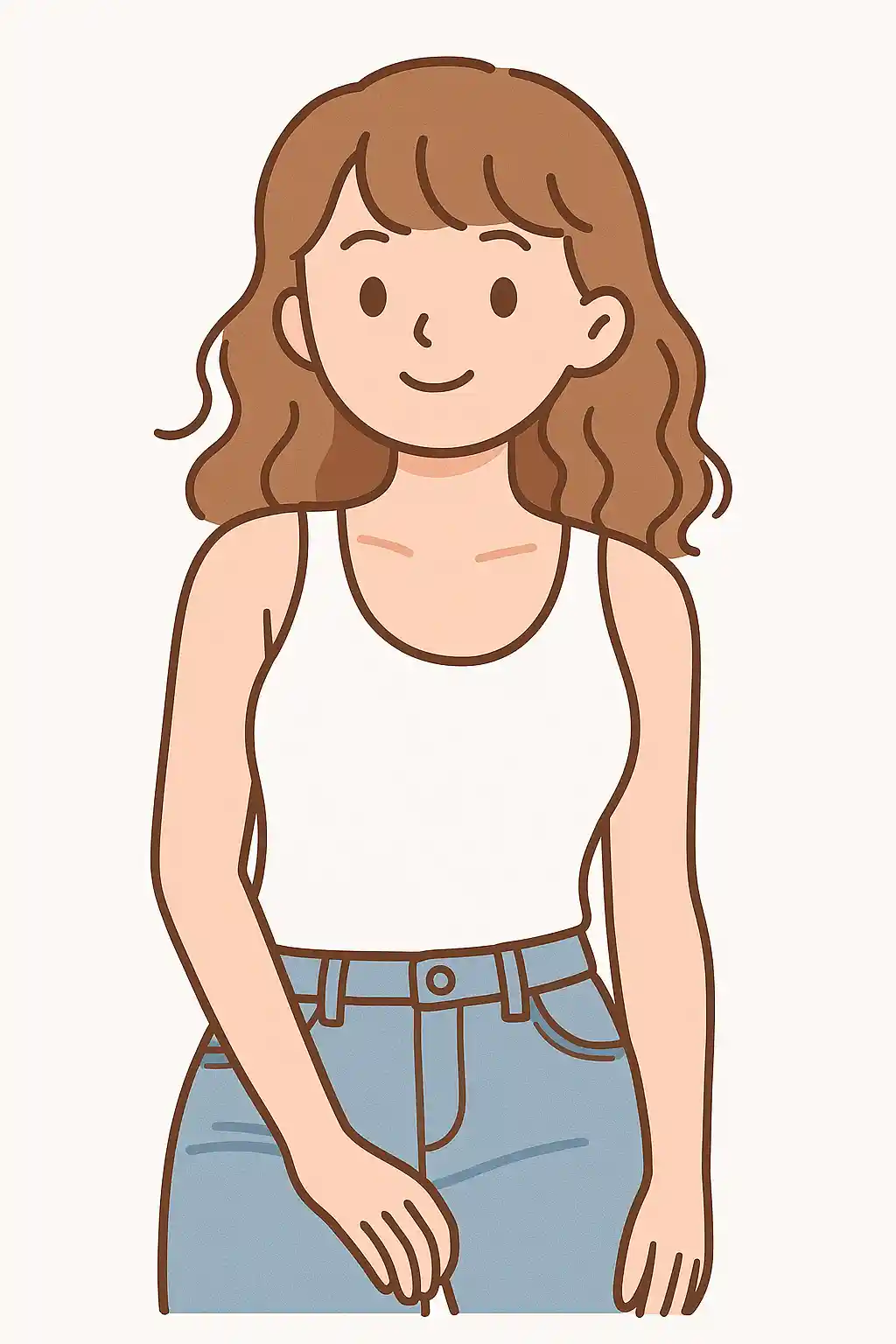

Portraits become softer Japanese mini character illustrations with simplified, friendly facial features.
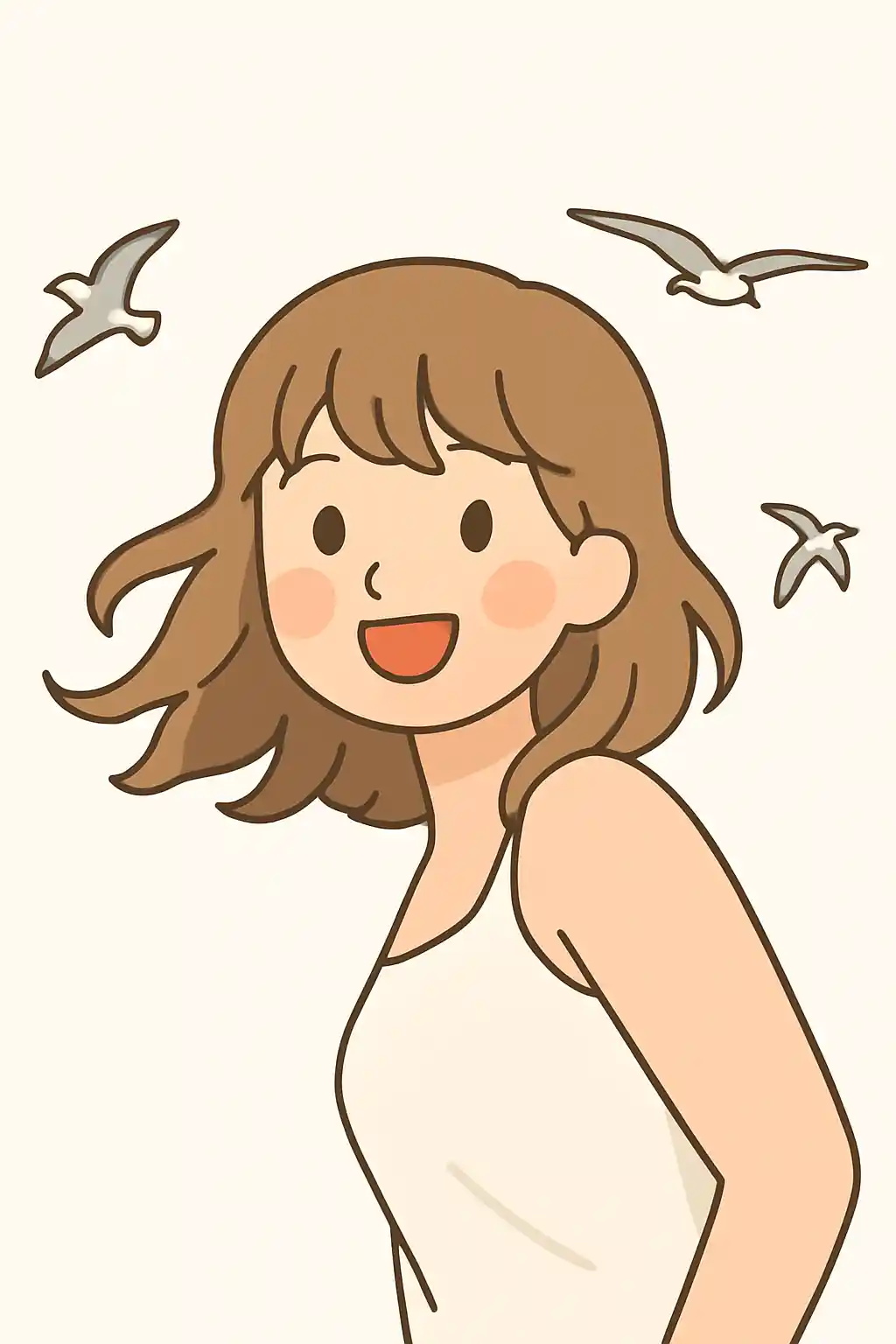

Everyday snapshots can be redrawn as neat little manga-like figures with a calmer hand-drawn tone.
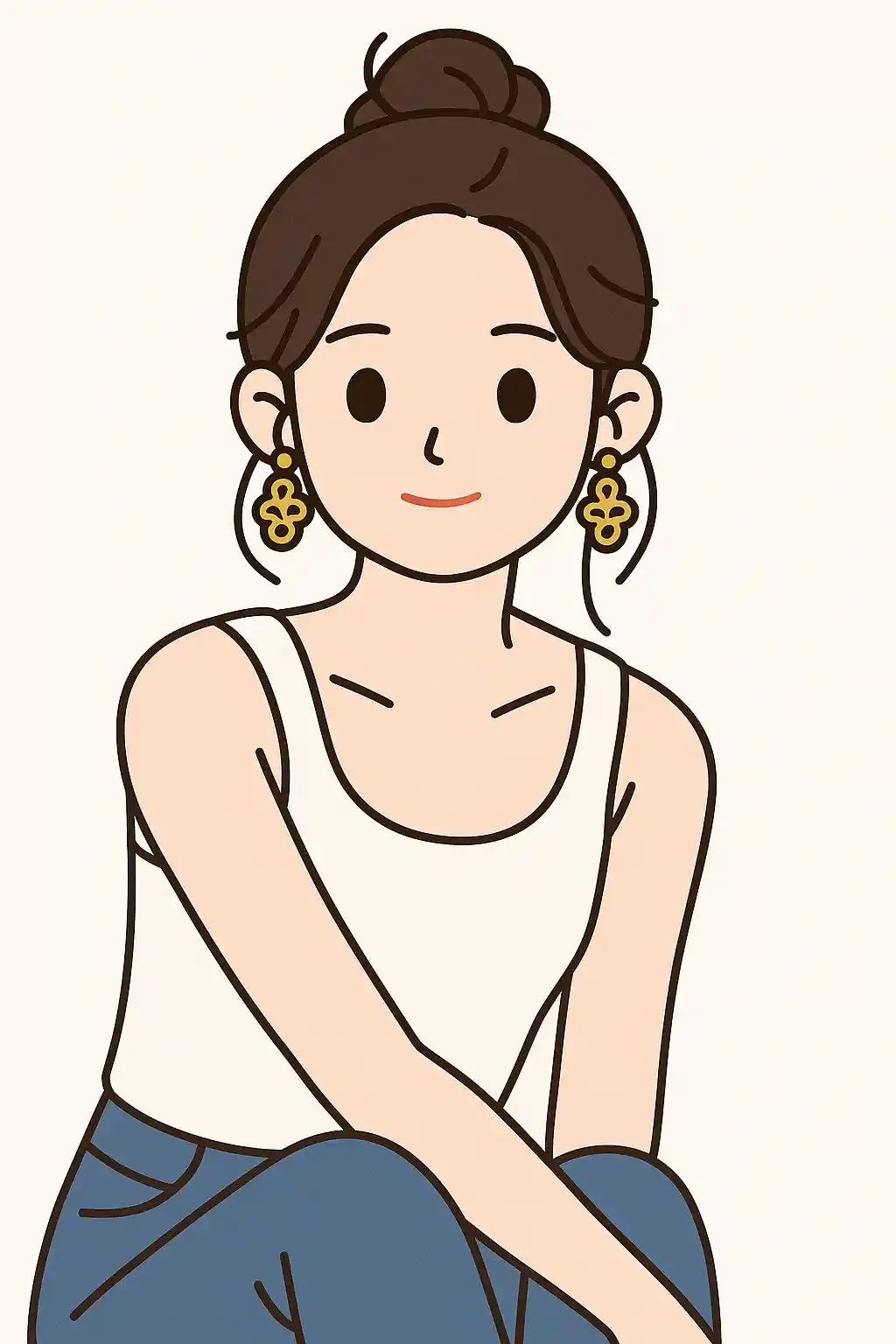

Outdoor photos also translate well into cute, light Japanese illustration scenes.
How to Use This Style
Keep the flow simple. The first result usually teaches you more than a long stacked prompt.
Start with a simple portrait
A clear face and readable pose make the mini illustration style more natural and cute.
Let the style stay clean
This preset works best when you keep the prompt short and avoid stacking too many dramatic effects.
Refine for softness or expression
After the first output, adjust only for warmer mood, cleaner background, or more playful expression.
Best Photos for This Style
Why Choose Photo to Irasutoya
Soft Japanese Mini Character Style
AI redraws your subject with simplified lines, softer expressions, and the gentle charm of small Japanese illustration characters.
Friendly Everyday Illustration Tone
The result feels calm, approachable, and lightly humorous — perfect for making regular photos feel more designed.
Balanced Simplicity
Facial detail is simplified without losing identity, so the final image looks cleaner while still feeling like you.
Good for Shareable Character Posts
This look works well for profile images, casual sharing, and light social posts that need more personality than a plain photo.
About Photo to Irasutoya
The Irasutoya photo converter uses AI to turn your photos into small-character illustration style artwork inspired by the clean, friendly look popular in Irasutoya-style visuals and simple editorial illustrations. Instead of dramatic anime rendering, this style leans toward softer lines, gentle expressions, and a tidier, more minimal hand-drawn result.
This look is especially good for portraits, daily snapshots, and profile images where you want more charm without going too far into fantasy or heavy stylization. It makes ordinary photos feel warmer, more designed, and easier to share, while keeping the overall mood calm and playful.
MakePhoto's Irasutoya converter does not just flatten the photo. The AI redraws your subject as a small illustrated character with cleaner proportions and a more approachable visual tone. The result feels like a polished little character illustration you might see in a Japanese lifestyle graphic or simple storybook panel.
Explore Related Styles

Photo to Ghibli Style Converter
Convert a photo to Ghibli-style AI art online with soft scenery, warm light, and recognizable faces. Works for portraits, pets, and travel shots.

Photo to Cartoon
Turn any photo into cartoon style with AI. Bold outlines, vibrant colors, and expressive character features.

Photo to Stickers
Convert any photo into cute sticker style with AI. Bold outlines, playful shapes, and social-ready character energy.
FAQ
What kind of photos work best for Irasutoya style?
Portraits, selfies, and simple daily photos work best because the style prefers clear subjects and clean compositions.
How is this different from cartoon style?
Irasutoya style is softer, calmer, and more hand-drawn. Cartoon style usually has bolder outlines and stronger graphic contrast.
Can I use this for profile pictures?
Yes. It works especially well for cute profile images and light social sharing where you want a friendly illustrated look.
Ready to Transform Your Photo?
Start from this style page, get the first result fast, then refine only if you need to.