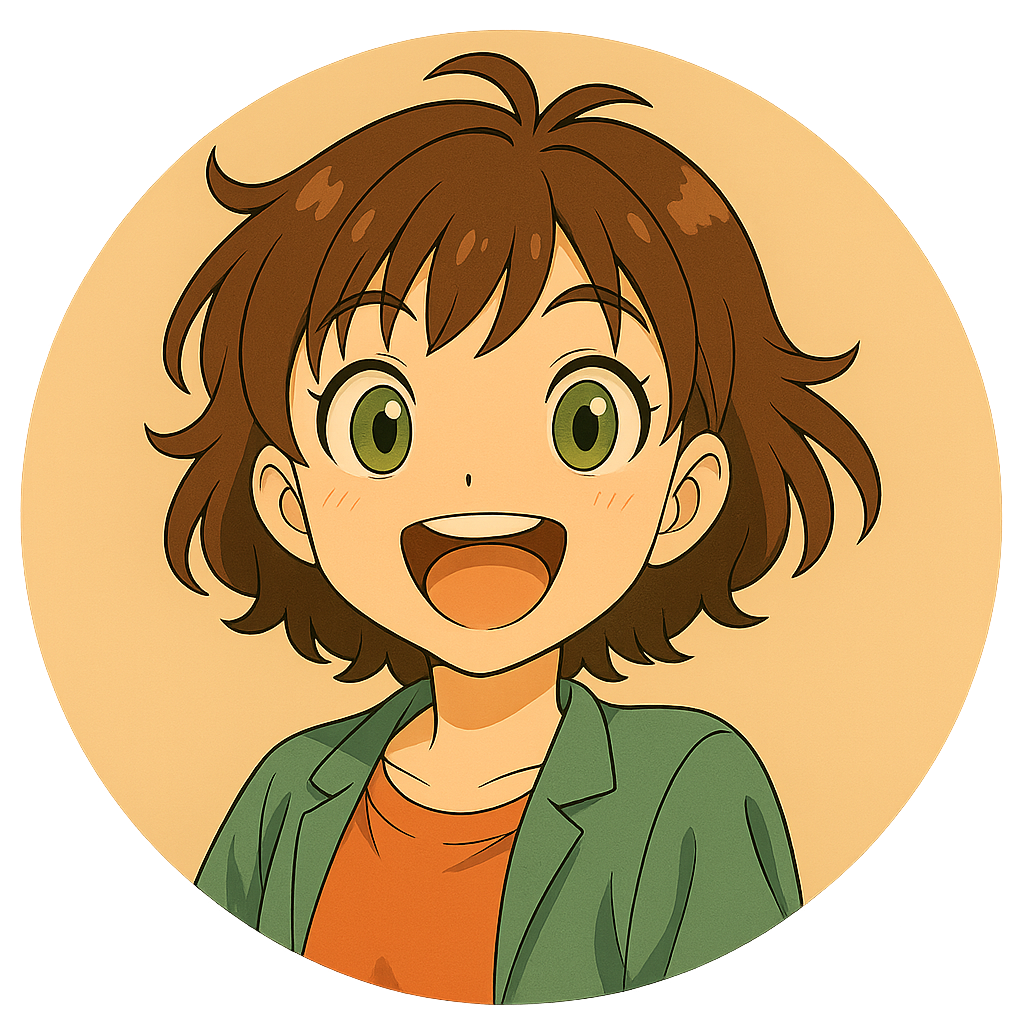
Make a Photo Online with AI Styles
Loved by people making profile photos, couple shots, and pet portraits
Start here
Start creating
Scroll for more styles
Upload photo
Ratio
Sign in to generate. New accounts receive 20 free credits; this generation uses 10. Your uploaded photo is kept when you return.
Preview

Generate to see your result here
Trust details
- Failed generations do not consume credits. If a job finishes later, you can confirm it in My Works.
- Paid plans include commercial use rights for generated images.
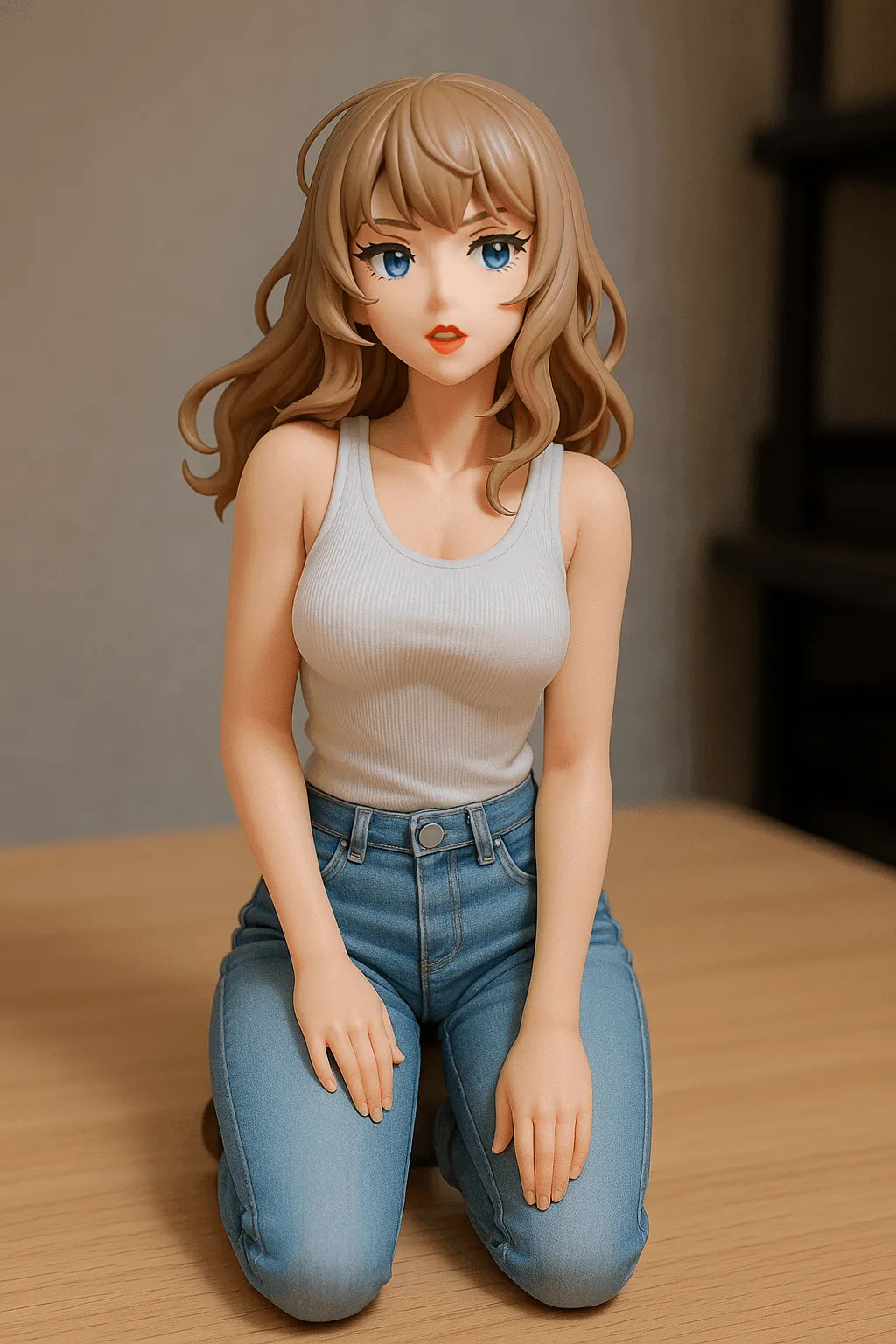
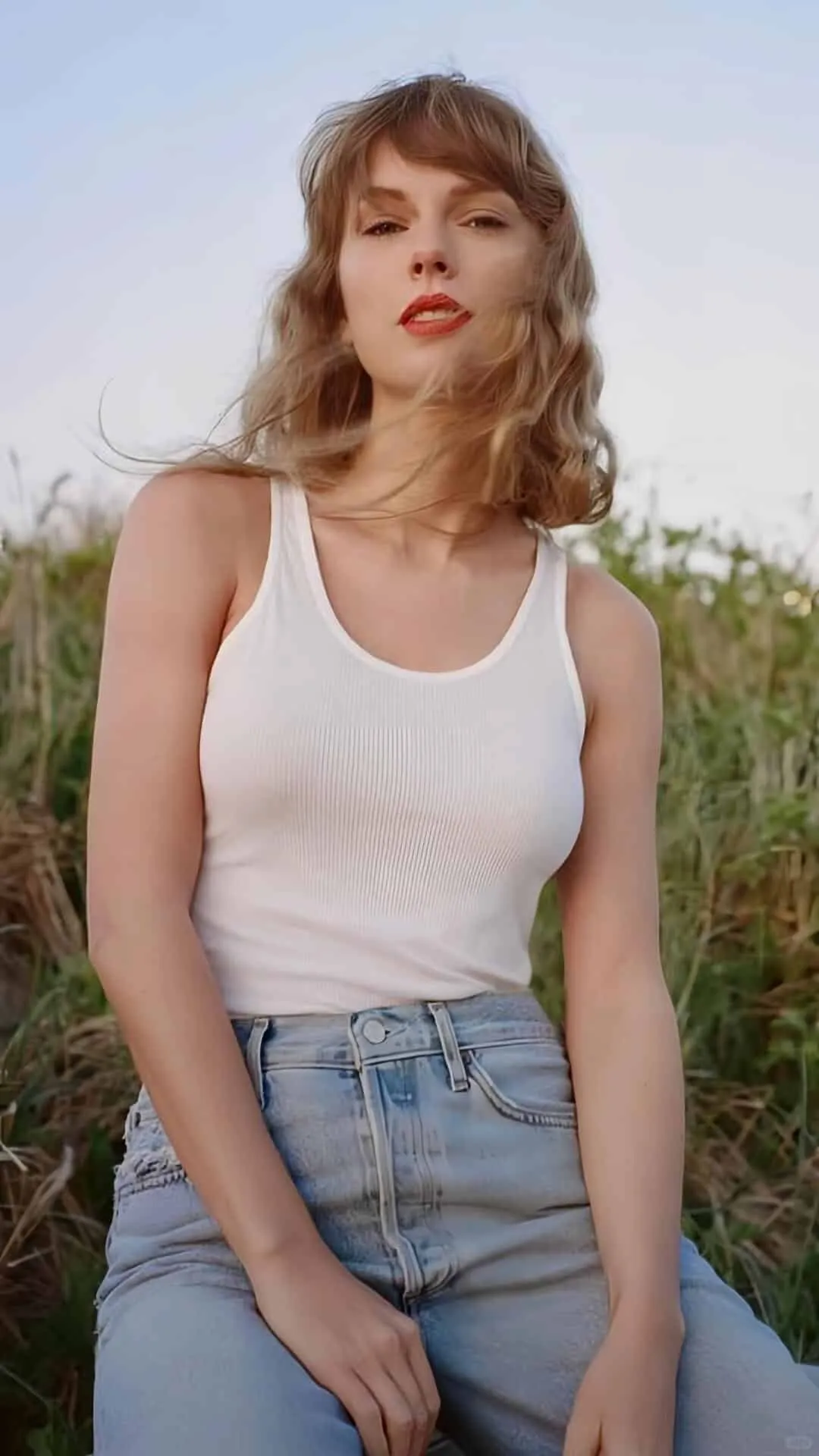
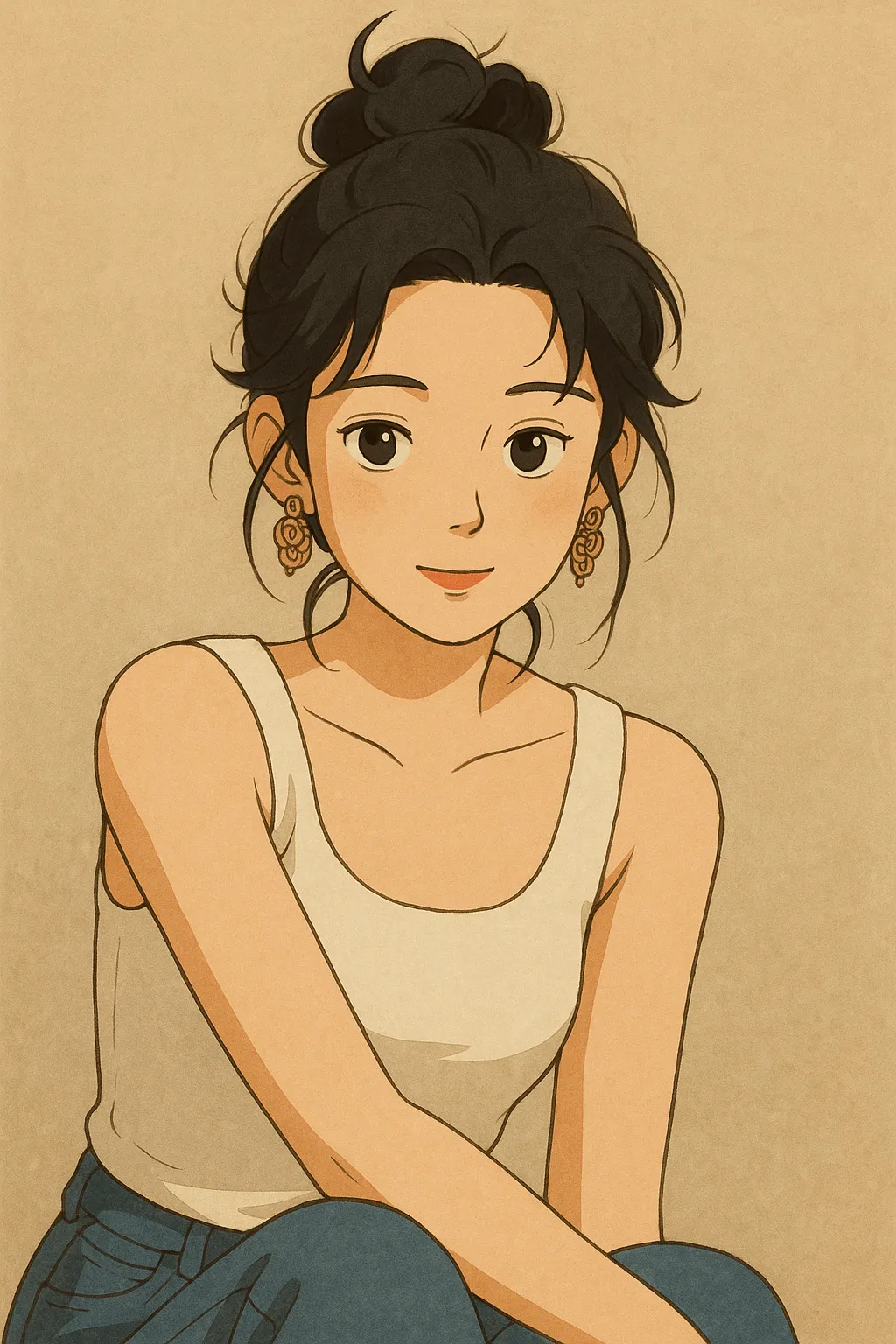
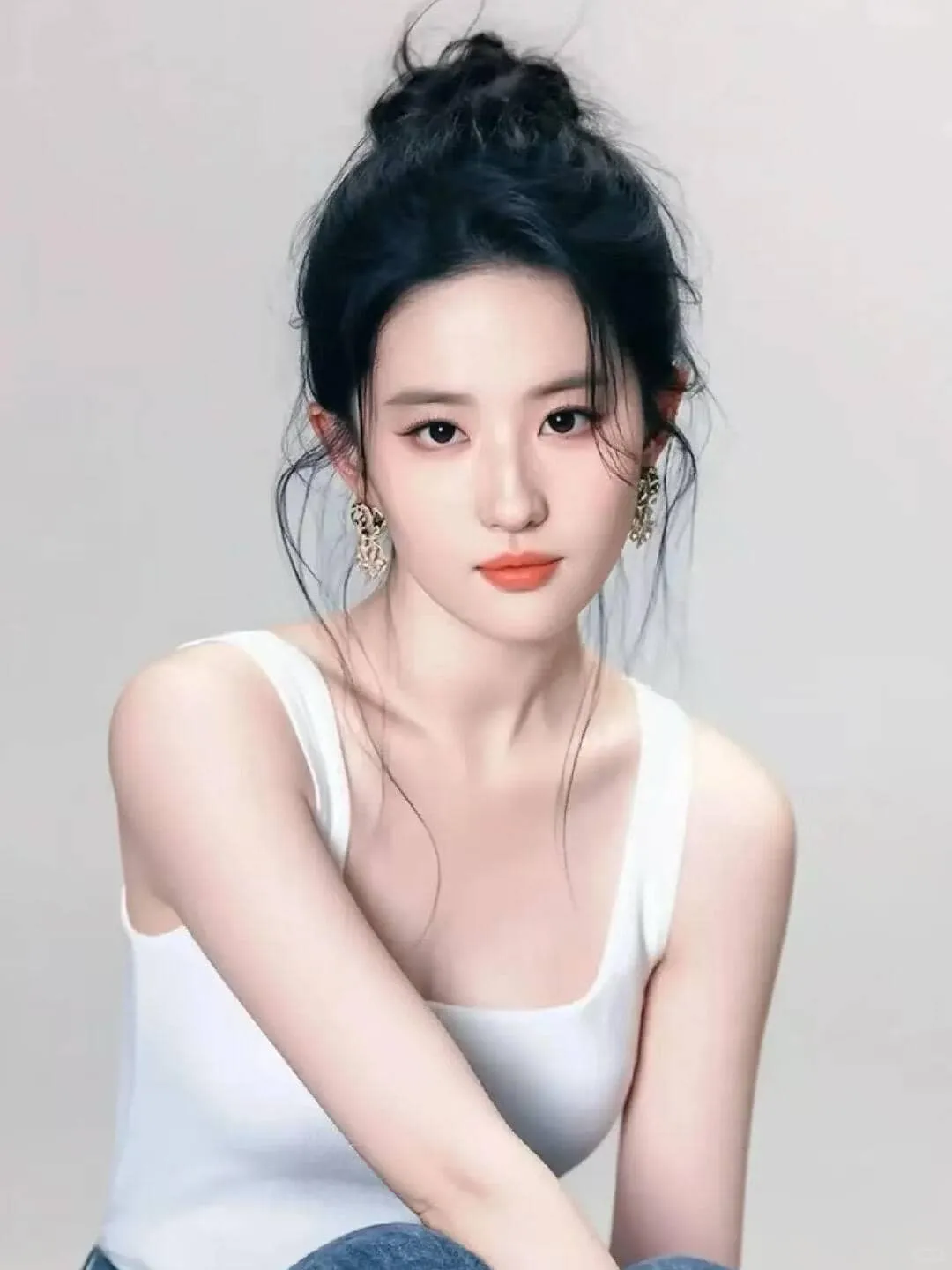

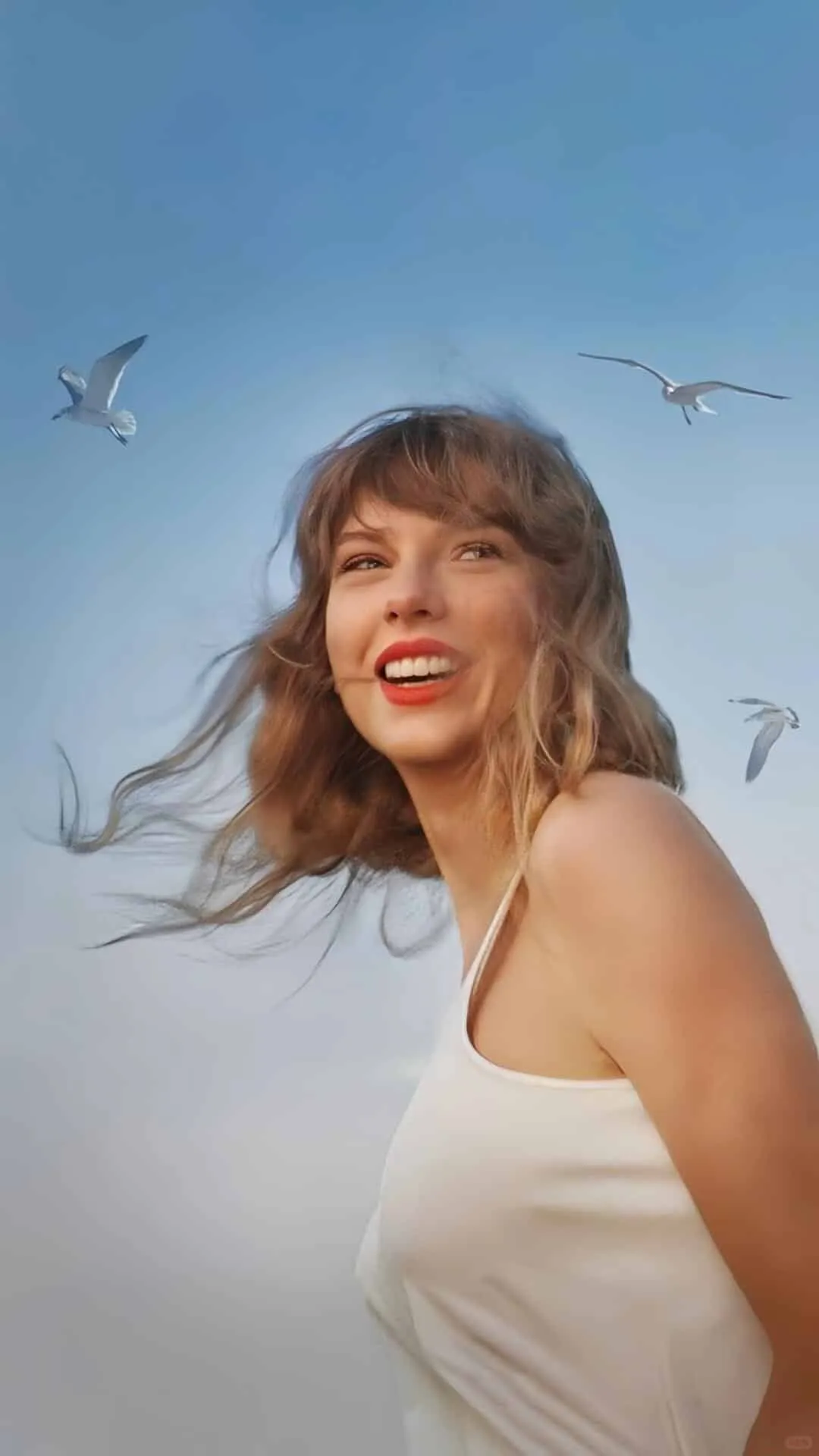
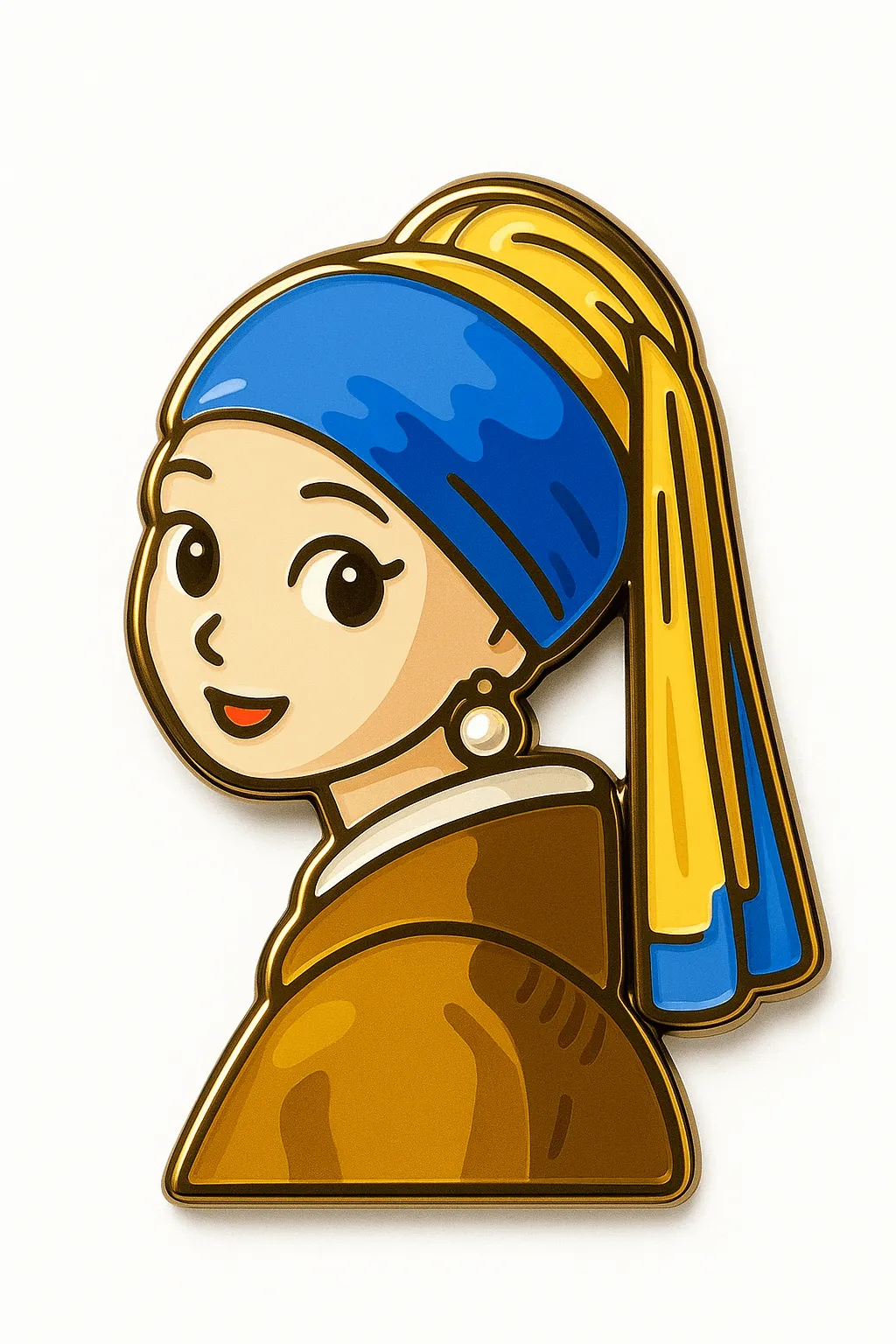
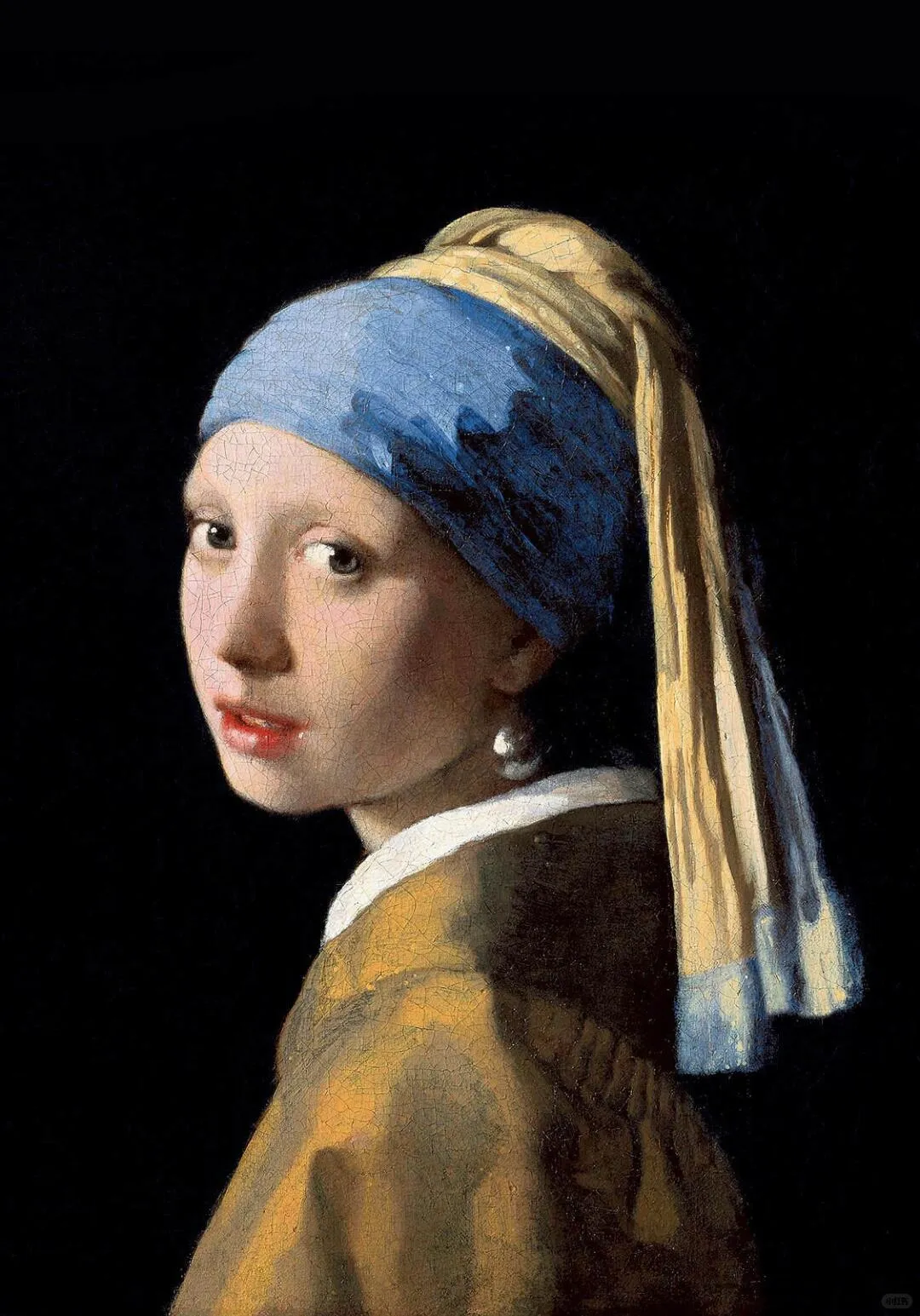
Seasonal AI tools
World Cup image tools
Create match-day posters, football memes, and host-city visuals for the 2026 tournament season.
Open poster makerHow the Style Transfer Flow Works
Upload one clear photo, pick one direction, then refine after the first pass.
Image
Prompt
1Upload Your Photo
Choose any photo you want to transform. Portraits, pets, couple shots, or product photos — just make sure the subject is clear.
Prompt
Describe the image content
Style
2Pick a Style
Browse styles and pick one you like. Optionally add a custom prompt to fine-tune the direction.
3Generate & Download
Hit Generate and get your result in seconds. Download it instantly or use it as a reference for the next round.
Join the Viral Avatar Revolution
See why everyone's talking about us.
Trusted by
50K+
Happy Users
Generated
100K+
Images Created
Average Rating
4.9
Stars
What Users Say About MakePhoto AI
Hear from everyday users who transformed their photos into amazing art.
Sarah Johnson
Social Media Enthusiast
I transformed my couple photos into Disney style and got 2000+ likes! Everyone asks how I did it. This app is pure magic!
Mike Chen
Pet Owner
Turned my dog into an anime character and it went viral on TikTok! 50K views in one day. My friends are obsessed with this app now.
Emma Rodriguez
College Student
Made Barbie-style avatars for my whole friend group. We all changed our profile pics at the same time and broke Instagram! So fun!
David Kim
Dad of Two
Created cyberpunk family portraits that look incredible. Even my wife who hates tech stuff was amazed. Kids love their superhero versions!
Lisa Wang
Art Teacher
My students are blown away by the oil painting effects. It's teaching them about different art styles in the most engaging way possible.
Alex Thompson
Couple Goals Creator
Our relationship content gets 10x more engagement since using this. Disney couple photos are our signature style now. We're trending!
Frequently Asked Questions
Have another question? Email us at support@makephoto.ai.
An AI photo style generator turns an uploaded photo into a new visual style. MakePhoto AI focuses on image-to-image transformations like Wojak, watercolor, toy figure, Ghibli-style art, Disney-style portraits, stickers, and cartoons.
Yes. Upload a clear portrait, choose the Wojak style, and generate an AI meme-style portrait. You can add a short prompt if you want stronger ironic expression or cleaner simplified lines.
Yes. The watercolor style works well for portraits, pets, couple photos, family pictures, and giftable images. Clear subjects and softer lighting usually produce the best result.
Portraits, pets, couple shots, and product photos work best when the subject is clear, the image is not too blurry, and the lighting is decent.
No. The AI analyzes your uploaded image and redraws it in the chosen style, so the result is more than a simple color overlay or preset filter.
Most generations complete within 10-30 seconds depending on the style and image complexity.
No. Failed generations do not consume any credits. If a credit appears deducted, the job may have completed shortly after — check My Works to confirm.
Yes. Images generated with MakePhoto AI can be used for both personal and commercial purposes. Please comply with applicable laws and platform policies.
Upload a photo. Pick a style. Get a new avatar.
Turn selfies, couple shots, pets, or product photos into share-ready results with one clear next step.