
Photo to Ghibli Style Converter
Upload a portrait, pet photo, or travel shot and create a Ghibli-style photo with soft scenery, warm light, and storybook atmosphere.
Convert a photo to Ghibli-style AI art online with soft scenery, warm light, and recognizable faces. Works for portraits, pets, and travel shots.
Upload
Upload one clear photo to start generating.
Ratio
Choose the output ratio that fits your result.
Generate
Click generate and wait for the first result.

Mood
Softer, toy-like, and more handcrafted.
Best For
Outdoor portraits with visible scenery
Result
Get a first result fast, then refine for texture or character.
Start here
Start creating
Upload photo
Ratio
Preview
Generate to see your result here
Trust details
- Failed generations do not consume credits. If a job finishes later, you can confirm it in My Works.
- Paid plans include commercial use rights for generated images.
See the Style Shift
Use these examples to judge the style direction before you generate the first result.
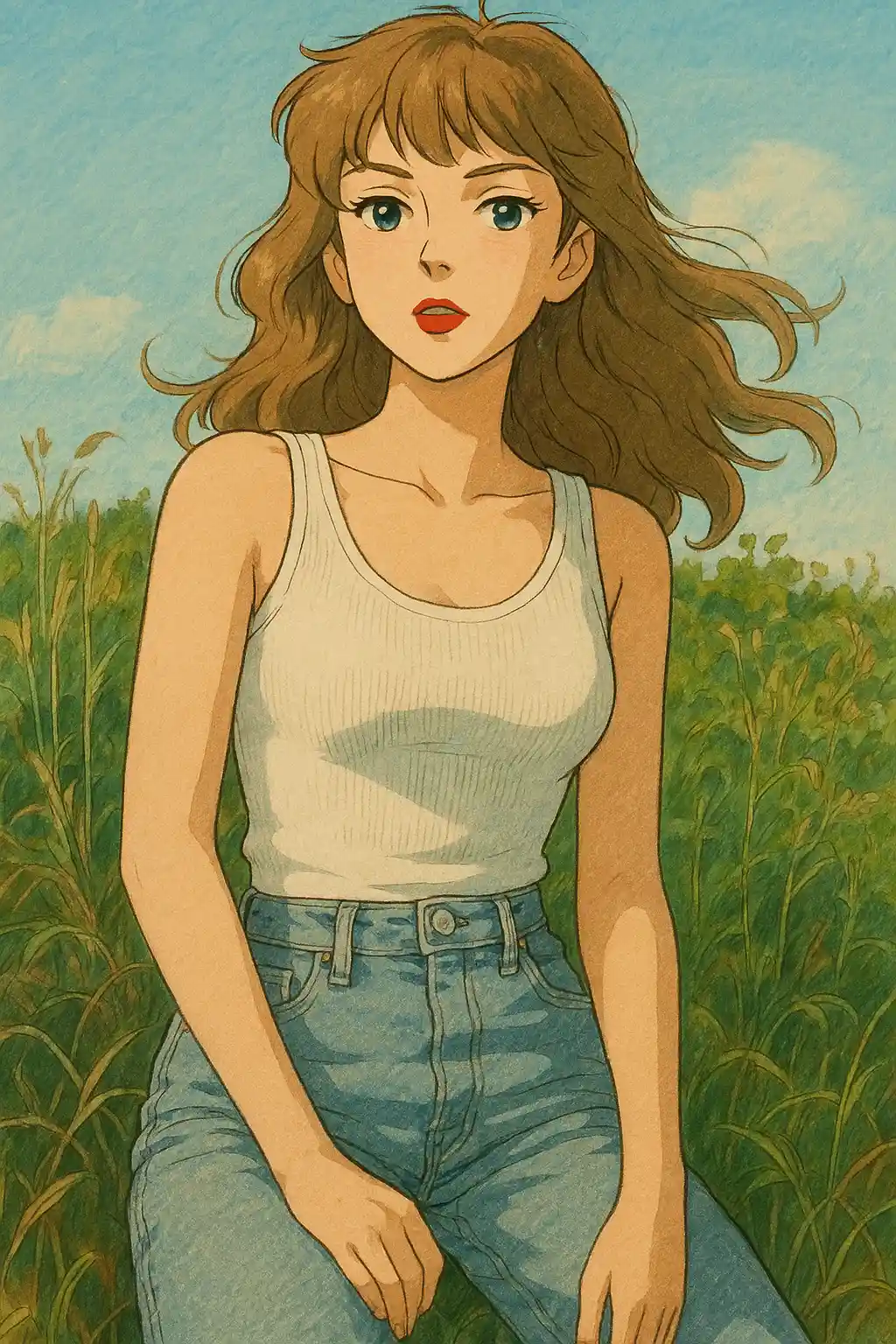

Garden and park portraits shift toward softer greens, warmer skies, and a calmer storybook mood.
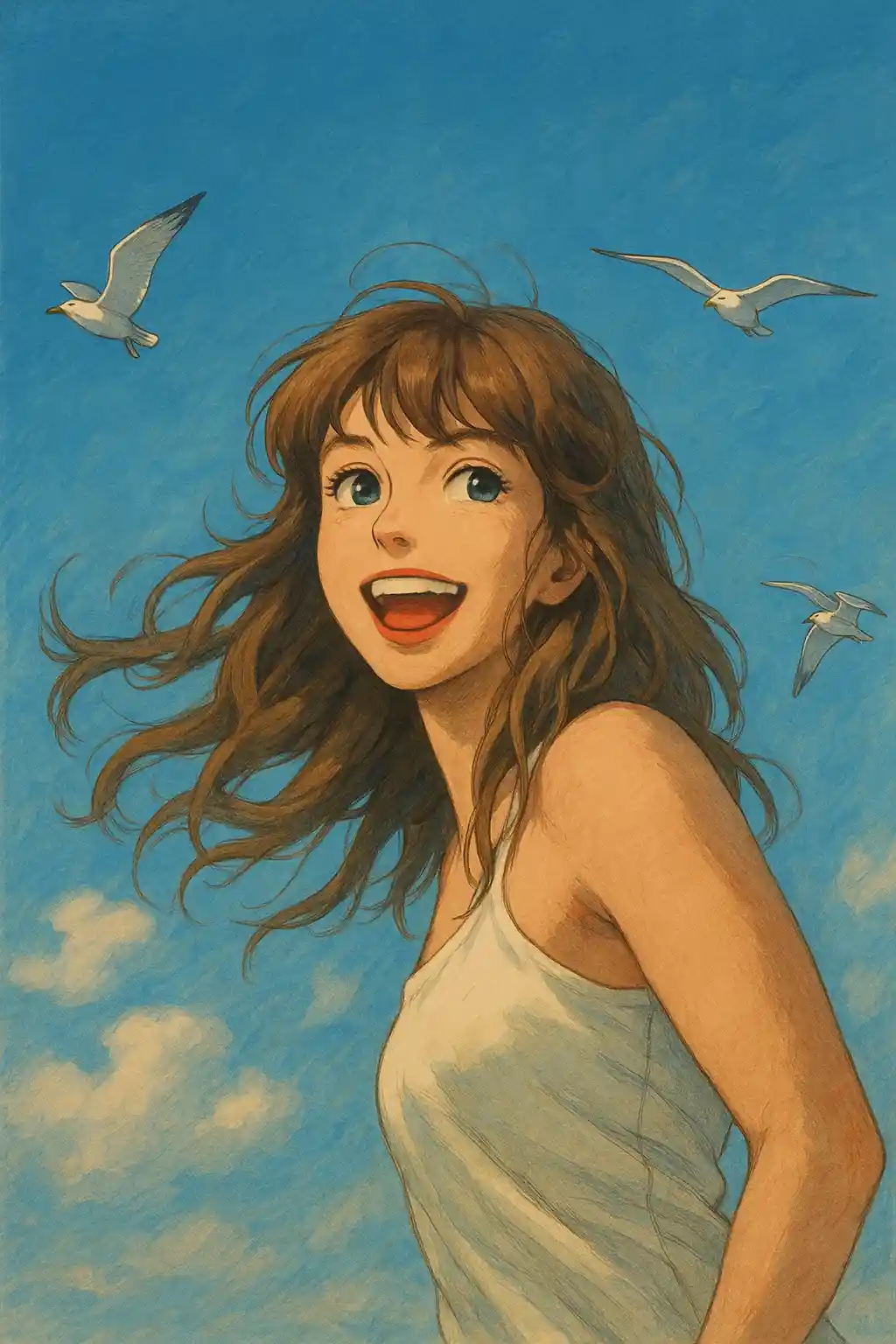

Window-lit indoor shots become gentler and more cinematic without losing the subject's identity.
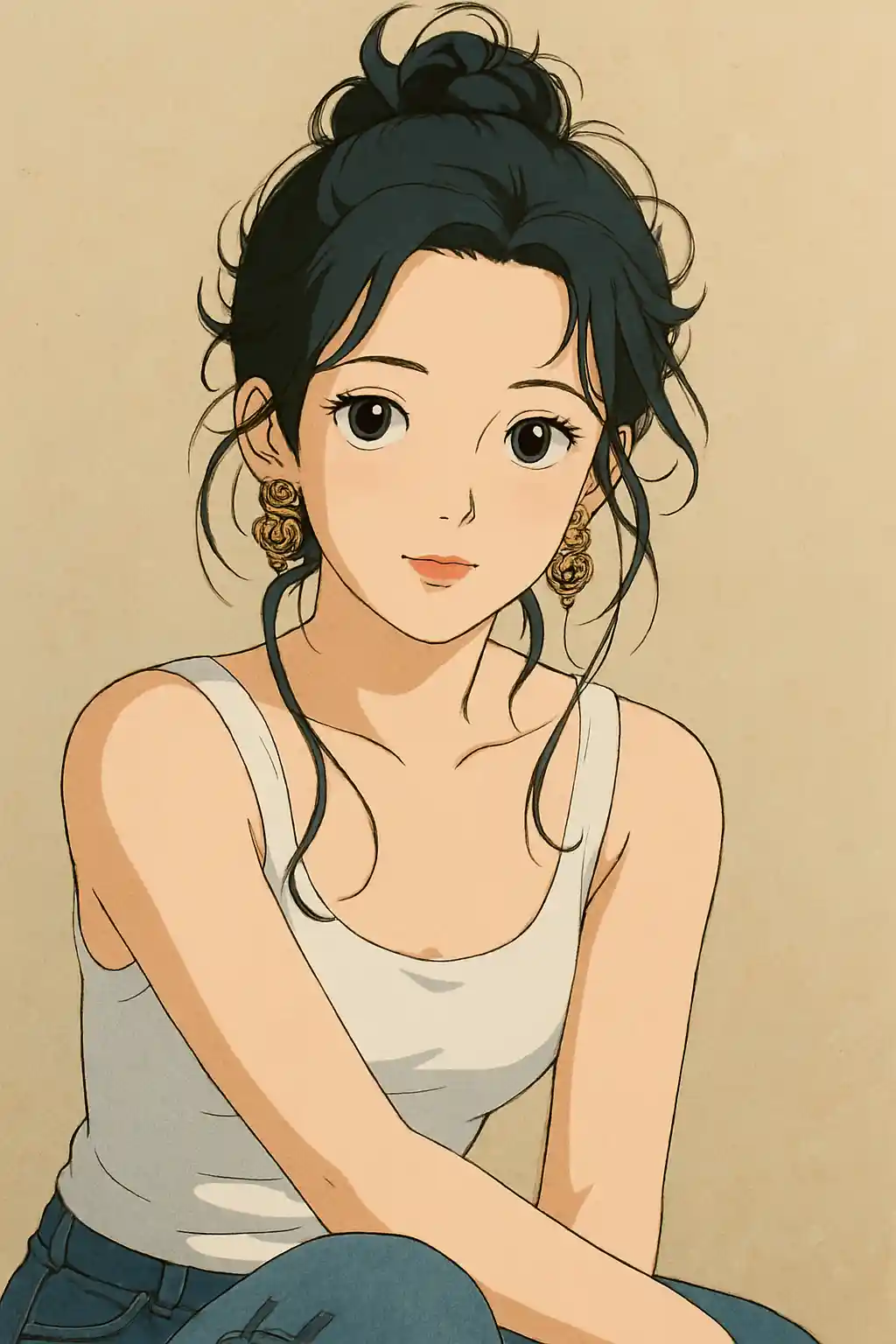

Travel and day-out photos gain the quiet, lived-in atmosphere that feels closer to a Ghibli scene than a generic anime filter.
How to Use This Style
Keep the flow simple. The first result usually teaches you more than a long stacked prompt.
Choose a picture with visible scenery
If you want to convert a photo to Ghibli style, start with trees, sky, a path, a room, or another background the AI can reinterpret.
Prefer natural or window light
Soft daylight, overcast outdoor light, or cozy window light gives the style more warmth than hard flash or nightlife shots.
Let the preset control the mood first
Start with the locked preset and only refine for greener scenery, softer light, or stronger background storytelling after the first result.
Best Photos for This Style
Why Choose Photo to Ghibli Style Converter
Environment-Driven Storybook Scenes
The AI does more than stylize the subject — it rebuilds the surrounding space into something that feels like a place from an animated story.
Nature-Weighted Color Language
Greens, sky tones, wood textures, and soft golden light are emphasized so the result feels closer to Ghibli atmosphere than generic anime color grading.
Calm Emotional Tone
Instead of pushing loud contrast or exaggerated expression, this style leans into softness, stillness, and a more reflective cinematic mood.
Background-Sensitive Redraw
Photos with gardens, streets, cottages, and interiors usually get more distinctive results because the background has room to become part of the story.
About Photo to Ghibli Style Converter
The Studio Ghibli photo filter uses cutting-edge AI to transform ordinary photos into artwork with the unmistakable charm of Hayao Miyazaki's animated films. Every conversion applies the hallmark Ghibli visual language: soft watercolor-like backgrounds, luminous skies, and a gentle warmth that makes each image feel like a frame pulled from a beloved anime classic.
Whether you want to turn a selfie into a Ghibli protagonist, reimagine your couple photo as a scene from Howl's Moving Castle, or learn how to create a Ghibli style photo from a regular picture, this AI Ghibli style converter handles portraits, landscapes, and pet photos with equal finesse. The algorithm carefully balances artistic stylization with facial fidelity so the result is both magical and recognizable.
Powered by state-of-the-art generative AI, MakePhoto's Ghibli converter requires no drawing skills or Photoshop expertise. Simply upload a photo, select the Ghibli style, and let the AI deliver studio-quality anime art in seconds. It's a fast way to convert photos into warm, cinematic Ghibli-style images for avatars, posts, and keepsakes.
Explore Related Styles

Photo to Disney
Turn any photo into a Disney-style character portrait with AI. Clean lines, expressive eyes, and polished animation aesthetics.

Turn a Photo into a Watercolor Painting
Upload a photo and turn it into a soft watercolor painting online. Works for pets, portraits, couples, keepsakes, and gift prints.

Photo to Cartoon
Turn any photo into cartoon style with AI. Bold outlines, vibrant colors, and expressive character features.
FAQ
Does Ghibli style work better with nature backgrounds?
Usually yes. Trees, sky, paths, gardens, and cozy outdoor scenes give the style more to reinterpret, so the result feels more like a true Ghibli frame.
How do I create a Ghibli style photo from a regular picture?
Upload a clear portrait, pet photo, or travel picture, choose the Ghibli preset, and generate the first result. If needed, refine with one short direction such as greener scenery, warmer light, or cleaner background.
Are indoor photos okay for Ghibli style?
Yes, especially if they have soft daylight or a warm room atmosphere. Window-lit interiors usually work better than harsh flash photos.
Should I add a prompt, or rely on the preset?
For most photos, rely on the preset first. Add only one short direction after the first result, such as more greenery, warmer light, or cleaner scenery.
What photos are not ideal for this style?
Nightlife shots, cluttered product photos, and very hard-flash selfies usually feel less natural in Ghibli style than outdoor or softly lit portraits.
Ready to Transform Your Photo?
Start from this style page, get the first result fast, then refine only if you need to.