
사진을 Ghibli 스타일로
인물 사진, 커플 사진, 반려동물 사진을 업로드하면 몇 초 만에 부드러운 Studio Ghibli 감성의 한 장면으로 변환됩니다.
AI로 어떤 사진이든 Studio Ghibli 스타일로 변환하세요. 부드러운 색감과 따뜻한 조명, 몽환적인 애니메이션 감성.
업로드
생성할 수 있도록 한 장의 선명한 사진을 업로드하세요.
비율
결과에 맞는 출력 비율을 선택하세요.
생성
생성을 클릭하고 첫 번째 결과를 기다리세요.

무드
더 부드럽고, 장난감 같은, 손으로 만든 느낌입니다.
최적의 사용처
배경이 있는 야외 인물 사진
결과
첫 번째 결과를 빠르게 얻고, 텍스처나 캐릭터를 위해 세부 조정하세요.
여기서 시작하세요
창작 시작하기
사진 업로드
비율
미리 보기
결과를 보려면 생성을 진행하세요
신뢰 세부 사항
- 실패한 생성은 크레딧을 소비하지 않습니다. 작업이 나중에 완료되면 '내 작업'에서 확인할 수 있습니다.
- 유료 계획은 생성된 이미지에 대한 상업적 사용 권리를 포함합니다.
스타일 변화를 보세요
첫 번째 결과를 생성하기 전에 스타일 방향을 판단하기 위해 이 예시를 사용하세요.
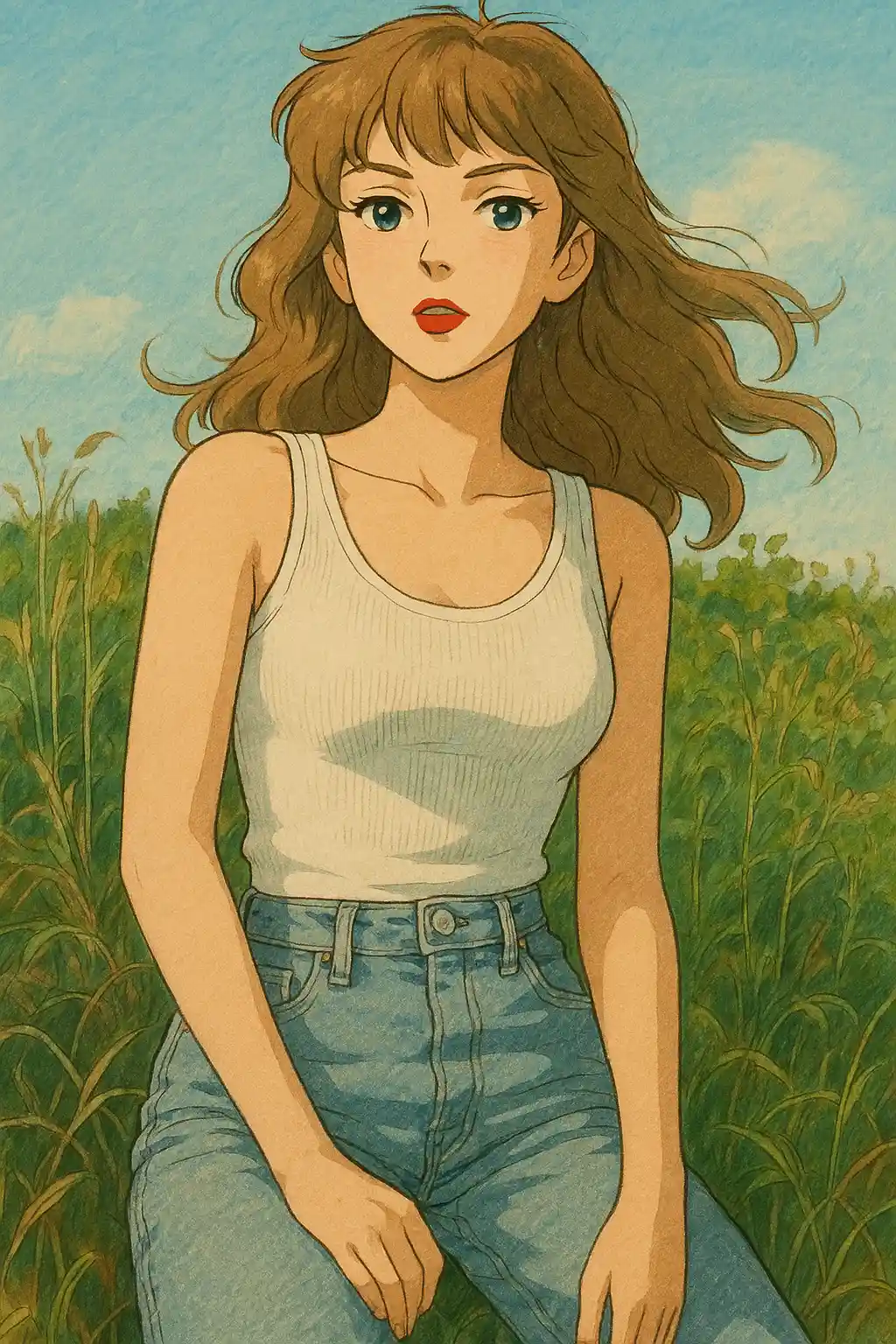

정원이나 공원에서 찍은 인물 사진은 더 부드러운 녹음과 따뜻한 하늘, 차분한 동화적 분위기로 바뀝니다.
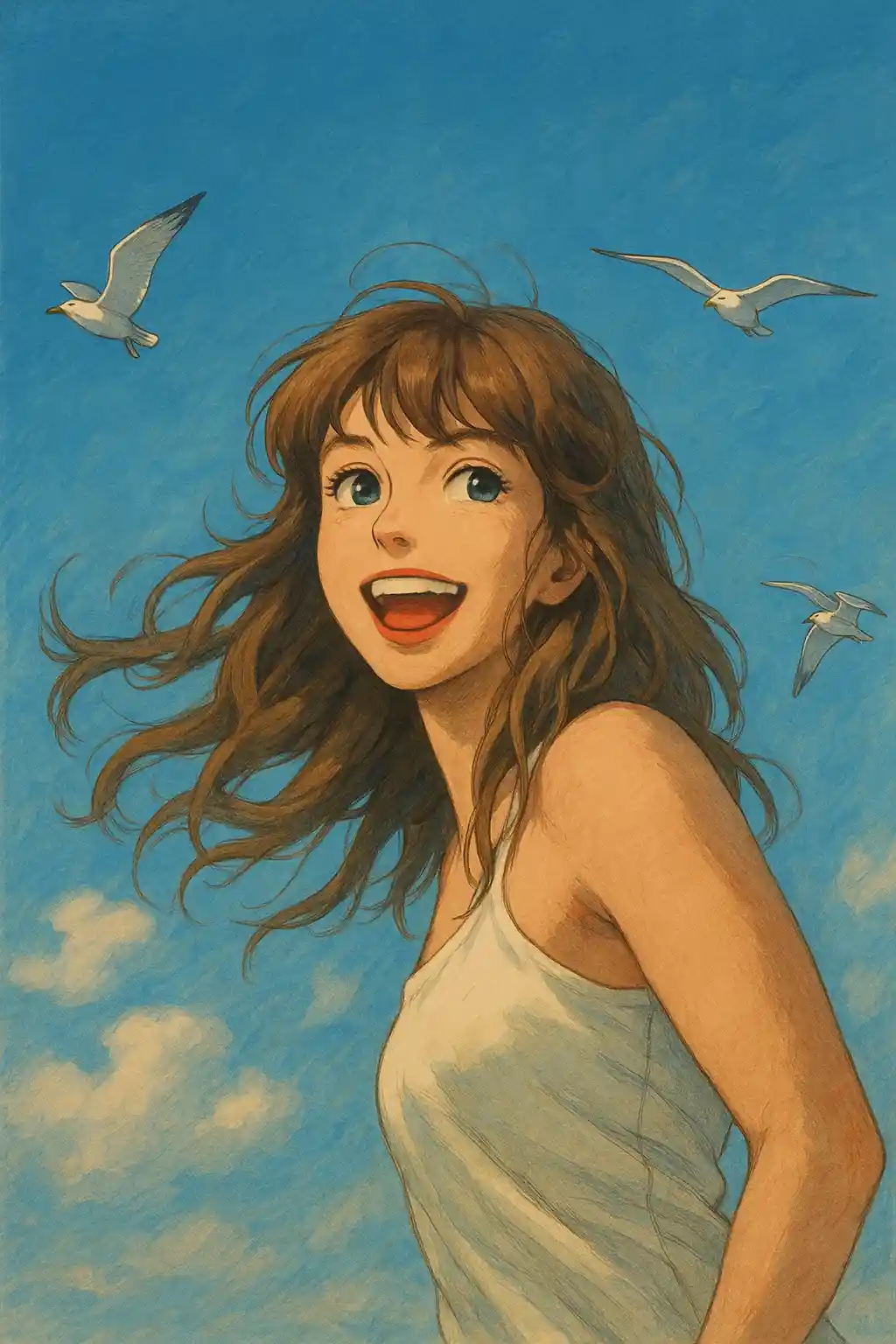

창가 빛이 들어오는 실내 사진은 인물의 정체성을 유지한 채 더 부드럽고 영화적인 느낌을 얻습니다.
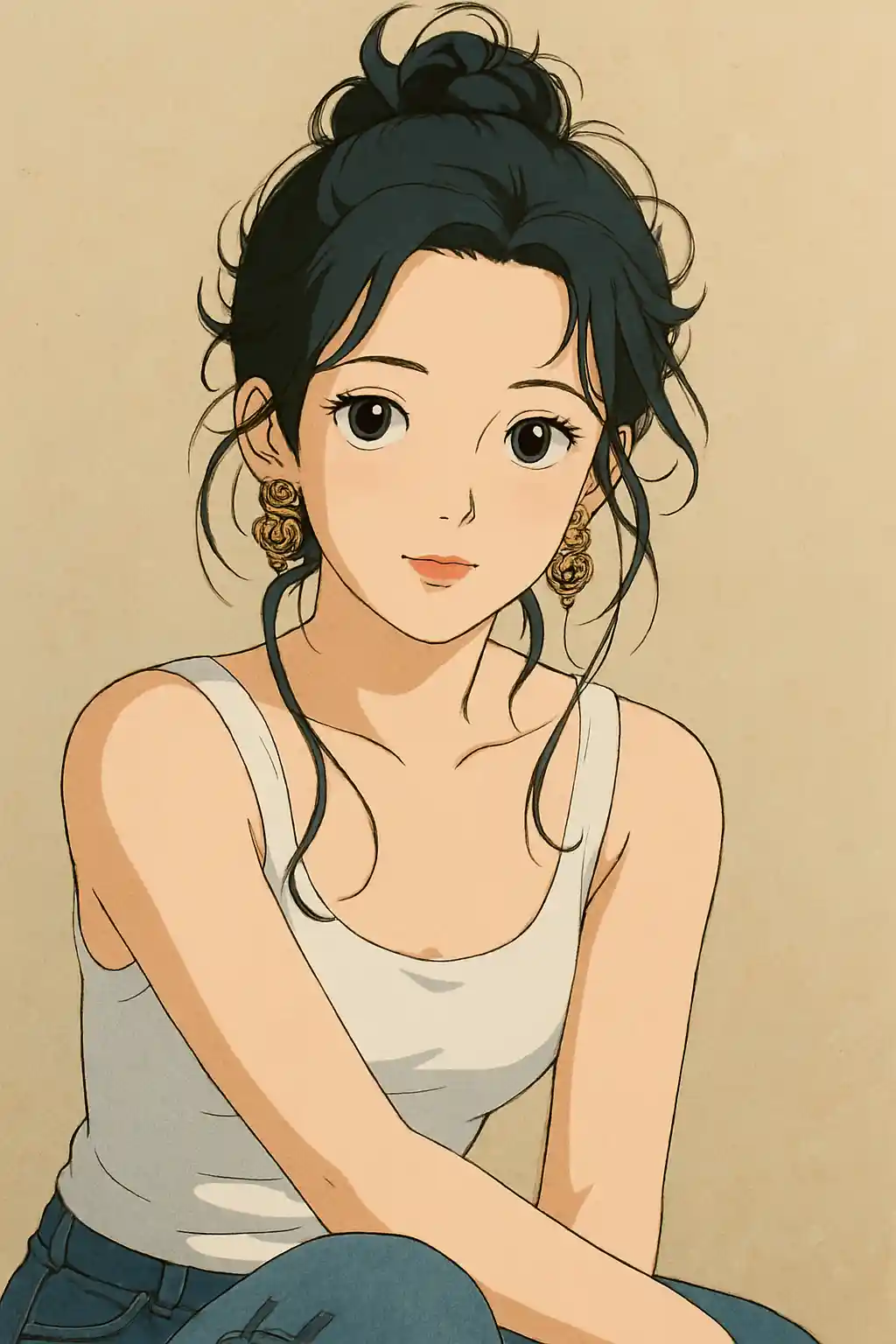

여행 사진이나 나들이 사진은 평범한 애니 필터보다 Ghibli 장면에 더 가까운 잔잔하고 정감 있는 분위기를 얻습니다.
이 스타일 사용 방법
흐름을 간단하게 유지하세요. 첫 번째 결과는 종종 긴 프롬프트보다 더 많은 것을 가르쳐 줍니다.
배경이 있는 사진을 사용하세요
나무, 하늘, 길, 방처럼 AI가 재해석할 수 있는 배경이 보이는 장면일수록 Ghibli 스타일에 가장 잘 어울립니다.
자연광이나 창가 빛이 있는 사진이 좋아요
부드러운 햇살, 흐린 날의 야외 광, 아늑한 창가 빛이 강한 플래시나 야간 사진보다 훨씬 따뜻한 결과를 만들어냅니다.
먼저 프리셋에 분위기를 맡겨주세요
처음에는 프리셋 그대로 적용한 뒤, 결과를 보고 녹음 강조, 더 부드러운 빛, 배경 스토리 강화 같은 방향만 다듬으세요.
이 스타일에 적합한 사진
사진을 Ghibli 스타일로을(를) 선택해야 하는 이유
배경 중심의 동화적 장면 재구성
AI는 인물만 스타일라이즈하는 것이 아니라, 주변 공간까지 애니메이션 속 한 장소처럼 다시 만들어냅니다.
자연에 방점을 둔 색감
녹음, 하늘톤, 나무 질감, 부드러운 황금빛이 강조되어 일반 애니 컬러 그레이딩보다 Ghibli 특유의 분위기에 훨씬 가까워집니다.
차분한 감정의 톤
과한 대비나 과장된 표정이 아니라, 부드러움과 고요함, 더 사색적인 영화적 무드를 지향합니다.
배경을 살리는 재해석
정원, 거리, 시골집, 실내가 있는 사진일수록 배경이 이야기의 일부가 될 여지가 생겨 더 개성 있는 결과가 나옵니다.
사진을 Ghibli 스타일로에 대한 정보
Studio Ghibli 사진 필터는 최신 AI 기술을 활용해 평범한 사진을 Hayao Miyazaki 감독의 애니메이션 특유의 매력이 살아 있는 그림으로 변환합니다. 모든 변환에는 Ghibli의 시각적 언어가 담깁니다. 수채화 같은 부드러운 배경, 투명한 하늘, 그리고 사랑받는 애니메이션의 한 장면처럼 느껴지게 하는 은은한 따스함이 그 특징입니다.
셀카를 Ghibli의 주인공처럼 만들고 싶든, 커플 사진을 하울의 움직이는 성 속 장면처럼 재해석하고 싶든, 반려동물에게 토토로 감성을 입히고 싶든, AI Ghibli 스타일 변환기는 인물, 풍경, 반려동물 사진을 모두 능숙하게 처리합니다. 알고리즘은 예술적 스타일라이즈와 얼굴 유사성의 균형을 세심하게 맞춰, 마법 같으면서도 누구나 알아볼 수 있는 결과를 만듭니다.
최신 생성 AI 기술로 구동되는 MakePhoto의 Ghibli 필터는 그림 실력이나 Photoshop 노하우가 필요 없습니다. 사진을 업로드하고 Ghibli 스타일을 선택하면, AI가 몇 초 안에 스튜디오급 애니메이션 아트를 만들어냅니다. Studio Ghibli 영화 속에 들어간 자신의 모습을 체험하는 가장 빠른 방법입니다.


자주 묻는 질문
Ghibli 스타일은 자연 배경이 있으면 더 잘 나오나요?
대체로 그렇습니다. 나무, 하늘, 길, 정원, 아늑한 야외 장면일수록 재해석할 여지가 많아져 진짜 Ghibli의 한 컷처럼 느껴집니다.
실내 사진도 Ghibli 스타일에 어울리나요?
네, 특히 부드러운 자연광이나 따뜻한 방 분위기가 있다면 좋습니다. 창가 빛이 드는 실내 사진은 강한 플래시 사진보다 훨씬 잘 어울립니다.
프롬프트를 추가해야 하나요, 프리셋만으로 충분한가요?
대부분의 사진은 우선 프리셋에만 맡기시길 권합니다. 첫 결과를 본 후 녹음 강화, 따뜻한 빛, 더 깔끔한 장면처럼 짧은 방향 하나만 추가하세요.
이 스타일에 적합하지 않은 사진은 무엇인가요?
야간 유흥 사진, 복잡한 상품 사진, 강한 플래시 셀카는 야외나 부드러운 조명의 인물 사진에 비해 Ghibli 스타일이 어색해 보일 수 있습니다.
사진 변환할 준비가 되셨나요?
이 스타일 페이지에서 시작하여 빠르게 첫 번째 결과를 얻고, 필요 시에만 조정하세요.