
Foto zu Ghibli
Lade ein Portrait, Paarfoto oder Haustier-Schnappschuss hoch und verwandle es in Sekunden in eine sanfte, von Studio Ghibli inspirierte Szene.
Verwandle jedes Foto mit KI in Studio-Ghibli-Stil. Weiche Farben, warmes Licht und traumhafte Anime-Ästhetik.
Hochladen
Laden Sie ein klares Foto hoch, um zu beginnen.
Verhältnis
Wählen Sie das Ausgabeverhältnis, das zu Ihrem Ergebnis passt.
Generieren
Klicken Sie auf Generieren und warten Sie auf das erste Ergebnis.

Stimmung
Weicher, spielzeugähnlicher und handgefertigter.
Am besten geeignet für
Außenportraits mit sichtbarer Landschaft
Ergebnis
Erhalten Sie schnell ein erstes Ergebnis und verfeinern Sie es dann für Textur oder Charakter.
Hier starten
Kreativ werden
Foto hochladen
Verhältnis
Vorschau
Generieren Sie, um Ihr Ergebnis hier zu sehen
Vertrauensdetails
- Fehlgeschlagene Generierungen verbrauchen keine Credits. Wenn ein Job später abgeschlossen wird, können Sie dies in meinen Arbeiten bestätigen.
- Bezahlte Pläne beinhalten kommerzielle Nutzungsrechte für generierte Bilder.
Sehen Sie den Stilwechsel
Nutzen Sie diese Beispiele, um die Stilrichtung zu beurteilen, bevor Sie das erste Ergebnis generieren.
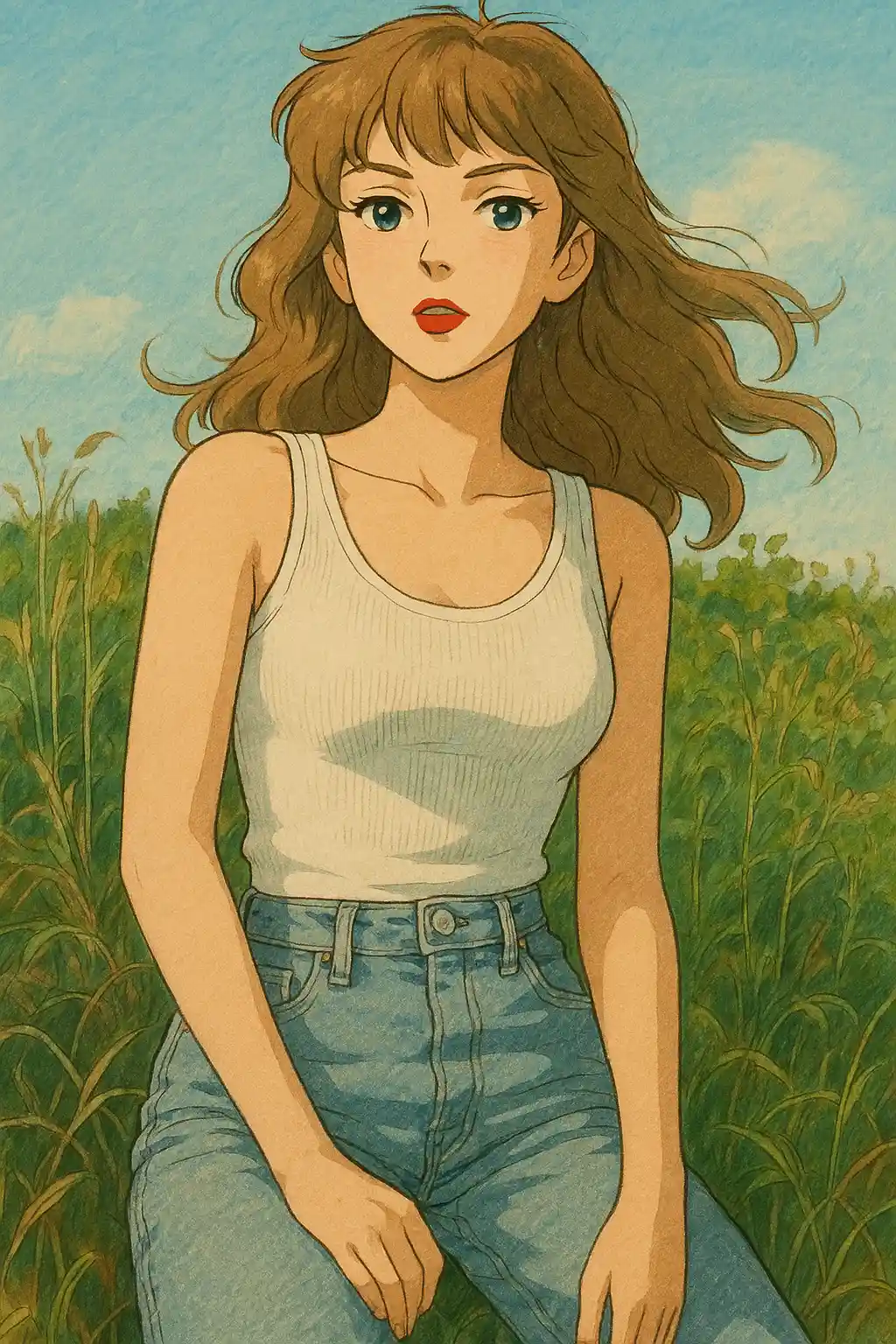

Garten- und Parkportraits verschieben sich zu weicheren Grüntönen, wärmeren Himmeln und einer ruhigeren Märchenbuch-Stimmung.
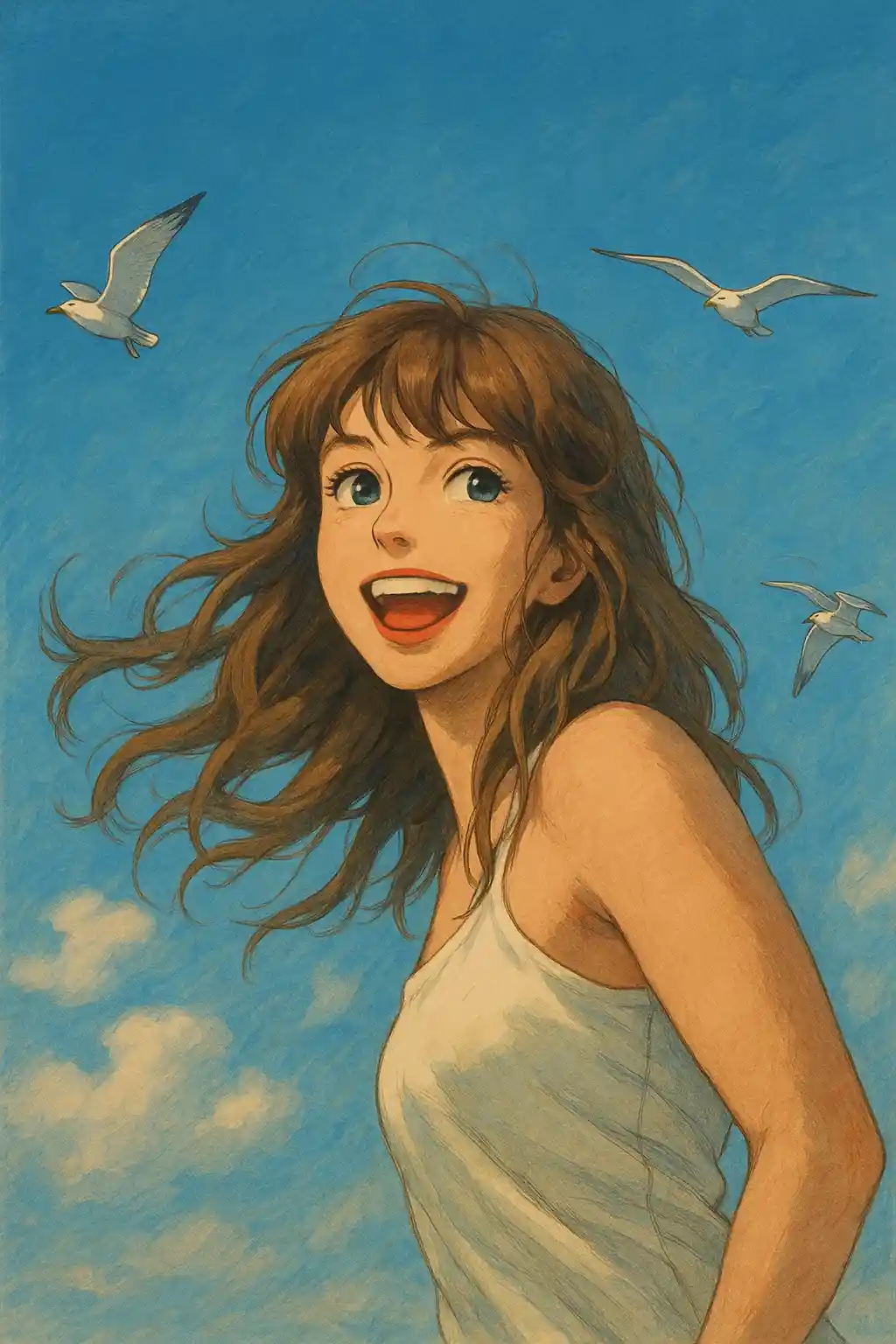

Indoor-Aufnahmen mit Fensterlicht werden sanfter und cinematischer, ohne die Identität des Motivs zu verlieren.
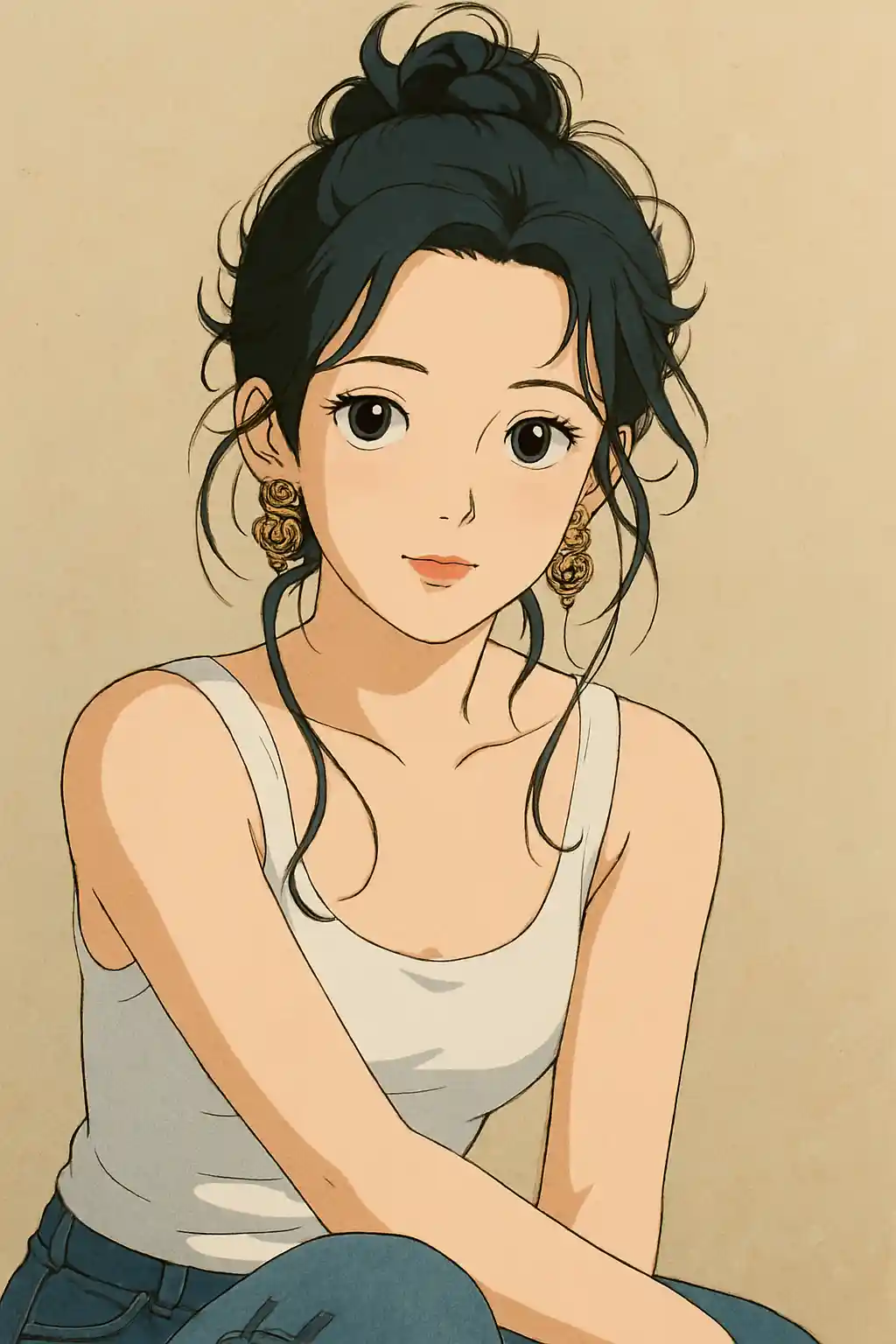

Reise- und Ausflugsfotos gewinnen die ruhige, gelebte Atmosphäre, die eher einer Ghibli-Szene gleicht als einem generischen Anime-Filter.
So verwenden Sie diesen Stil
Halten Sie den Ablauf einfach. Das erste Ergebnis lehrt Sie in der Regel mehr als ein langes gestapeltes Prompt.
Verwende ein Foto mit etwas Umgebung
Ghibli funktioniert am besten, wenn die Szene Bäume, Himmel, einen Weg, einen Raum oder einen sichtbaren Hintergrund enthält, den die KI neu interpretieren kann.
Bevorzuge natürliches oder Fensterlicht
Sanftes Tageslicht, bedecktes Außenlicht oder gemütliches Fensterlicht verleihen dem Stil mehr Wärme als harter Blitz oder Nachtaufnahmen.
Lass zuerst das Preset die Stimmung bestimmen
Beginne mit dem festgelegten Preset und verfeinere erst nach dem ersten Ergebnis, etwa für grünere Landschaft, weicheres Licht oder stärkere Hintergrundatmosphäre.
Beste Fotos für diesen Stil
Warum Foto zu Ghibli wählen?
Umgebungsgeprägte Bilderbuch-Szenen
Die KI stilisiert nicht nur das Motiv, sondern baut den umliegenden Raum so um, dass er sich wie ein Ort aus einer animierten Geschichte anfühlt.
Naturbetonte Farbsprache
Grüntöne, Himmelsfarben, Holztexturen und sanftes Goldlicht werden hervorgehoben, damit das Ergebnis mehr Ghibli-Atmosphäre zeigt als generische Anime-Farbgebung.
Ruhiger emotionaler Ton
Statt auf lauten Kontrast oder übertriebenen Ausdruck zu setzen, lebt dieser Stil von Weichheit, Stille und einer nachdenklichen cinematischen Stimmung.
Hintergrundsensibles Neuzeichnen
Fotos mit Gärten, Straßen, Cottages und Interieurs liefern meist markantere Ergebnisse, weil der Hintergrund Raum hat, Teil der Geschichte zu werden.
Über Foto zu Ghibli
Der Studio-Ghibli-Fotofilter nutzt modernste KI, um gewöhnliche Fotos in atemberaubende Kunstwerke zu verwandeln, die den unverwechselbaren Charme der Animationsfilme von Hayao Miyazaki einfangen. Jede Umwandlung nutzt die typische visuelle Sprache von Ghibli: weiche aquarellartige Hintergründe, leuchtende Himmel und eine sanfte Wärme, die jedes Bild wie ein Standbild aus einem geliebten Anime-Klassiker wirken lässt.
Egal ob du ein Selfie in einen Ghibli-Protagonisten verwandeln, dein Paarfoto als Szene aus Das wandelnde Schloss neu interpretieren oder deinem Haustier den Totoro-Look verpassen möchtest – unser KI-Ghibli-Konverter meistert Portraits, Landschaften und Haustierfotos mit gleicher Finesse. Der Algorithmus balanciert künstlerische Stilisierung sorgfältig mit Gesichtstreue, sodass das Ergebnis magisch und zugleich wiedererkennbar ist.
Der Ghibli-Filter von MakePhoto wird von hochmoderner generativer KI angetrieben und erfordert keine Zeichenkünste oder Photoshop-Erfahrung. Lade einfach ein Foto hoch, wähle den Ghibli-Stil aus und lass die KI in Sekunden Anime-Kunst in Studioqualität liefern. Es ist der schnellste Weg, zu erleben, wie du in einem Studio-Ghibli-Film aussehen würdest.
Verwandte Stile erkunden

Foto zu Disney
Verwandle jedes Foto mit KI in ein Charakterportrait im Disney-Stil. Klare Linien, ausdrucksstarke Augen und polierte Animations-Ästhetik.

Foto zu Aquarell
Verwandle jedes Foto mit KI in ein wunderschönes Aquarellgemälde. Weiche Kanten, sanfte Farben und künstlerische Wärme.

Foto zu Cartoon
Verwandle jedes Foto mit KI in den Cartoon-Stil. Kräftige Konturen, lebendige Farben und ausdrucksstarke Charakterzüge.
Häufig gestellte Fragen
Funktioniert der Ghibli-Stil besser mit Naturhintergründen?
Meistens ja. Bäume, Himmel, Wege, Gärten und gemütliche Außenszenen geben dem Stil mehr zum Interpretieren, sodass das Ergebnis eher wie ein echtes Ghibli-Bild wirkt.
Sind Innenaufnahmen für den Ghibli-Stil geeignet?
Ja, besonders wenn sie sanftes Tageslicht oder eine warme Raumatmosphäre haben. Mit Fensterlicht beleuchtete Innenräume funktionieren meist besser als harte Blitzaufnahmen.
Soll ich einen Prompt hinzufügen oder dem Preset vertrauen?
Bei den meisten Fotos solltest du zuerst auf das Preset setzen. Füge nach dem ersten Ergebnis höchstens eine kurze Richtung hinzu, zum Beispiel mehr Grün, wärmeres Licht oder klarere Landschaft.
Welche Fotos eignen sich nicht für diesen Stil?
Nachtszenen, überladene Produktfotos und sehr harte Blitz-Selfies wirken im Ghibli-Stil meist weniger natürlich als Außen- oder weich beleuchtete Portraits.
Bereit, Ihr Foto zu transformieren?
Beginnen Sie auf dieser Stilseite, erhalten Sie das erste Ergebnis schnell und verfeinern Sie nur, wenn Sie müssen.