
Foto ke Ghibli
Unggah potret, foto pasangan, atau jepretan hewan peliharaan dan ubah menjadi suasana lembut ala Studio Ghibli dalam hitungan detik.
Ubah foto apa pun menjadi gaya Studio Ghibli dengan AI. Warna lembut, pencahayaan hangat, dan estetika anime yang magis.
Unggah
Unggah satu foto yang jelas untuk mulai menghasilkan.
Rasio
Pilih rasio output yang sesuai dengan hasil Anda.
Hasilkan
Klik hasilkan dan tunggu hasil pertama.

Suasana Hati
Lebih lembut, seperti mainan, dan lebih buatan tangan.
Terbaik untuk
Potret luar ruangan dengan pemandangan
Hasil
Dapatkan hasil pertama dengan cepat, lalu perbaiki untuk tekstur atau karakter.
Mulai dari sini
Mulai berkarya
Unggah foto
Rasio
Prabaca
Hasilkan untuk melihat hasil Anda di sini
Rincian kepercayaan
- Generasi yang gagal tidak mengkonsumsi kredit. Jika pekerjaan selesai kemudian, Anda dapat mengonfirmasinya di Karya Saya.
- Rencana berbayar mencakup hak penggunaan komersial untuk gambar yang dihasilkan.
Lihat Perubahan Gaya
Gunakan contoh ini untuk menilai arah gaya sebelum Anda menghasilkan hasil pertama.
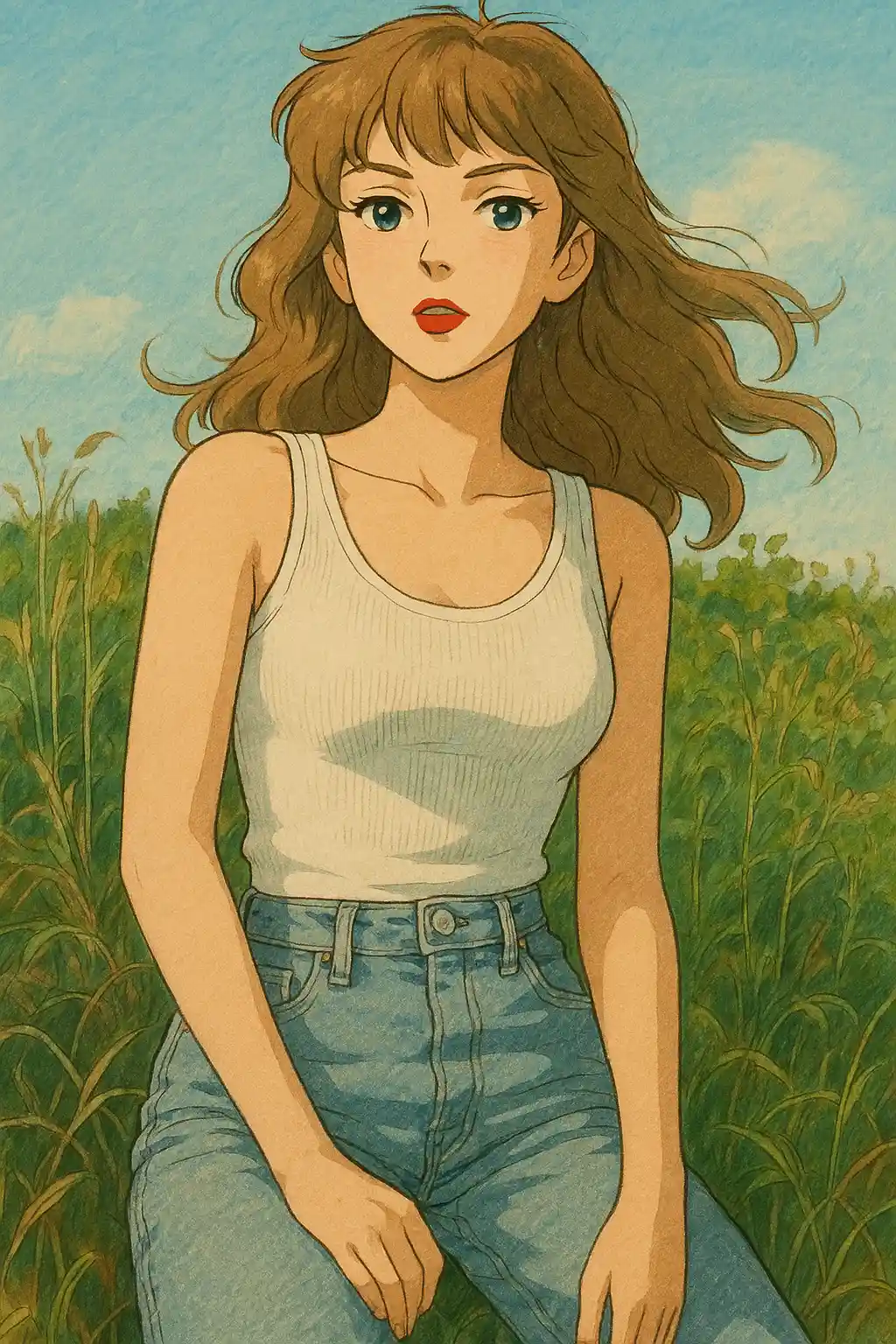

Potret di taman berubah ke hijau yang lebih lembut, langit yang lebih hangat, dan suasana dongeng yang lebih tenang.
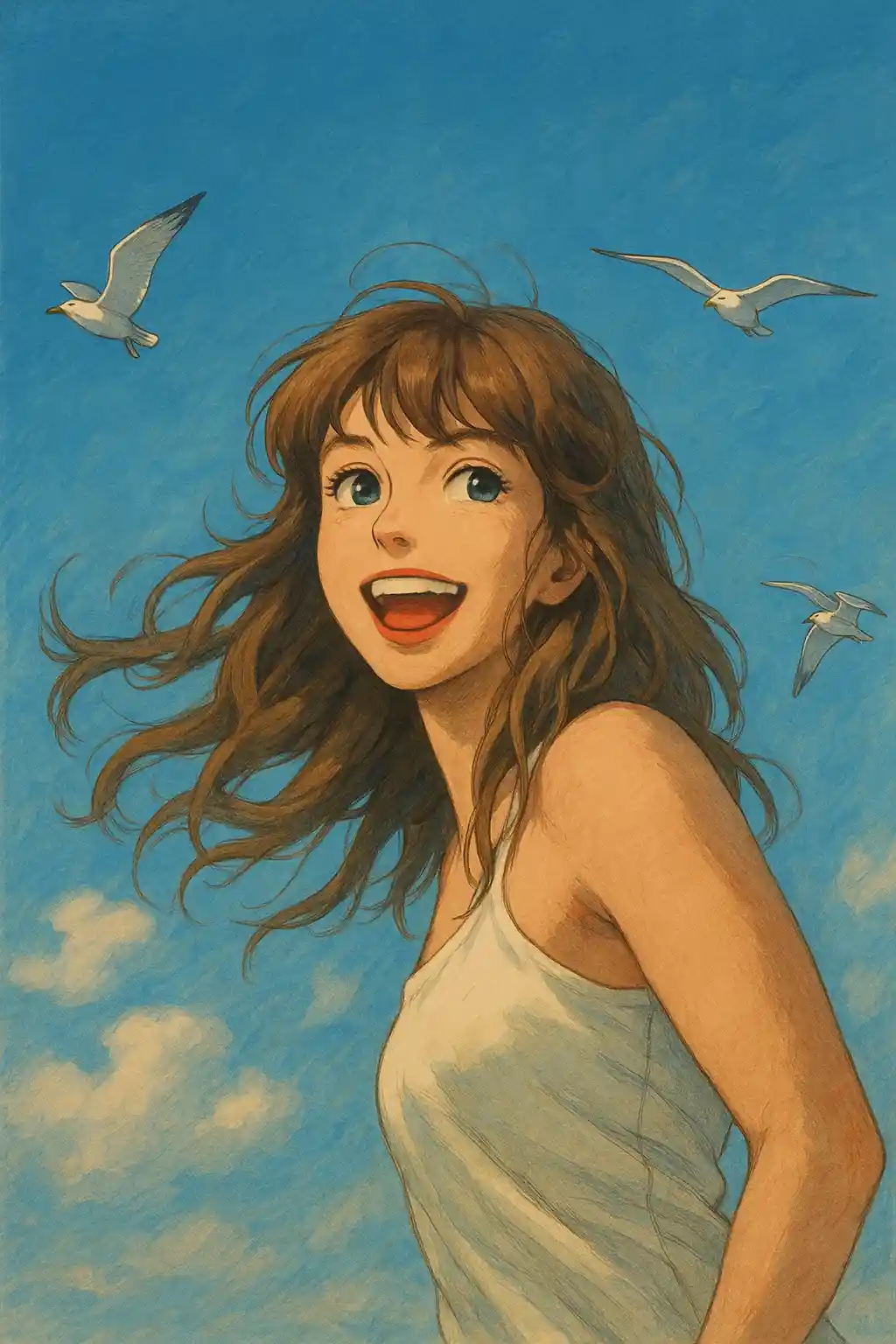

Foto dalam ruangan dengan cahaya jendela menjadi lebih lembut dan sinematik tanpa kehilangan identitas subjek.
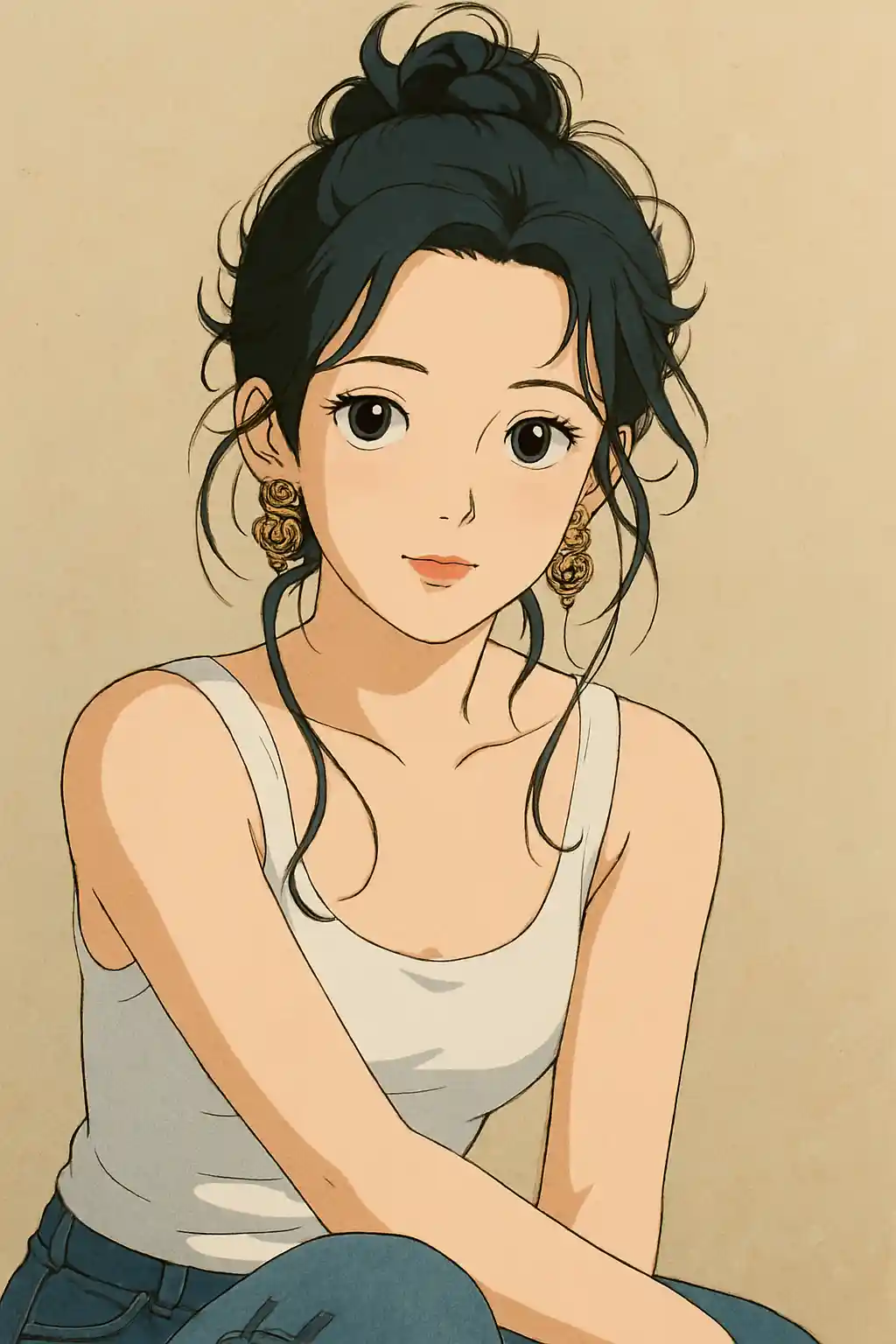

Foto perjalanan dan jalan-jalan mendapatkan atmosfer tenang dan bersahaja yang terasa lebih dekat dengan adegan Ghibli dibanding filter anime biasa.
Cara Menggunakan Gaya Ini
Pertahankan alur tetap sederhana. Hasil pertama biasanya mengajarkan Anda lebih banyak daripada prompt yang panjang.
Gunakan foto dengan suasana sekitar
Gaya Ghibli paling cocok ketika ada pohon, langit, jalan setapak, ruangan, atau latar yang bisa ditafsirkan ulang oleh AI.
Utamakan cahaya alami atau cahaya jendela
Cahaya matahari yang lembut, cahaya luar berawan, atau cahaya jendela yang hangat memberi gaya ini lebih banyak kehangatan dibanding blitz keras atau foto malam hari.
Biarkan preset mengatur mood terlebih dahulu
Mulai dengan preset apa adanya dan lakukan penyesuaian untuk pemandangan lebih hijau, cahaya lebih lembut, atau latar lebih kuat hanya setelah hasil pertama.
Foto Terbaik untuk Gaya Ini
Mengapa Memilih Foto ke Ghibli
Adegan Dongeng yang Digerakkan Lingkungan
AI tidak hanya menstilisasi subjek — ia membangun ulang ruang sekitarnya menjadi tempat yang terasa seperti dari cerita animasi.
Bahasa Warna Berbasis Alam
Nuansa hijau, langit, tekstur kayu, dan cahaya keemasan lembut ditonjolkan sehingga hasilnya lebih dekat ke atmosfer Ghibli dibanding gradasi warna anime biasa.
Nada Emosional yang Tenang
Alih-alih mendorong kontras keras atau ekspresi berlebihan, gaya ini mengutamakan kelembutan, ketenangan, dan mood sinematik yang reflektif.
Penggambaran Ulang Sensitif Latar
Foto dengan taman, jalanan, pondok, dan interior biasanya menghasilkan karya lebih khas karena latar punya ruang untuk menjadi bagian dari cerita.
Tentang Foto ke Ghibli
Filter foto Studio Ghibli menggunakan AI mutakhir untuk mengubah foto biasa Anda menjadi karya seni memukau yang menangkap pesona khas film animasi Hayao Miyazaki. Setiap konversi menerapkan bahasa visual khas Ghibli: latar mirip cat air yang lembut, langit bercahaya, dan kehangatan lembut yang membuat setiap gambar terasa seperti frame dari anime klasik tercinta.
Baik Anda ingin mengubah swafoto menjadi protagonis Ghibli, membayangkan ulang foto pasangan sebagai adegan Howl's Moving Castle, atau memberi hewan peliharaan Anda sentuhan Totoro, konverter gaya Ghibli AI kami menangani potret, lanskap, dan foto hewan dengan sama mumpuninya. Algoritma menyeimbangkan stilisasi artistik dengan kesetiaan wajah sehingga hasilnya magis sekaligus tetap dikenali.
Ditenagai AI generatif tercanggih, filter Ghibli MakePhoto tidak memerlukan keahlian menggambar atau Photoshop. Cukup unggah foto, pilih gaya Ghibli, dan biarkan AI menghasilkan seni anime berkualitas studio dalam hitungan detik. Ini cara tercepat merasakan bagaimana wajah Anda di dalam film Studio Ghibli.
Jelajahi Gaya Terkait

Foto ke Disney
Ubah foto apa pun menjadi potret karakter gaya Disney dengan AI. Garis bersih, mata ekspresif, dan estetika animasi yang halus.

Foto ke Cat Air
Ubah foto apa pun menjadi lukisan cat air indah dengan AI. Tepian lembut, warna lembut, dan kehangatan artistik.

Foto ke Kartun
Ubah foto apa pun menjadi gaya kartun dengan AI. Garis berani, warna hidup, dan fitur karakter ekspresif.
FAQ
Apakah gaya Ghibli lebih baik dengan latar alam?
Umumnya ya. Pohon, langit, jalan setapak, taman, dan suasana luar yang nyaman memberi gaya ini lebih banyak hal untuk ditafsirkan ulang, sehingga hasilnya lebih mirip frame Ghibli asli.
Apakah foto dalam ruangan cocok untuk gaya Ghibli?
Ya, terutama jika ada cahaya alami lembut atau suasana ruangan yang hangat. Interior dengan cahaya jendela biasanya lebih baik dibanding foto dengan blitz keras.
Haruskah saya menambah prompt, atau cukup andalkan preset?
Untuk kebanyakan foto, andalkan preset dulu. Tambahkan hanya satu arahan singkat setelah hasil pertama, seperti lebih hijau, cahaya lebih hangat, atau latar lebih bersih.
Foto seperti apa yang kurang cocok untuk gaya ini?
Foto kehidupan malam, foto produk yang berantakan, dan swafoto dengan blitz keras biasanya terasa kurang alami di gaya Ghibli dibanding potret luar ruangan atau berpencahayaan lembut.
Siap untuk Mengubah Foto Anda?
Mulai dari halaman gaya ini, dapatkan hasil pertama dengan cepat, lalu perbaiki hanya jika Anda perlu.