
Фото в стиль Ghibli
Загрузите портрет, парное фото или снимок питомца и за считанные секунды превратите его в нежную сцену в духе Studio Ghibli.
Превратите любое фото в стиль Studio Ghibli с AI. Мягкие цвета, тёплый свет и сказочная аниме-эстетика для выразительных портретов.
Загрузить
Загрузите одно четкое фото, чтобы начать генерацию.
Соотношение
Выберите соотношение выходного изображения, которое подходит для вашего результата.
Сгенерировать
Нажмите создать и дождитесь первого результата.

Наст Mood
Мягче, как игрушка, и более ручной работы.
Лучше всего для
Уличные портреты с видимым пейзажем
Результат
Получите первый результат быстро, затем уточните текстуру или характер.
Начните здесь
Начните создавать
Загрузить фото
Соотношение
Предварительный просмотр
Генерируйте, чтобы увидеть ваш результат здесь
Детали доверия
- Неудачные генерации не расходуют кредиты. Если работа завершится позже, вы можете подтвердить это в «Мои работы».
- Платные планы включают права на коммерческое использование сгенерированных изображений.
Посмотрите стиль изменения
Используйте эти примеры, чтобы оценить направление стиля, прежде чем сгенерировать первый результат.
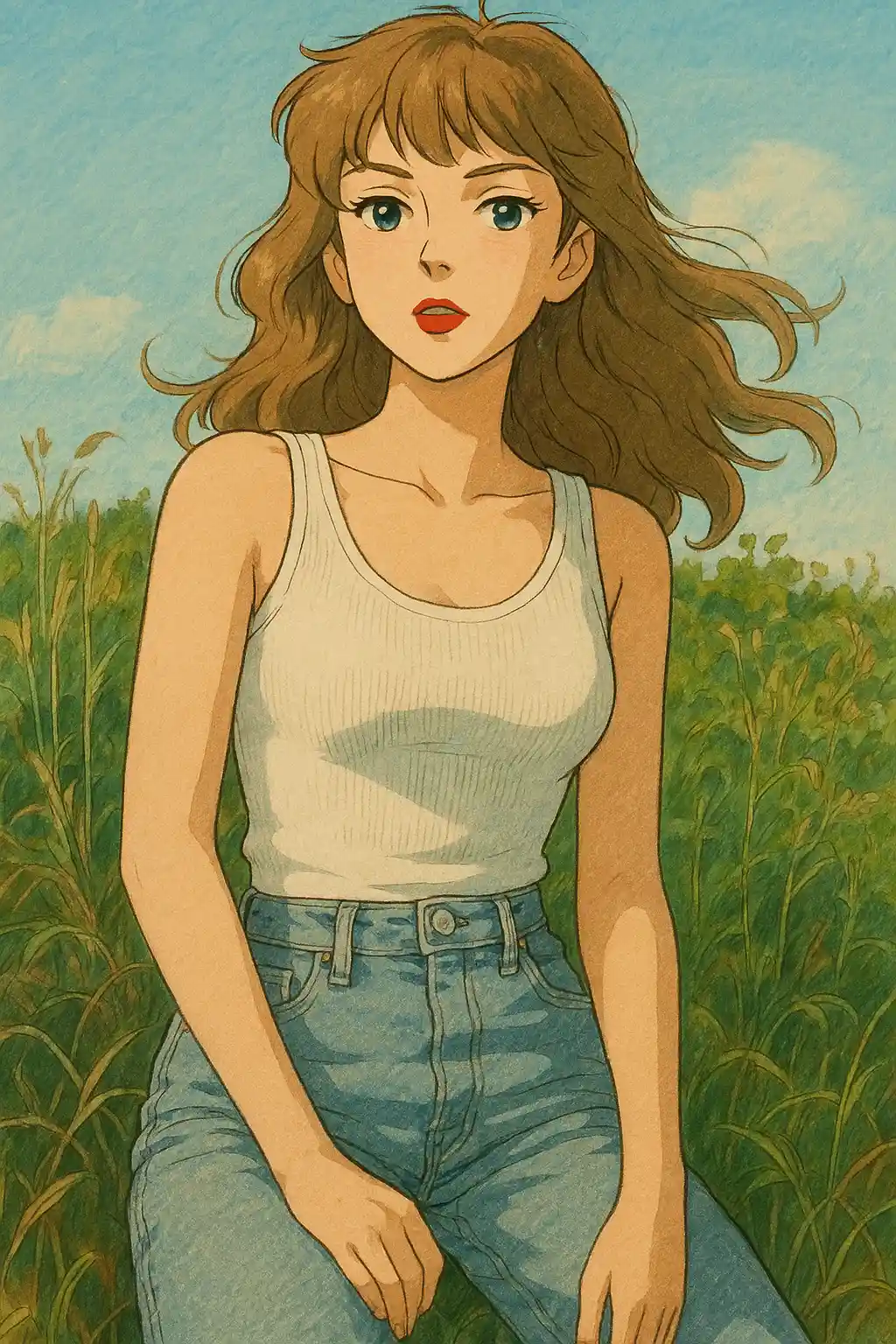

Портреты в саду и парке приобретают более мягкую зелень, тёплое небо и спокойное настроение детской книги.
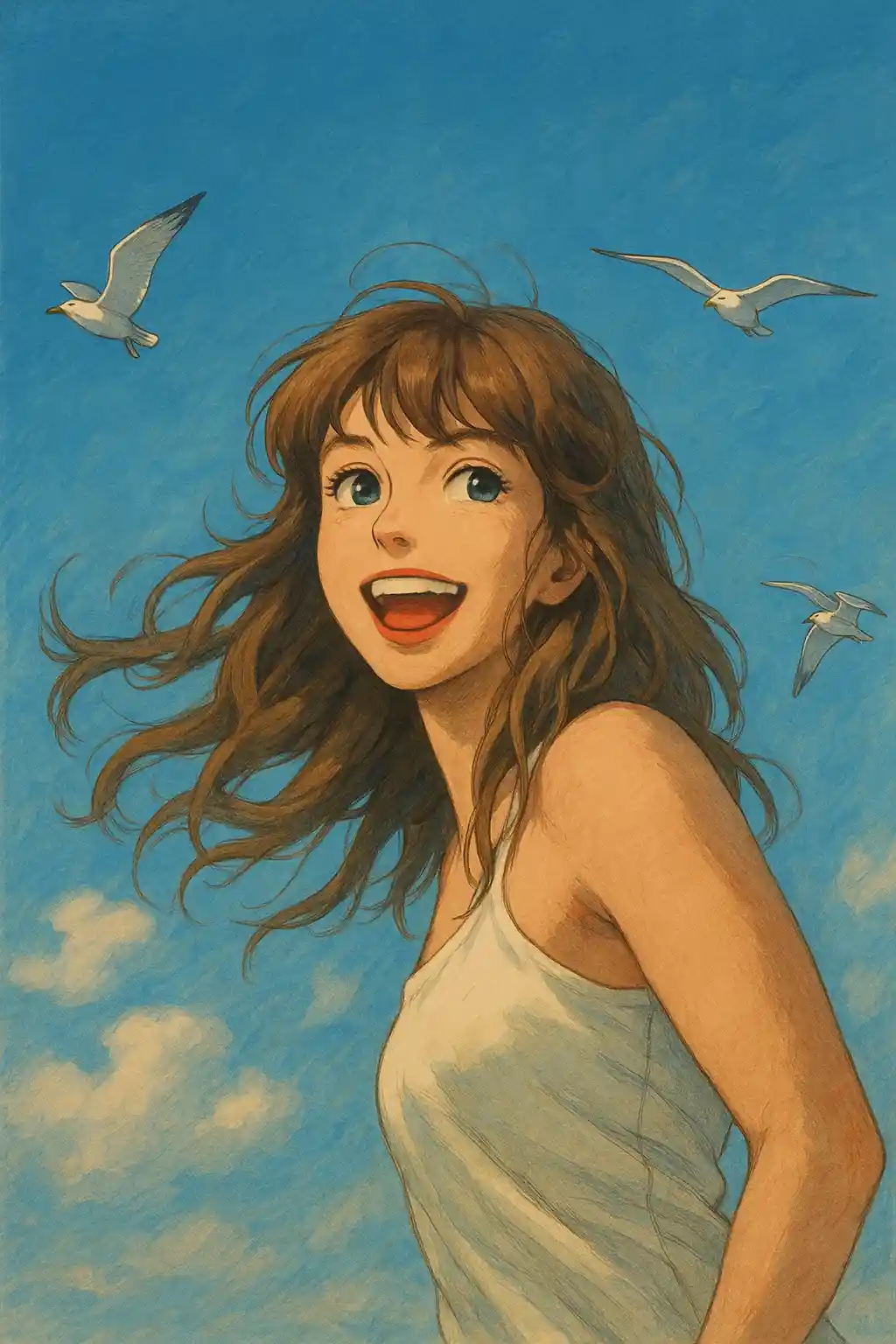

Снимки у окна становятся нежнее и кинематографичнее, не теряя индивидуальности героя.
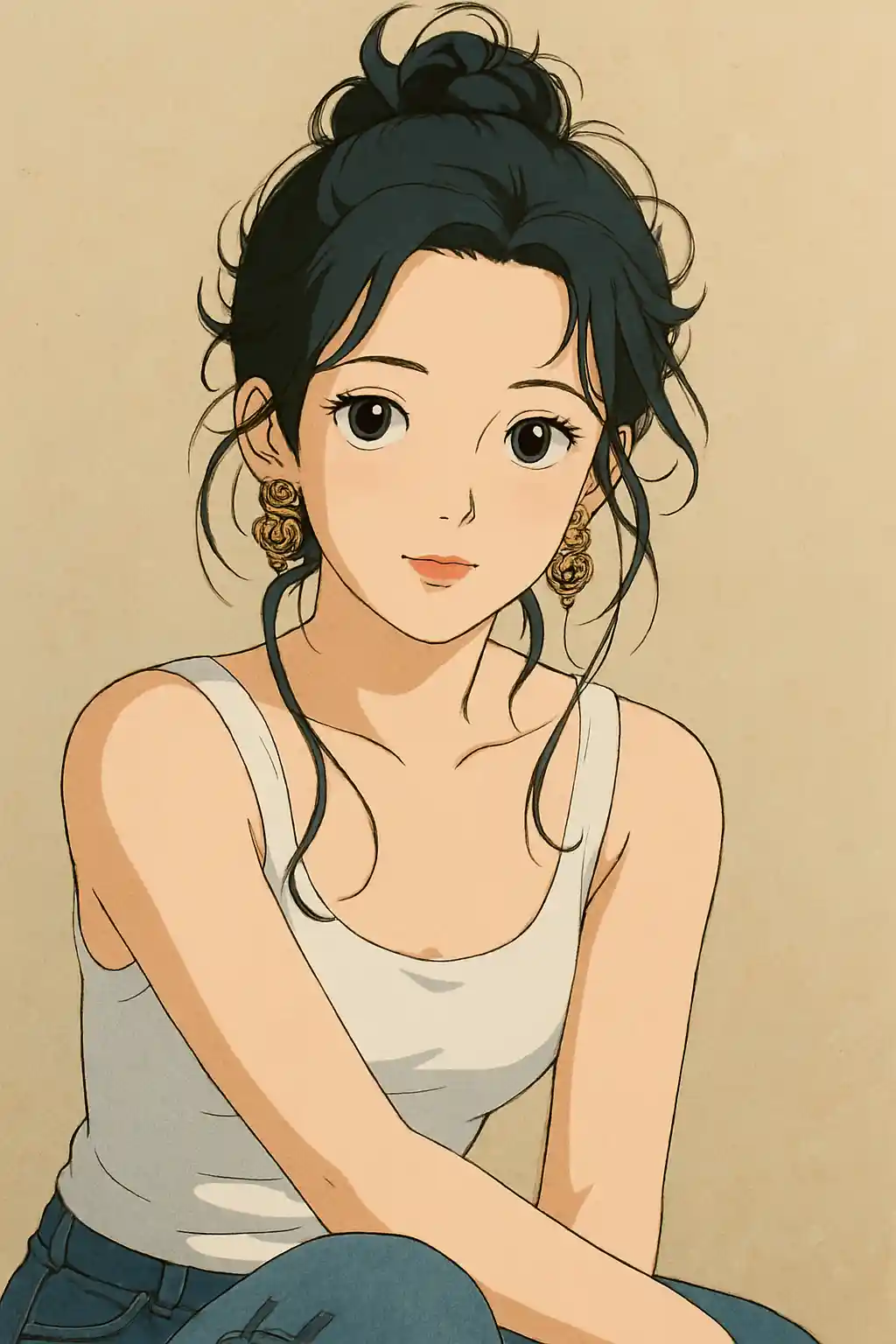

Фото из путешествий и прогулок получают тихую, уютную атмосферу ближе к кадру Ghibli, чем к обычному аниме-фильтру.
Как использовать этот стиль
Держите процесс простым. Первый результат обычно учит вас больше, чем длинный накопленный запрос.
Используйте фото с окружением
Ghibli работает лучше всего, когда в сцене есть деревья, небо, дорожка, комната или другой фон, который AI может переосмыслить.
Отдайте предпочтение естественному свету
Мягкий дневной свет, пасмурная улица или уютный свет у окна придают стилю больше тепла, чем жёсткая вспышка или ночные кадры.
Доверьтесь пресету в первую очередь
Начните с заблокированного пресета и уточняйте зелень, мягкость света или детали фона только после первого результата.
Лучшие фото для этого стиля
Почему выбирают Фото в стиль Ghibli
Сцены-сказки, управляемые окружением
AI не просто стилизует героя — он перестраивает пространство вокруг так, будто это место из мультфильма.
Природная цветовая палитра
Зелень, оттенки неба, фактура дерева и мягкий золотистый свет выделяются, делая результат ближе к атмосфере Ghibli, чем к обычному аниме.
Спокойное эмоциональное настроение
Вместо громкого контраста и утрированных эмоций стиль делает ставку на мягкость, тишину и задумчивое кинематографическое настроение.
Перерисовка с вниманием к фону
Фото с садами, улицами, домиками и интерьерами обычно дают более выразительный результат — фону есть где стать частью истории.
О Фото в стиль Ghibli
Фотофильтр Studio Ghibli использует передовой AI, чтобы превратить обычные снимки в захватывающие работы, передающие неповторимое очарование анимационных фильмов Hayao Miyazaki. Каждое преобразование применяет фирменный визуальный язык Ghibli: мягкие акварельные фоны, светящееся небо и нежное тепло, благодаря которым изображение словно вырвано из любимой аниме-классики.
Хотите превратить селфи в героя Ghibli, переосмыслить парное фото как сцену из «Ходячего замка» или подарить питомцу эффект «Тоторо» — наш AI-конвертер стиля Ghibli одинаково тонко работает с портретами, пейзажами и фото животных. Алгоритм бережно балансирует художественную стилизацию и сохранение черт лица, так что результат получается и волшебным, и узнаваемым.
Фильтр Ghibli от MakePhoto работает на современном генеративном AI и не требует навыков рисования или владения Photoshop. Просто загрузите фото, выберите стиль Ghibli и получите анимационное арт-произведение студийного качества за секунды. Это самый быстрый способ увидеть, как бы вы выглядели внутри фильма Studio Ghibli.
Изучите связанные стили

Фото в стиль Disney
Превратите любое фото в портрет персонажа в стиле Disney с AI. Чистые линии, выразительные глаза и отточенная анимационная эстетика.

Фото в акварель
Превратите любое фото в красивую акварельную картину с AI. Мягкие края, нежные цвета и художественное тепло.

Фото в мультфильм
Превратите любое фото в мультяшный стиль с AI. Жирные контуры, яркие цвета и выразительные черты персонажа.
Часто задаваемые вопросы
Лучше ли стиль Ghibli работает с природным фоном?
Как правило, да. Деревья, небо, дорожки, сады и уютные уличные сцены дают стилю больше материала для переосмысления, и результат больше напоминает настоящий кадр Ghibli.
Подойдут ли фото в помещении для стиля Ghibli?
Да, особенно если в них мягкий дневной свет или тёплая атмосфера комнаты. Интерьеры у окна работают лучше, чем снимки с жёсткой вспышкой.
Писать свой промпт или полагаться на пресет?
Для большинства фото сначала положитесь на пресет. После первого результата добавьте одно короткое пожелание — больше зелени, теплее свет или чище сцена.
Какие фото не подходят для этого стиля?
Ночные клубные кадры, загромождённые предметные съёмки и селфи с жёсткой вспышкой обычно выглядят менее естественно в стиле Ghibli, чем уличные или мягко освещённые портреты.
Готовы преобразить ваше фото?
Начните с этой страницы стиля, получите первый результат быстро, затем уточняйте только если это необходимо.