
Chuyển Ảnh Sang Ghibli
Tải lên ảnh chân dung, ảnh đôi hoặc ảnh thú cưng và biến chúng thành khung cảnh mềm mại lấy cảm hứng từ Studio Ghibli chỉ trong vài giây.
Biến ảnh bất kỳ thành phong cách Studio Ghibli bằng AI. Màu sắc dịu, ánh sáng ấm và thẩm mỹ anime mơ màng.
Tải lên
Tải lên một bức ảnh rõ ràng để bắt đầu tạo ra.
Tỷ lệ
Chọn tỷ lệ đầu ra phù hợp với kết quả của bạn.
Tạo ra
Nhấn tạo và chờ kết quả đầu tiên.

Tâm trạng
Mềm mại, giống đồ chơi và được chế tác nhiều hơn.
Tốt nhất cho
Ảnh chân dung ngoài trời có phong cảnh
Kết quả
Nhận kết quả đầu tiên nhanh chóng, sau đó tinh chỉnh cho kết cấu hoặc tính cách.
Bắt đầu ở đây
Bắt đầu tạo ra
Tải lên ảnh
Tỷ lệ
Xem trước
Tạo để thấy kết quả của bạn ở đây
Chi tiết tin cậy
- Các lần tạo không thành công không tiêu tốn tín dụng. Nếu một công việc hoàn thành muộn hơn, bạn có thể xác nhận nó trong My Works.
- Các gói trả phí bao gồm quyền sử dụng thương mại cho các hình ảnh được tạo.
Xem sự chuyển đổi phong cách
Sử dụng những ví dụ này để đánh giá hướng phong cách trước khi bạn tạo ra kết quả đầu tiên.
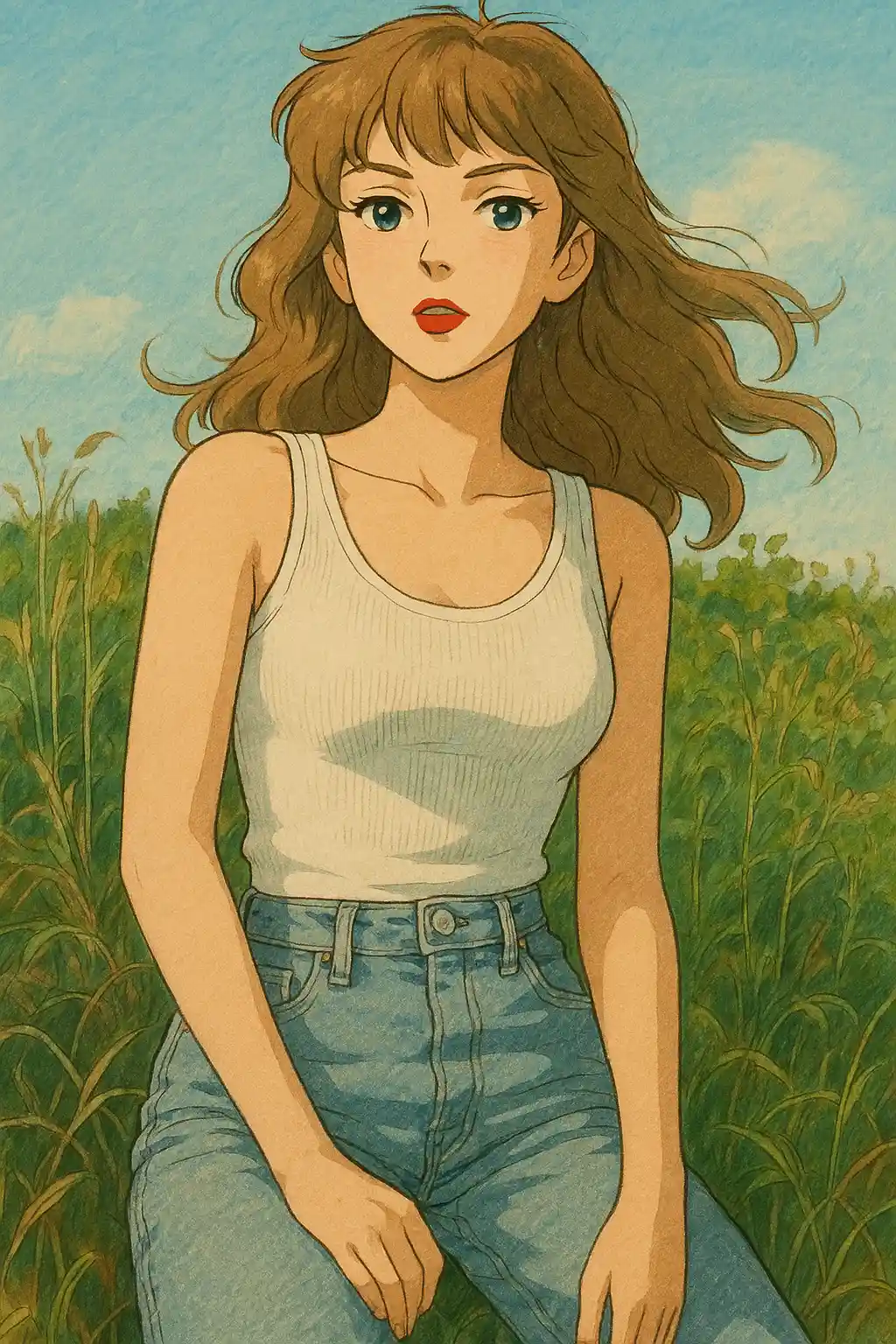

Ảnh chân dung trong vườn và công viên chuyển sang tông xanh mềm hơn, bầu trời ấm hơn và không khí truyện tranh yên bình.
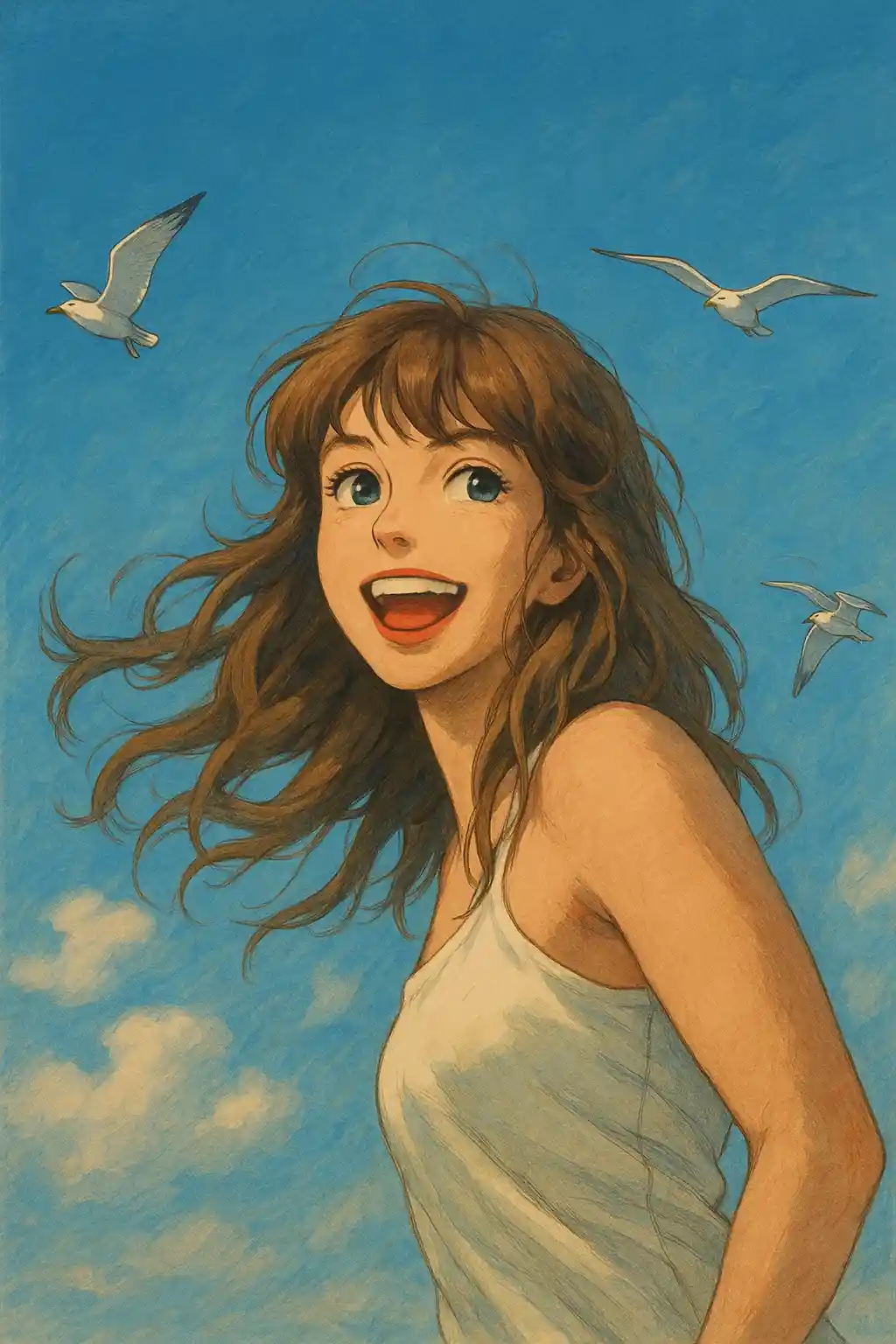

Ảnh chụp trong nhà với ánh sáng cửa sổ trở nên dịu hơn và điện ảnh hơn mà không mất đi danh tính chủ thể.
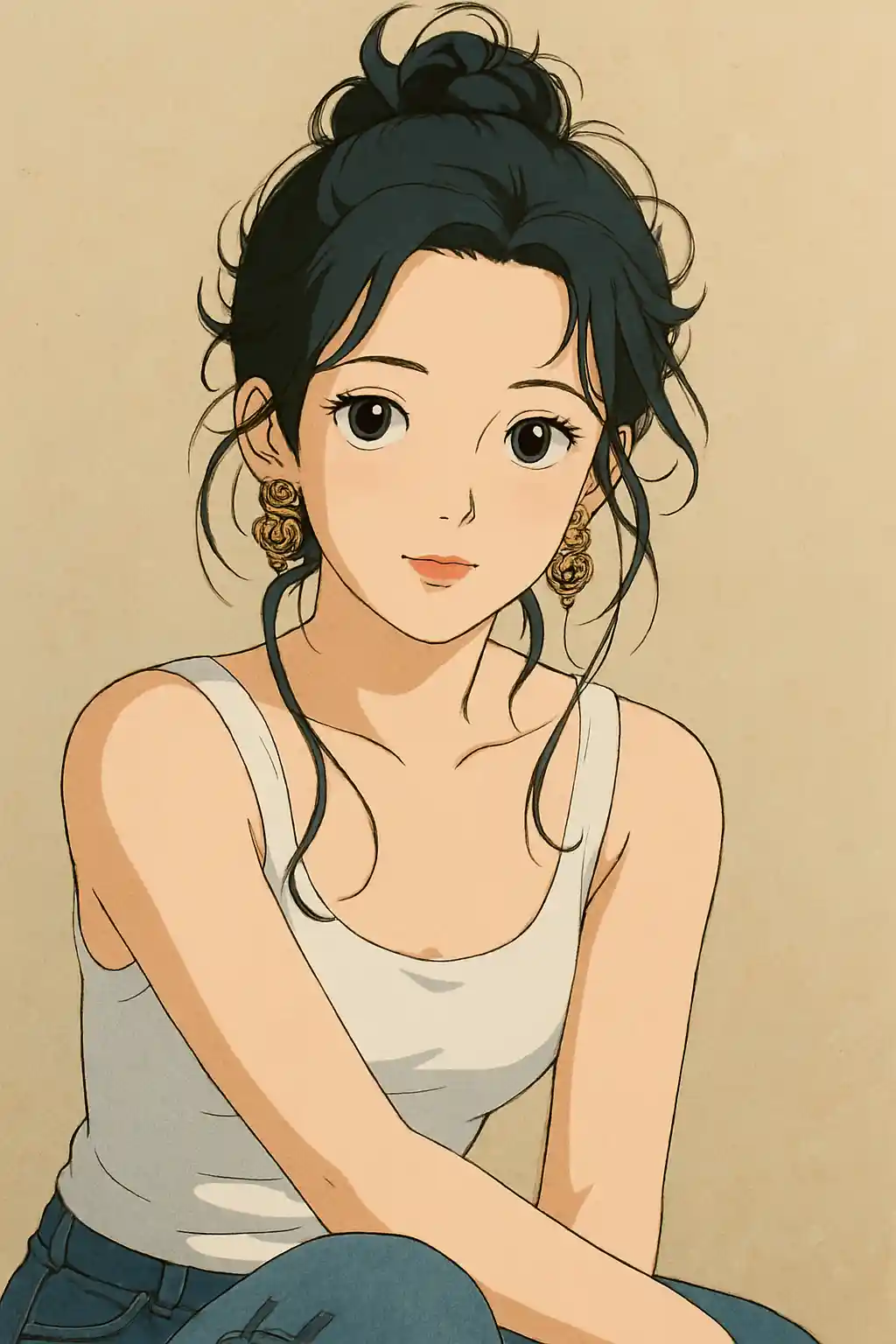

Ảnh du lịch và dạo chơi có được bầu không khí tĩnh lặng, gần gũi như khung cảnh Ghibli hơn là bộ lọc anime thông thường.
Cách sử dụng phong cách này
Giữ cho quá trình đơn giản. Kết quả đầu tiên thường dạy bạn nhiều hơn là một prompt dài.
Dùng ảnh có bối cảnh xung quanh
Phong cách Ghibli phát huy tốt nhất khi khung cảnh có cây cối, bầu trời, lối đi, căn phòng hoặc phông nền mà AI có thể tái diễn giải.
Ưu tiên ánh sáng tự nhiên hoặc ánh sáng cửa sổ
Ánh sáng ban ngày dịu, ánh sáng ngoài trời âm u hoặc ánh sáng cửa sổ ấm áp tạo ra cảm giác ấm hơn so với đèn flash mạnh hay ảnh đêm.
Hãy để preset điều khiển tâm trạng trước
Bắt đầu với preset mặc định và chỉ tinh chỉnh về phong cảnh xanh hơn, ánh sáng dịu hơn hoặc phông nền kể chuyện mạnh hơn sau kết quả đầu tiên.
Những bức ảnh tốt nhất cho phong cách này
Tại sao chọn Chuyển Ảnh Sang Ghibli
Khung cảnh truyện tranh dựa trên môi trường
AI không chỉ cách điệu chủ thể — nó còn tái tạo không gian xung quanh thành nơi giống như một bối cảnh trong câu chuyện hoạt hình.
Ngôn ngữ màu thiên về thiên nhiên
Sắc xanh, tông trời, kết cấu gỗ và ánh vàng dịu được nhấn mạnh để kết quả gần với không khí Ghibli hơn là tông màu anime thông thường.
Tông cảm xúc nhẹ nhàng
Thay vì đẩy tương phản gay gắt hay biểu cảm phóng đại, phong cách này nghiêng về sự mềm mại, tĩnh lặng và tâm trạng điện ảnh sâu lắng hơn.
Vẽ lại phông nền nhạy cảm
Ảnh có vườn, đường phố, nhà tranh và nội thất thường cho kết quả nổi bật hơn vì phông nền có không gian trở thành một phần của câu chuyện.
Về Chuyển Ảnh Sang Ghibli
Bộ lọc ảnh Studio Ghibli sử dụng AI tiên tiến để biến ảnh thông thường của bạn thành tác phẩm nghệ thuật ngoạn mục, mang trọn vẹn sức hút không thể nhầm lẫn của những bộ phim hoạt hình Hayao Miyazaki. Mỗi lần chuyển đổi đều áp dụng ngôn ngữ thị giác đặc trưng của Ghibli: phông nền tựa như tranh màu nước mềm mại, bầu trời rạng rỡ và sự ấm áp dịu dàng khiến mỗi hình ảnh như một khung hình được lấy từ một tác phẩm anime kinh điển.
Dù bạn muốn biến ảnh selfie thành nhân vật chính Ghibli, tái hiện ảnh đôi như một cảnh trong Howl's Moving Castle hay cho thú cưng phong cách Totoro, bộ chuyển đổi phong cách Ghibli AI của chúng tôi xử lý ảnh chân dung, phong cảnh và ảnh thú cưng một cách tinh tế. Thuật toán cân bằng cẩn thận giữa cách điệu nghệ thuật và độ trung thực khuôn mặt để kết quả vừa kỳ diệu vừa dễ nhận ra.
Được hỗ trợ bởi AI tạo sinh tiên tiến, bộ lọc Ghibli của MakePhoto không yêu cầu kỹ năng vẽ hay kinh nghiệm Photoshop. Chỉ cần tải ảnh lên, chọn phong cách Ghibli và để AI tạo ra nghệ thuật anime chất lượng studio chỉ trong vài giây. Đây là cách nhanh nhất để trải nghiệm việc bạn sẽ trông như thế nào trong một bộ phim Studio Ghibli.
Khám phá các phong cách liên quan

Chuyển Ảnh Sang Disney
Biến ảnh bất kỳ thành chân dung nhân vật phong cách Disney bằng AI. Nét vẽ sạch, mắt biểu cảm và thẩm mỹ hoạt hình hoàn hảo.

Chuyển Ảnh Sang Màu Nước
Biến ảnh bất kỳ thành tranh màu nước đẹp mắt bằng AI. Viền mềm, màu dịu và sự ấm áp nghệ thuật.

Chuyển Ảnh Sang Cartoon
Biến ảnh bất kỳ thành phong cách cartoon bằng AI. Viền đậm, màu sắc rực rỡ và đặc điểm nhân vật biểu cảm.
Câu hỏi thường gặp
Phong cách Ghibli có hoạt động tốt hơn với phông nền thiên nhiên không?
Thường là có. Cây cối, bầu trời, lối đi, vườn và cảnh ngoài trời ấm cúng cho phong cách này nhiều thứ để tái diễn giải, nên kết quả giống khung hình Ghibli thực thụ hơn.
Ảnh trong nhà có dùng được cho phong cách Ghibli không?
Có, đặc biệt nếu có ánh sáng ban ngày dịu hoặc không khí phòng ấm áp. Nội thất có ánh sáng cửa sổ thường hoạt động tốt hơn ảnh flash gắt.
Tôi có nên thêm prompt hay dựa vào preset?
Với hầu hết ảnh, hãy dựa vào preset trước. Chỉ thêm một chỉ dẫn ngắn sau kết quả đầu tiên, ví dụ nhiều cây cối hơn, ánh sáng ấm hơn hoặc phông nền gọn gàng hơn.
Ảnh nào không lý tưởng cho phong cách này?
Ảnh đời sống về đêm, ảnh sản phẩm lộn xộn và ảnh selfie dùng flash mạnh thường kém tự nhiên trong phong cách Ghibli hơn ảnh ngoài trời hay chân dung có ánh sáng dịu.
Sẵn sàng để biến đổi bức ảnh của bạn?
Bắt đầu từ trang phong cách này, nhận kết quả đầu tiên nhanh chóng, sau đó chỉ tinh chỉnh nếu cần.