
Foto ke Snoopy
Ubah foto Anda menjadi karakter kartun terinspirasi Snoopy dengan garis lebih sederhana, pesona komik strip klasik, dan keramahan nostalgik.
Ubah foto menjadi seni kartun bergaya Snoopy dengan AI. Garis komik strip lebih sederhana, pesona nostalgik, dan energi karakter ceria.
Unggah
Unggah satu foto yang jelas untuk mulai menghasilkan.
Rasio
Pilih rasio output yang sesuai dengan hasil Anda.
Hasilkan
Klik hasilkan dan tunggu hasil pertama.

Suasana Hati
Lebih lembut, seperti mainan, dan lebih buatan tangan.
Terbaik untuk
Potret & hewan peliharaan
Hasil
Dapatkan hasil pertama dengan cepat, lalu perbaiki untuk tekstur atau karakter.
Mulai dari sini
Mulai berkarya
Unggah foto
Rasio
Prabaca
Hasilkan untuk melihat hasil Anda di sini
Rincian kepercayaan
- Generasi yang gagal tidak mengkonsumsi kredit. Jika pekerjaan selesai kemudian, Anda dapat mengonfirmasinya di Karya Saya.
- Rencana berbayar mencakup hak penggunaan komersial untuk gambar yang dihasilkan.
Lihat Perubahan Gaya
Gunakan contoh ini untuk menilai arah gaya sebelum Anda menghasilkan hasil pertama.
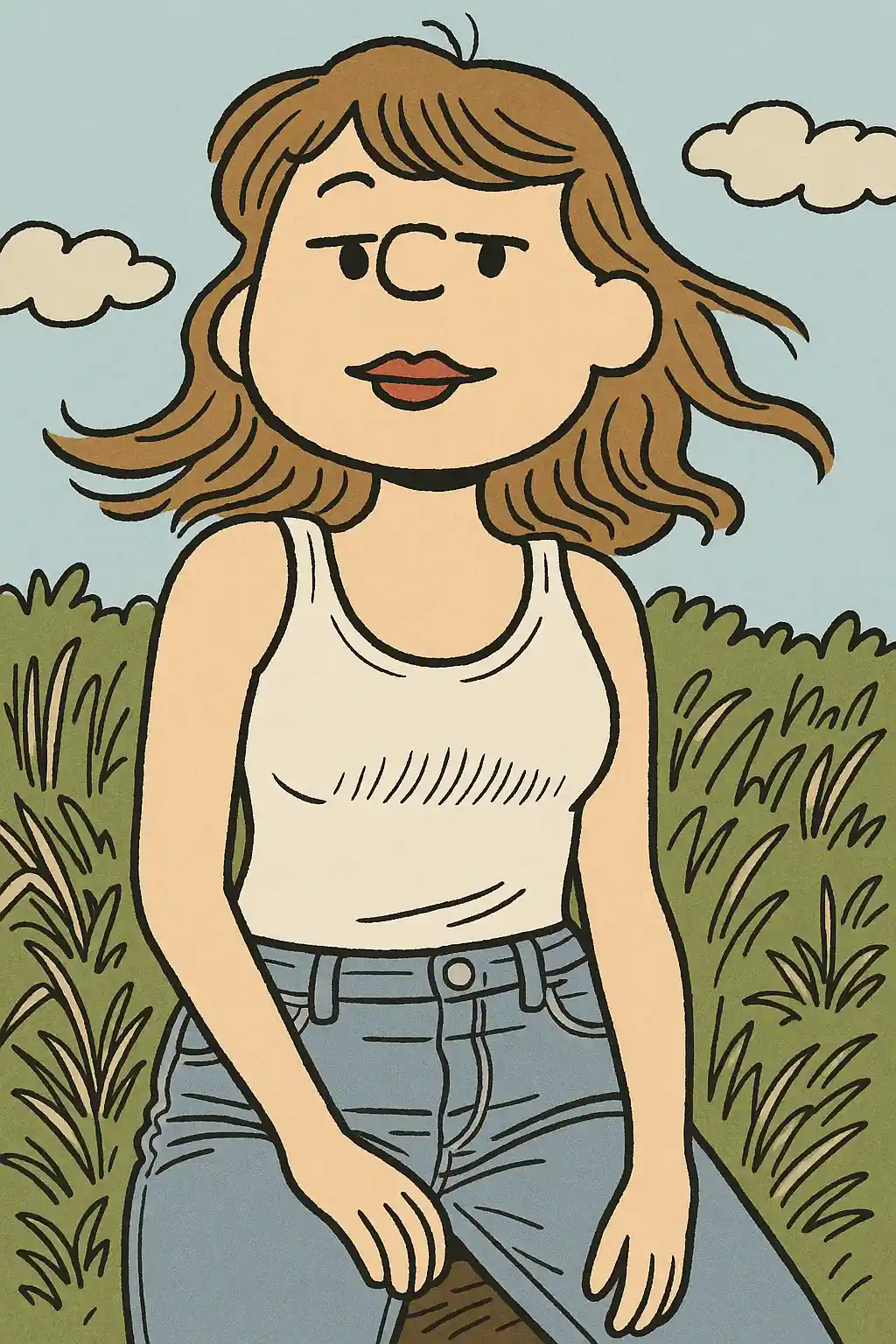

Potret menjadi karakter bergaya komik strip lebih lembut dengan garis lebih bersih dan ramah.
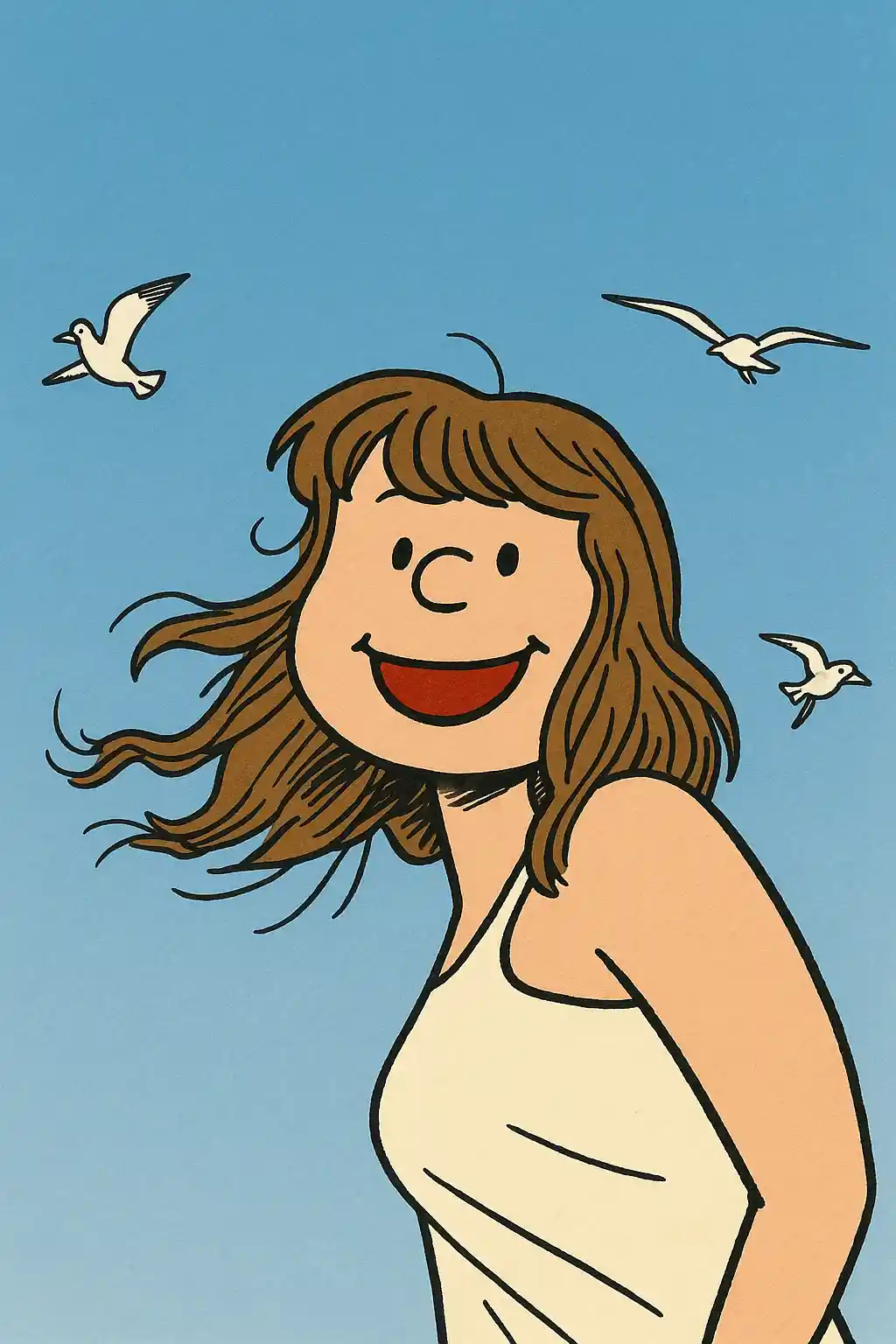

Foto imut mudah diterjemahkan ke adegan kartun nostalgik dengan kesederhanaan lebih.
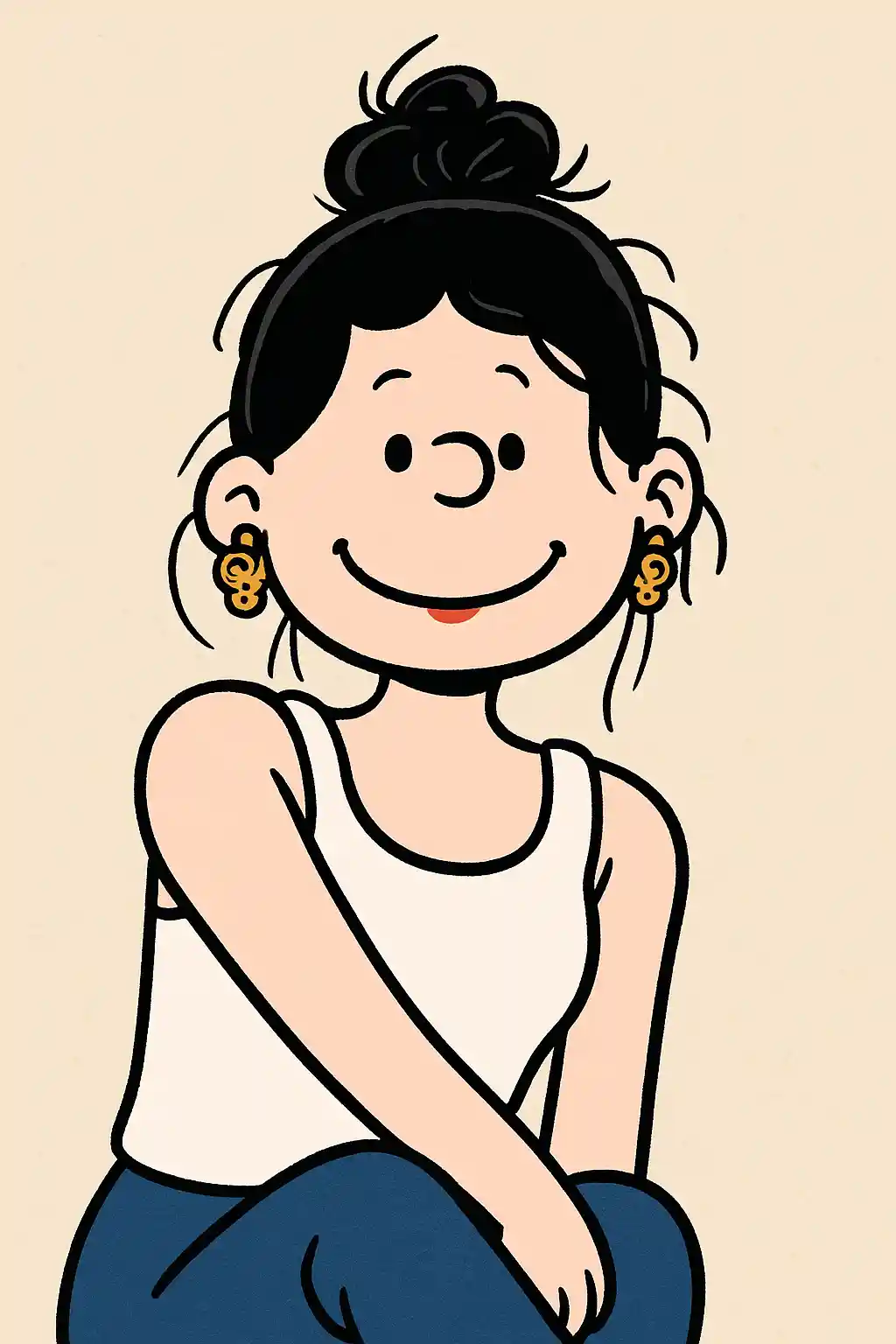

Jepretan luar ruangan masih bisa mempertahankan kehangatan sambil bergeser ke nuansa komik strip klasik.
Cara Menggunakan Gaya Ini
Pertahankan alur tetap sederhana. Hasil pertama biasanya mengajarkan Anda lebih banyak daripada prompt yang panjang.
Mulai dengan potret sederhana
Foto dengan subjek jelas dan kekacauan latar lebih sedikit paling cocok untuk reduksi kartun klasik.
Jaga arah tetap ringan
Preset ini lebih menyukai pesona kartun sederhana dan nostalgik alih-alih efek dramatis.
Sempurnakan untuk kehangatan atau kejernihan
Setelah hasil pertama, sesuaikan hanya jika Anda ingin kesederhanaan komik lebih kuat atau mood adegan lebih hangat.
Foto Terbaik untuk Gaya Ini
Mengapa Memilih Foto ke Snoopy
Kesederhanaan Komik Klasik
AI mereduksi foto menjadi garis kartun lebih bersih dan bahasa visual komik klasik yang lebih lembut.
Nuansa Karakter Nostalgik
Hasilnya terasa hangat, ramah, dan lebih abadi daripada gaya kartun yang digerakkan tren.
Keterbacaan Lembut
Bahkan saat disederhanakan, gambar tetap jelas dan ramah, yang membuatnya kuat untuk berbagi ringan.
Kartun Tanpa Berlebihan
Gaya ini menjaga hal tetap tenang dan dikenali daripada mendorong ke karikatur kontras tinggi yang nyaring.
Tentang Foto ke Snoopy
Konverter foto gaya Snoopy menggunakan AI untuk menafsirkan ulang foto Anda melalui bahasa visual kartun komik strip klasik yang lebih lembut dan sederhana. Alih-alih menekankan anime berat atau rendering 3D berkilau, gaya ini condong ke linework lebih ringan, komposisi lebih tenang, dan kehangatan karakter nostalgik.
Tampilan ini sangat menarik untuk potret, hewan peliharaan, dan konten sosial kasual yang harus terasa lebih menenangkan daripada mencolok. Ia memberi foto biasa nada yang lebih ramah dan abadi, itulah mengapa bekerja baik ketika Anda menginginkan sesuatu yang imut tapi tidak terlalu dramatis.
Generator gaya Snoopy MakePhoto fokus pada kesederhanaan komik, desain bentuk ramah, dan nada emosional lebih lembut. Hasilnya terasa lebih dekat ke panel kartun klasik yang halus daripada filter gaya standar.
Jelajahi Gaya Terkait

Foto ke Kartun
Ubah foto apa pun menjadi gaya kartun dengan AI. Garis berani, warna hidup, dan fitur karakter ekspresif.

Foto ke Stiker
Ubah foto apa pun menjadi gaya stiker imut dengan AI. Outline berani, bentuk ceria, dan energi karakter siap sosial.

Foto ke Irasutoya
Ubah foto menjadi gaya Irasutoya dengan AI. Garis ilustrasi lembut, proporsi imut, dan nuansa gambar tangan ramah.
FAQ
Foto apa yang paling cocok untuk gaya Snoopy?
Potret sederhana dan foto hewan peliharaan paling cocok karena gaya lebih menyukai bentuk jelas dan reduksi komik lebih lembut.
Apa bedanya dengan gaya kartun?
Gaya Snoopy lebih lembut, lebih sederhana, dan lebih nostalgik. Gaya kartun lebih bersih dan modern dengan penekanan grafis lebih kuat.
Apakah bagus untuk foto profil?
Ya. Bekerja sangat baik untuk orang yang menginginkan visual profil imut, tenang, dan ramah.
Siap untuk Mengubah Foto Anda?
Mulai dari halaman gaya ini, dapatkan hasil pertama dengan cepat, lalu perbaiki hanya jika Anda perlu.