
Foto zu Cartoon
Verwandle Portraits und Social-Fotos in saubere Charakterkunst im Cartoon-Stil mit kräftigen Konturen, leuchtenderen Farben und stärkerem Ausdruck.
Verwandle jedes Foto mit KI in den Cartoon-Stil. Kräftige Konturen, lebendige Farben und ausdrucksstarke Charakterzüge.
Hochladen
Laden Sie ein klares Foto hoch, um zu beginnen.
Verhältnis
Wählen Sie das Ausgabeverhältnis, das zu Ihrem Ergebnis passt.
Generieren
Klicken Sie auf Generieren und warten Sie auf das erste Ergebnis.

Stimmung
Weicher, spielzeugähnlicher und handgefertigter.
Am besten geeignet für
Creator- und Profilavatare
Ergebnis
Erhalten Sie schnell ein erstes Ergebnis und verfeinern Sie es dann für Textur oder Charakter.
Hier starten
Kreativ werden
Foto hochladen
Verhältnis
Vorschau
Generieren Sie, um Ihr Ergebnis hier zu sehen
Vertrauensdetails
- Fehlgeschlagene Generierungen verbrauchen keine Credits. Wenn ein Job später abgeschlossen wird, können Sie dies in meinen Arbeiten bestätigen.
- Bezahlte Pläne beinhalten kommerzielle Nutzungsrechte für generierte Bilder.
Sehen Sie den Stilwechsel
Nutzen Sie diese Beispiele, um die Stilrichtung zu beurteilen, bevor Sie das erste Ergebnis generieren.
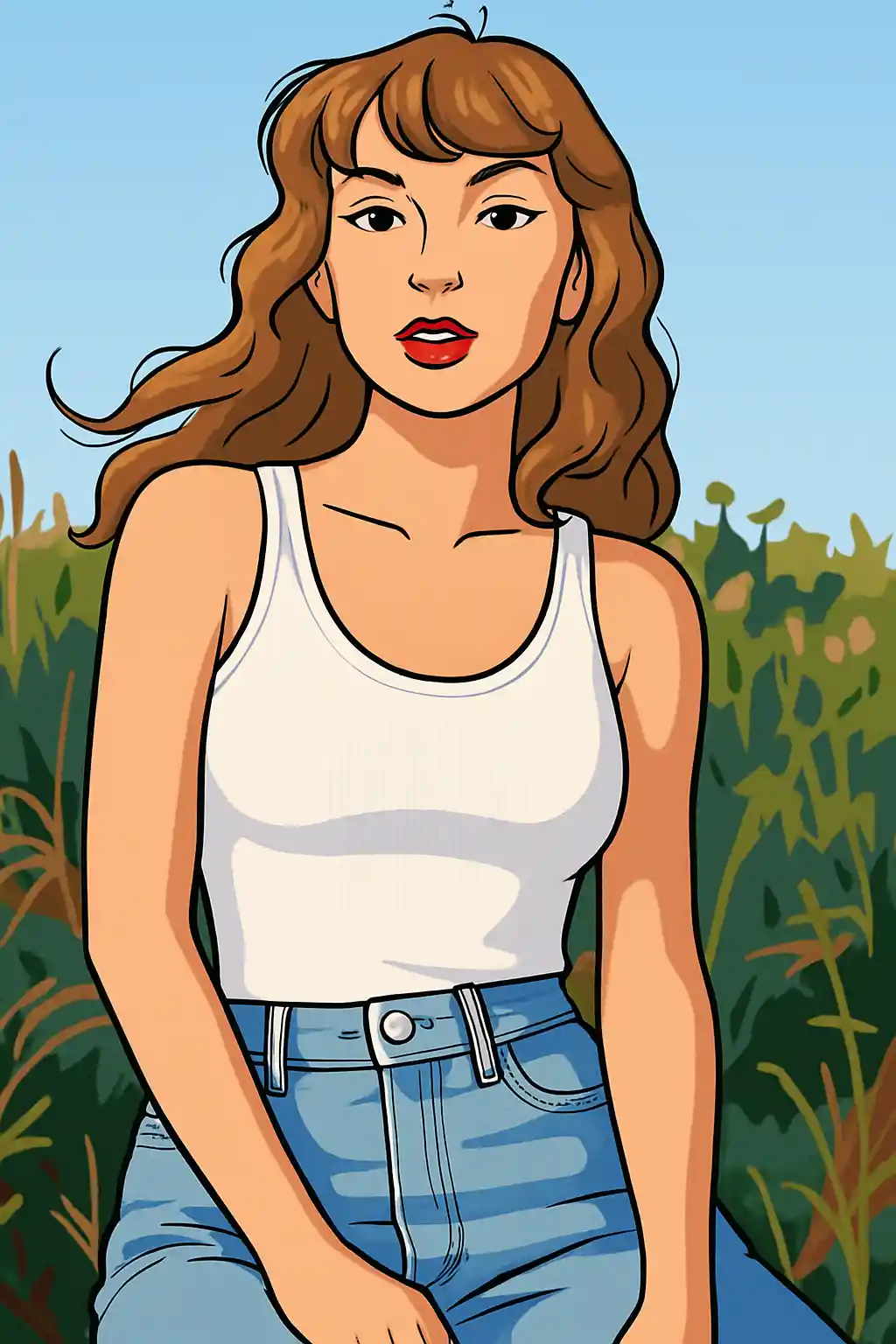

Portraits werden sauberer und grafischer, mit stärkeren Linien und leichter lesbarem Ausdruck.
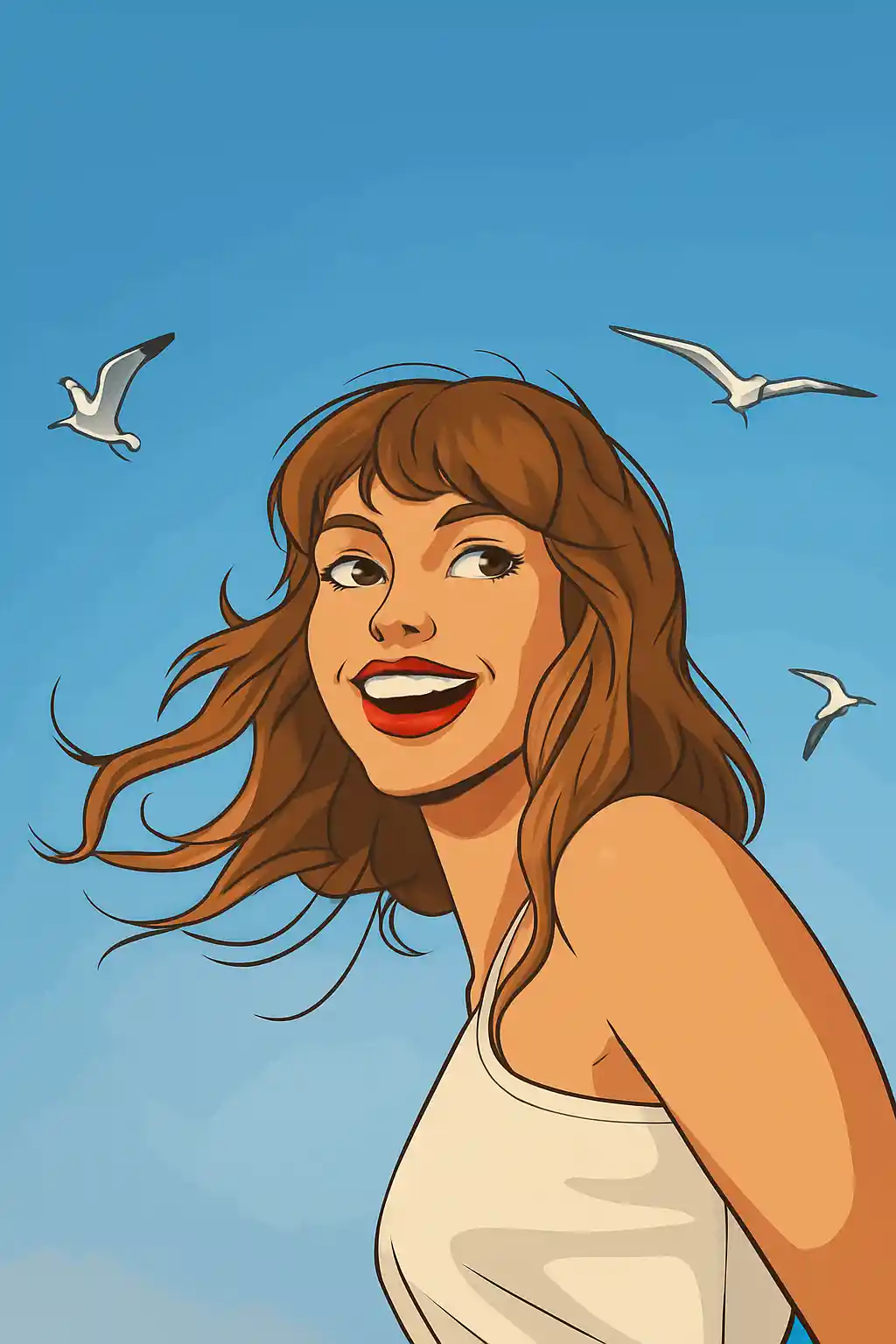

Einfache Fotos übertragen sich gut in einen modernen Cartoon-Look, der breiter und weniger cinematisch als Disney wirkt.
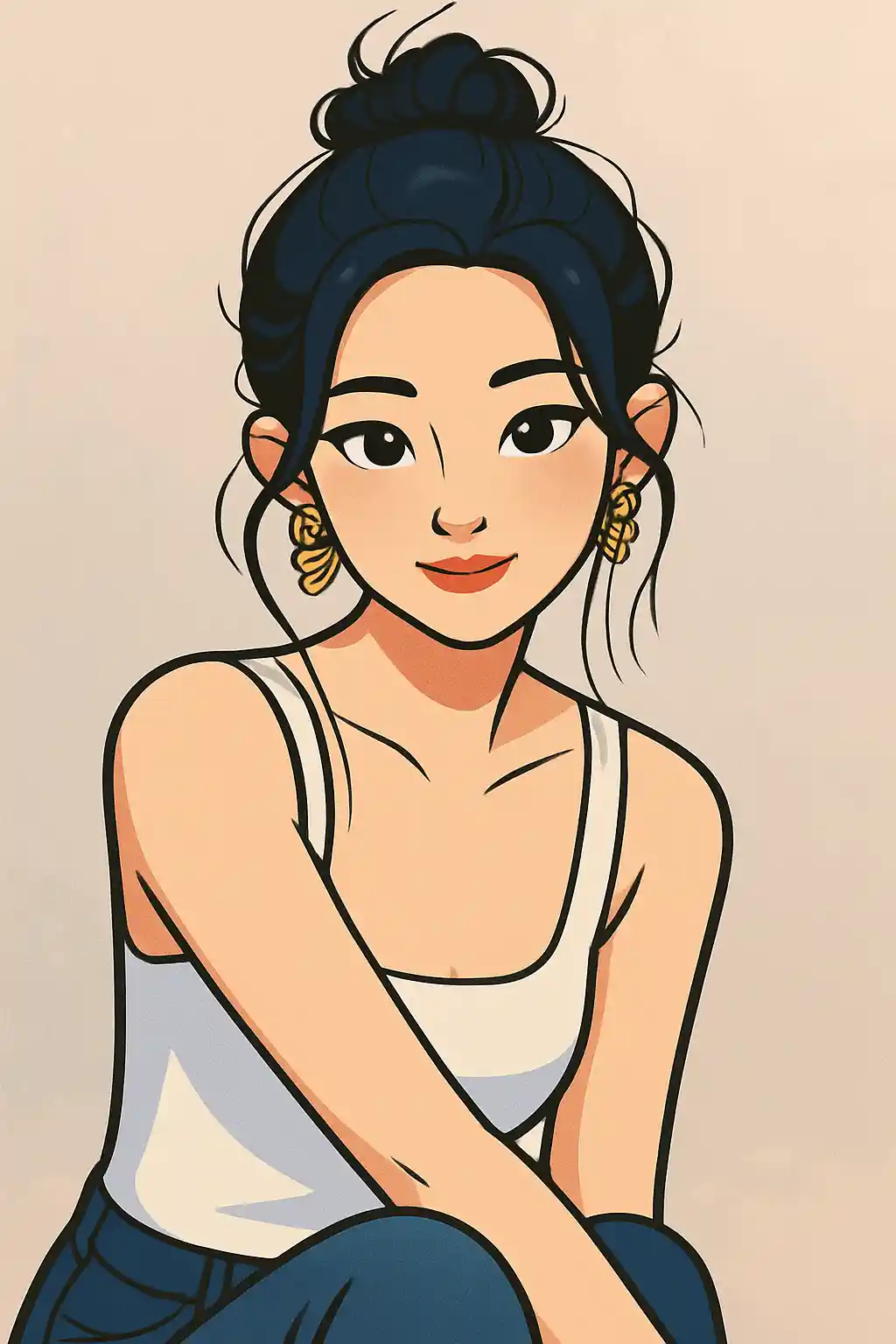

Creator-Profilbilder werden heller und polierter, ohne zu stark in Spielzeug- oder Anime-Ästhetik zu kippen.
So verwenden Sie diesen Stil
Halten Sie den Ablauf einfach. Das erste Ergebnis lehrt Sie in der Regel mehr als ein langes gestapeltes Prompt.
Nutze ein Portrait oder einen Oberkörper-Ausschnitt
Der Cartoon-Stil ist am stärksten, wenn Gesicht, Pose und Frisur leicht in klarere grafische Formen vereinfacht werden können.
Entscheide dich zwischen sauber oder verspielt
Dieser Stil kann zu poliertem Profilkunstwerk oder eher verspielten Social-Inhalten tendieren, also verfeinere für Konturstärke, Augenklarheit oder hellere Farben, statt die ganze Szene zu ändern.
Nutze den zweiten Durchgang für grafische Klarheit
Wenn das erste Ergebnis zu weich wirkt, bitte um stärkere Konturen, einfacheren Hintergrund oder saubereren Gesichtsabstand statt um mehr Realismus.
Beste Fotos für diesen Stil
Warum Foto zu Cartoon wählen?
Moderne grafische Linienführung
Der Cartoon-Stil hier dreht sich mehr um lesbare Konturen und breite visuelle Klarheit als um cinematische Weichheit oder spielzeughaftes Rendering.
Ausdrucksbereinigung
Gesichter werden sauberer und gezielter, was diese Seite besonders nützlich für Social-Avatare und Creator-Bilder macht.
Hintergrundvereinfachung
Unruhige Szenen werden meist zu einfacheren Formen und flacheren Farbblöcken reduziert, damit das Motiv visuell prominent bleibt.
Flexibel zwischen niedlich und clean
Im Vergleich zu engeren Stilen bietet Cartoon mehr Spielraum zwischen verspielten Social-Inhalten und poliertem, zugänglichem Branding.
Über Foto zu Cartoon
Der Cartoon-Fotokonverter nutzt KI, um deine Fotos in schicke, moderne Kunstwerke im Cartoon-Stil zu verwandeln. Mit kräftigen Konturen, lebendigen Flächenfarben und ausdrucksstarken Charakterzügen fängt die Ausgabe die polierte Ästhetik zeitgenössischer Animationsstudios ein – moderne TV-Animation trifft digitale Illustration.
Der Cartoon-Stil ist die vielseitigste Option zur Fototransformation. Er funktioniert brillant für Social-Media-Avatare, professionelles Branding, lustige Gruppenfotos und kreative Content-Erstellung. Der saubere, zugängliche Look spricht alle Zielgruppen an, wodurch Cartoon-Portraits gleichermaßen bei Teenagern auf Instagram und bei Fachleuten beliebt sind, die ihre LinkedIn-Präsenz auffrischen.
Der Cartoon-Filter von MakePhoto zieht nicht nur Kanten über dein Foto nach. Die generative KI interpretiert dein Bild als originale Cartoon-Charakterkunst mit stimmiger Anatomie, stilisierten Proportionen und bewussten Designentscheidungen. Jedes Element – von Haarsträhnen bis zu Kleidungsfalten – wird mit der durchdachten Linienführung und Farbblockbildung professioneller Animatoren neu gezeichnet. Das Ergebnis ist von handgezeichneter Cartoon-Illustration nicht zu unterscheiden.
Verwandte Stile erkunden

Foto zu Disney
Verwandle jedes Foto mit KI in ein Charakterportrait im Disney-Stil. Klare Linien, ausdrucksstarke Augen und polierte Animations-Ästhetik.

Foto zu Sticker
Verwandle jedes Foto mit KI in niedlichen Sticker-Stil. Kräftige Konturen, verspielte Formen und social-ready Charakterenergie.

Foto zu Q-Avatar
Verwandle jedes Foto mit KI in einen niedlichen Q-Avatar. Saubere Linien, helle Augen und ein social-ready Profil-Look.
Häufig gestellte Fragen
Wie unterscheidet sich Cartoon vom Disney-Stil?
Cartoon ist breiter, grafischer und weniger cinematisch. Der Disney-Stil ist glatter, stärker auf Charakter-Poster ausgerichtet und enger an die Familienanimation gebunden.
Welcher Ausschnitt funktioniert am besten für Cartoon?
Portraits und Oberkörperaufnahmen funktionieren meist am besten, weil Gesicht und Pose lesbar bleiben, sobald das Bild vereinfacht wird.
Funktionieren Gruppenfotos hier gut?
Ein bis zwei Personen sind der Sweet Spot. Größere Gruppen können funktionieren, aber der Stil ist zuverlässiger, wenn jedes Gesicht klar sichtbar bleibt.
Brauche ich einen detaillierten Prompt für Cartoon?
Meistens nein. Das Preset definiert bereits den Hauptlook. Zusätzlicher Prompt-Text funktioniert am besten für saubereren Hintergrund, stärkere Konturen oder hellere Farbstimmung.
Bereit, Ihr Foto zu transformieren?
Beginnen Sie auf dieser Stilseite, erhalten Sie das erste Ergebnis schnell und verfeinern Sie nur, wenn Sie müssen.