
صورتك كدبوس مينا
حوّل صورتك إلى فن شخصيات بستايل دبوس المينا بحواف معدنية نظيفة وألوان حشو زاهية وطاقة شارة قابلة للجمع.
حوّل الصور إلى ستايل دبوس مينا بالذكاء الاصطناعي. حواف معدنية وألوان مينا زاهية وجماليات شارة قابلة للجمع.
تحميل
قم بتحميل صورة واضحة واحدة للبدء في إنشاء.
نسبة
اختر نسبة الإخراج التي تناسب نتيجتك.
إنشاء
اضغط على إنشاء وانتظر النتيجة الأولى.

المزاج
أنعم، مثل اللعبة، وأكثر حرفية.
أفضل لـ
الصور الشخصية والحيوانات
النتيجة
احصل على نتيجة أولى بسرعة، ثم قم بتحسين للملمس أو الشخصيات.
ابدأ من هنا
ابدأ الإبداع
رفع الصورة
النسبة
معاينة
قم بالتوليد لرؤية نتيجتك هنا
تفاصيل الثقة
- التحويلات الفاشلة لا تستهلك الاعتمادات. إذا انتهى العمل لاحقًا، يمكنك تأكيده في أعمالي.
- تشمل الخطط المدفوعة حقوق الاستخدام التجاري للصور المولدة.
شاهد تحول النمط
استخدم هذه الأمثلة للحكم على اتجاه النمط قبل أن تقوم بإنشاء النتيجة الأولى.
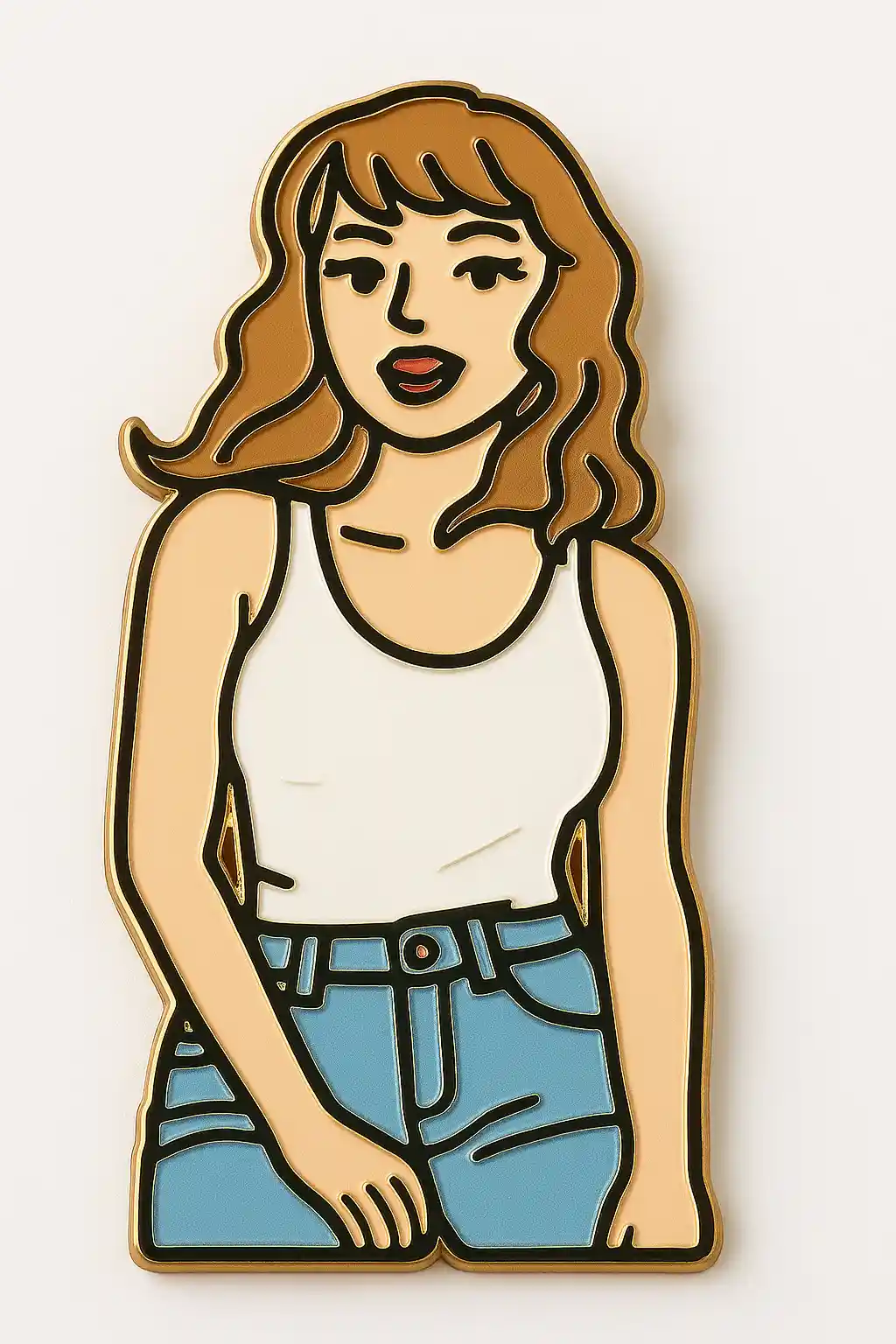

الصور الشخصية تصبح شارات شخصيات بستايل الدبوس بحواف معدنية نظيفة وحشو مينا قوي.
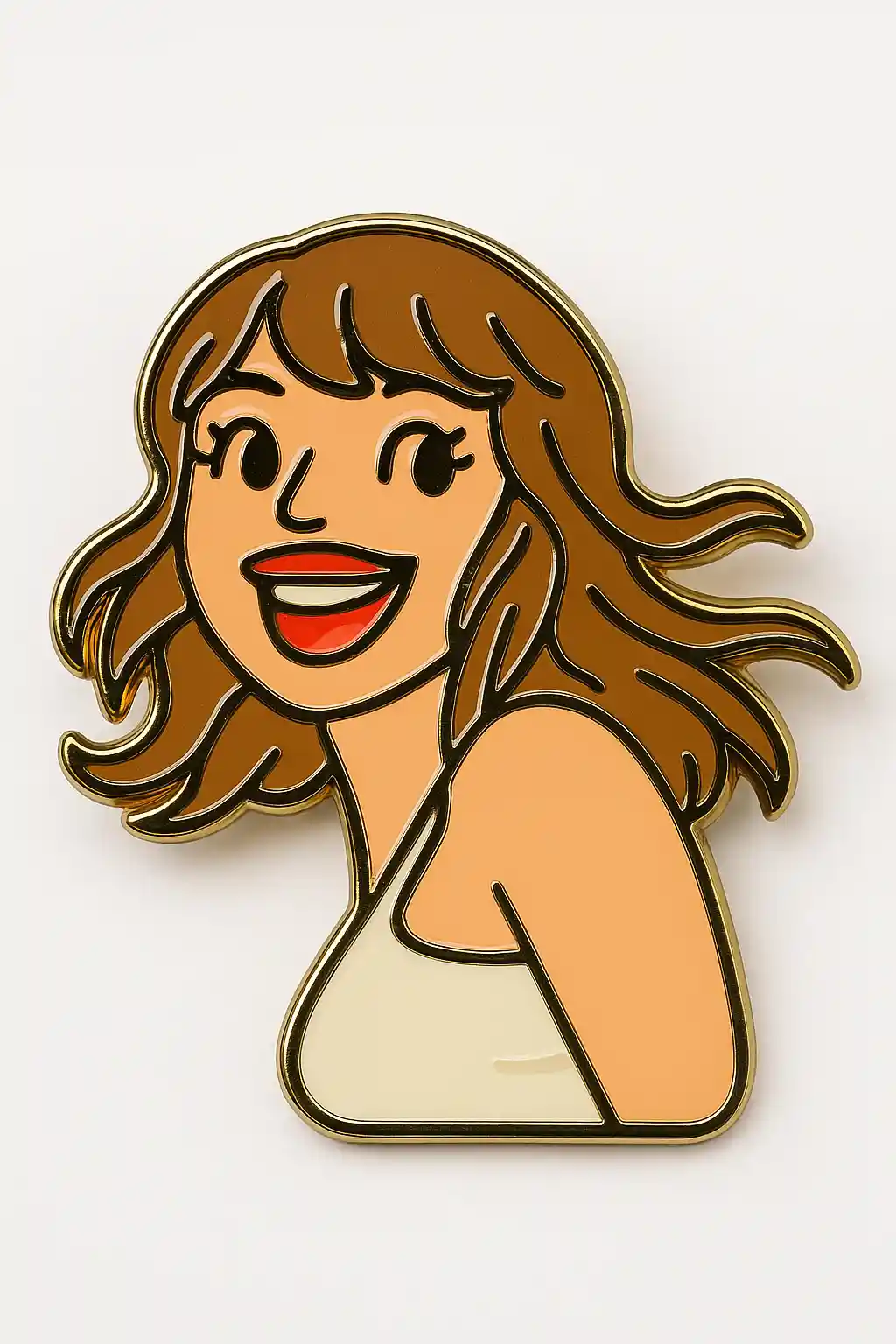

المواضيع اللطيفة تُترجم جيداً إلى رسوم توضيحية بستايل الدبوس القابل للجمع بكتل ألوان أكثر إشراقاً.
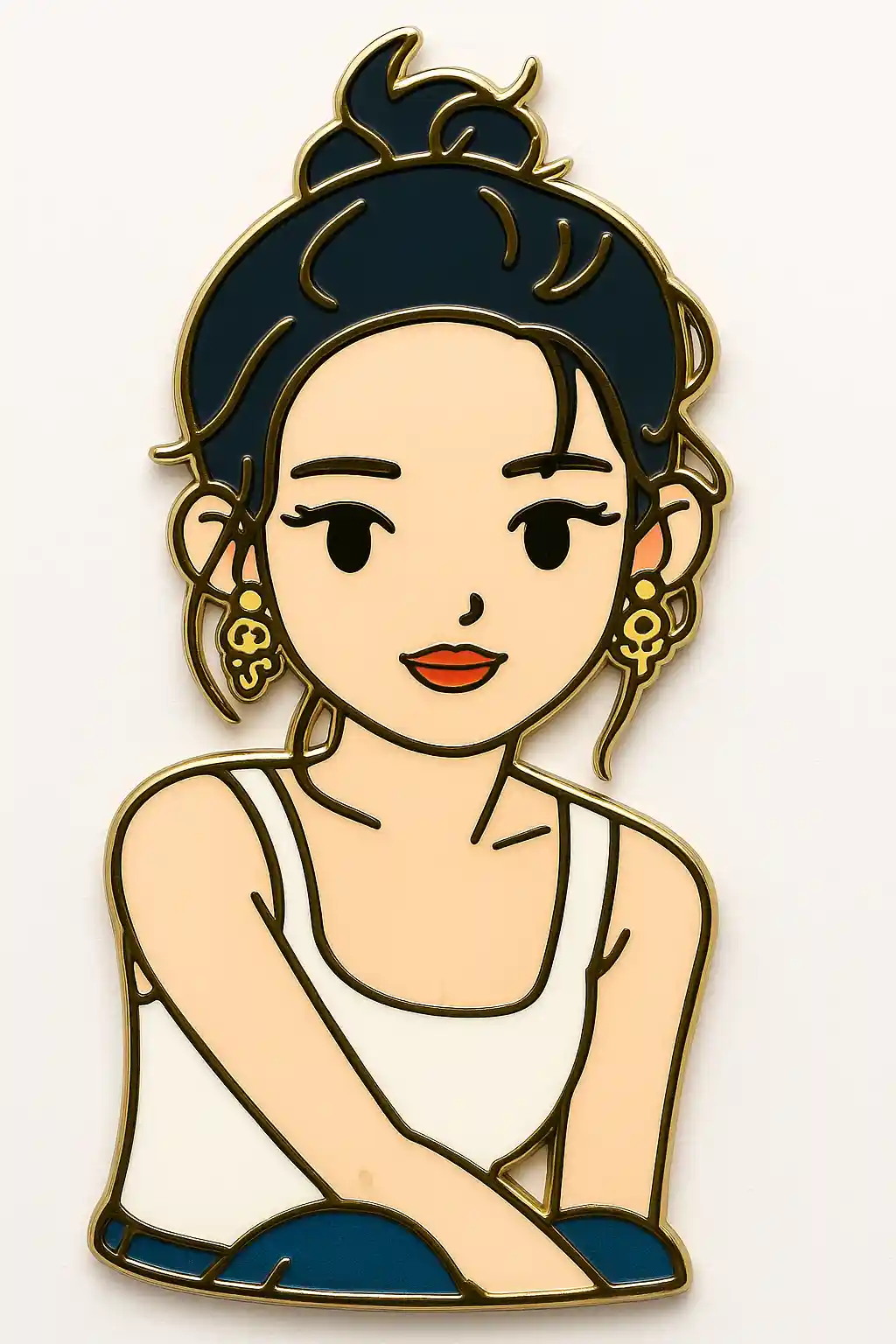

الصور الخارجية يمكن تبسيطها إلى تركيبات شارة مينا أنظف بتباين رسومي أقوى.
كيفية استخدام هذا النمط
اجعل العملية بسيطة. النتيجة الأولى عادة ما تعلمك أكثر من مطالبة طويلة متراكمة.
استخدم بورتريهاً واضحاً وبسيطاً
الصور ذات الوجه القابل للقراءة وفوضى أقل تعمل بأفضل شكل لأن ستايل دبوس المينا يعتمد على أشكال نظيفة.
اجعل الموجّه رسومياً
الإعداد المسبق ينشئ بالفعل مظهر الحد المعدني، لذا تجنب إضافة الكثير من الواقعية أو تعقيد الخلفية.
عدّل لإحساس الشارة
بعد النتيجة الأولى، اطلب حداً أقوى أو حشو ألوان أنظف أو أجواء دبوس أكثر قابلية للجمع إذا لزم.
أفضل الصور لهذا النمط
لماذا تختار صورتك كدبوس مينا
تصميم حواف معدنية
يعيد الذكاء الاصطناعي رسم الموضوع بأشكال حدود أنظف تبدو أشبه بحواف دبوس معدني مصقولة.
حشو مينا زاهٍ
تُدفع الألوان إلى أقسام أقوى شبيهة بالمينا، مما يجعل النتيجة تُقرأ كشارة أكثر من بورتريه.
لمسة نهائية رسومية قابلة للجمع
تبدو الصورة النهائية أقرب إلى فن سلع أو تصميم شارة من رسم توضيحي قياسي.
قابلية قراءة قوية بالحجم الصغير
يعمل هذا الستايل جيداً حتى في الأحجام الصغيرة لأن الأشكال تبقى مبسّطة ورسومية.
حول صورتك كدبوس مينا
يستخدم محوّل صور دبوس المينا الذكاء الاصطناعي لتحويل بورتريهك إلى رسم توضيحي لشخصية شبيه بالشارة بحواف بستايل معدني وحشوات ألوان شبيهة بالمينا الزاهية. بدلاً من معاملة الصورة كبورتريه، يختزل هذا الستايل الموضوع إلى كائن رسومي أنظف يبدو أقرب إلى سلع قابلة للارتداء أو فن دبوس قابل للجمع.
هذا المظهر مفيد بشكل خاص عندما تريد نتيجة تبدو أكثر كأنها كائن مصمم من رسم توضيحي. يعمل جيداً لمفاهيم السلع اللطيفة وشارات البروفايل والمحتوى الحديث الذي يستفيد من أشكال أقوى وتباين أوضح.
مولد دبوس المينا من MakePhoto يفعل أكثر من تسطيح الصورة؛ فالذكاء الاصطناعي يعيد هيكلة الموضوع إلى أقسام مينا رسومية وخطوط حدود واضحة وصورة ظلية شارة أكثر قابلية للجمع. النتيجة تبدو أقرب بكثير إلى تصميم دبوس أو فن سلع من بورتريه مصمم عادي.
استكشف الأنماط ذات الصلة

صورتك بستايل ملصقات
حوّل أي صورة إلى ستايل ملصقات لطيف بالذكاء الاصطناعي. خطوط جريئة وأشكال مرحة وطاقة شخصية جاهزة للنشر.

صورتك بستايل Wojak
حوّل الصور إلى ستايل ميم Wojak بالذكاء الاصطناعي. تعابير مبسّطة وطاقة ثقافة إنترنت ونغمة شخصية ساخرة أقوى.

صورتك كـ Q-Avatar
حوّل أي صورة إلى Q-avatar لطيف بالذكاء الاصطناعي. خطوط نظيفة وعيون مشرقة ومظهر بروفايل جاهز للنشر.
الأسئلة المتكررة
ما الصور التي تعمل بأفضل شكل لستايل دبوس المينا؟
الصور الشخصية البسيطة وصور الحيوانات الأليفة تعمل بأفضل شكل لأن الستايل يعتمد على حواف نظيفة وفصل أشكال قوي.
كيف يختلف هذا عن ستايل الملصقات؟
ستايل الملصقات أكثر تسطحاً ونعومة، بينما دبوس المينا يضيف حدوداً رسومية أقوى وإحساس شارة أكثر قابلية للجمع.
هل هو جيد لمفاهيم السلع؟
نعم. هو من أقوى الأنماط لفن الشارات وستايل الأيقونات ومفاهيم السلع اللطيفة.
هل أنت مستعد لتحويل صورتك؟
ابدأ من هذه الصفحة الخاصة بالنمط، احصل على النتيجة الأولى بسرعة، ثم قم بالتحسين فقط إذا كنت بحاجة لذلك.