
صورتك بستايل Barbie
حوّل سيلفيك إلى بورتريه دمية لامع مستوحى من Barbie بطاقة عبوة وإضاءة استوديو وشعور لعبة قابلة للجمع.
حوّل الصور إلى بورتريهات دمية بستايل Barbie بالذكاء الاصطناعي. مادة لامعة وطاقة موضة مرحة وأجواء عبوات قابلة للجمع.
تحميل
قم بتحميل صورة واضحة واحدة للبدء في إنشاء.
نسبة
اختر نسبة الإخراج التي تناسب نتيجتك.
إنشاء
اضغط على إنشاء وانتظر النتيجة الأولى.

المزاج
أنعم، مثل اللعبة، وأكثر حرفية.
أفضل لـ
السيلفيات والصور الشخصية
النتيجة
احصل على نتيجة أولى بسرعة، ثم قم بتحسين للملمس أو الشخصيات.
ابدأ من هنا
ابدأ الإبداع
رفع الصورة
النسبة
معاينة
قم بالتوليد لرؤية نتيجتك هنا
تفاصيل الثقة
- التحويلات الفاشلة لا تستهلك الاعتمادات. إذا انتهى العمل لاحقًا، يمكنك تأكيده في أعمالي.
- تشمل الخطط المدفوعة حقوق الاستخدام التجاري للصور المولدة.
شاهد تحول النمط
استخدم هذه الأمثلة للحكم على اتجاه النمط قبل أن تقوم بإنشاء النتيجة الأولى.
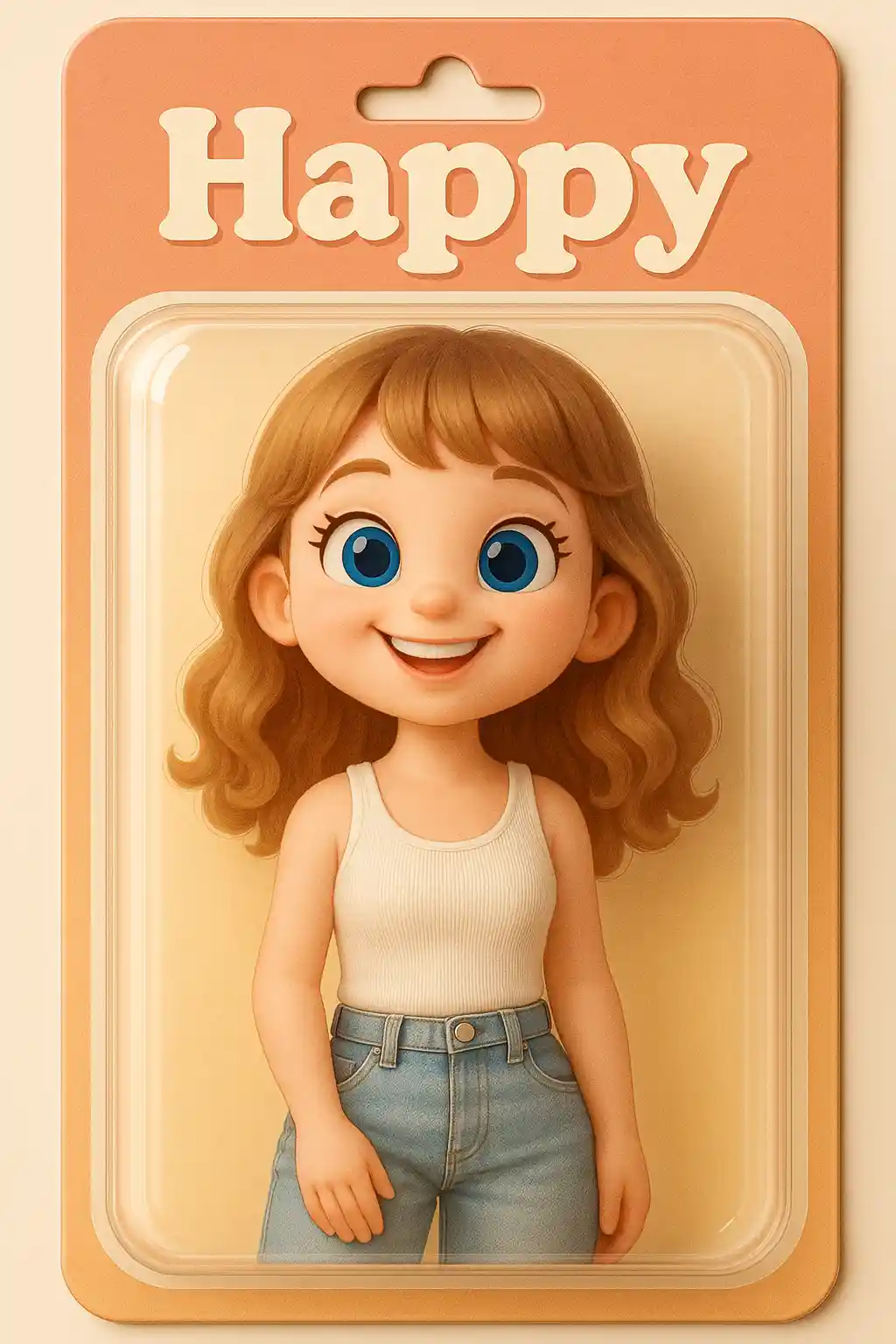

الصور الشخصية تتحول إلى صور دمية لامعة بمظهر عبوات أقوى.
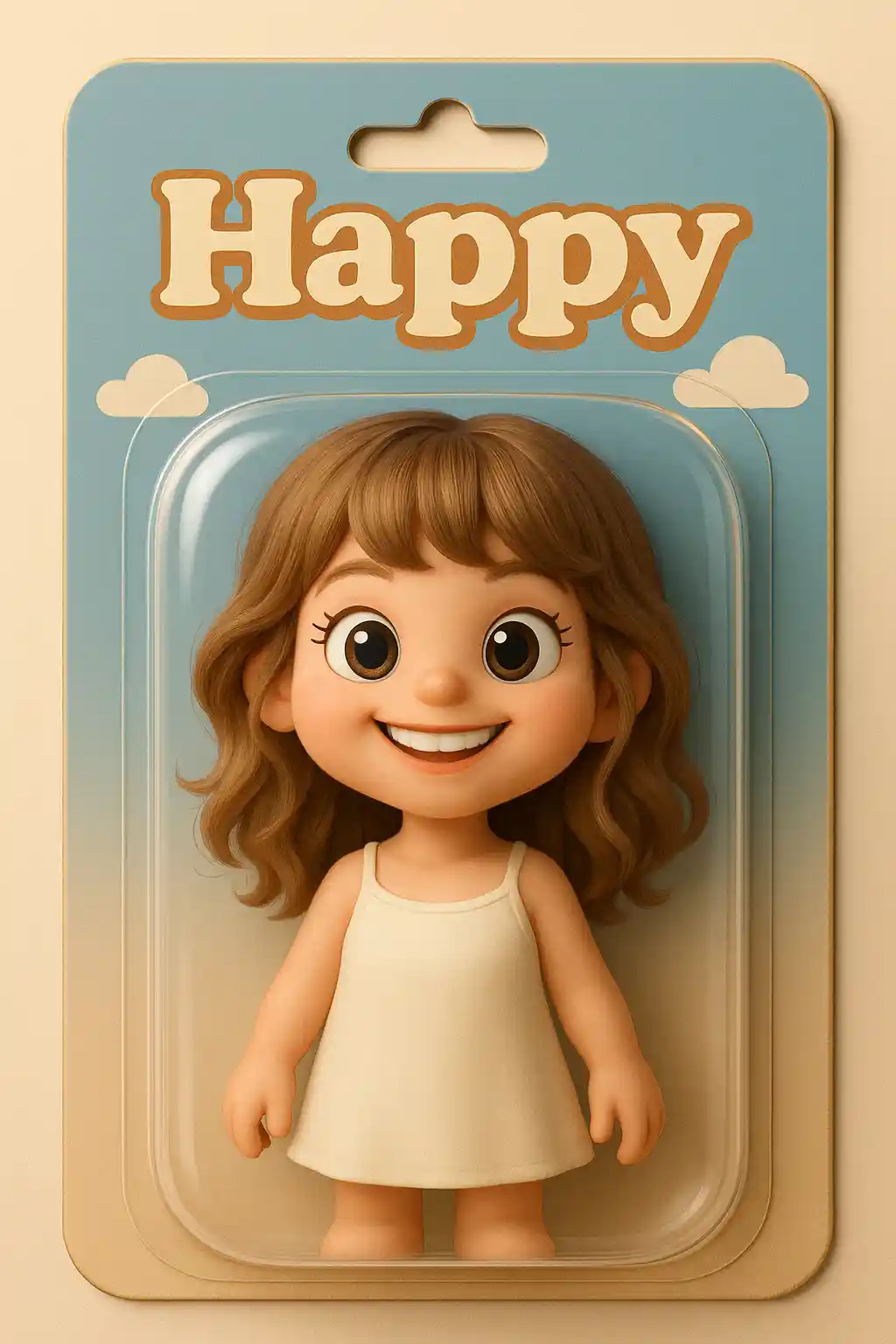

الصور اليومية تصبح أكثر عصرية وقابلية للجمع عند تحويلها إلى بورتريهات دمية Barbie.
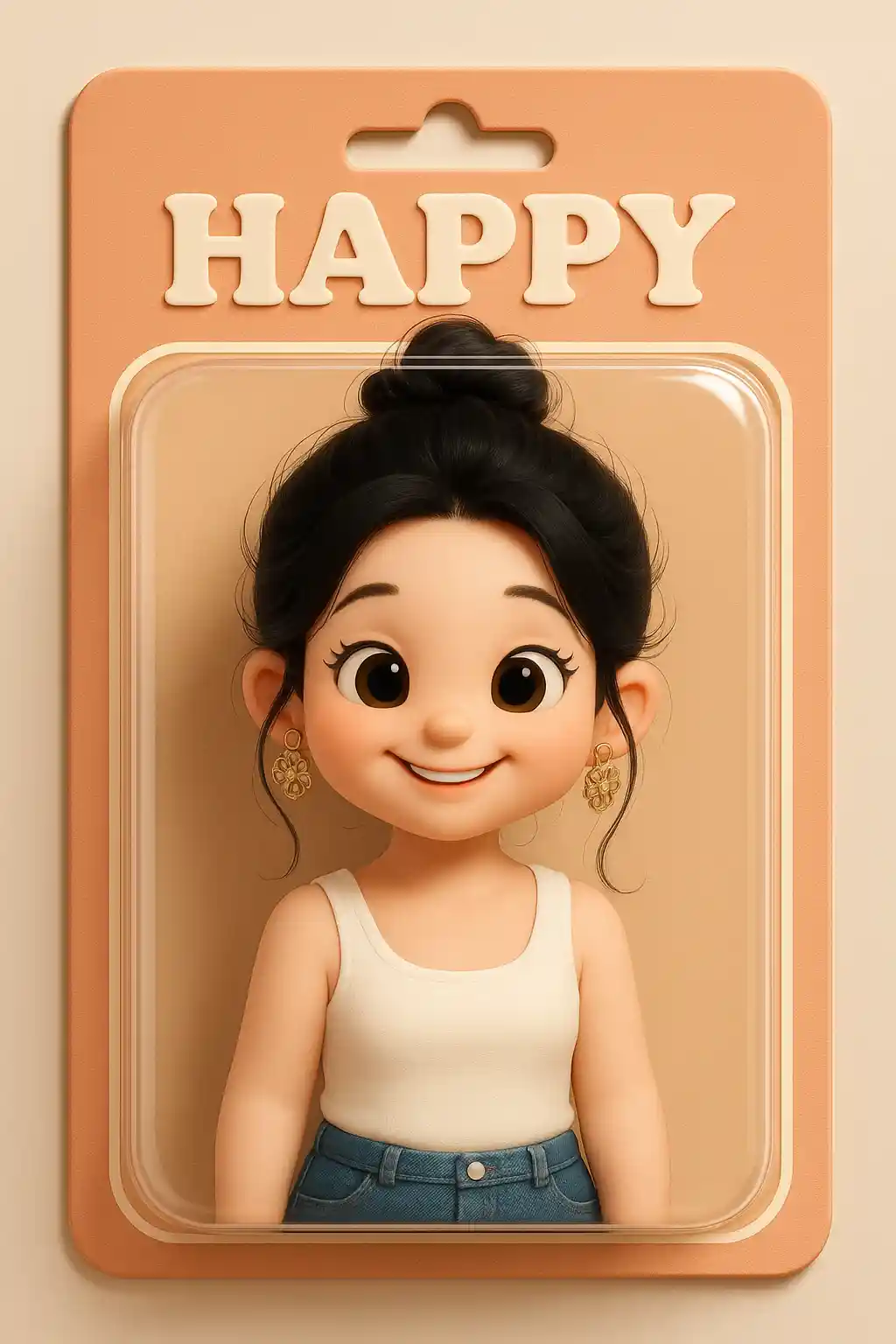

الصور الخارجية يمكن أن تحافظ على الهوية مع أن تصبح أكثر صقلاً وشبهاً بالدمى.
كيفية استخدام هذا النمط
اجعل العملية بسيطة. النتيجة الأولى عادة ما تعلمك أكثر من مطالبة طويلة متراكمة.
ابدأ بصورة بورتريه
السيلفيات وبورتريهات الخصر تعمل بأفضل شكل مع التحويل إلى ستايل الدمى.
اجعل الموجّه مصقولاً
الإعداد المسبق يتعامل بالفعل مع اتجاه الدمية، لذا يجب أن تركز التعليمات الإضافية على الأجواء أو العرض.
عدّل لإحساس العبوة
بعد النتيجة الأولى، عدّل نحو لمعان أقوى أو خلفية عرض أنظف أو طاقة موضة أكبر.
أفضل الصور لهذا النمط
لماذا تختار صورتك بستايل Barbie
تقديم دمية لامع
يدفع الذكاء الاصطناعي الموضوع نحو مادة لامعة شبيهة بالدمى وتصميم أنظف قابل للجمع.
طاقة العبوات
تبدو النتيجة أقرب إلى مرئي عبوة لعبة من أفاتار عادي، مما يجعلها أكثر جذباً للنظر.
تصميم يعتمد على الموضة
تُترجم تفاصيل الشعر والمكياج والملابس إلى مظهر دمية موضة أكثر إشراقاً وتصميماً.
مظهر اجتماعي مؤثر
هذا الستايل درامي ولامع ومدفوع بالحداثة بطبيعته، مما يجعل مشاركته سهلة.
حول صورتك بستايل Barbie
يستخدم محوّل صور Barbie الذكاء الاصطناعي لتحويل بورتريهك إلى صورة دمية موضة لامعة بطاقة عبوات ألعاب أقوى. يأخذ الموضوع إلى ما وراء الأفاتار اللطيف العادي ويدفع الصورة نحو مظهر أكثر قابلية للجمع وجاهزية للعرض بأسطح أكثر إشراقاً وعرض أنظف وجمالية دمية مصقولة بشكل مميز.
هذا الستايل جذاب بشكل خاص للسيلفيات وصور الموضة والمحتوى الاجتماعي الحديث. يعمل بأفضل شكل عندما تريد أن تبدو النتيجة أكثر درامية وتصميماً، بدلاً من أن تكون مرسومة يدوياً أو منمّقة بنعومة. اللمسة النهائية الشبيهة بالدمى تمنح الصور العادية شعوراً أكثر تميزاً وعالي المفهوم.
مولد ستايل Barbie من MakePhoto ليس مجرد طبقة وردية؛ فالذكاء الاصطناعي يعيد بناء صورتك كمرئي شخصية مستوحاة من الدمى بإشارات مادية أقوى وتركيبة بستايل العبوات وأجواء أكثر قابلية للجمع. النتيجة تبدو أقرب إلى تقديم دمية منسّق من تأثير بورتريه قياسي.
استكشف الأنماط ذات الصلة

صورتك كـ Q-Avatar
حوّل أي صورة إلى Q-avatar لطيف بالذكاء الاصطناعي. خطوط نظيفة وعيون مشرقة ومظهر بروفايل جاهز للنشر.

صورتك بستايل 3D Polaroid
حوّل الصور إلى ستايل 3D Polaroid بالذكاء الاصطناعي. تركيبة مؤطرة وعمق متعدد الطبقات وتأثير خروج مرح.

صورتك كمجسم لعبة
حوّل الصور إلى ستايل مجسم لعبة بالذكاء الاصطناعي. مظهر شخصية قابل للجمع ومادة لامعة وعرض بستايل تصوير المنتج.
الأسئلة المتكررة
ما الصور التي تعمل بأفضل شكل لستايل Barbie؟
السيلفيات الواضحة والصور الشخصية الموجهة نحو الموضة تعمل بأفضل شكل لأن تحويل الدمية يستفيد من تفاصيل الوجه الواضحة والتصميم.
كيف يختلف هذا عن ستايل Toy Figure؟
ستايل Barbie ألمع وأكثر توجهاً نحو الموضة ومستوحى أكثر من العبوات، بينما Toy Figure يركز على مظهر شخصية PVC قابلة للجمع.
هل هو جيد للمشاركة الاجتماعية؟
نعم. النتيجة درامية ومدفوعة بالحداثة، مما يجعلها قوية بشكل خاص للمحتوى الاجتماعي.
هل أنت مستعد لتحويل صورتك؟
ابدأ من هذه الصفحة الخاصة بالنمط، احصل على النتيجة الأولى بسرعة، ثم قم بالتحسين فقط إذا كنت بحاجة لذلك.