
صورتك بستايل 3D Polaroid
حوّل صورتك إلى مشهد ثلاثي الأبعاد بستايل Polaroid حيث تخرج الشخصية من الإطار بعمق مرح وقابلية مشاركة قوية.
حوّل الصور إلى ستايل 3D Polaroid بالذكاء الاصطناعي. تركيبة مؤطرة وعمق متعدد الطبقات وتأثير خروج مرح.
تحميل
قم بتحميل صورة واضحة واحدة للبدء في إنشاء.
نسبة
اختر نسبة الإخراج التي تناسب نتيجتك.
إنشاء
اضغط على إنشاء وانتظر النتيجة الأولى.

المزاج
أنعم، مثل اللعبة، وأكثر حرفية.
أفضل لـ
الصور الشخصية والسيلفيات
النتيجة
احصل على نتيجة أولى بسرعة، ثم قم بتحسين للملمس أو الشخصيات.
ابدأ من هنا
ابدأ الإبداع
رفع الصورة
النسبة
معاينة
قم بالتوليد لرؤية نتيجتك هنا
تفاصيل الثقة
- التحويلات الفاشلة لا تستهلك الاعتمادات. إذا انتهى العمل لاحقًا، يمكنك تأكيده في أعمالي.
- تشمل الخطط المدفوعة حقوق الاستخدام التجاري للصور المولدة.
شاهد تحول النمط
استخدم هذه الأمثلة للحكم على اتجاه النمط قبل أن تقوم بإنشاء النتيجة الأولى.
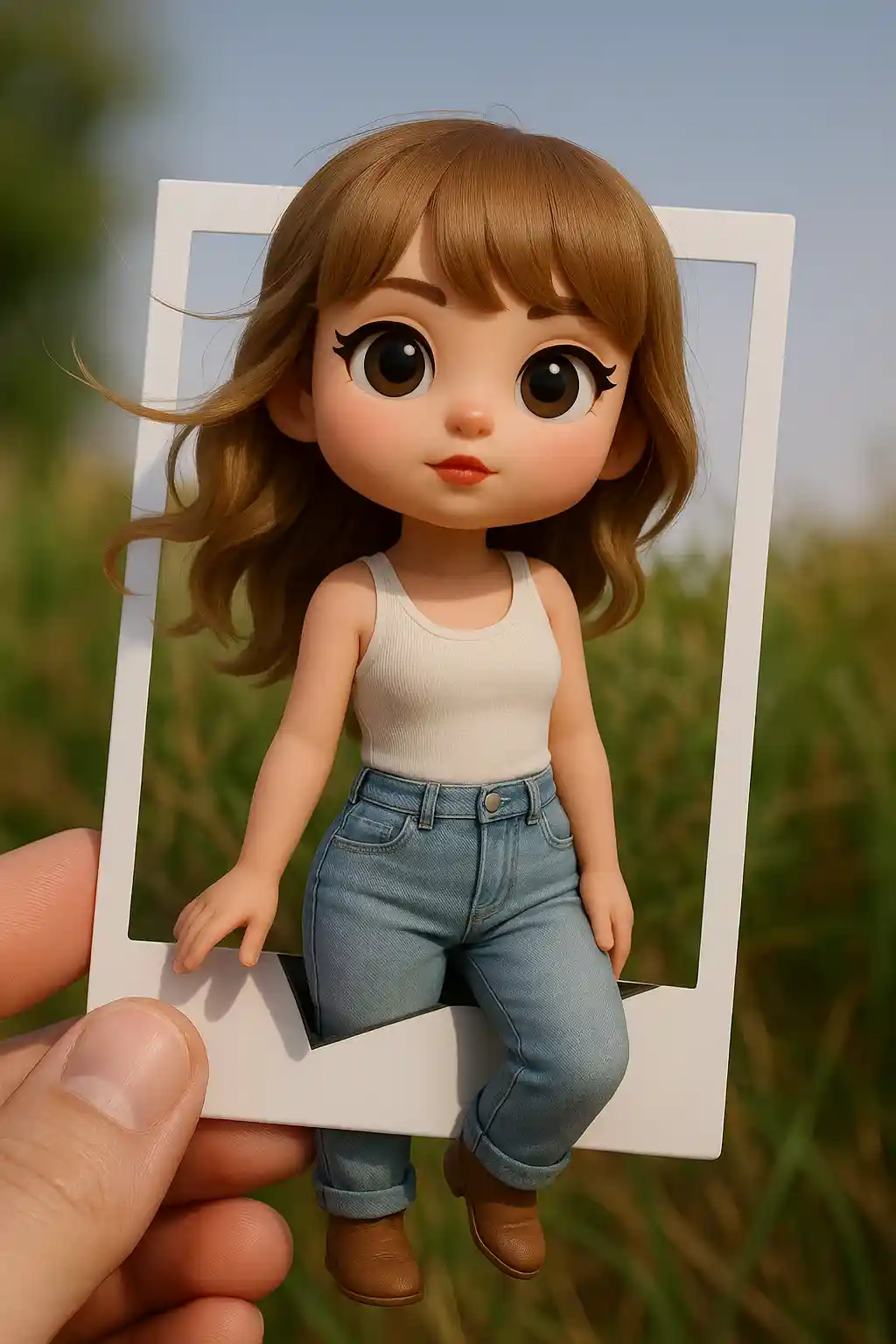

الصور الشخصية تتحول إلى مشاهد 3D مؤطرة بتأثير خروج مرح.
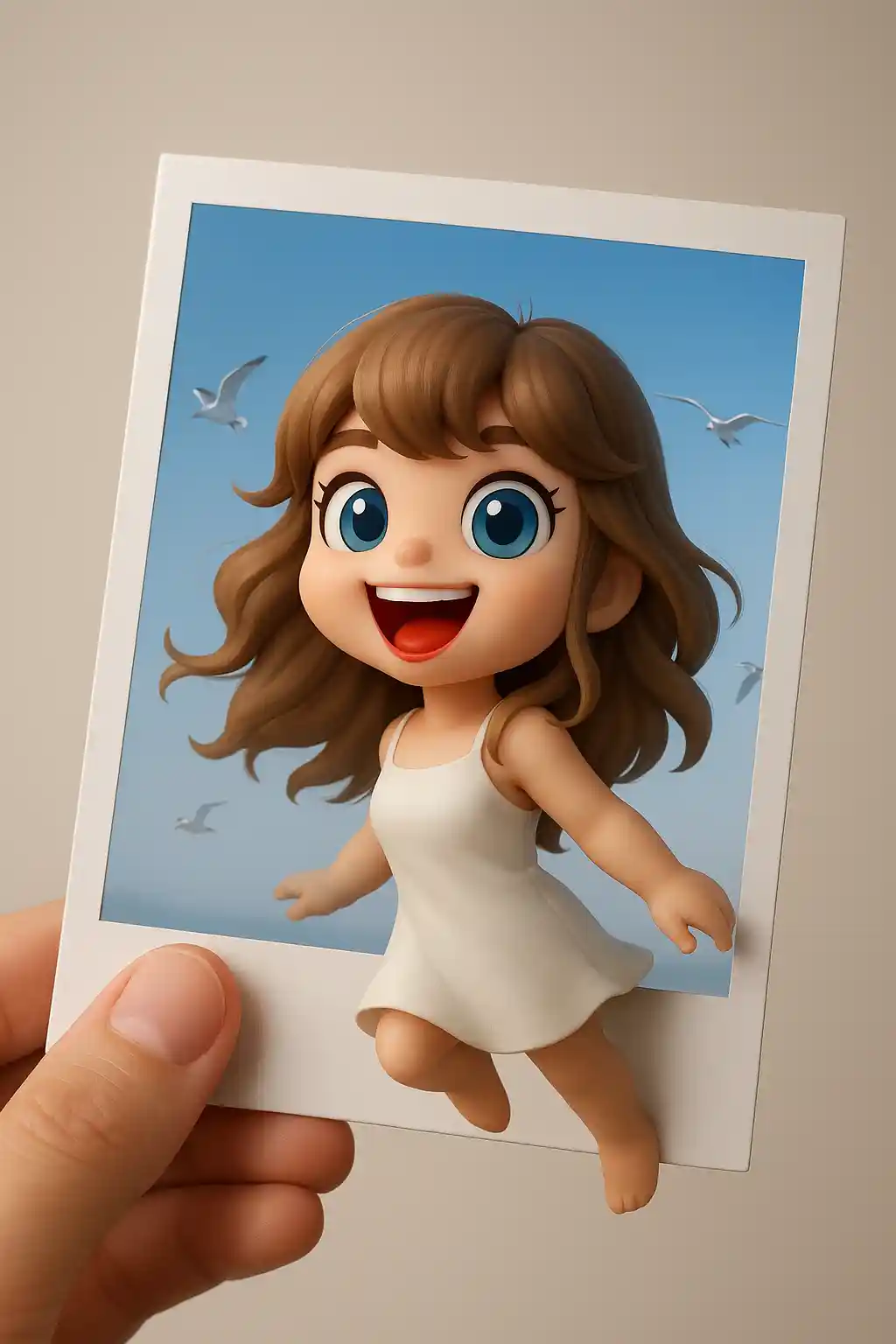

المواضيع اللطيفة تعمل جيداً عند تحويلها إلى عرض بطاقة صور بعمق أكبر.
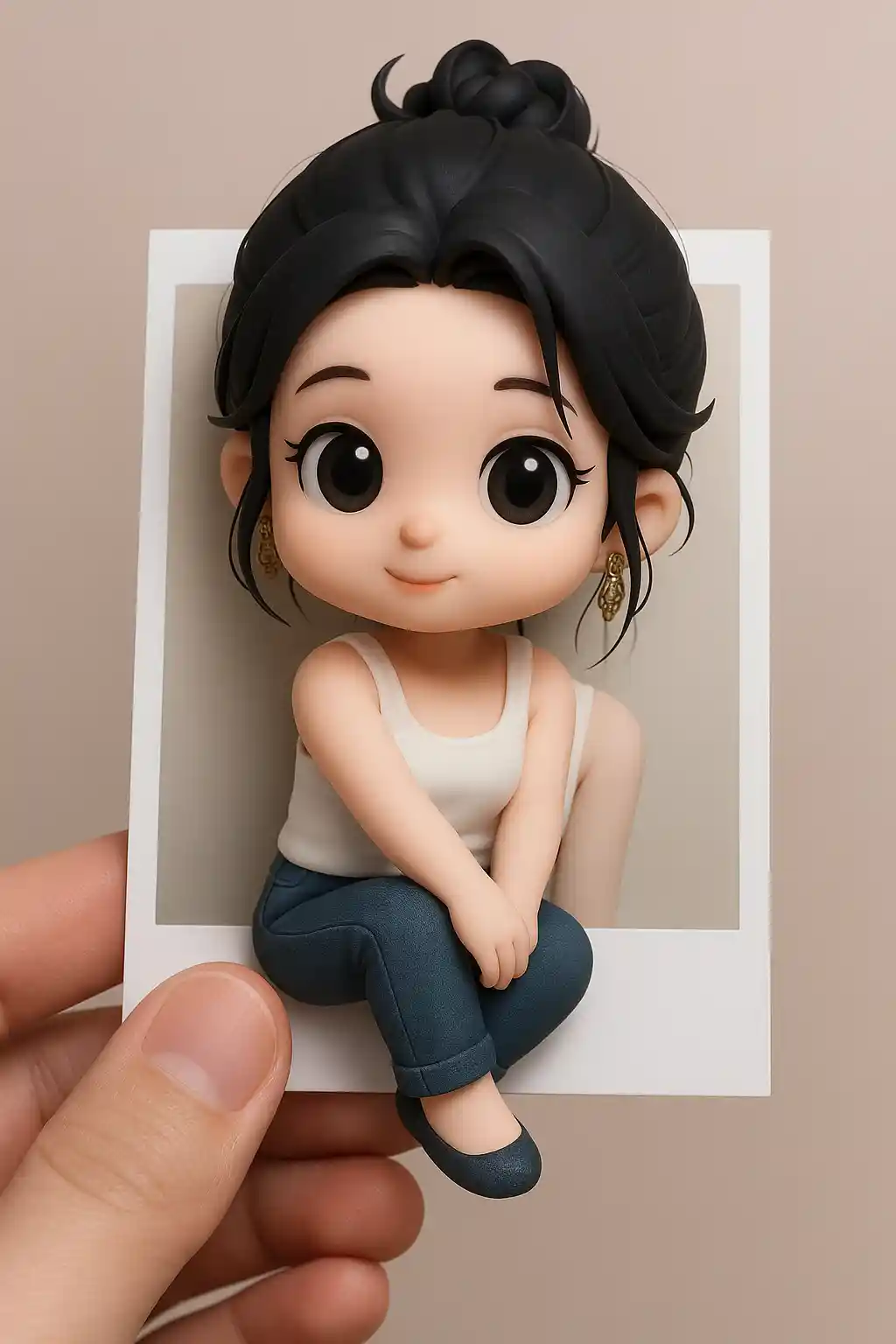

الصور الخارجية تصبح أكثر ديناميكية عندما تبدو الشخصية كأنها تخرج من إطار Polaroid.
كيفية استخدام هذا النمط
اجعل العملية بسيطة. النتيجة الأولى عادة ما تعلمك أكثر من مطالبة طويلة متراكمة.
اختر صورة تركز على الموضوع
الصور ذات الشخصية الرئيسية الواضحة تعمل بأفضل شكل لأن تأثير الخروج يحتاج إلى موضوع قوي.
دع الإطار يقوم بالسرد
الإعداد المسبق يؤسس بالفعل تركيبة Polaroid، لذا تجنب إضافة الكثير من تغييرات المشهد.
عدّل للعمق أو الطاقة
إذا لزم الأمر، اطلب خروج إطار أقوى أو خلفية أنظف أو عمقاً أشبه بالألعاب بعد الجولة الأولى.
أفضل الصور لهذا النمط
لماذا تختار صورتك بستايل 3D Polaroid
تركيبة إطار خارج
يضع الذكاء الاصطناعي الموضوع داخل إطار شبيه بـ Polaroid وينشئ وهم الخروج من الحافة.
وهم عمق 3D
التأطير المتعدد الطبقات وإشارات المنظور تجعل النتيجة تبدو أكثر بعداً من بورتريه مصمم قياسي.
جمالية بطاقة قابلة للمشاركة
تبدو المخرجات كبطاقة اجتماعية قابلة للجمع، مما يجعلها مفيدة بشكل خاص للمنشورات ومحتوى البروفايل.
نتيجة سريعة عالية التأثير
ينشئ هذا الستايل فرقاً بصرياً درامياً بسرعة، حتى عند البدء من صورة بسيطة.
حول صورتك بستايل 3D Polaroid
يستخدم محوّل صور 3D Polaroid الذكاء الاصطناعي لتحويل صورتك إلى مشهد متعدد الطبقات بستايل Polaroid حيث يبدو الموضوع وكأنه يخطو خارج الإطار. تبدو النتيجة أكثر ديناميكية من بورتريه عادي لأنها تجمع بين تصميم صورة فورية مألوف ووهم 3D مرح وعمق شخصية.
هذا الستايل يعمل جيداً بشكل خاص للسيلفيات والبورتريهات اللطيفة ومنشورات وسائل التواصل التي تحتاج إلى حداثة بصرية أقوى. يمنح الصور العادية شعوراً أكثر تصميماً وقابلية للجمع وشبهاً بالقصة دون الحاجة إلى موجّه معقد. حتى صورة بسيطة يمكن أن تصبح شيئاً يبدو أكثر صقلاً وجديراً بالمشاركة.
مولد 3D Polaroid من MakePhoto يفعل أكثر من وضع إطار أبيض حول الصورة؛ فالذكاء الاصطناعي يعيد بناء الموضوع والتركيبة بحيث تتفاعل الشخصية مع الإطار نفسه، منتجاً مشهداً يبدو أكثر كبطاقة مصممة أو ملصق مصغّر من تعديل عادي.
استكشف الأنماط ذات الصلة

صورتك بستايل طيني
حوّل الصور إلى ستايل رسوم متحركة طينية ثلاثية الأبعاد بالذكاء الاصطناعي. لطيف وملموس ومليء بالشخصية.

صورتك كـ Q-Avatar
حوّل أي صورة إلى Q-avatar لطيف بالذكاء الاصطناعي. خطوط نظيفة وعيون مشرقة ومظهر بروفايل جاهز للنشر.

صورتك كمجسم لعبة
حوّل الصور إلى ستايل مجسم لعبة بالذكاء الاصطناعي. مظهر شخصية قابل للجمع ومادة لامعة وعرض بستايل تصوير المنتج.
الأسئلة المتكررة
ما نوع الصور التي تعمل بأفضل شكل لستايل 3D Polaroid؟
البورتريهات والسيلفيات ذات الموضوع الواحد الواضح تعمل بأفضل شكل لأن تأثير الخروج يعتمد على نقطة محورية قوية.
كيف يختلف هذا عن ستايل Toy Figure؟
3D Polaroid يركز على تركيبة الإطار وعمق المشهد، بينما Toy Figure يركز على تقديم شبيه بمنتج مجسم.
هل هو جيد للمشاركة على وسائل التواصل؟
نعم. هذا أحد أكثر الأنماط قابلية للمشاركة لأن تأثير خروج الإطار يبدو أكثر مفاجأة وقابلية للجمع.
هل أنت مستعد لتحويل صورتك؟
ابدأ من هذه الصفحة الخاصة بالنمط، احصل على النتيجة الأولى بسرعة، ثم قم بالتحسين فقط إذا كنت بحاجة لذلك.