
Chuyển Ảnh Sang Polaroid 3D
Biến ảnh của bạn thành cảnh phong cách Polaroid 3D nơi nhân vật nhảy ra khỏi khung với chiều sâu vui tươi và khả năng chia sẻ mạnh mẽ.
Biến ảnh thành phong cách Polaroid 3D bằng AI. Bố cục có khung, chiều sâu phân lớp và hiệu ứng thoát khung vui tươi.
Tải lên
Tải lên một bức ảnh rõ ràng để bắt đầu tạo ra.
Tỷ lệ
Chọn tỷ lệ đầu ra phù hợp với kết quả của bạn.
Tạo ra
Nhấn tạo và chờ kết quả đầu tiên.

Tâm trạng
Mềm mại, giống đồ chơi và được chế tác nhiều hơn.
Tốt nhất cho
Chân dung & selfie
Kết quả
Nhận kết quả đầu tiên nhanh chóng, sau đó tinh chỉnh cho kết cấu hoặc tính cách.
Bắt đầu ở đây
Bắt đầu tạo ra
Tải lên ảnh
Tỷ lệ
Xem trước
Tạo để thấy kết quả của bạn ở đây
Chi tiết tin cậy
- Các lần tạo không thành công không tiêu tốn tín dụng. Nếu một công việc hoàn thành muộn hơn, bạn có thể xác nhận nó trong My Works.
- Các gói trả phí bao gồm quyền sử dụng thương mại cho các hình ảnh được tạo.
Xem sự chuyển đổi phong cách
Sử dụng những ví dụ này để đánh giá hướng phong cách trước khi bạn tạo ra kết quả đầu tiên.
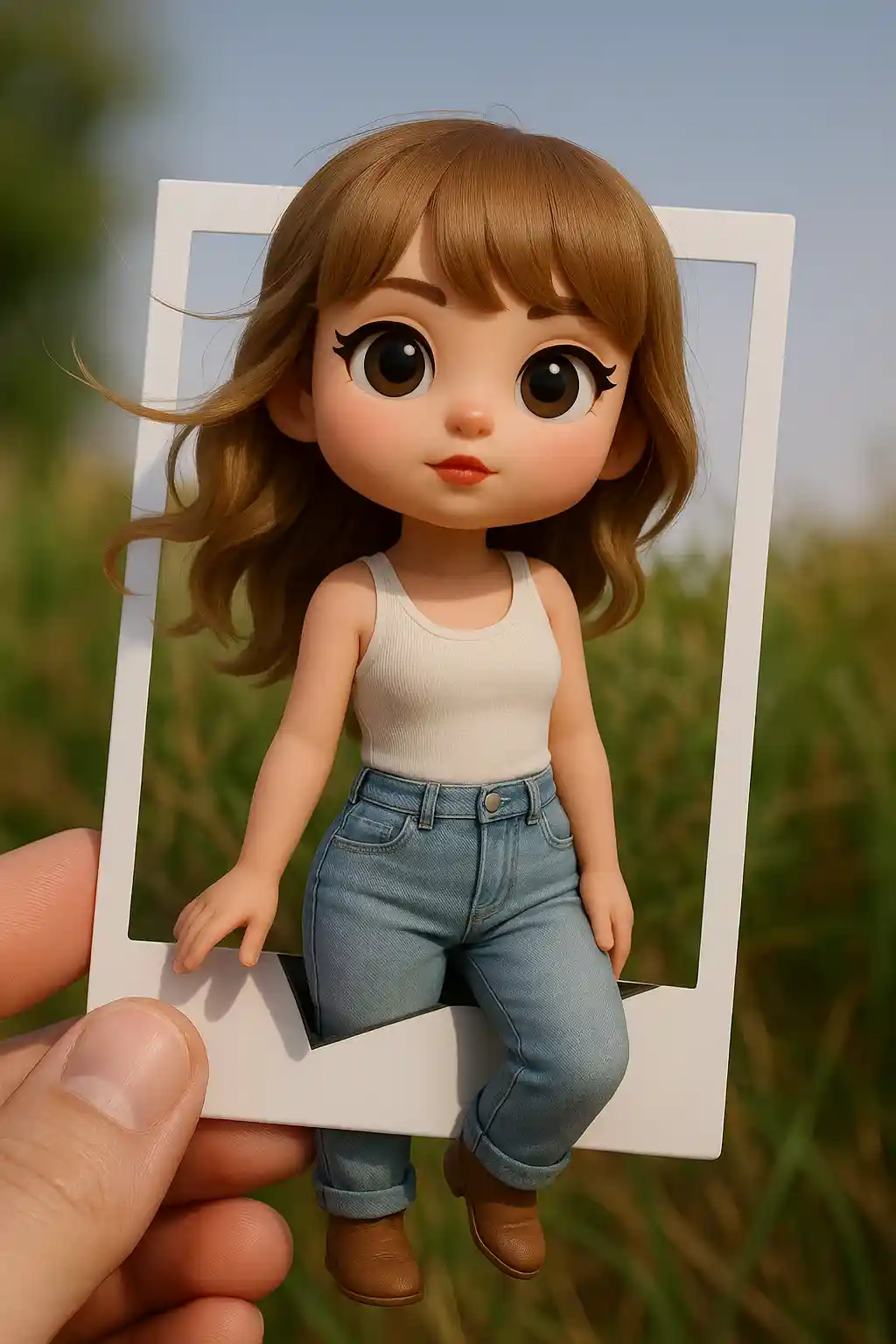

Chân dung biến thành cảnh 3D có khung với hiệu ứng pop-out vui tươi.
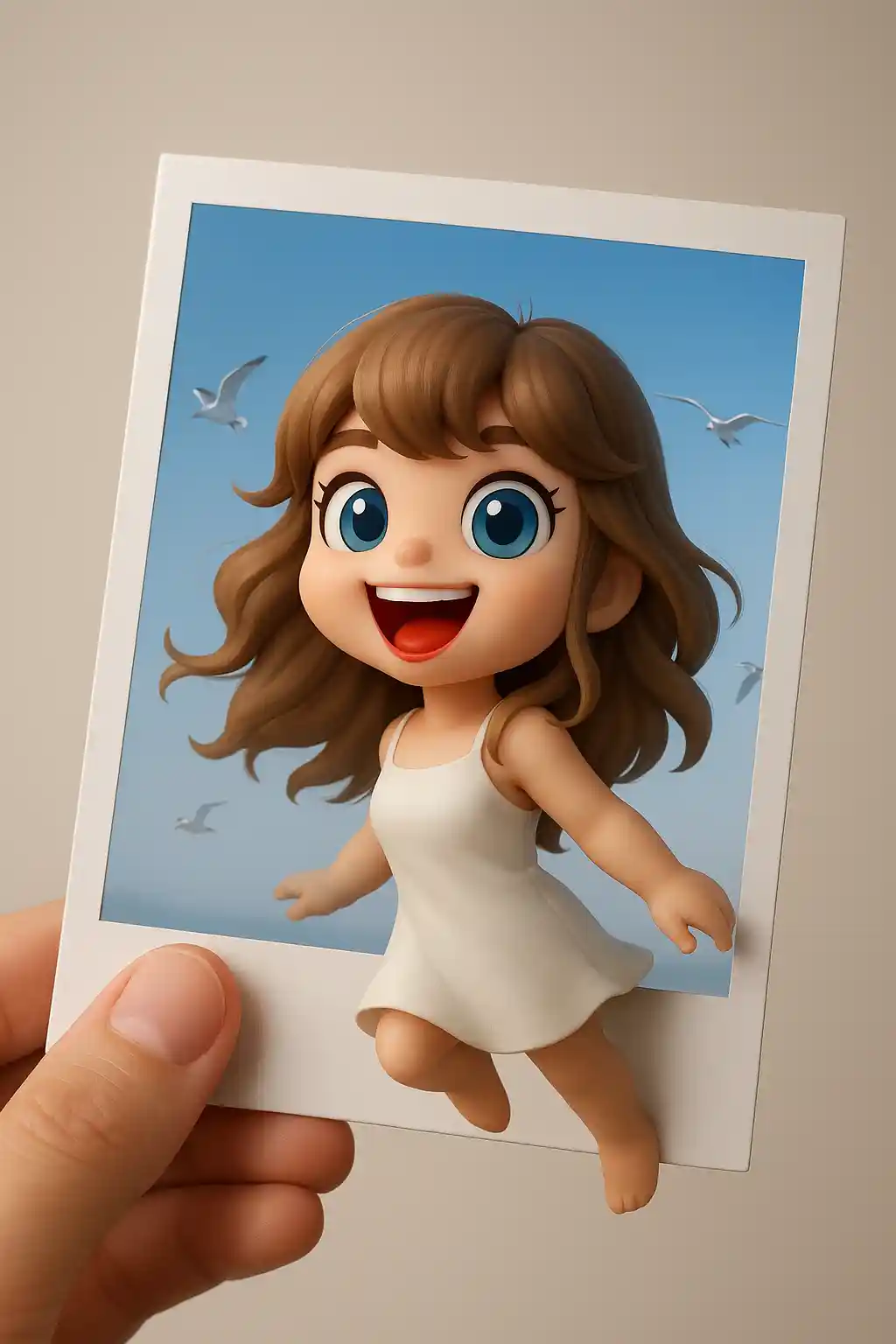

Chủ thể dễ thương hoạt động tốt khi được biến thành màn hình phong cách thẻ ảnh với chiều sâu hơn.
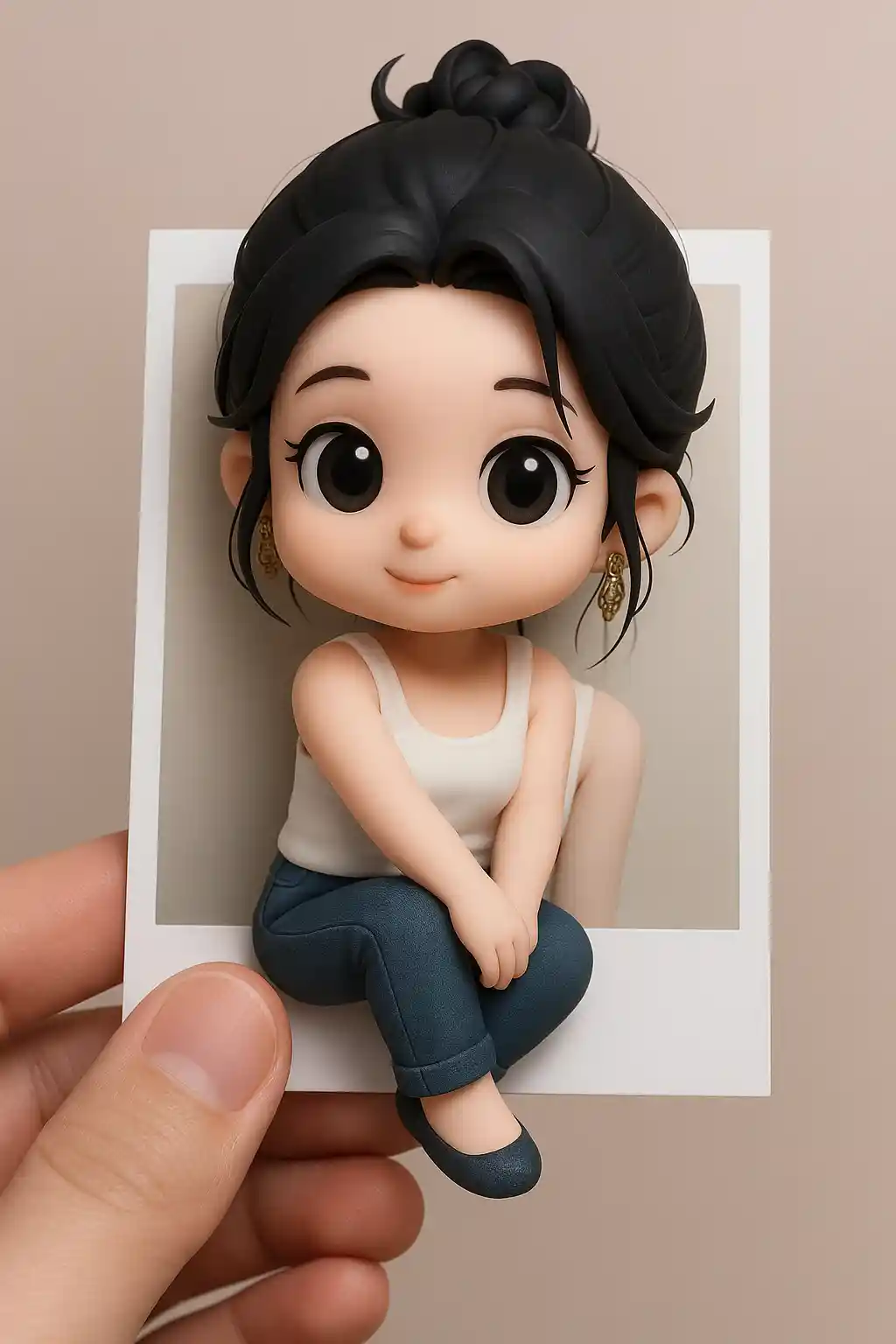

Ảnh ngoài trời trở nên năng động hơn khi nhân vật có vẻ thoát ra khỏi khung Polaroid.
Cách sử dụng phong cách này
Giữ cho quá trình đơn giản. Kết quả đầu tiên thường dạy bạn nhiều hơn là một prompt dài.
Chọn một ảnh ưu tiên chủ thể
Ảnh có một nhân vật chính rõ ràng hoạt động tốt nhất vì hiệu ứng pop-out cần một chủ thể mạnh.
Hãy để khung kể chuyện
Preset đã thiết lập bố cục Polaroid, nên tránh thêm quá nhiều thay đổi cảnh bổ sung.
Tinh chỉnh chiều sâu hoặc năng lượng
Nếu cần, hãy yêu cầu hiệu ứng thoát khung mạnh hơn, phông nền sạch hơn hoặc chiều sâu giống đồ chơi hơn sau lượt đầu tiên.
Những bức ảnh tốt nhất cho phong cách này
Tại sao chọn Chuyển Ảnh Sang Polaroid 3D
Bố cục khung pop-out
AI đặt chủ thể bên trong một khung giống Polaroid và tạo ra ảo giác vượt qua cạnh.
Ảo giác chiều sâu 3D
Khung phân lớp và tín hiệu phối cảnh làm cho kết quả cảm thấy có chiều hơn chân dung cách điệu tiêu chuẩn.
Thẩm mỹ thẻ dễ chia sẻ
Đầu ra cảm thấy như một thẻ xã hội sưu tầm, làm nó đặc biệt hữu ích cho bài đăng và nội dung hồ sơ.
Kết quả tác động cao nhanh
Phong cách này tạo ra sự khác biệt trực quan kịch tính nhanh chóng, ngay cả khi bắt đầu từ một ảnh đơn giản.
Về Chuyển Ảnh Sang Polaroid 3D
Bộ chuyển đổi ảnh Polaroid 3D dùng AI để biến ảnh của bạn thành cảnh phong cách Polaroid phân lớp nơi chủ thể có vẻ bước ra khỏi khung. Kết quả cảm thấy năng động hơn chân dung thông thường vì nó kết hợp bố cục ảnh tức thời quen thuộc với ảo giác 3D vui tươi và chiều sâu nhân vật.
Phong cách này hoạt động đặc biệt tốt cho selfie, chân dung dễ thương và bài đăng mạng xã hội cần tính mới lạ trực quan mạnh hơn. Nó mang đến cho ảnh thông thường cảm giác được thiết kế, sưu tầm và giống câu chuyện hơn mà không cần một prompt phức tạp. Ngay cả một bức ảnh đơn giản cũng có thể trở thành thứ gì đó cảm thấy trau chuốt hơn và đáng chia sẻ hơn.
Bộ tạo Polaroid 3D của MakePhoto làm nhiều hơn việc đặt một khung trắng xung quanh ảnh. AI tái tạo chủ thể và bố cục để nhân vật tương tác với chính khung, tạo ra một cảnh trông giống một thẻ được thiết kế hoặc poster thu nhỏ hơn là một chỉnh sửa thông thường.
Khám phá các phong cách liên quan

Chuyển Ảnh Sang Đất Sét
Biến ảnh thành phong cách hoạt hình đất sét 3D đáng yêu bằng AI. Dễ thương, có cảm giác chạm và đầy cá tính.

Chuyển Ảnh Sang Q-Avatar
Biến ảnh bất kỳ thành Q-avatar dễ thương bằng AI. Đường nét sạch, mắt sáng và vẻ ngoài hồ sơ sẵn sàng cho mạng xã hội.

Chuyển Ảnh Sang Tượng Đồ Chơi
Biến ảnh thành phong cách tượng đồ chơi bằng AI. Vẻ ngoài nhân vật sưu tầm, chất liệu bóng và trình bày ảnh sản phẩm.
Câu hỏi thường gặp
Loại ảnh nào phù hợp nhất cho phong cách Polaroid 3D?
Chân dung và selfie với một chủ thể rõ ràng hoạt động tốt nhất vì hiệu ứng pop-out phụ thuộc vào một tiêu điểm mạnh.
Điều này khác gì với phong cách Toy Figure?
Polaroid 3D tập trung vào bố cục khung và chiều sâu cảnh, trong khi Toy Figure tập trung vào kết xuất tượng giống sản phẩm.
Nó có tốt cho chia sẻ mạng xã hội không?
Có. Đây là một trong những phong cách dễ chia sẻ nhất vì hiệu ứng thoát khung cảm thấy bất ngờ và sưu tầm hơn.
Sẵn sàng để biến đổi bức ảnh của bạn?
Bắt đầu từ trang phong cách này, nhận kết quả đầu tiên nhanh chóng, sau đó chỉ tinh chỉnh nếu cần.