
Фото в мультфильм
Превращайте портреты и соцсеть-фото в чистый мультяшный арт с жирными контурами, более яркими цветами и сильной мимикой.
Превратите любое фото в мультяшный стиль с AI. Жирные контуры, яркие цвета и выразительные черты персонажа.
Загрузить
Загрузите одно четкое фото, чтобы начать генерацию.
Соотношение
Выберите соотношение выходного изображения, которое подходит для вашего результата.
Сгенерировать
Нажмите создать и дождитесь первого результата.

Наст Mood
Мягче, как игрушка, и более ручной работы.
Лучше всего для
Аватары блогеров и профили
Результат
Получите первый результат быстро, затем уточните текстуру или характер.
Начните здесь
Начните создавать
Загрузить фото
Соотношение
Предварительный просмотр
Генерируйте, чтобы увидеть ваш результат здесь
Детали доверия
- Неудачные генерации не расходуют кредиты. Если работа завершится позже, вы можете подтвердить это в «Мои работы».
- Платные планы включают права на коммерческое использование сгенерированных изображений.
Посмотрите стиль изменения
Используйте эти примеры, чтобы оценить направление стиля, прежде чем сгенерировать первый результат.
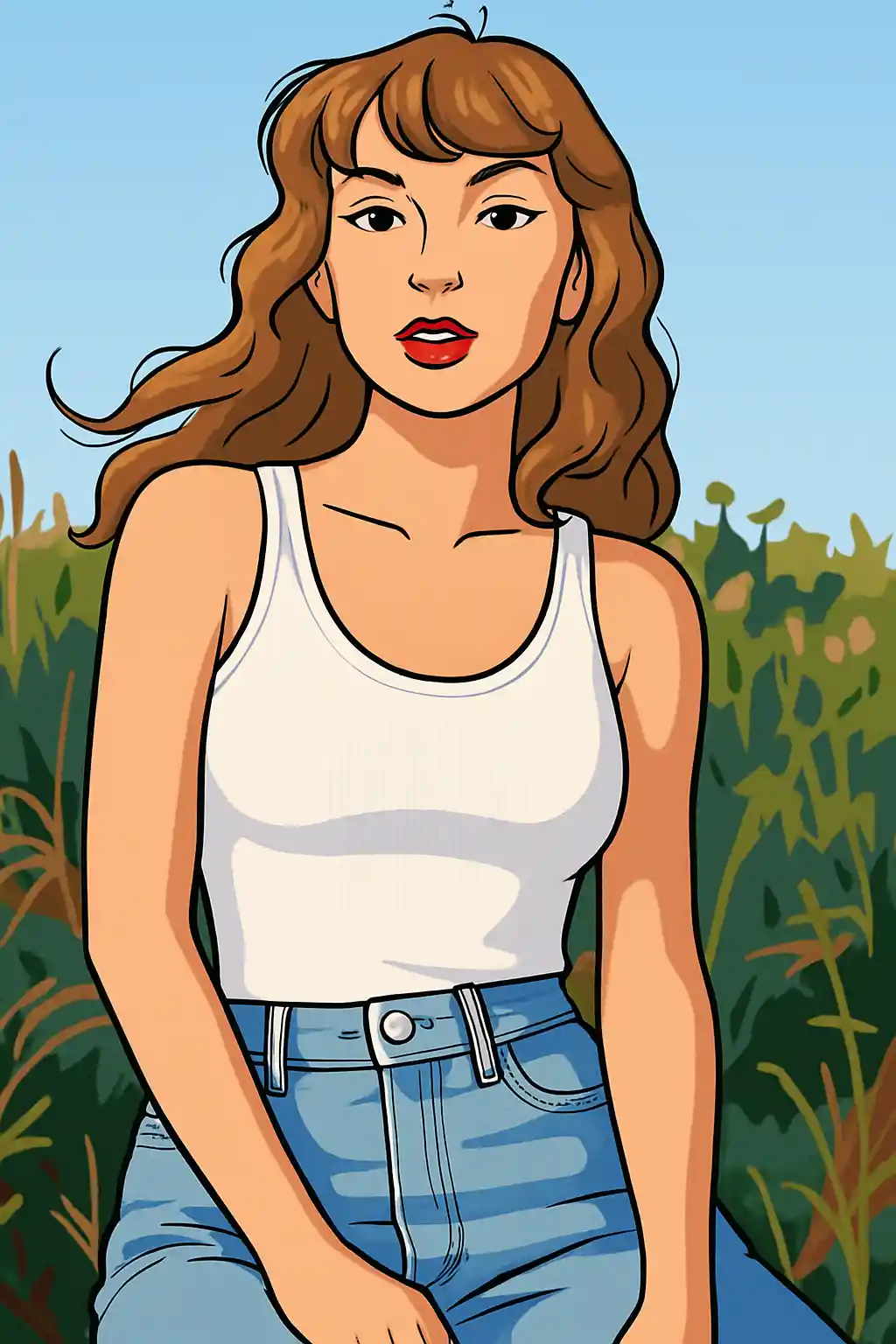

Портреты становятся чище и графичнее, с более сильными линиями и легко читаемой мимикой.
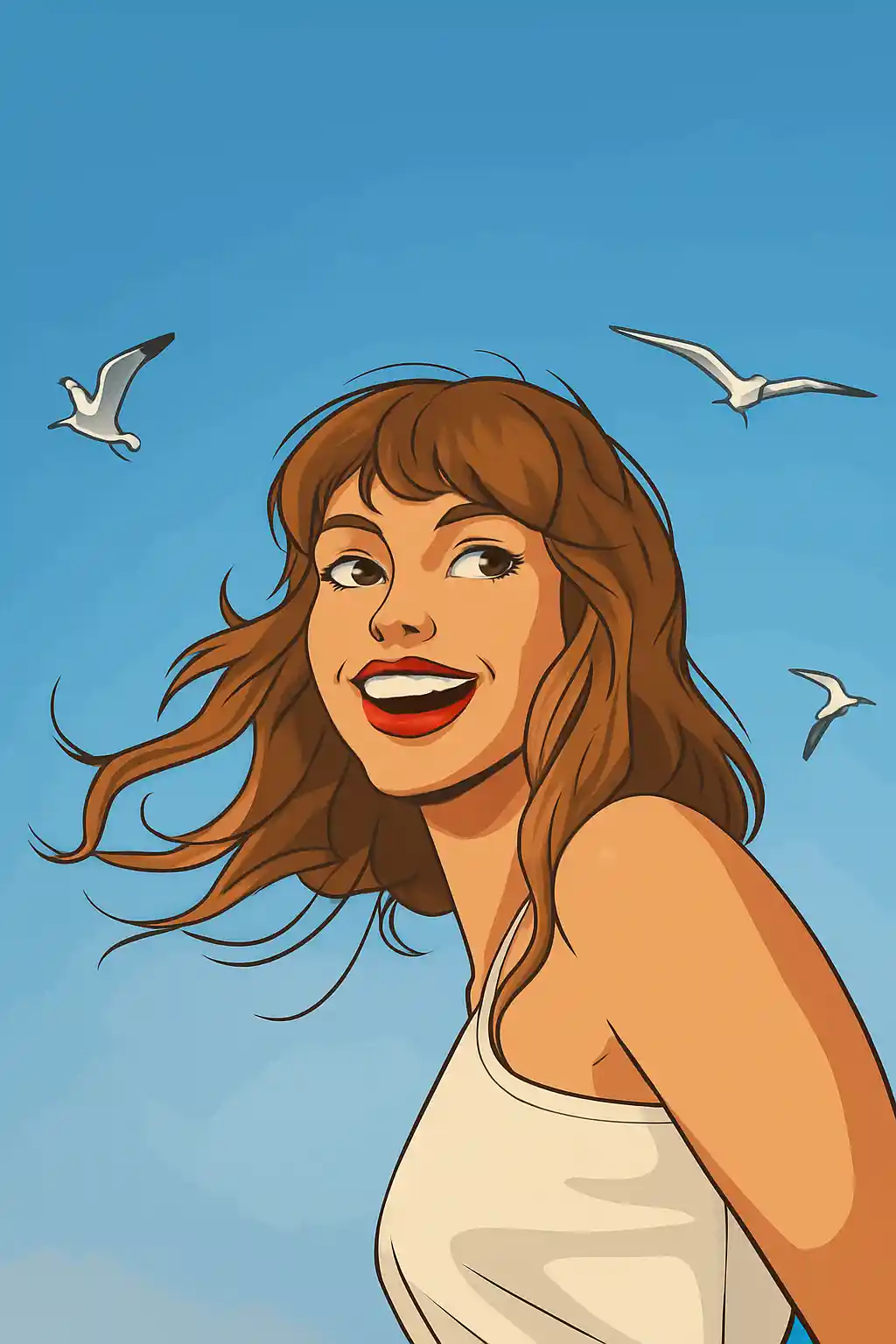

Простые фото отлично превращаются в современный мультстиль — шире и менее кинематографично, чем Disney.
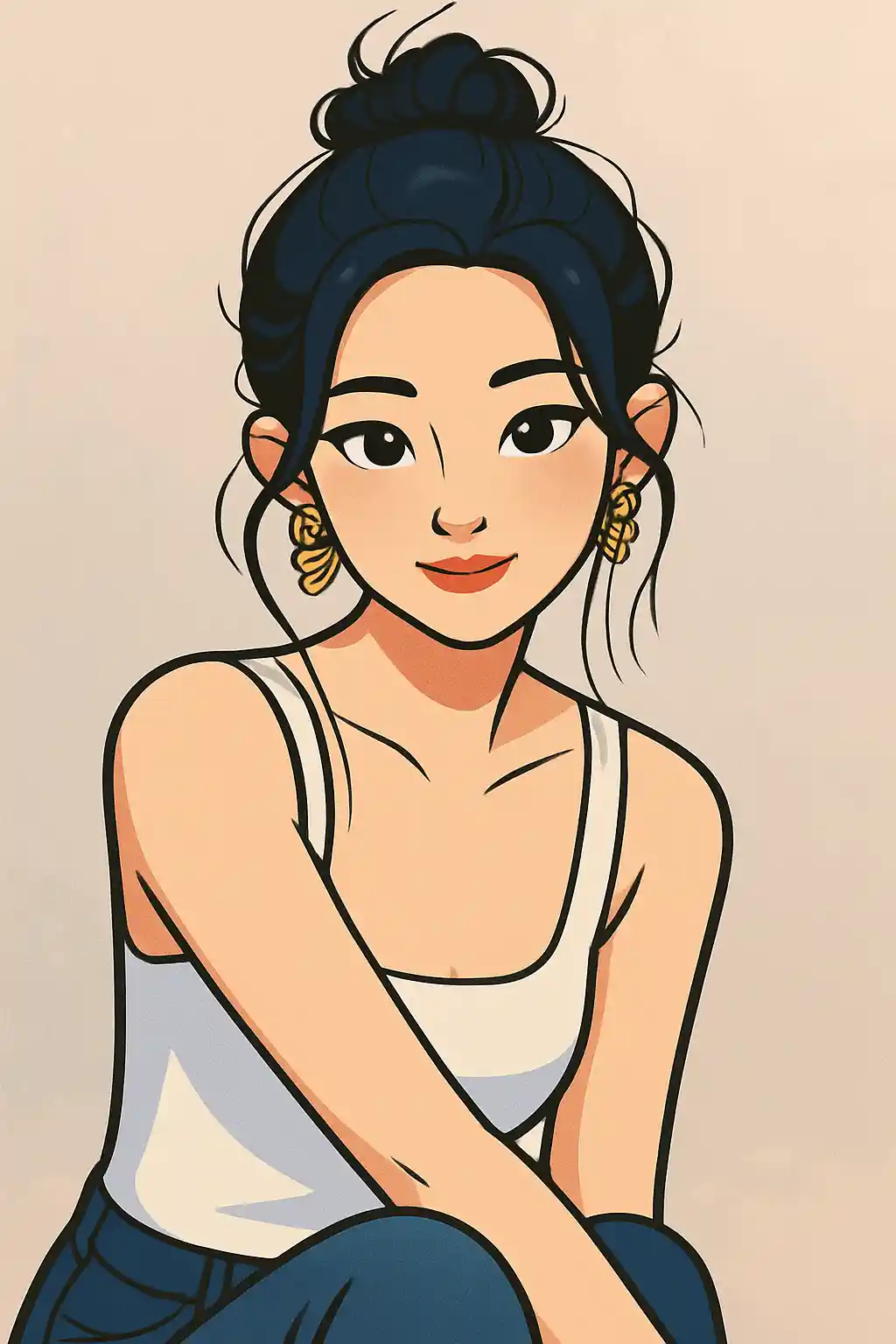

Фото блогеров для профиля становятся ярче и отточеннее, не скатываясь в игрушки или аниме.
Как использовать этот стиль
Держите процесс простым. Первый результат обычно учит вас больше, чем длинный накопленный запрос.
Используйте портрет с акцентом на лицо или поясной кадр
Мультяшный стиль сильнее всего, когда лицо, поза и причёска легко упростить до чистых графических форм.
Решите — чисто или игриво
Стиль может тянуть и к отточенной профилке, и к игривому соцконтенту, поэтому уточняйте жирность контура, чёткость глаз или яркость цвета, а не всю сцену.
Второй проход — про графическую ясность
Если первый результат слишком мягкий, просите более жирные контуры, проще фон или чётче разделение черт лица, а не больше реализма.
Лучшие фото для этого стиля
Почему выбирают Фото в мультфильм
Современная графическая линия
Здесь мультяшный стиль — это читаемые контуры и общая визуальная ясность, а не кинематографическая мягкость или игрушечная подача.
Очистка мимики
Лица становятся чище и осмысленнее, что делает стиль особенно полезным для аватаров и контента блогеров.
Упрощение фона
Загромождённые сцены сводятся к простым формам и плоским цветовым блокам, а герой остаётся визуально доминирующим.
Гибкость между «милым» и «чистым»
В отличие от узких стилей, Cartoon даёт больше пространства между весёлым соцконтентом и отточенным, дружелюбным брендингом.
О Фото в мультфильм
Конвертер фото в мультфильм использует AI, чтобы превратить ваши снимки в стильный современный мультяшный арт. Жирные контуры, сочные плоские цвета и выразительные черты передают отточенную эстетику современных анимационных студий — представьте, как современная ТВ-анимация встречается с цифровой иллюстрацией.
Мультяшный стиль — самый универсальный вариант преобразования фото. Он отлично работает для аватаров, профессионального брендинга, весёлых групповых фото и креативного контента. Чистый дружелюбный вид нравится всем возрастам: от подростков в Instagram до профессионалов, обновляющих LinkedIn.
Фильтр Cartoon от MakePhoto не просто обводит контуры. Генеративный AI заново интерпретирует изображение как оригинальный персонажный мультарт с правильной анатомией, стилизованными пропорциями и продуманным дизайном. Каждый элемент — от прядей волос до складок одежды — перерисован с намеренной линией и цветовым зонированием, как у профессиональных аниматоров. Итог неотличим от ручной мультяшной иллюстрации.
Изучите связанные стили

Фото в стиль Disney
Превратите любое фото в портрет персонажа в стиле Disney с AI. Чистые линии, выразительные глаза и отточенная анимационная эстетика.

Фото в стикеры
Превратите любое фото в милый стикерный стиль с AI. Жирные контуры, игривые формы и стикер-энергия для соцсетей.

Фото в Q-аватар
Превратите любое фото в милый Q-аватар с AI. Чистые линии, яркие глаза и готовый соцвид для профиля.
Часто задаваемые вопросы
Чем Cartoon отличается от стиля Disney?
Cartoon шире, графичнее и менее кинематографичен. Disney более гладкий, ближе к киноплакату и тесно связан с отточенной семейной анимацией.
Какой кадр лучше для мультяшного стиля?
Портреты и поясные кадры обычно работают лучше — лицо и поза остаются читаемыми после упрощения.
Подходят ли групповые фото?
Идеально — один-два человека. Большие группы возможны, но стиль надёжнее, когда каждое лицо хорошо видно.
Нужен ли подробный промпт для мультяшного стиля?
Обычно нет. Пресет уже задаёт основной облик. Дополнительный текст лучше всего работает для чистоты фона, жирности контуров или яркости цвета.
Готовы преобразить ваше фото?
Начните с этой страницы стиля, получите первый результат быстро, затем уточняйте только если это необходимо.