
사진을 스티커로
셀카, 반려동물, 장난스러운 인물 사진을 굵은 외곽선과 깔끔한 형태, 공유하기 좋은 에너지가 있는 스티커 스타일 캐릭터 아트로 바꿔보세요.
AI로 어떤 사진이든 귀여운 스티커 스타일로 변환하세요. 굵은 외곽선, 장난스러운 형태, SNS에 딱 맞는 캐릭터 에너지.
업로드
생성할 수 있도록 한 장의 선명한 사진을 업로드하세요.
비율
결과에 맞는 출력 비율을 선택하세요.
생성
생성을 클릭하고 첫 번째 결과를 기다리세요.

무드
더 부드럽고, 장난감 같은, 손으로 만든 느낌입니다.
최적의 사용처
채팅·리액션 스티커
결과
첫 번째 결과를 빠르게 얻고, 텍스처나 캐릭터를 위해 세부 조정하세요.
여기서 시작하세요
창작 시작하기
사진 업로드
비율
미리 보기
결과를 보려면 생성을 진행하세요
신뢰 세부 사항
- 실패한 생성은 크레딧을 소비하지 않습니다. 작업이 나중에 완료되면 '내 작업'에서 확인할 수 있습니다.
- 유료 계획은 생성된 이미지에 대한 상업적 사용 권리를 포함합니다.
스타일 변화를 보세요
첫 번째 결과를 생성하기 전에 스타일 방향을 판단하기 위해 이 예시를 사용하세요.


인물 사진이 더 강한 컷아웃 실루엣과 팩에 어울리는 에너지를 지닌, 완성도 높은 스티커 캐릭터처럼 변합니다.
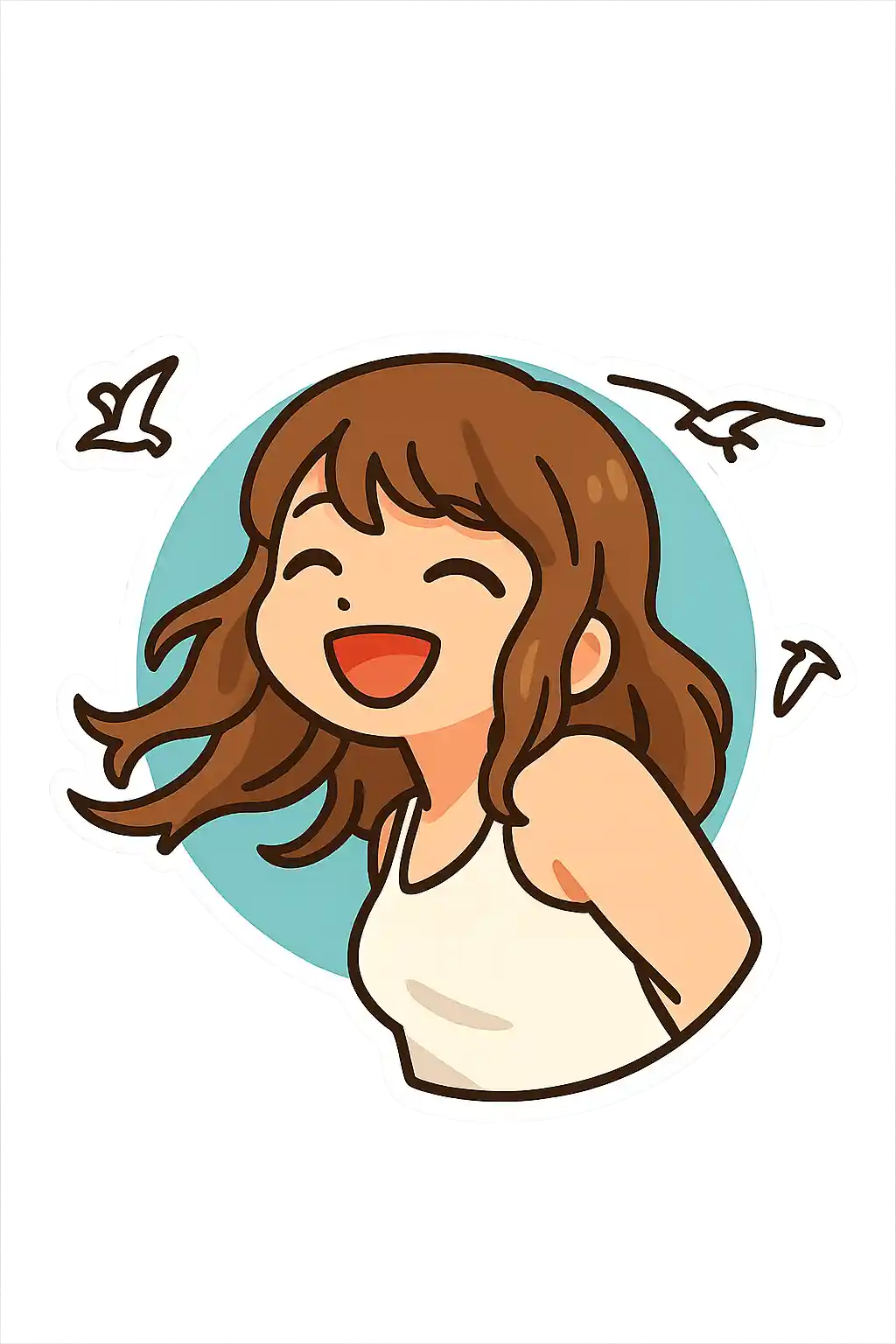

반려동물 사진과 장난스러운 셀카가 일반 일러스트가 아닌 리액션 스타일 스티커 아트로 잘 변환됩니다.
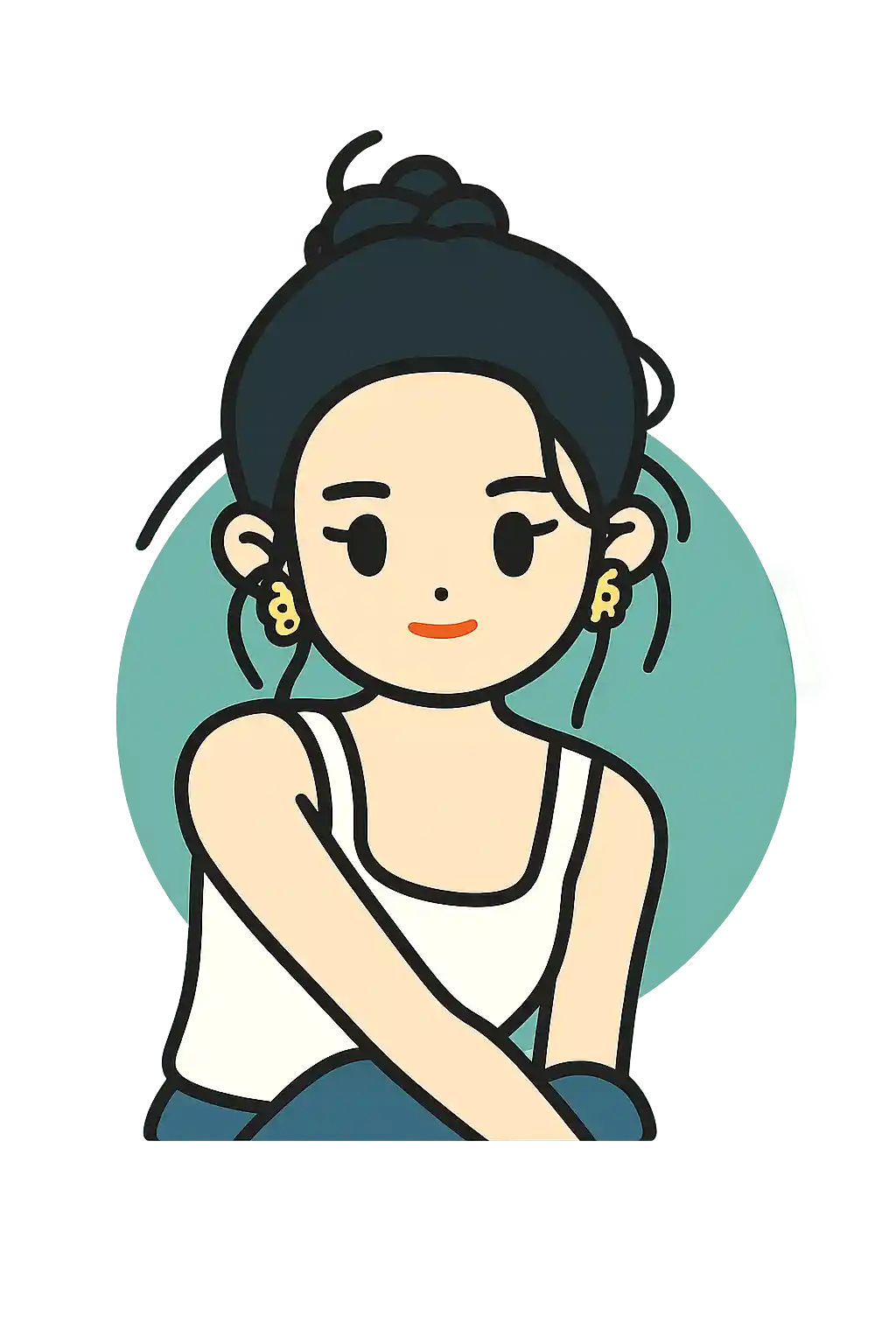

단순한 포즈는 감정과 외곽선이 작은 사이즈에서도 잘 읽혀 채팅 팩에 더 유용해집니다.
이 스타일 사용 방법
흐름을 간단하게 유지하세요. 첫 번째 결과는 종종 긴 프롬프트보다 더 많은 것을 가르쳐 줍니다.
포즈가 읽히는 한 명의 주인공을 사용하세요
스티커 스타일은 몸짓이나 얼굴이 빠르게 읽힐 때 가장 잘 작동하므로, 넓은 장면보다 솔로 인물이나 반려동물이 더 안전합니다.
사실감이 아닌 감정을 다듬으세요
추가 프롬프트를 쓴다면, 디테일 대신 장난스러운 표정, 밝은 색감, 강한 컷아웃 에너지를 요청하세요.
장면을 단순하게, 팩처럼 유지하세요
복잡한 배경과 작은 얼굴은 스티커 팩 느낌을 떨어뜨립니다. 디테일을 추구하기 전에 구도부터 단순화하세요.
이 스타일에 적합한 사진
사진을 스티커로을(를) 선택해야 하는 이유
스티커 팩 가독성
즉각적인 인식과 컷아웃의 명확함을 우선하므로, 일반적인 아트 포스터보다 스티커 활용에 훨씬 강력합니다.
두꺼운 테두리와 컷아웃 에너지
카툰이나 Disney와 비교해 이 페이지는 테두리, 실루엣, 팩 같은 그래픽 마감에 더 강하게 치우칩니다.
리액션 중심의 표정
얼굴이나 제스처가 빠르게 읽힐 때 가장 유용하며, 그래서 스티커 리액션과 SNS 스니펫에 잘 맞습니다.
굿즈와 팩 친화적 출력
이 스타일은 스티커 팩 콘셉트, 크리에이터 팩, 작은 배지, 가벼운 캐릭터 굿즈 아이디어에 가장 강력합니다.
사진을 스티커로에 대한 정보
스티커 사진 변환기는 AI를 사용해 당신의 사진을 과감하고 장난스러운 스티커 스타일 캐릭터 아트로 변환합니다. 사실감을 추구하지 않고, 주인공을 더 강한 형태, 두꺼운 외곽선, 깔끔한 색 분리로 단순화해, 최종 이미지가 필터 사진이 아닌 완성된 스티커 디자인처럼 느껴지게 합니다.
스티커 스타일 이미지는 셀카, 반려동물, 채팅에 어울리는 캐릭터 포트레이트에 특히 유용합니다. 리액션 이미지, 프로필 장식, SNS 스토리 에셋, 가벼운 브랜딩 비주얼로 잘 작동합니다. 평범한 사진을 더 의도적이고 표현력 있으며 공유하기 쉬운 모습으로 만들어줍니다.
MakePhoto의 스티커 변환기는 단순히 테두리를 추가하는 것을 넘어섭니다. AI는 주인공을 더 깔끔한 실루엣, 더 밝은 대비, 장난스러운 그래픽 마감을 지닌 오리지널 스티커 같은 아트웍으로 다시 그립니다. 결과는 표준 사진 편집보다 맞춤 스티커 팩 캐릭터처럼 느껴집니다.


자주 묻는 질문
스티커 스타일이 진짜 스티커 팩 느낌을 낼 수 있나요?
네. 이 페이지는 일반적인 스타일라이즈 초상보다 팩 같은 컷아웃, 리액션 친화적인 결과를 위해 설계되었습니다.
반려동물 사진도 스티커에 잘 어울리나요?
매우 잘 어울립니다. 반려동물은 얼굴과 실루엣을 장난스러운 컷아웃으로 단순화하기 쉬워 훌륭한 스티커 결과를 자주 만들어냅니다.
투명 배경 스티커로 출력되나요?
매번 자동은 아닙니다. 스타일은 스티커 같은 구도와 테두리를 지향하지만, 더 깔끔한 컷아웃 효과가 필요하면 추가 작업이 필요할 수 있습니다.
스티커 스타일은 치비 이모지 스타일과 어떻게 다른가요?
스티커 스타일은 더 평면적이고 컷아웃 기반이며 팩 지향적입니다. 치비 이모지는 얼굴 과장과 리액션 표정에 더 강하게 치우칩니다.
사진 변환할 준비가 되셨나요?
이 스타일 페이지에서 시작하여 빠르게 첫 번째 결과를 얻고, 필요 시에만 조정하세요.