
사진을 Toy Figure로
사진을 반짝이는 재질, 스튜디오 조명, 깔끔한 디스플레이용 제품 룩을 지닌 수집용 토이 피겨로 바꿔보세요.
AI로 사진을 Toy Figure 스타일로 변환하세요. 수집용 캐릭터 룩, 반짝이는 재질, 제품 촬영 연출.
업로드
생성할 수 있도록 한 장의 선명한 사진을 업로드하세요.
비율
결과에 맞는 출력 비율을 선택하세요.
생성
생성을 클릭하고 첫 번째 결과를 기다리세요.

무드
더 부드럽고, 장난감 같은, 손으로 만든 느낌입니다.
최적의 사용처
인물 사진과 셀카
결과
첫 번째 결과를 빠르게 얻고, 텍스처나 캐릭터를 위해 세부 조정하세요.
여기서 시작하세요
창작 시작하기
사진 업로드
비율
미리 보기
결과를 보려면 생성을 진행하세요
신뢰 세부 사항
- 실패한 생성은 크레딧을 소비하지 않습니다. 작업이 나중에 완료되면 '내 작업'에서 확인할 수 있습니다.
- 유료 계획은 생성된 이미지에 대한 상업적 사용 권리를 포함합니다.
스타일 변화를 보세요
첫 번째 결과를 생성하기 전에 스타일 방향을 판단하기 위해 이 예시를 사용하세요.
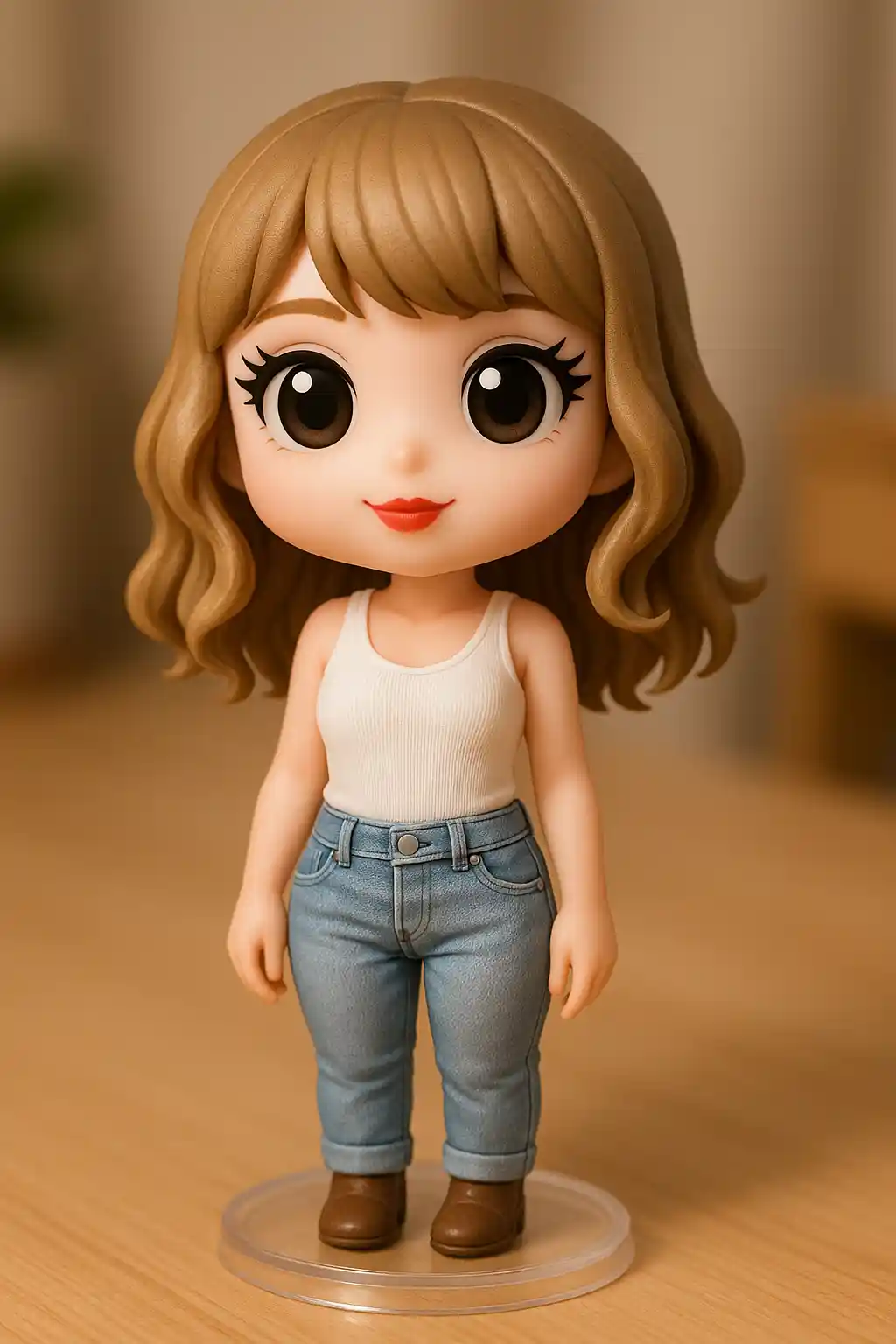

인물 사진이 세련된 제품 촬영 마감을 지닌 수집용 PVC 피겨로 변합니다.
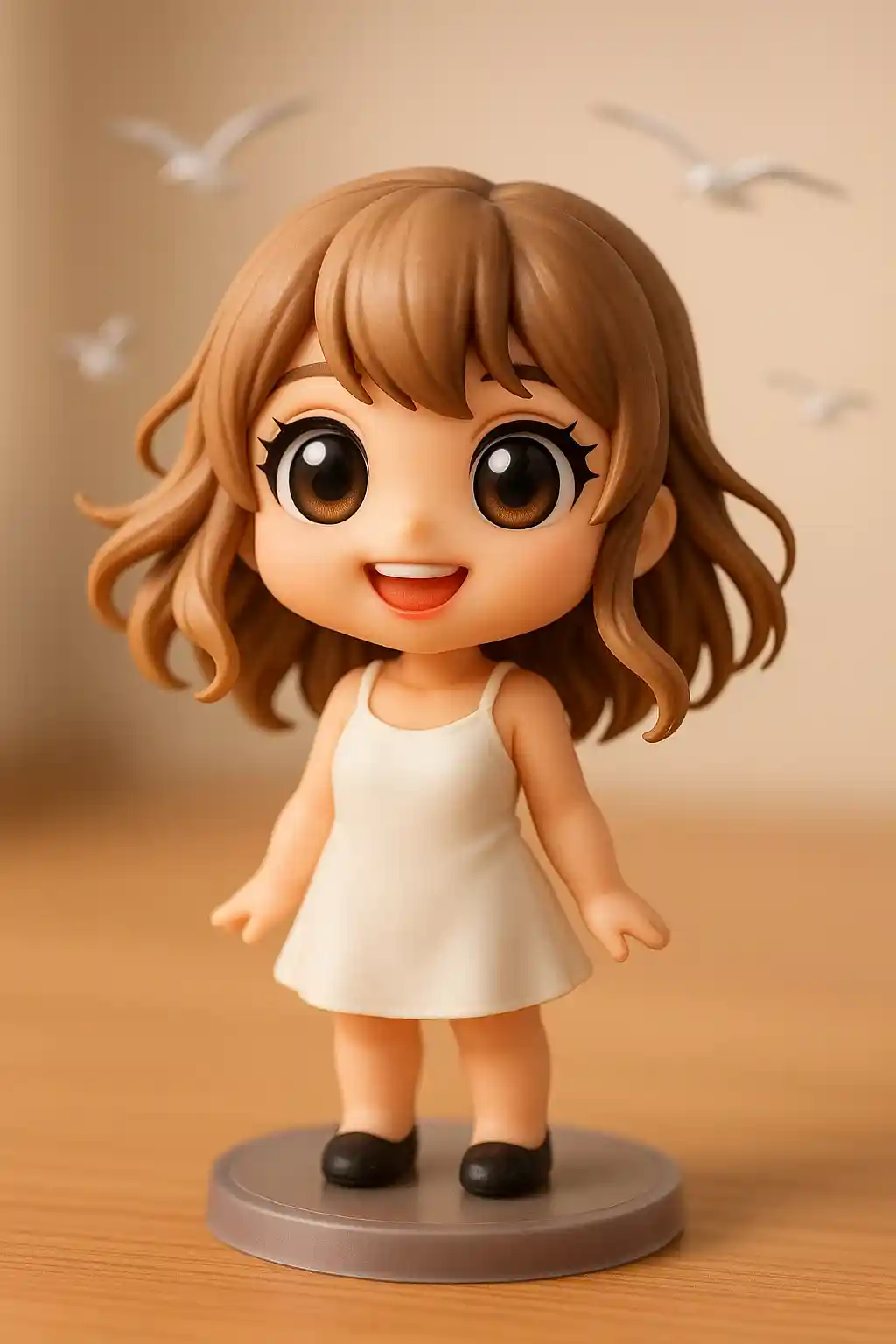

귀여운 주인공이 디스플레이용 토이 피겨로 변환될 때 특히 잘 작동합니다.
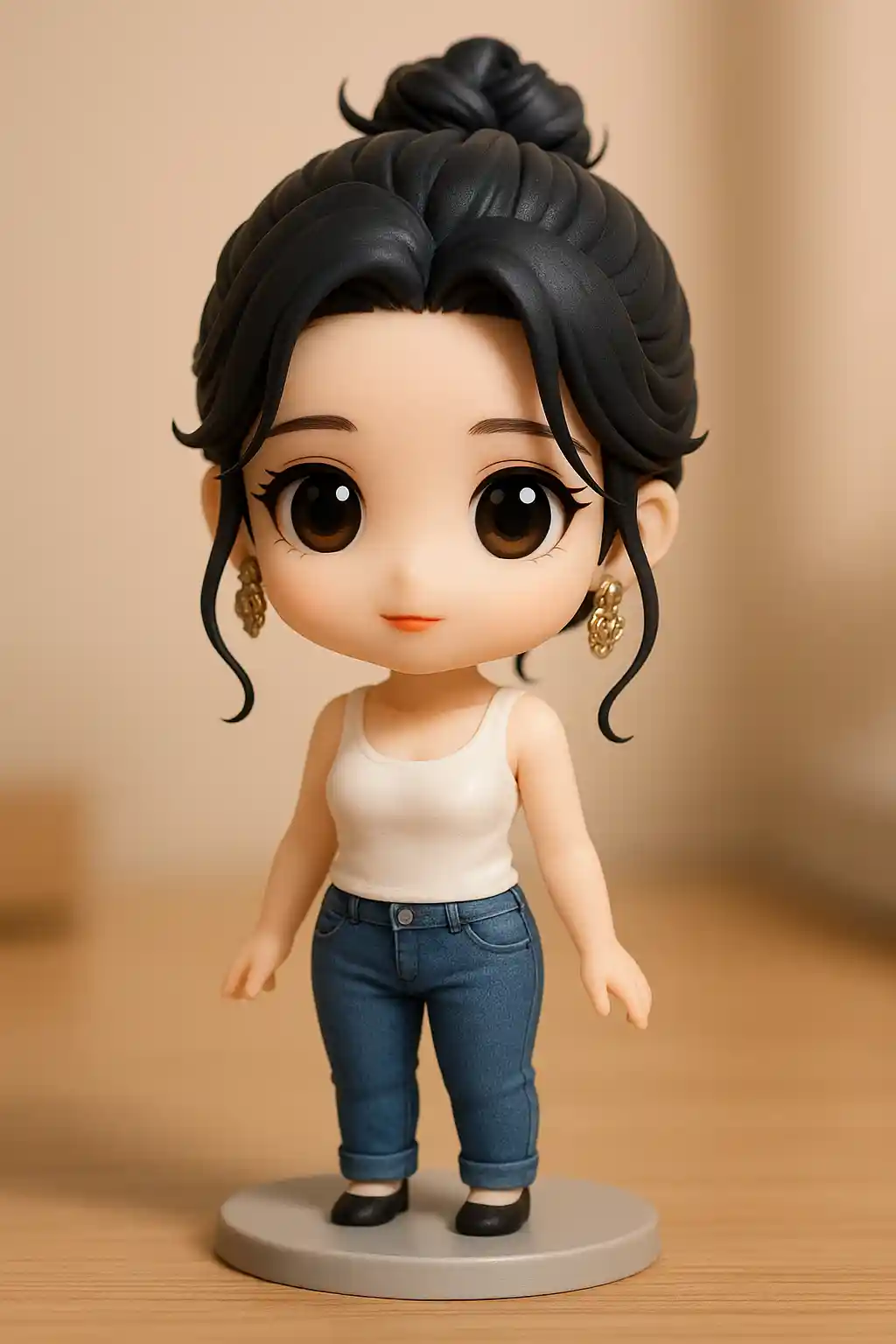

야외 사진도 더 깔끔한 스튜디오 스타일 연출의 강한 토이 제품 렌더가 될 수 있습니다.
이 스타일 사용 방법
흐름을 간단하게 유지하세요. 첫 번째 결과는 종종 긴 프롬프트보다 더 많은 것을 가르쳐 줍니다.
또렷한 주인공 한 명으로 시작하세요
피겨에는 또렷한 초점 캐릭터가 필요하므로, 단일 인물 사진이나 반려동물 사진이 가장 잘 맞습니다.
프리셋이 재질을 처리하게 두세요
프리셋이 이미 토이 같은 마감을 만들어내므로, 추가 프롬프트는 단순하게 유지해야 합니다.
패키지나 디스플레이 느낌으로 다듬으세요
첫 결과 후에는 깔끔한 디스플레이 조명, 강한 피겨 재질, 더 수집용 분위기를 원할 때만 조정하세요.
이 스타일에 적합한 사진
사진을 Toy Figure로을(를) 선택해야 하는 이유
수집용 피겨 렌더링
AI가 주인공을 매끄러운 표면, 반짝이는 마감, 강한 오브젝트 존재감을 지닌 토이 같은 캐릭터로 변환합니다.
제품 사진 룩
출력이 표준 스타일라이즈된 초상보다 스튜디오 제품 샷에 더 가깝게 느껴져, 즉각적으로 더 신선합니다.
재질 중심의 디테일
플라스틱 질감, 부드러운 하이라이트, 베이스에 고정된 구도가 결과를 실제 디스플레이 피겨처럼 읽히게 합니다.
강한 시각적 신기함
단순한 초상도 수집용 피겨린으로 재상상되면 임팩트 있는 SNS 콘텐츠가 됩니다.
사진을 Toy Figure로에 대한 정보
Toy Figure 사진 변환기는 AI를 사용해 당신의 사진을 진짜 PVC나 비닐 피겨의 느낌을 지닌 수집용 스타일 캐릭터 렌더로 변모시킵니다. 전통 일러스트 스타일에 머무르지 않고, 이 룩은 주인공을 토이 재질, 디스플레이 구도, 제품 사진 완성도로 밀어냅니다.
Toy Figure 스타일은 주인공을 수집 가능한 무언가처럼 느껴지게 만들기 때문에 셀카, 반려동물, 신기한 SNS 게시물에 특히 인기가 많습니다. 평범한 아바타 이상을 원하고, 그림 그린 초상보다 디자인된 오브젝트처럼 보이는 결과를 선호하는 사람들에게 자연스럽게 어울립니다.
MakePhoto의 Toy Figure 생성기는 주인공을 귀엽게 만드는 것 이상에 집중합니다. AI가 이미지를 디스플레이 조명, 조형 형태, 더 깔끔한 제품 스타일 연출을 지닌 물리적으로 보이는 피겨로 재구성합니다. 결과는 표준 스타일라이즈된 편집보다 프리미엄 피겨린 렌더에 더 가깝게 보입니다.


자주 묻는 질문
Toy Figure 스타일에는 어떤 사진이 잘 맞나요?
주인공이 한 명 또렷한 인물 사진과 반려동물 사진이 가장 잘 맞습니다. 피겨 효과에는 강한 메인 캐릭터가 필요하기 때문입니다.
Q-Avatar 스타일과는 어떻게 다른가요?
Q-Avatar는 더 부드럽고 프로필 지향적인 반면, Toy Figure는 수집용 재질, 제품 조명, 오브젝트 같은 렌더링에 초점을 맞춥니다.
정말로 장난감처럼 보이나요?
네. 이 스타일은 일반 일러스트보다 수집용 PVC 피겨나 디자이너 토이에 더 가깝게 느껴지도록 설계되었습니다.
사진 변환할 준비가 되셨나요?
이 스타일 페이지에서 시작하여 빠르게 첫 번째 결과를 얻고, 필요 시에만 조정하세요.