
Photo to Enamel Pin
Turn your photo into enamel pin-style character art with clean metal outlines, bright fill colors, and collectible badge energy.
Convert photos into enamel pin style with AI. Metal outlines, bright enamel color, and collectible badge aesthetics.
Upload
Upload one clear photo to start generating.
Ratio
Choose the output ratio that fits your result.
Generate
Click generate and wait for the first result.

Mood
Softer, toy-like, and more handcrafted.
Best For
Portraits & pets
Result
Get a first result fast, then refine for texture or character.
Start here
Start creating
Upload photo
Ratio
Preview
Generate to see your result here
Trust details
- Failed generations do not consume credits. If a job finishes later, you can confirm it in My Works.
- Paid plans include commercial use rights for generated images.
See the Style Shift
Use these examples to judge the style direction before you generate the first result.
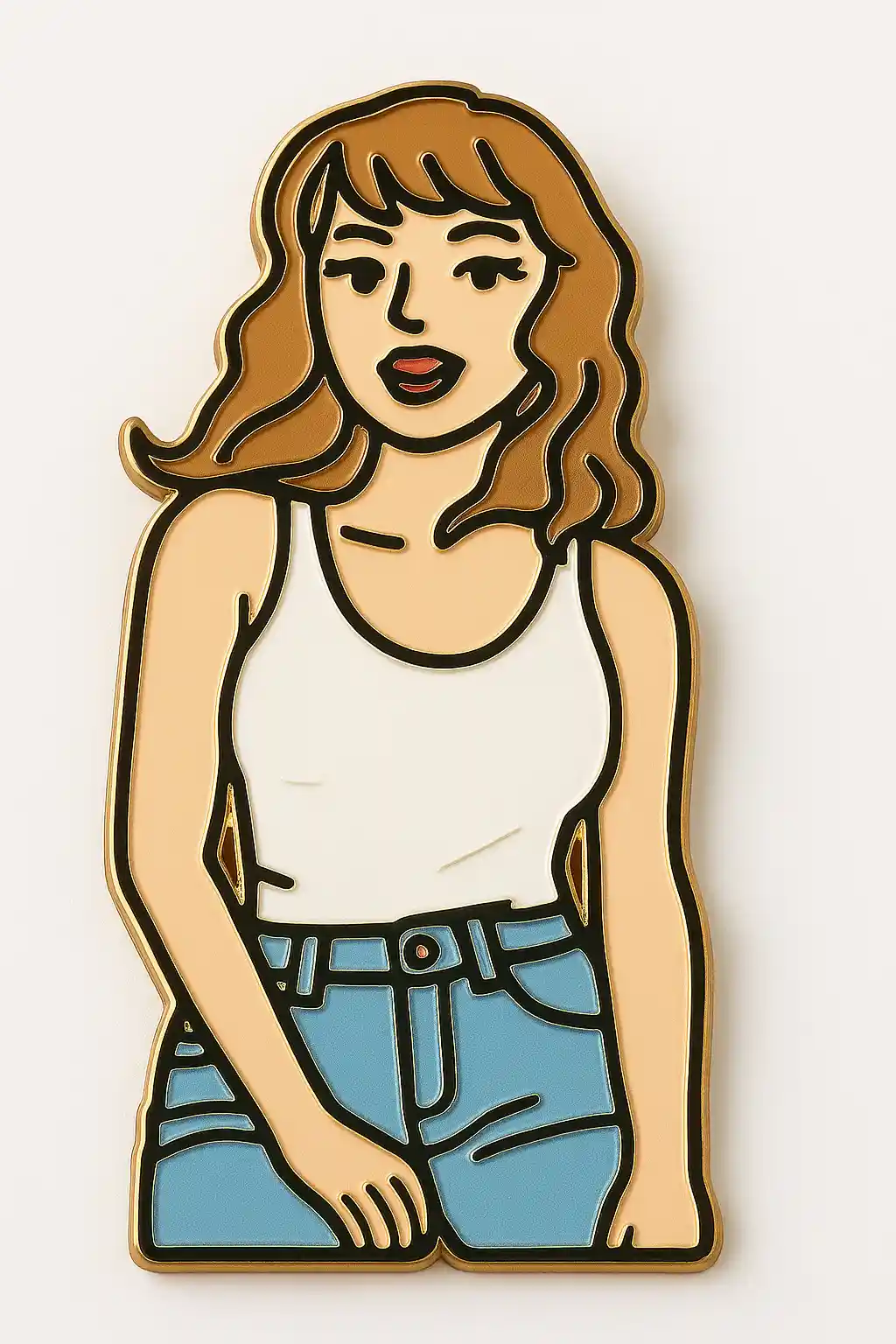

Portraits become pin-style character badges with clean metal outlines and strong enamel fills.
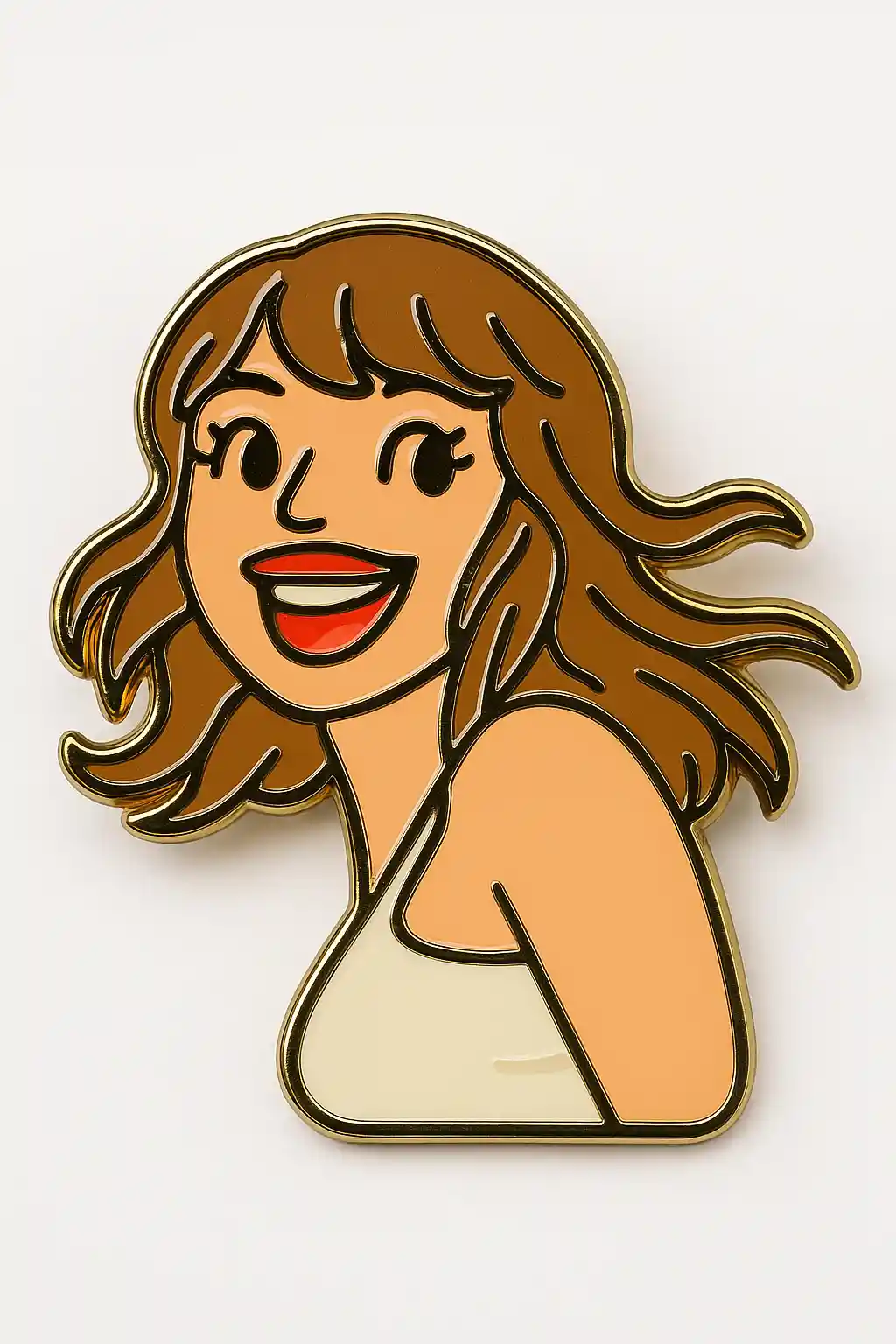

Cute subjects translate well into collectible pin-style illustrations with brighter color blocks.
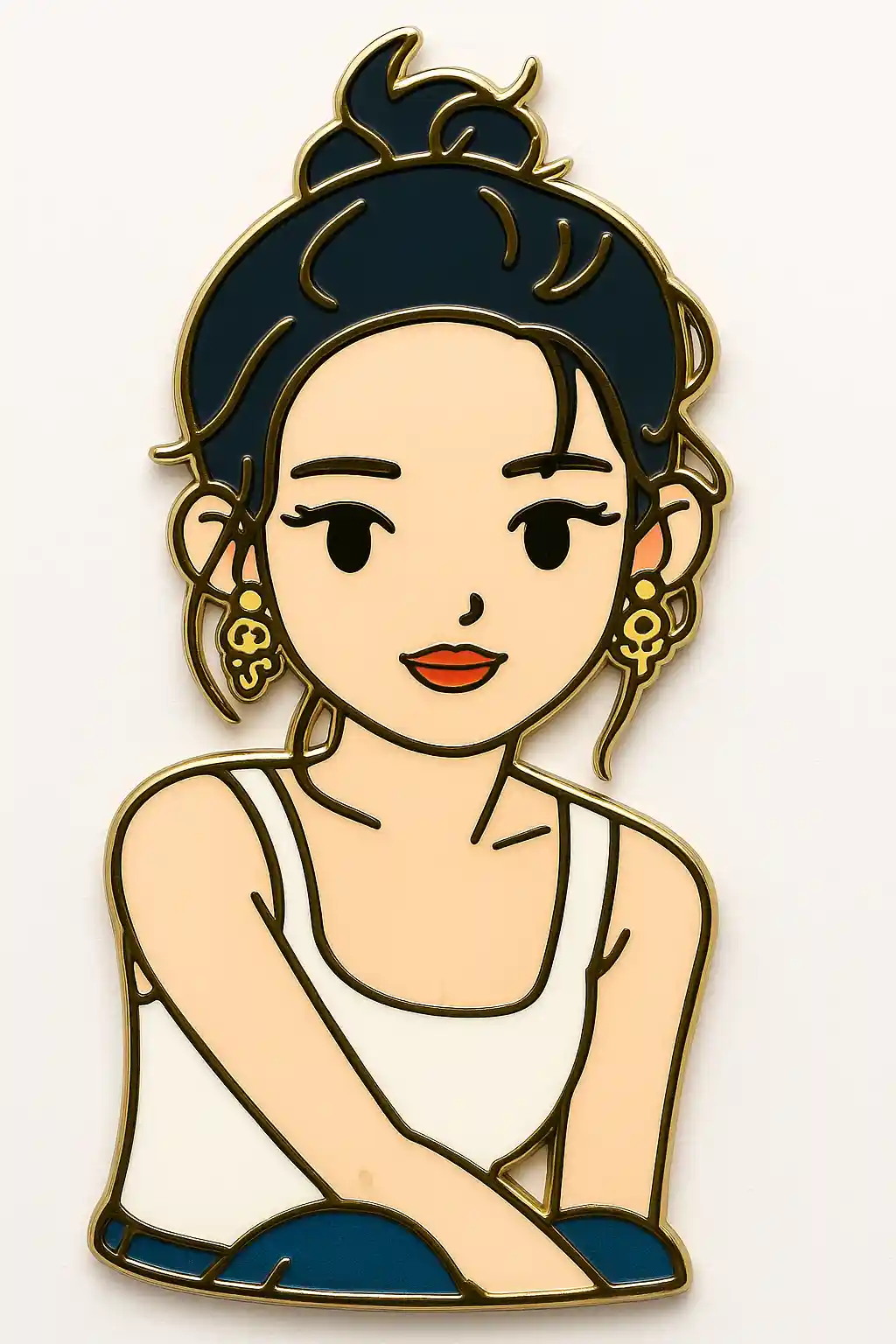

Outdoor photos can be simplified into cleaner enamel badge compositions with stronger graphic contrast.
How to Use This Style
Keep the flow simple. The first result usually teaches you more than a long stacked prompt.
Use a clear, simple portrait
Photos with a readable face and less clutter work best because enamel pin style depends on clean shapes.
Keep the prompt graphic
The preset already creates the metal-outline look, so avoid adding too much realism or background complexity.
Refine for badge feel
After the first result, ask for stronger outline, cleaner fill color, or a more collectible pin mood if needed.
Best Photos for This Style
Why Choose Photo to Enamel Pin
Metal Outline Styling
AI redraws the subject with cleaner border shapes that feel more like polished metal pin edges.
Bright Enamel Fill
Colors are pushed into stronger enamel-like sections, which makes the result read more like a badge than a portrait.
Collectible Graphic Finish
The final image feels closer to merch art or badge design than a standard illustration.
Strong Small-Size Readability
This style works well even at smaller sizes because the shapes stay simplified and graphic.
About Photo to Enamel Pin
The enamel pin photo converter uses AI to transform your portrait into a badge-like character illustration with metal-style outlines and bright enamel-like color fills. Instead of treating the photo as a portrait, this style reduces the subject into a cleaner graphic object that looks closer to wearable merch or collectible pin art.
This look is especially useful when you want a result that feels more like a designed object than an illustration. It works well for cute merch concepts, profile badges, and novelty content that benefits from stronger shapes and clearer contrast.
MakePhoto's enamel pin generator does more than flatten the image. The AI restructures the subject into graphic enamel sections, clear border lines, and a more collectible badge silhouette. The result feels much closer to pin design or merch art than to a normal stylized portrait.
Explore Related Styles

Photo to Stickers
Convert any photo into cute sticker style with AI. Bold outlines, playful shapes, and social-ready character energy.

Wojak Generator from Photo
Turn a selfie or portrait into a Wojak meme avatar online. Upload your photo, keep the face recognizable, and create an ironic Wojak-style image with AI.

Photo to Q-Avatar
Convert any photo into a cute Q-avatar with AI. Clean lines, bright eyes, and a social-ready profile look.
FAQ
What photos work best for enamel pin style?
Simple portraits and pet photos work best because the style depends on clean outlines and strong shape separation.
How is this different from sticker style?
Sticker style is flatter and softer, while enamel pin adds stronger graphic borders and a more collectible badge feel.
Is this good for merch concepts?
Yes. It is one of the strongest styles for badge art, icon-style graphics, and cute merch exploration.
Ready to Transform Your Photo?
Start from this style page, get the first result fast, then refine only if you need to.