
Photo to Barbie
Turn your selfie into a glossy Barbie-inspired doll portrait with packaging energy, studio lighting, and a playful collectible feel.
Convert photos into Barbie-style doll portraits with AI. Glossy material, playful fashion energy, and collectible packaging vibes.
Upload
Upload one clear photo to start generating.
Ratio
Choose the output ratio that fits your result.
Generate
Click generate and wait for the first result.

Mood
Softer, toy-like, and more handcrafted.
Best For
Selfies & portraits
Result
Get a first result fast, then refine for texture or character.
Start here
Start creating
Upload photo
Ratio
Preview
Generate to see your result here
Trust details
- Failed generations do not consume credits. If a job finishes later, you can confirm it in My Works.
- Paid plans include commercial use rights for generated images.
See the Style Shift
Use these examples to judge the style direction before you generate the first result.
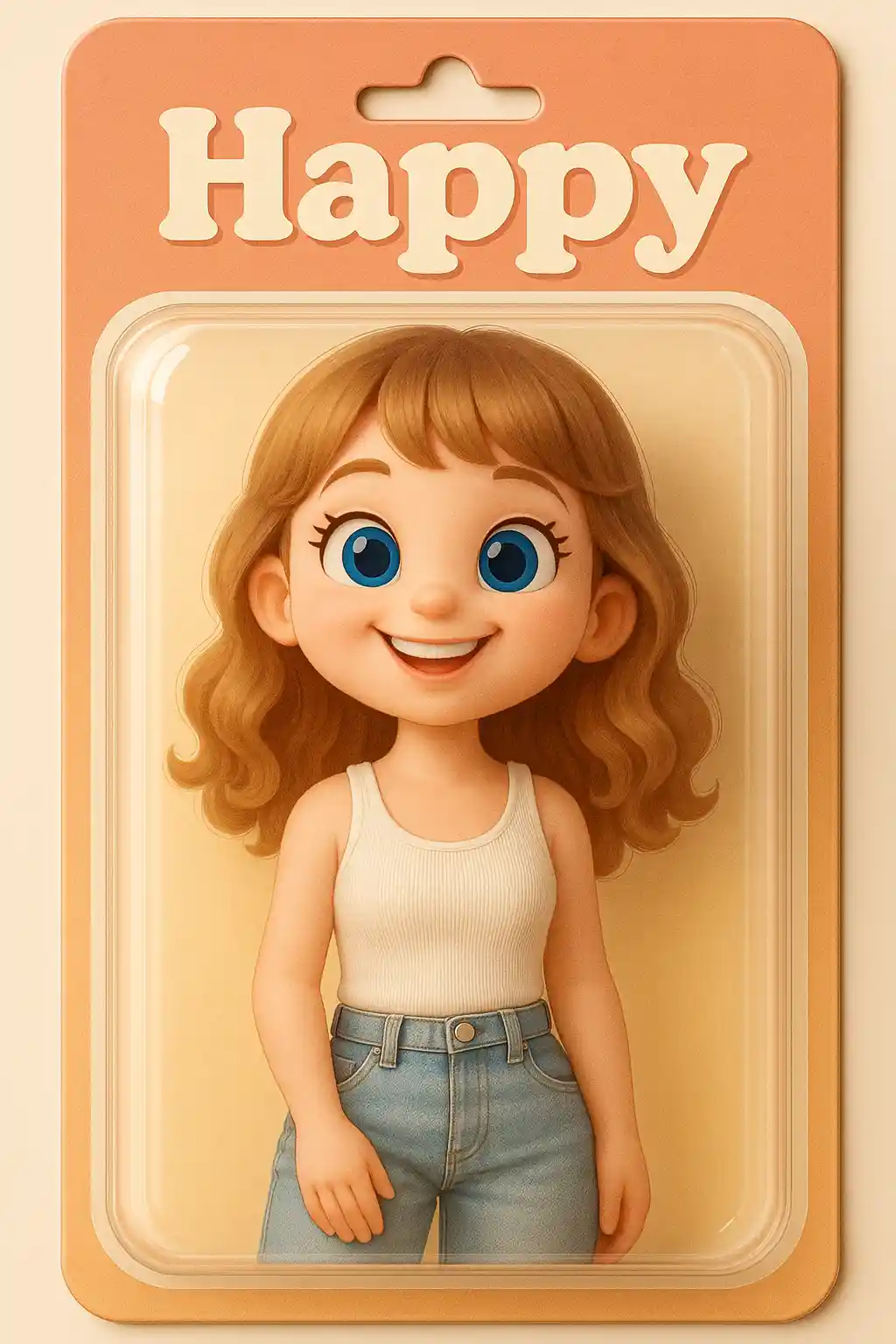

Portraits turn into glossy doll-style character renders with a stronger packaging look.
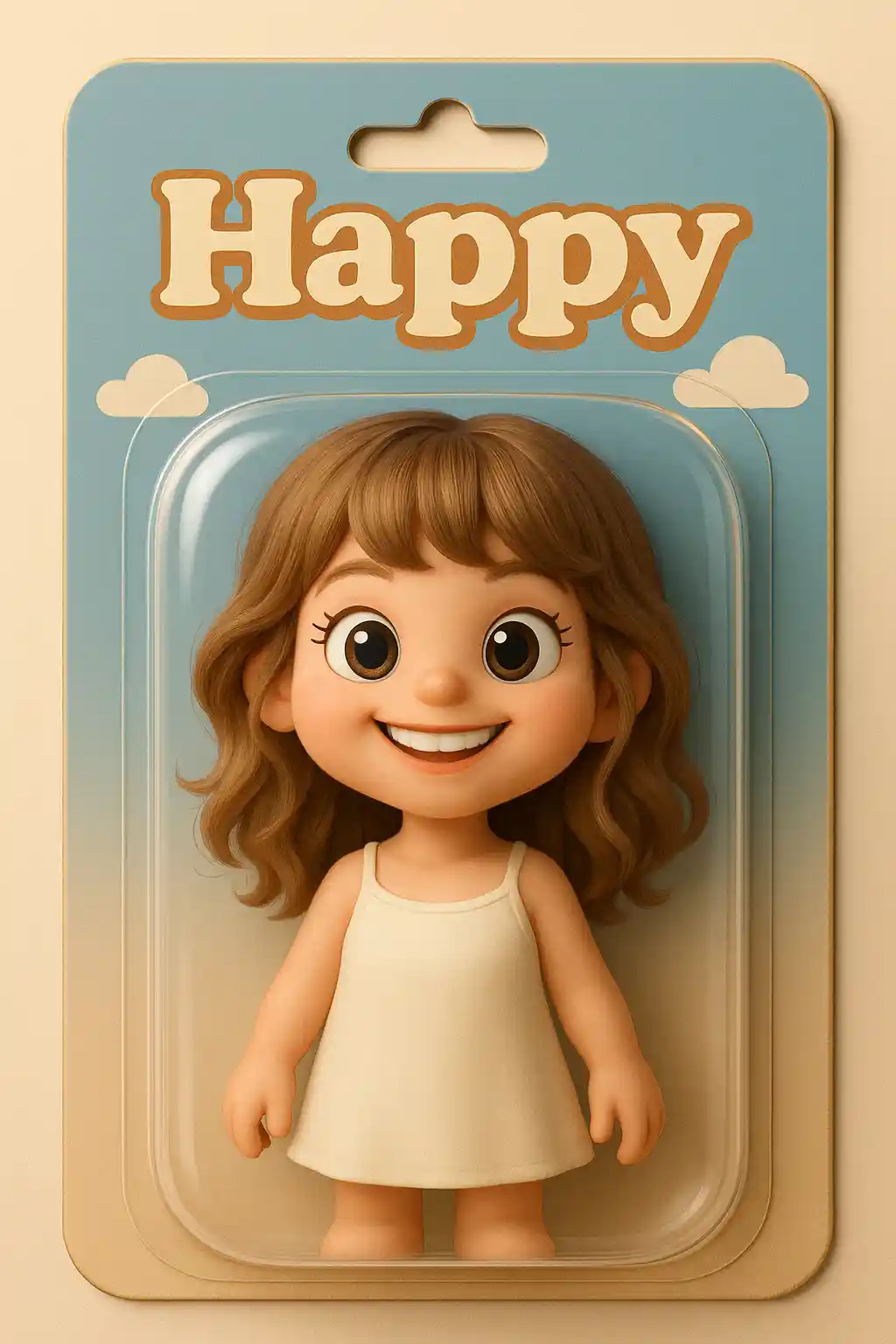

Daily photos become more fashion-forward and collectible when translated into Barbie-style doll portraits.
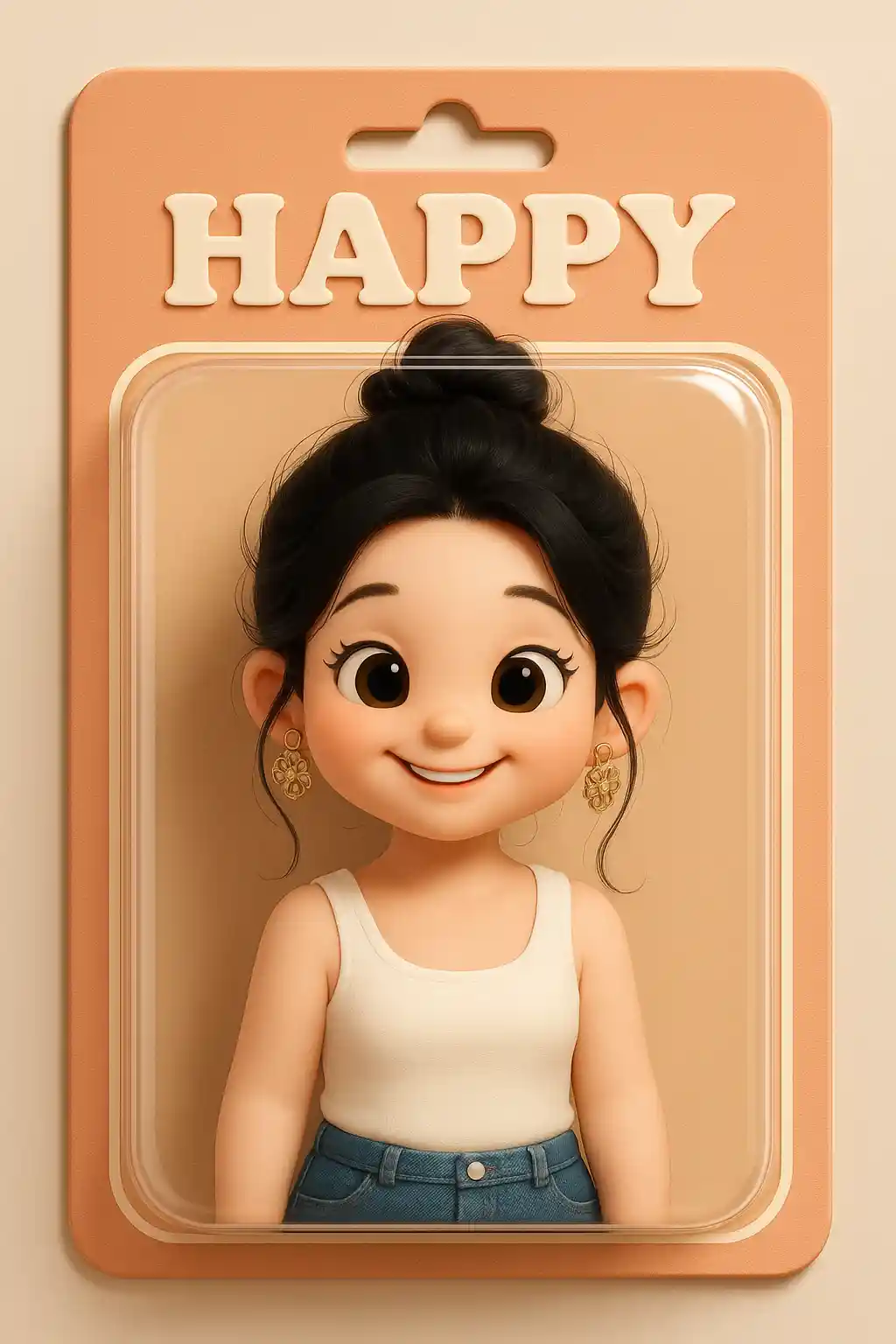

Outdoor shots can still keep identity while becoming more polished and doll-like.
How to Use This Style
Keep the flow simple. The first result usually teaches you more than a long stacked prompt.
Start with a portrait photo
Selfies and waist-up portraits work best for doll-style conversion.
Keep the prompt polished
The preset already handles the doll direction, so extra instructions should focus on mood or presentation.
Refine for packaging feel
After the first output, tweak toward stronger gloss, cleaner display background, or more fashion energy.
Best Photos for This Style
Why Choose Photo to Barbie
Glossy Doll Rendering
AI pushes the subject toward a polished doll-like material and cleaner collectible styling.
Packaging Energy
The result feels closer to a toy packaging visual than a normal avatar, which makes it more eye-catching.
Fashion-Driven Styling
Hair, makeup, and outfit details are translated into a brighter, more stylized fashion-doll look.
High-Impact Social Look
This style is naturally dramatic, glossy, and novelty-driven, which makes it easy to share.
About Photo to Barbie
The Barbie photo converter uses AI to transform your portrait into a glossy fashion-doll render with stronger toy packaging energy. It takes the subject beyond a normal cute avatar and pushes the image toward a more collectible, display-ready look with brighter surfaces, cleaner presentation, and a distinctly polished doll aesthetic.
This style is especially appealing for selfies, fashion-forward photos, and novelty social content. It works best when you want the result to look more dramatic and designed, rather than simply hand-drawn or softly stylized. The doll-like finish gives ordinary photos a more premium and high-concept feel.
MakePhoto's Barbie-style generator is not just a pink overlay. The AI rebuilds your image as a doll-inspired character visual with stronger material cues, packaging-style composition, and a more collectible mood. The result looks closer to a curated doll render than a standard portrait effect.
Explore Related Styles

Photo to Q-Avatar
Convert any photo into a cute Q-avatar with AI. Clean lines, bright eyes, and a social-ready profile look.

Photo to 3D Polaroid
Convert photos into 3D Polaroid style with AI. Framed composition, layered depth, and a playful break-out effect.

Photo to Toy Figure
Convert photos into toy figure style with AI. Collectible character look, glossy material, and product-shot presentation.
FAQ
What photos work best for Barbie style?
Clear selfies and fashion-oriented portraits work best because the doll conversion benefits from readable facial detail and styling.
How is this different from Toy Figure style?
Barbie style is glossier, more fashion-driven, and more packaging-inspired, while Toy Figure focuses on a collectible PVC figure look.
Is this good for social sharing?
Yes. The result is dramatic and novelty-driven, which makes it especially strong for social content.
Ready to Transform Your Photo?
Start from this style page, get the first result fast, then refine only if you need to.