
Photo to Disney
Turn selfies, couple shots, and family photos into polished Disney-inspired character art with expressive eyes and clean animation detail.
Turn any photo into a Disney-style character portrait with AI. Clean lines, expressive eyes, and polished animation aesthetics.
Upload
Upload one clear photo to start generating.
Ratio
Choose the output ratio that fits your result.
Generate
Click generate and wait for the first result.

Mood
Softer, toy-like, and more handcrafted.
Best For
Couple portraits
Result
Get a first result fast, then refine for texture or character.
Start here
Start creating
Upload photo
Ratio
Preview
Generate to see your result here
Trust details
- Failed generations do not consume credits. If a job finishes later, you can confirm it in My Works.
- Paid plans include commercial use rights for generated images.
See the Style Shift
Use these examples to judge the style direction before you generate the first result.
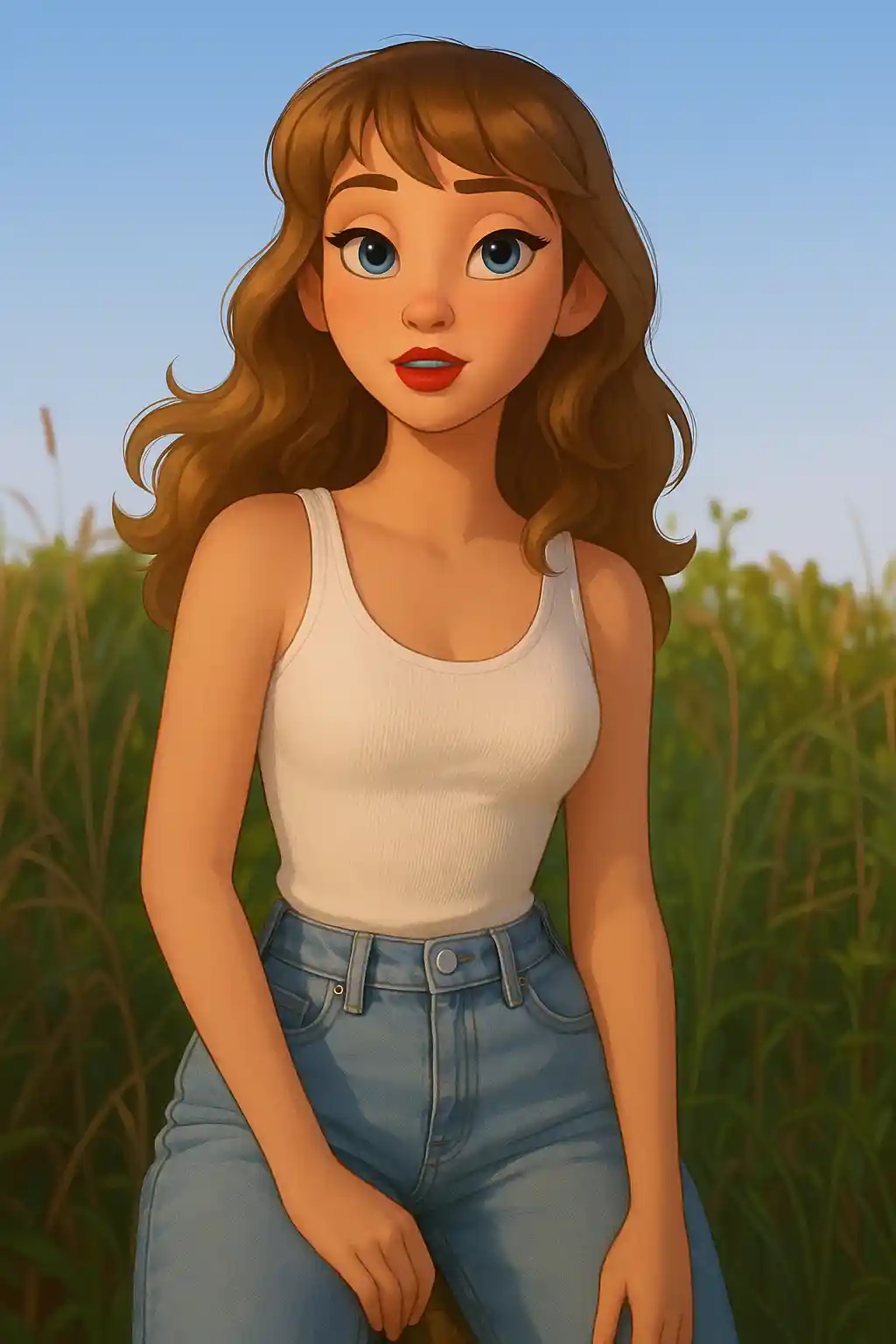

Couple photos gain cleaner face acting, brighter eyes, and a more cinematic character-poster finish.
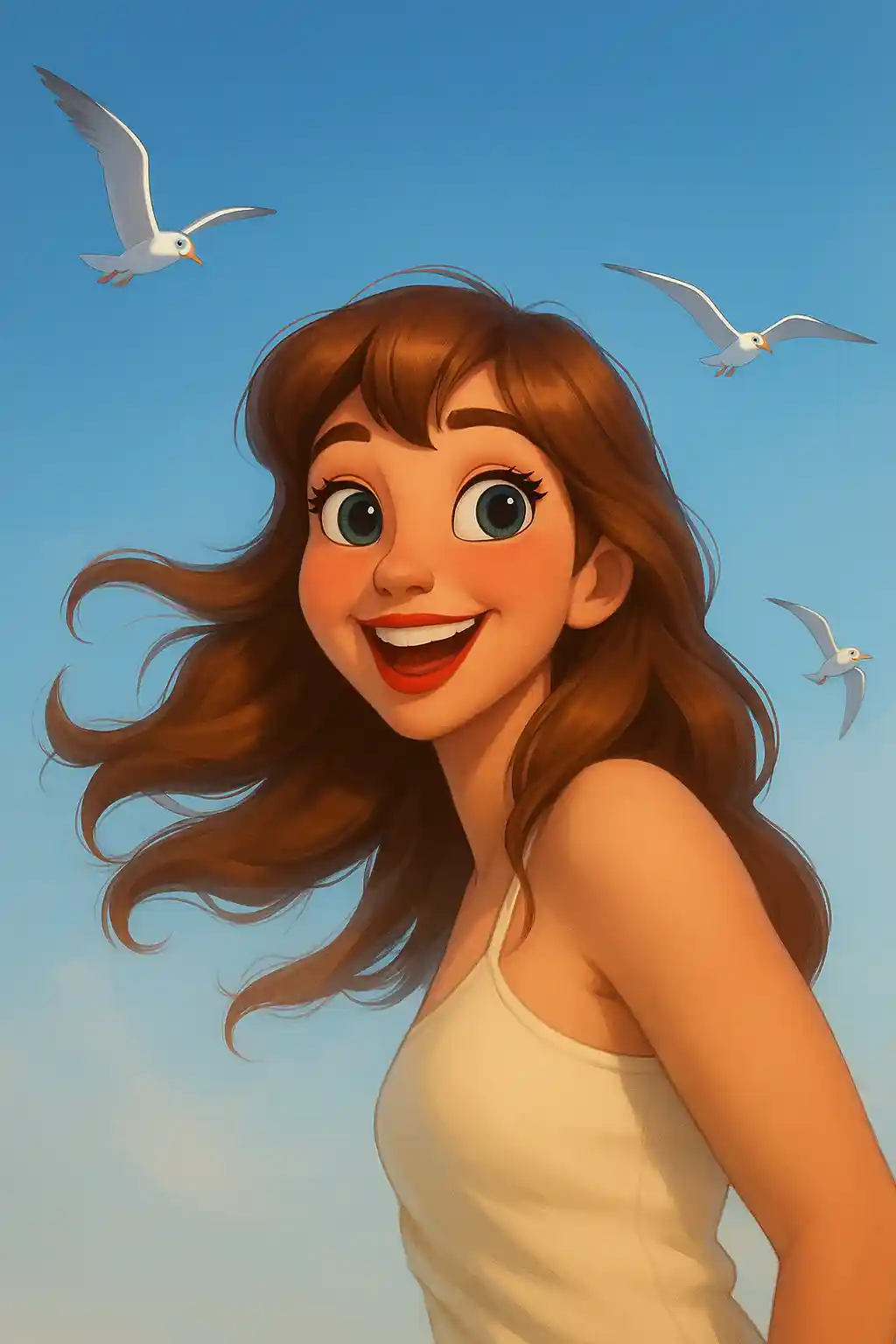

Kids and family portraits become more polished, friendlier, and more animation-ready than a generic cartoon pass.
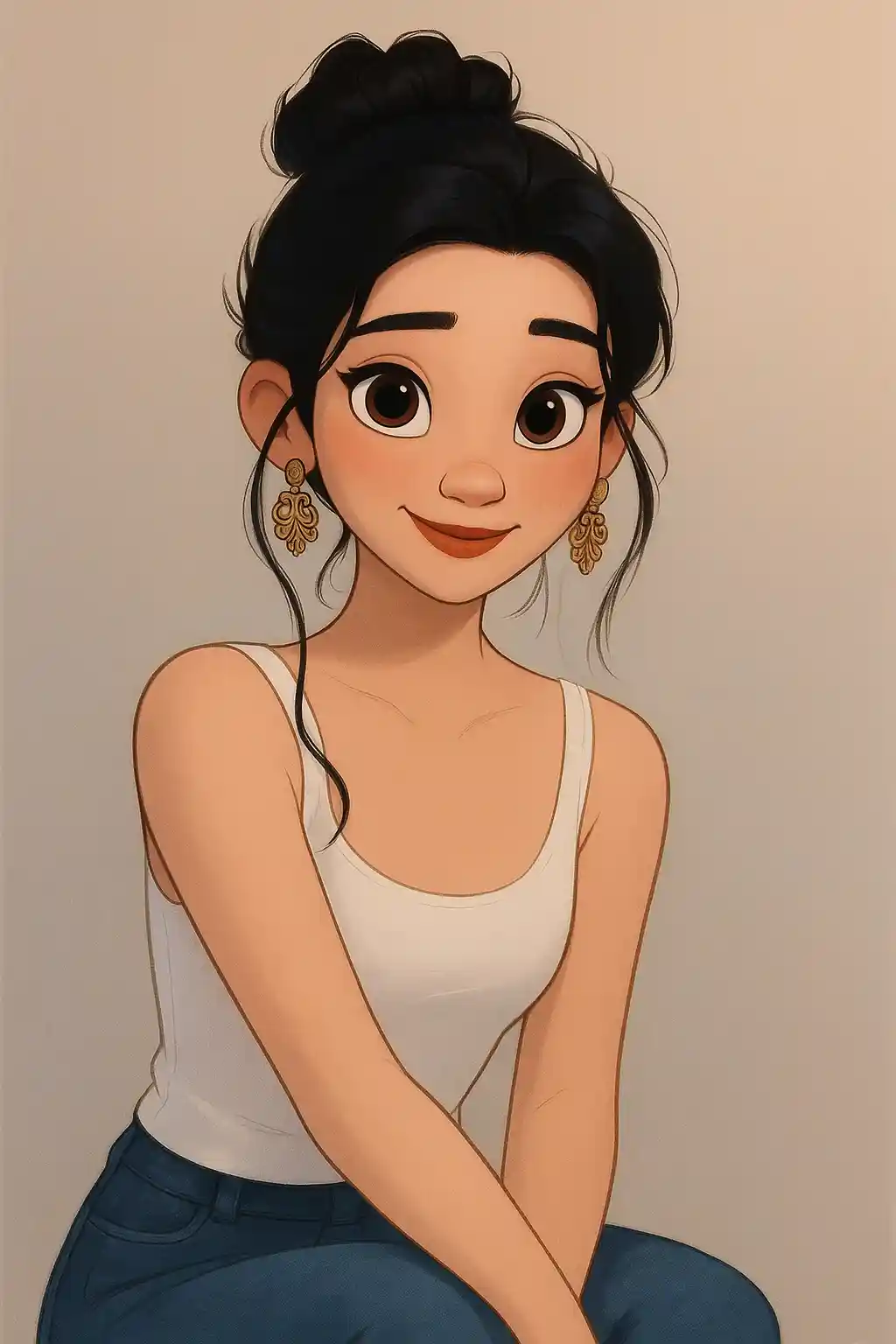

Celebration photos with simple backgrounds translate well into character-focused Disney-style scenes.
How to Use This Style
Keep the flow simple. The first result usually teaches you more than a long stacked prompt.
Use one or two clearly visible faces
This style performs best when facial expression reads well and the main people take up enough of the frame.
Choose expressive, friendly photos
Smiles, eye contact, and clean face angles usually translate better than distant, flat, or heavily shadowed shots.
Use the second round for polish, not reinvention
After the first result, refine for cleaner background, softer lighting, or stronger character energy instead of rewriting the whole scene.
Best Photos for This Style
Why Choose Photo to Disney
Expression-Forward Face Design
This style prioritizes cleaner eyes, stronger facial acting, and more polished character appeal rather than just adding cartoon outlines.
Two-Person and Family-Friendly Composition
Compared with many other stylized filters, Disney-style output is better suited to couple scenes, parent-child photos, and character chemistry between people.
Clean Character-Poster Finish
Faces, hair, and clothing are redrawn with a smoother and more polished finish, which makes the result feel closer to official animation art.
Family-Safe, Shareable Tone
The overall mood stays bright, charming, and broadly appealing, making it especially good for family sharing, profile images, and couple posts.
About Photo to Disney
The Disney photo filter brings the magic of Disney animation to your personal photos using advanced AI technology. Inspired by the visual storytelling of Disney and Pixar classics, this converter transforms ordinary portraits into polished character art with the expressive eyes, smooth skin, and cinematic lighting that define the Disney look.
Disney-style photo conversion is especially popular for couples and families. Imagine seeing yourself and your partner as Disney prince and princess, or turning your kids into adorable animated characters. The AI intelligently adapts each person's unique features — hairstyle, clothing, facial structure — into the Disney aesthetic without losing what makes them recognizable.
MakePhoto's AI Disney filter goes far beyond a simple cartoon overlay. It uses generative AI to reconstruct your image from scratch in Disney animation style, producing results with proper character anatomy, detailed hair rendering, and studio-quality backgrounds. No artistic skill required — just upload and transform.
Explore Related Styles

Photo to Ghibli Style Converter
Convert a photo to Ghibli-style AI art online with soft scenery, warm light, and recognizable faces. Works for portraits, pets, and travel shots.

Photo to Cartoon
Turn any photo into cartoon style with AI. Bold outlines, vibrant colors, and expressive character features.

Photo to Q-Avatar
Convert any photo into a cute Q-avatar with AI. Clean lines, bright eyes, and a social-ready profile look.
FAQ
Are couple photos better than solo photos for Disney style?
They are often one of the strongest use cases. Disney-style output handles two-person chemistry especially well when both faces are clear.
Does Disney style work well for kids and family photos?
Yes. Clear family and kids photos usually match the tone of this style very naturally, especially with friendly expression and simple backgrounds.
What if there are three or more people in the shot?
The style works best with one or two main people. Bigger groups can still work, but tiny faces and overlapping poses make the result less reliable.
How is Disney style different from the general cartoon page?
Disney style is smoother, more cinematic, and more character-poster oriented. Cartoon is broader, more graphic, and more flexible across different moods.
Ready to Transform Your Photo?
Start from this style page, get the first result fast, then refine only if you need to.