
Photo to 3D Social Media
Turn your photo into a playful 3D social-media-style scene with a framed profile layout, floating UI elements, and stronger creator energy.
Convert photos into 3D social media style with AI. Framed profile layout, floating UI elements, and a creator-focused visual feel.
Upload
Upload one clear photo to start generating.
Ratio
Choose the output ratio that fits your result.
Generate
Click generate and wait for the first result.

Mood
Softer, toy-like, and more handcrafted.
Best For
Portraits & selfies
Result
Get a first result fast, then refine for texture or character.
Start here
Start creating
Upload photo
Ratio
Preview
Generate to see your result here
Trust details
- Failed generations do not consume credits. If a job finishes later, you can confirm it in My Works.
- Paid plans include commercial use rights for generated images.
See the Style Shift
Use these examples to judge the style direction before you generate the first result.
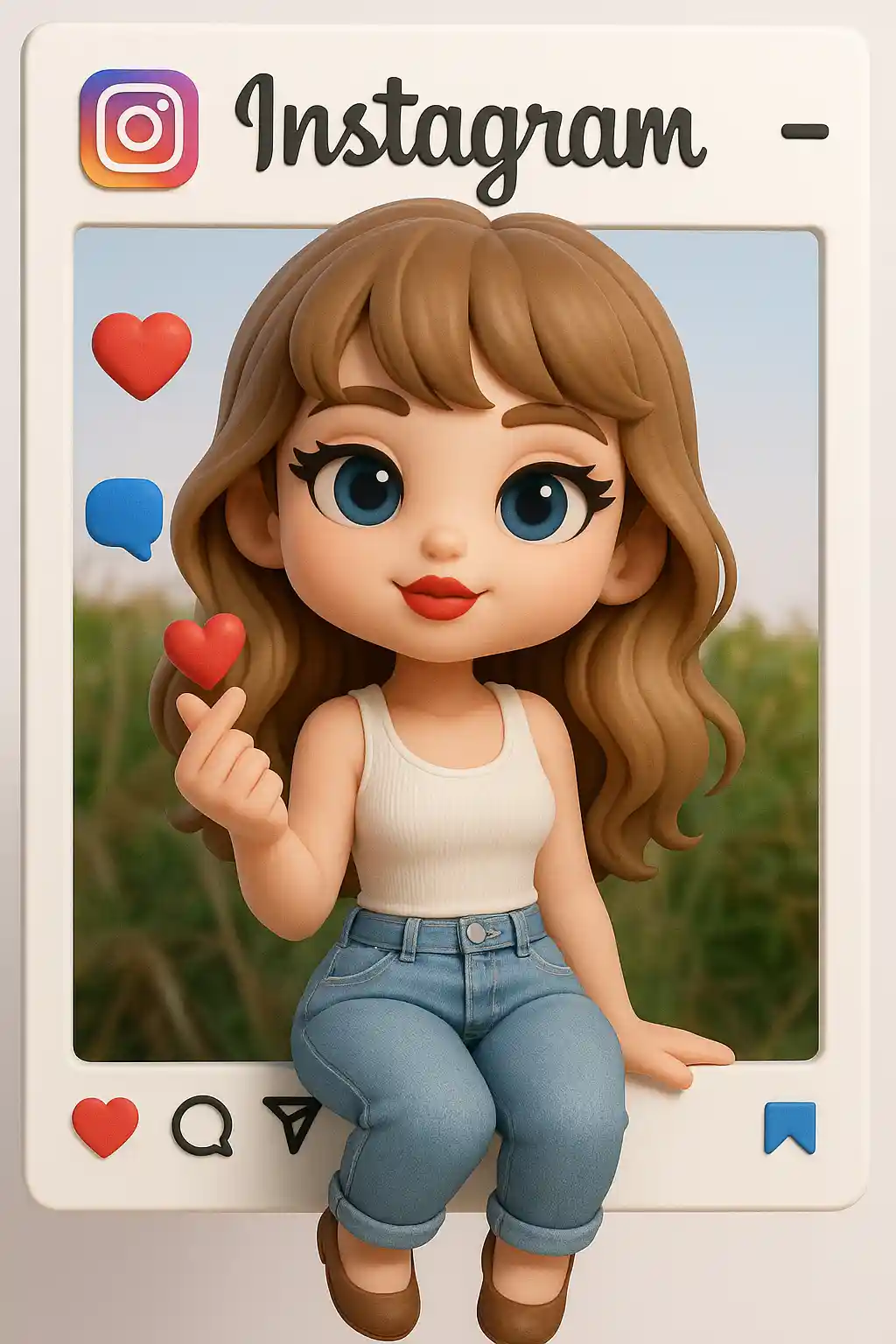

Portraits become creator-style framed scenes with floating social UI energy.
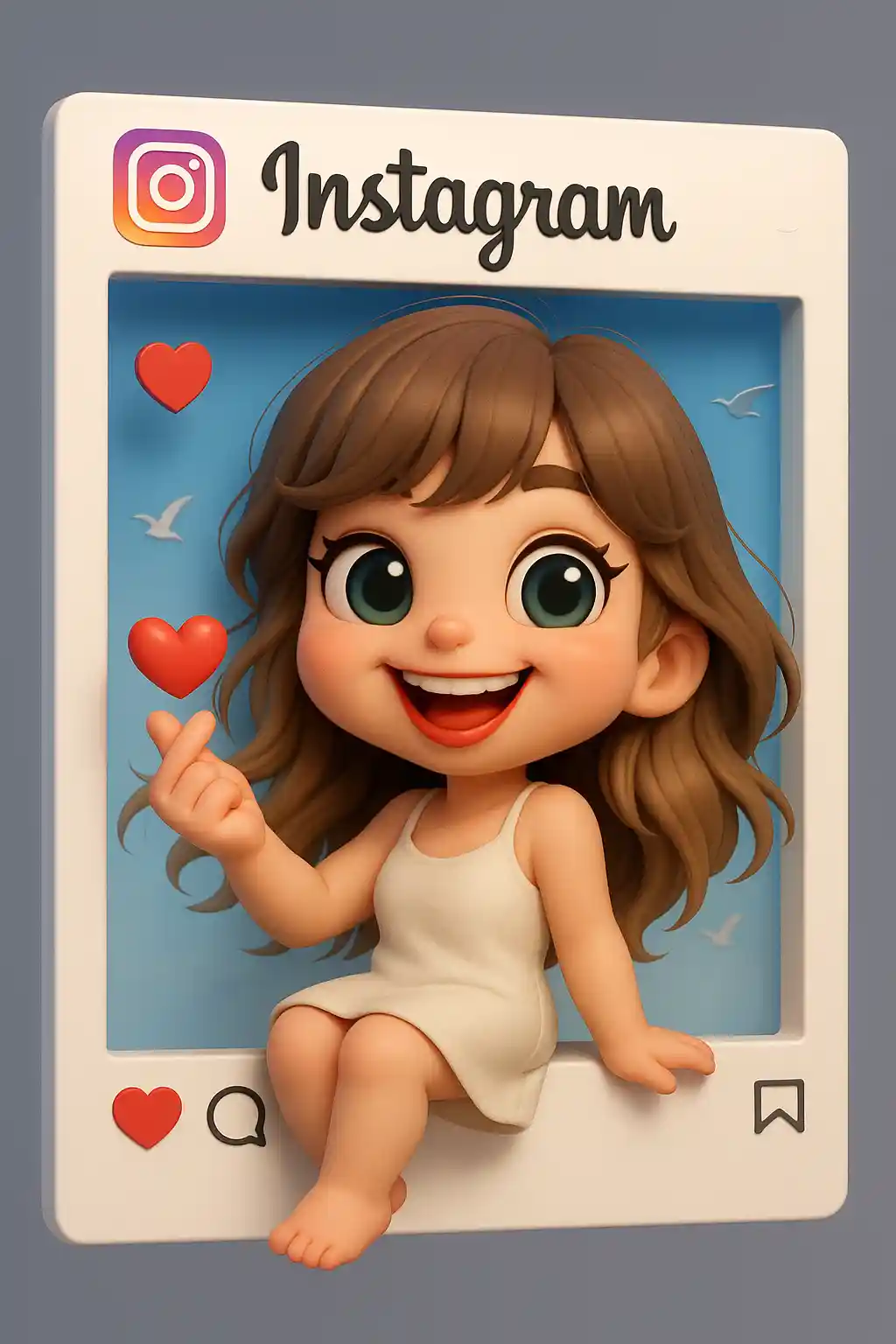

Cute subjects work well when translated into a more playful social-card display with icons and layout structure.
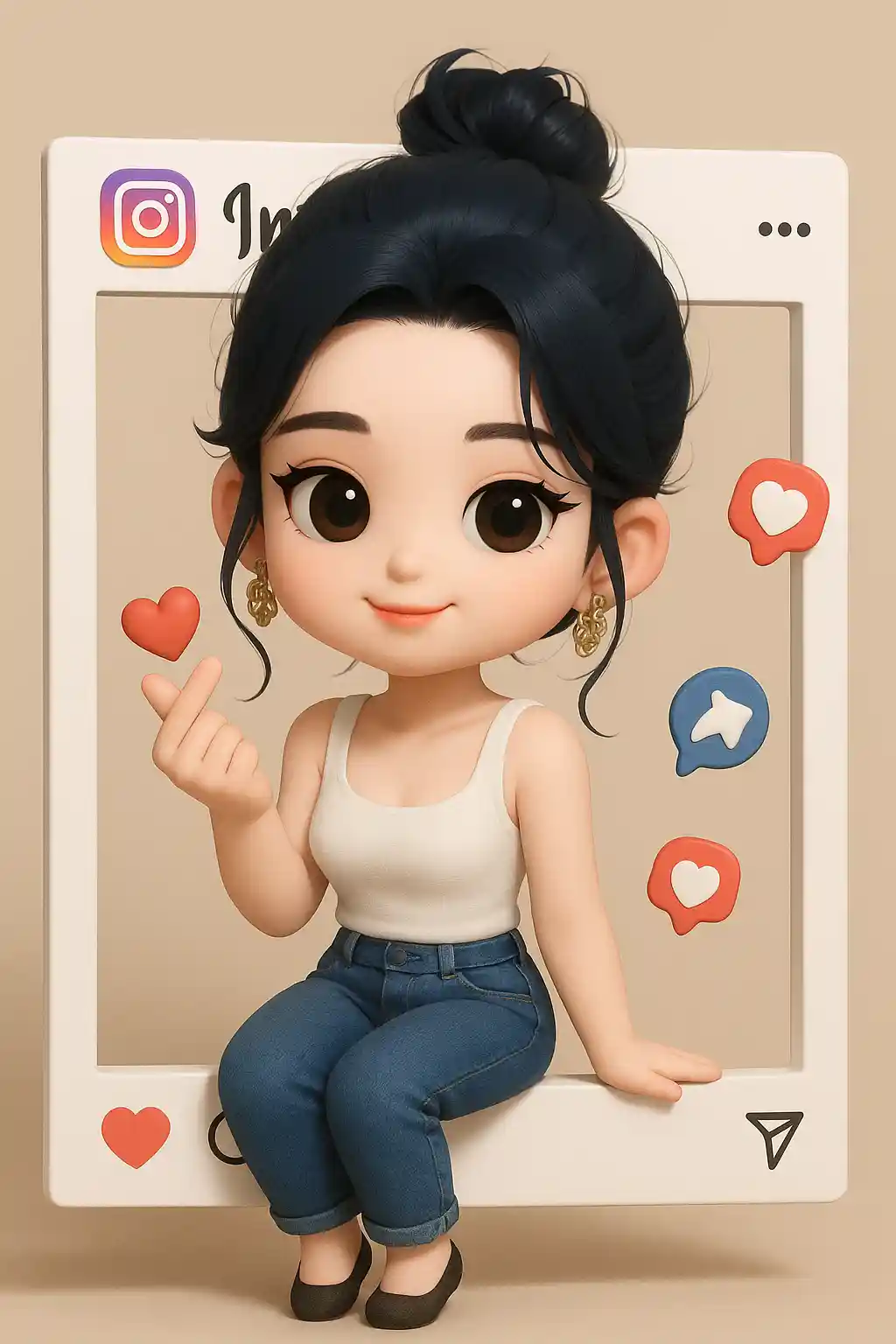

Outdoor photos can still become polished creator-style visuals with more platform-like presentation.
How to Use This Style
Keep the flow simple. The first result usually teaches you more than a long stacked prompt.
Start with a portrait that reads clearly
Photos with one clear subject work best because the social frame effect depends on a strong focal point.
Let the UI framing lead
The preset already builds the frame and icon energy, so keep extra prompt instructions simple.
Refine for polish or personality
After the first output, tweak only for cleaner layout, stronger creator vibe, or brighter platform energy.
Best Photos for This Style
Why Choose Photo to 3D Social Media
Social Frame Layout
AI wraps the subject inside a more platform-like content frame, which makes the result feel instantly digital and creator-oriented.
Floating UI Elements
Icons and layered interface hints add more context than a normal stylized portrait.
Creator-Focused Novelty
The output feels more like a designed social card than a basic avatar, which makes it stronger for posts and stories.
Clean Content Packaging
Even a simple photo becomes more structured and presentation-ready when this social display style is applied.
About Photo to 3D Social Media
The 3D social media photo converter uses AI to place your portrait inside a more platform-inspired visual frame with floating UI cues and stronger creator-style presentation. Instead of acting like a normal portrait style, it gives the image the feeling of a finished content card made for social platforms.
This style is useful for creators, playful profile content, and anyone who wants the result to feel more native to social sharing. It works well when you want the image to read not just as a person, but as a designed digital post with more visual packaging.
MakePhoto's 3D social media generator rebuilds the photo with layered framing, icon hints, and a clearer digital stage around the character. The result feels more like creator content or a branded profile visual than a basic edit.
Explore Related Styles

Photo to Q-Avatar
Convert any photo into a cute Q-avatar with AI. Clean lines, bright eyes, and a social-ready profile look.

Photo to 3D Polaroid
Convert photos into 3D Polaroid style with AI. Framed composition, layered depth, and a playful break-out effect.

Photo to Toy Figure
Convert photos into toy figure style with AI. Collectible character look, glossy material, and product-shot presentation.
FAQ
What photos work best for 3D social media style?
Portraits and selfies with one clear subject work best because the social frame needs a strong focal character.
How is this different from 3D Polaroid?
3D Polaroid emphasizes the frame break-out effect, while 3D social media emphasizes platform-like layout and creator packaging.
Is it useful for creators?
Yes. This is one of the clearest styles for creator-facing social visuals and profile-card style content.
Ready to Transform Your Photo?
Start from this style page, get the first result fast, then refine only if you need to.